
The best Mortal Shell 2 mods start with UE4SS for MS2, the script loader that more than 40 other mods for the game list as a requirement, and build out into quality-of-life fixes such as Respawn Where You Died, No Gloom Loss on Death and Adaptive Minimap, combat tweaks that open up the parry and Perfect Block windows, and new looks for the Shells. Every mod below is free on its creator’s Nexus Mods page and made for the PC version of Mortal Shell II, Cold Symmetry’s soulslike sequel, which launched on August 20, 2026.
The list is ranked from Nexus Mods’ own endorsement and download data and grouped by what each mod changes. Entries marked Needs: UE4SS for MS2 load through that loader (number 1), and the rest are simple file swaps that drop into the game’s mods folder. The install order, setup steps and how we picked are below the list. If you are still deciding whether to buy the game, it made our best PC games of 2026.
Essential Mortal Shell 2 Mods and Fixes
1. UE4SS for MS2
UE4SS is the Unreal Engine script and Blueprint mod loader, and this build is set up for the full release of Mortal Shell II rather than its beta or demo. It is the most endorsed Mortal Shell II mod on Nexus Mods, and more than 40 other mods list it as a requirement, including most of the map and HUD mods below, while creators such as AeonGreyh (No More Beartraps, Infinite Harden) point to it in their install steps. Its page says to copy the files into the game’s MortalShell2\Binaries\Win64 folder (in the Steam install, that sits inside a folder called Sparta), gives a launch option for Linux, and explains how to unbind the tilde key from the console. Its creator updated its memory pointers in mid-September and says the build will be updated if a game patch moves them; the newest file went up on September 17, 2026. Creator: Framecore. Download: UE4SS for MS2 on Nexus Mods.
2. MS2 Mod Settings
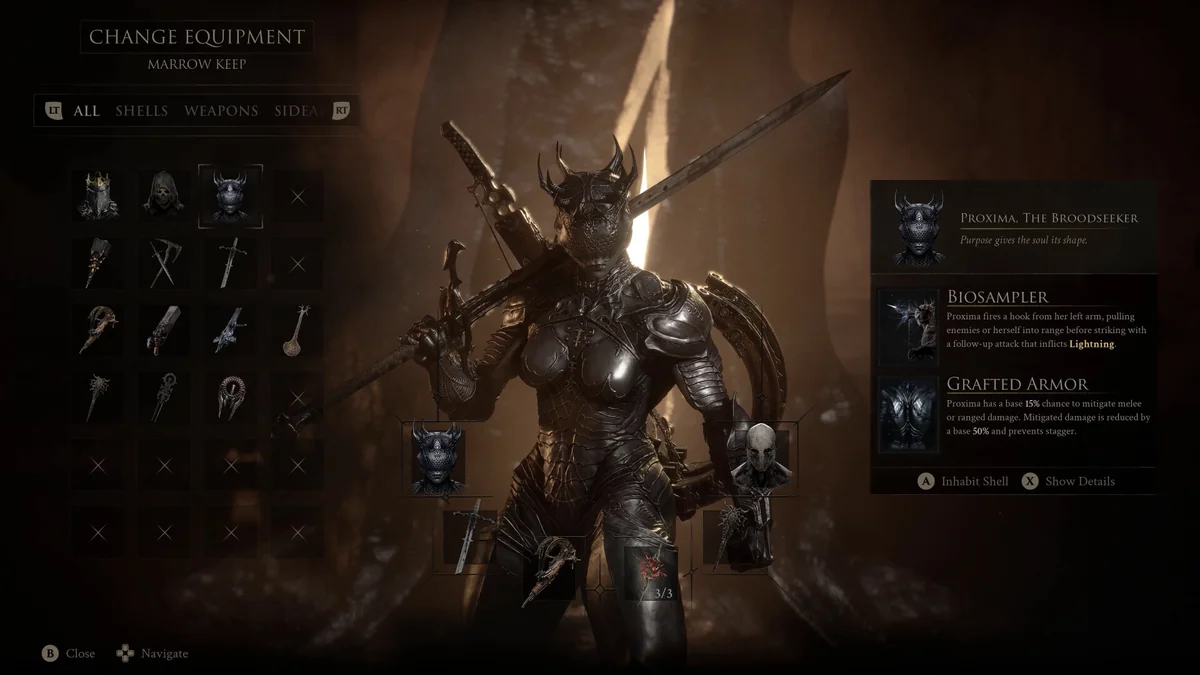
Once you run more than a few script mods, each with its own hotkey or config file, MS2 Mod Settings gathers them into one in-game menu on F9. Compatible mods are found automatically and get their own page of toggles, number fields and dropdowns, plus a Mod Enabled switch. Health on Kill (number 15), Faster Sprint (number 30), Parry Indicator Mk2 (number 29) and Loot Goblin Map (number 41) all expose settings through it, per their pages. It was last updated on September 13, 2026. Creator: lem23. Needs: UE4SS for MS2. Download: MS2 Mod Settings on Nexus Mods.
3. No-Intro
No-Intro skips the startup and splash screens so the game reaches its menu faster. The main file runs through UE4SS, an ALT file is meant only for after the game has finished compiling shaders at least once and you have not changed graphics drivers since, per its page, and an ALT 2 file needs no UE4SS at all. It was last updated on August 20, 2026. Creator: Gametism. Needs: UE4SS for MS2 (main file only). Download: No-Intro on Nexus Mods.
4. Slayer Seal Achievement Enabler
Mortal Shell II switches off achievements for your entire save as soon as you equip the Slayer Seal, after asking you twice to confirm, and this mod removes exactly that restriction so you keep earning them. Its creator explains that a simple file swap did not work, so the current version is a C++ mod that runs inside UE4SS. If you have only just equipped the Slayer Seal for the first time, its page says to save and restart the game. It was last updated on August 18, 2026. Creator: AeonGreyh. Needs: UE4SS for MS2. Download: Slayer Seal Achievement Enabler on Nexus Mods.
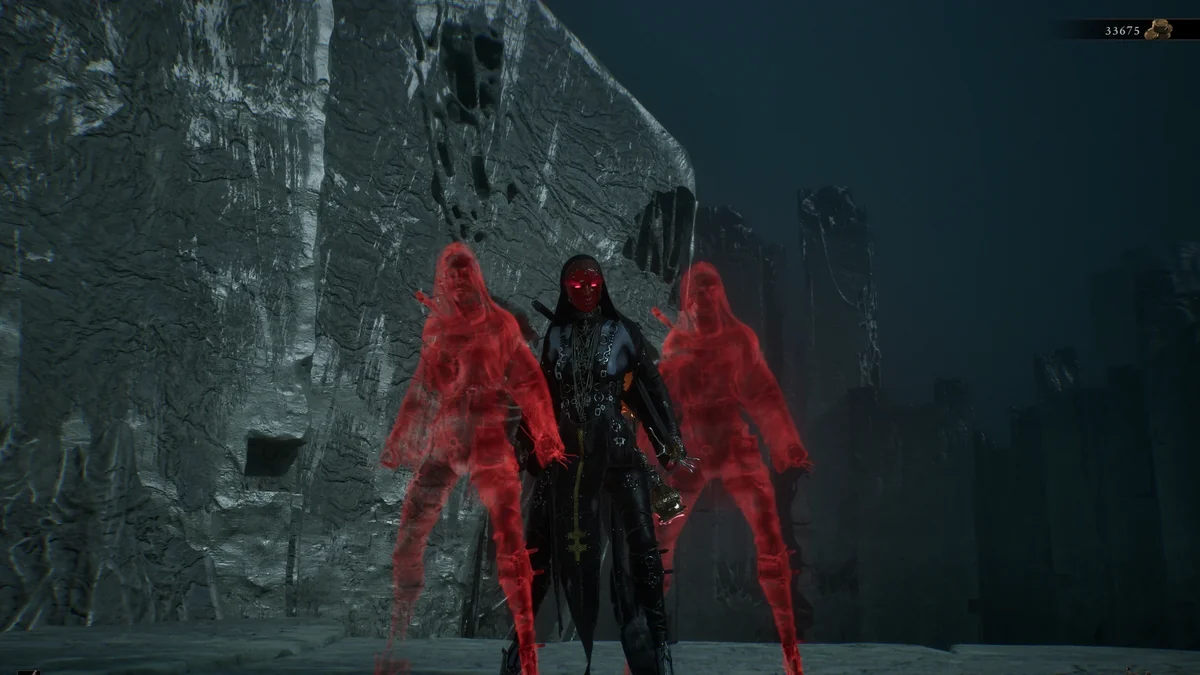
5. Corrupted Genessa Mirage Passive Fix
This fix makes Stray Genessa’s Mirage passive work the way it is described: with two Stray Doubles active, she survives up to two fatal blows, one Double is used up per save, and the third fatal blow kills her as normal. Version 2.2 also makes a Double trigger its automatic parry and stagger on the attacker. Its page recommends the seal it was tested with, warns that the Infinite Seal can still use up a Double after a Perfect Parry, and advises against pairing it with the Grisha Remnant for now. One download bundles UE4SS and one is the mod alone. Its last update was on August 25, 2026, before Cold Symmetry’s first big patch on August 29, so check its page before you rely on it. Creator: gandolphe95. Download: Corrupted Genessa Mirage Passive Fix on Nexus Mods.
Death, Gloom and Difficulty Mods
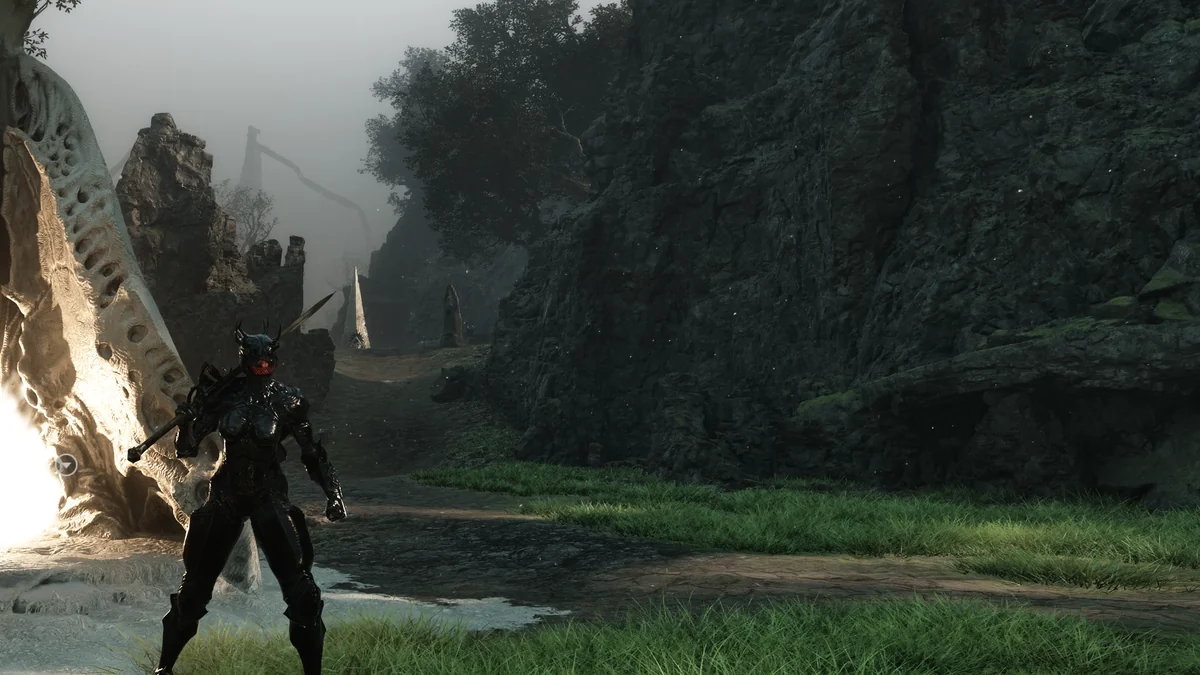
6. No Gloom Loss on Death
Dying in Mortal Shell II drops the Gloom you were carrying, and this mod stops that, so a bad fight no longer costs you a trip back to your corpse. It is a plain file swap for the ~mods folder, and optional files cut the loss to 50 percent or 1 percent instead if you want some sting left. It is one of the most endorsed gameplay mods for the game and was last updated on September 16, 2026. Creator: HEROxViper. Download: No Gloom Loss on Death on Nexus Mods.
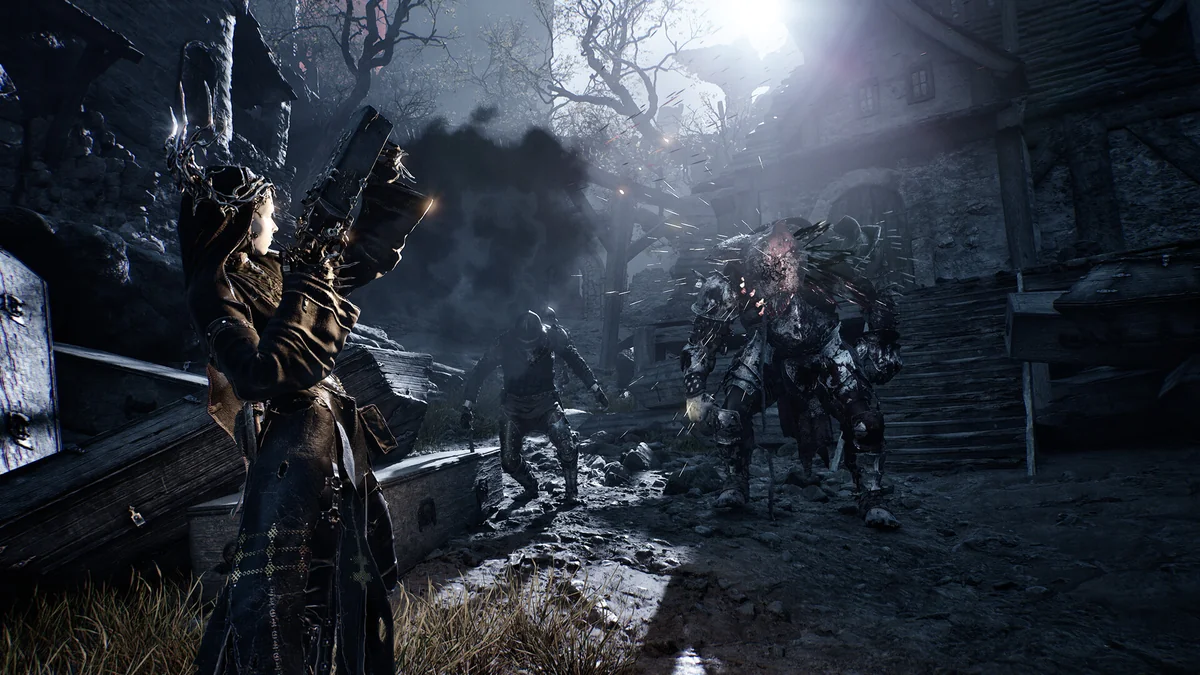
7. Simple Easy Mode Mod
Simple Easy Mode rewrites a handful of core player values for a far more forgiving run: maximum Resolve goes from 100 to 200, healing charges from 3 to 30, healing per charge from 40 to 100, Gloom and Gold gains are doubled, you take 50 percent less damage and you attack 50 percent faster. A second file leaves out the attack speed bonus. If you only want a gentler curve, the game’s own Adaptive Difficulty setting, added in the September 5 update under Game Settings, is worth trying first. It was last updated on August 21, 2026. Creator: kingsyu. Download: Simple Easy Mode Mod on Nexus Mods.
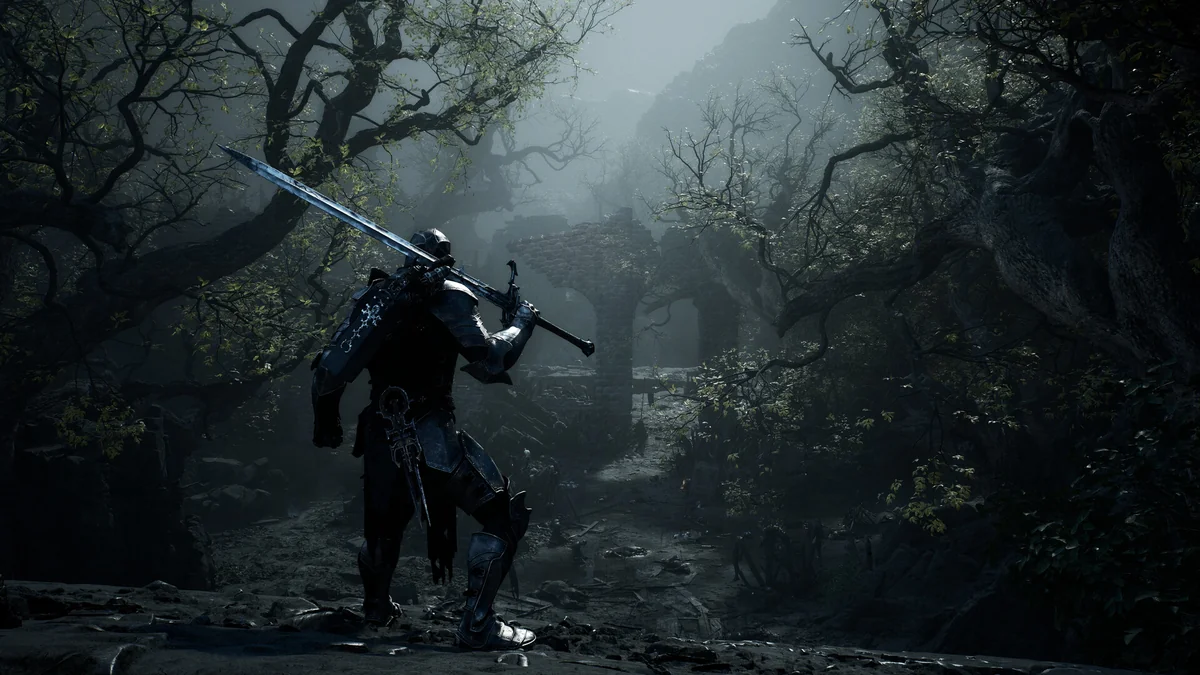
8. Passive Health and Resolve Regen
This mod adds slow, steady recovery for health and Resolve, each with its own interval and amount, set as a flat number or a percentage of your maximum in an ini file. An OutOfCombatOnly switch limits the regeneration to quiet moments if you want fights to stay tense. It was last updated on August 29, 2026. Creator: Null993. Needs: UE4SS for MS2. Download: Passive Health and Resolve Regen on Nexus Mods.
9. Respawn Where You Died, Continue Where You Quit
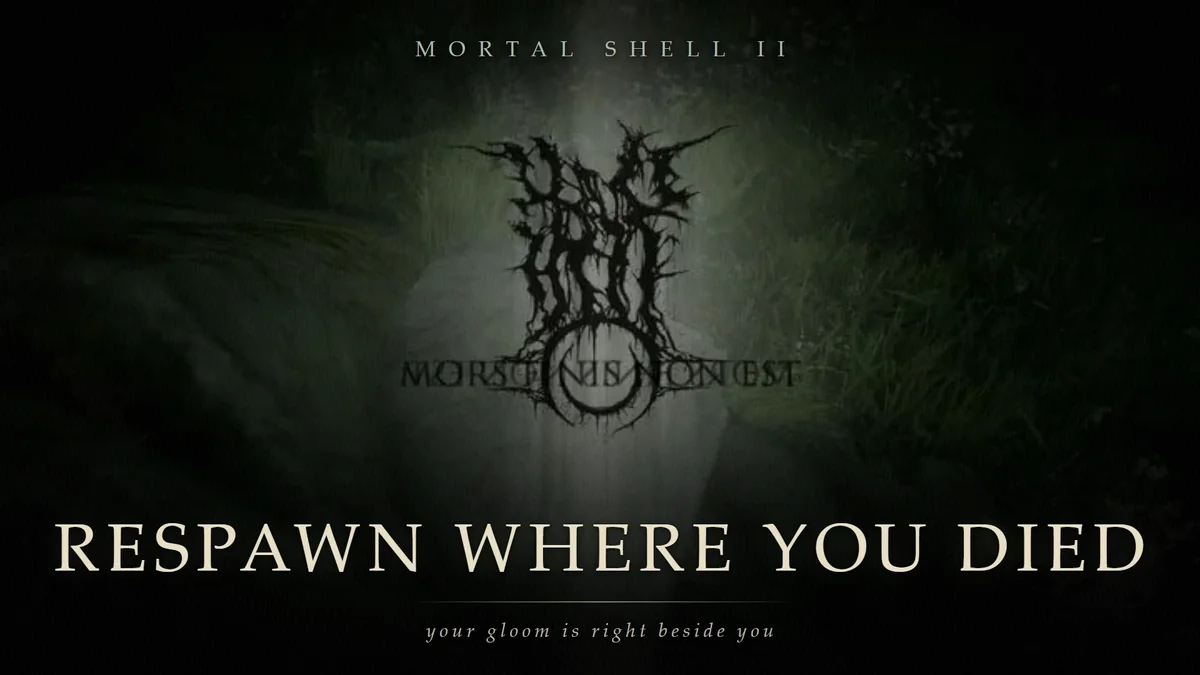
Instead of sending you back to a landing area to walk to your Gloom, this mod respawns you where you died with your Gloom beside you, in the open world and inside dungeons, and shoves nearby enemies back so you have room to stand up. Choosing the Tower on the death screen still works as normal. Optional settings in its Ctrl+0 panel let you continue from where you quit the game, keep killed enemies dead across a quit, or mark a spot (before a boss, say) to respawn at instead. It was last updated on September 3, 2026. Creator: Ezdok. Needs: UE4SS for MS2. Download: Respawn Where You Died on Nexus Mods.
10. Gameplay Tuner AIO
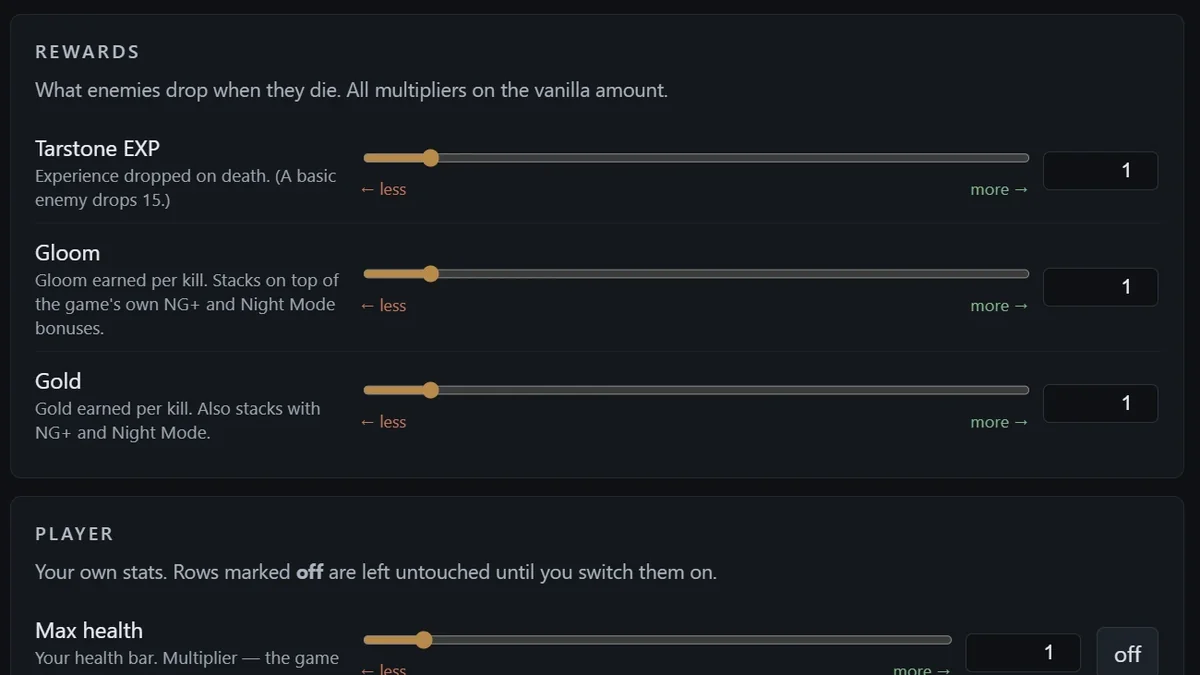
Gameplay Tuner puts most of the combat sandbox on sliders. Enemies are split into five tiers by their health (fodder, standard, heavy, elite and colossal), each with its own multipliers for health, poise, break resistance and more, and you can also tune Tarstone EXP, Gloom and Gold rewards, your own stats, every Perfect Block timing, sidearm damage and the Infinite Seal. A browser-based configurator ships with presets such as Relaxed, Glass cannon and Parry god, or you can edit config.lua directly; F5 reapplies the settings, and its page says to rest at a beacon once after changing health values. It was last updated on September 1, 2026. Creator: DeathTheReaper9. Needs: UE4SS for MS2. Download: Gameplay Tuner AIO on Nexus Mods.
11. Infinite Resolve
Infinite Resolve refills your Resolve the moment you spend it, which means unlimited sidearm ammo and Shell abilities whenever you want them. It is less blunt than it sounds: a config file sets how fast Resolve refills, with presets running from Instant down to Very Slow, and changes apply while the game is running. It was last updated on August 22, 2026. Creator: AeonGreyh. Needs: UE4SS for MS2. Download: Infinite Resolve on Nexus Mods.
12. No Fall Damage
No Fall Damage removes fall damage from any height, along with the heavy landing animation that plays after a long drop, which makes exploring cliffs and ruins far less punishing. It is a three-file swap for the game’s Paks folder, and its only file dates from August 17, 2026, the day the game’s Advance Access began. Creator: AeonGreyh. Download: No Fall Damage on Nexus Mods.
13. No More Beartraps
This mod disarms every bear trap, so you can walk straight through them without getting caught or hurt; you can still set one off with your weapon, but it will not damage you even if you stand in it. Its creator made the same mod for the first Mortal Shell. Its last update was on September 14, 2026, before the October 13 hotfix that optimized bear traps and fixed their disarm animation, per Cold Symmetry’s patch notes. Creator: AeonGreyh. Needs: UE4SS for MS2. Download: No More Beartraps on Nexus Mods.
14. Death Screen Remover
Death Screen Remover cuts the multi-second death screen and fade, so the moment you die you are back at your last beacon and walking to the boss again. The recommended download bundles UE4SS and goes straight into the game’s Binaries\Win64 folder, and a standalone version is there if you already run UE4SS. It was last updated on August 25, 2026. Creator: cacacaio. Download: Death Screen Remover on Nexus Mods.
15. Health on Kill
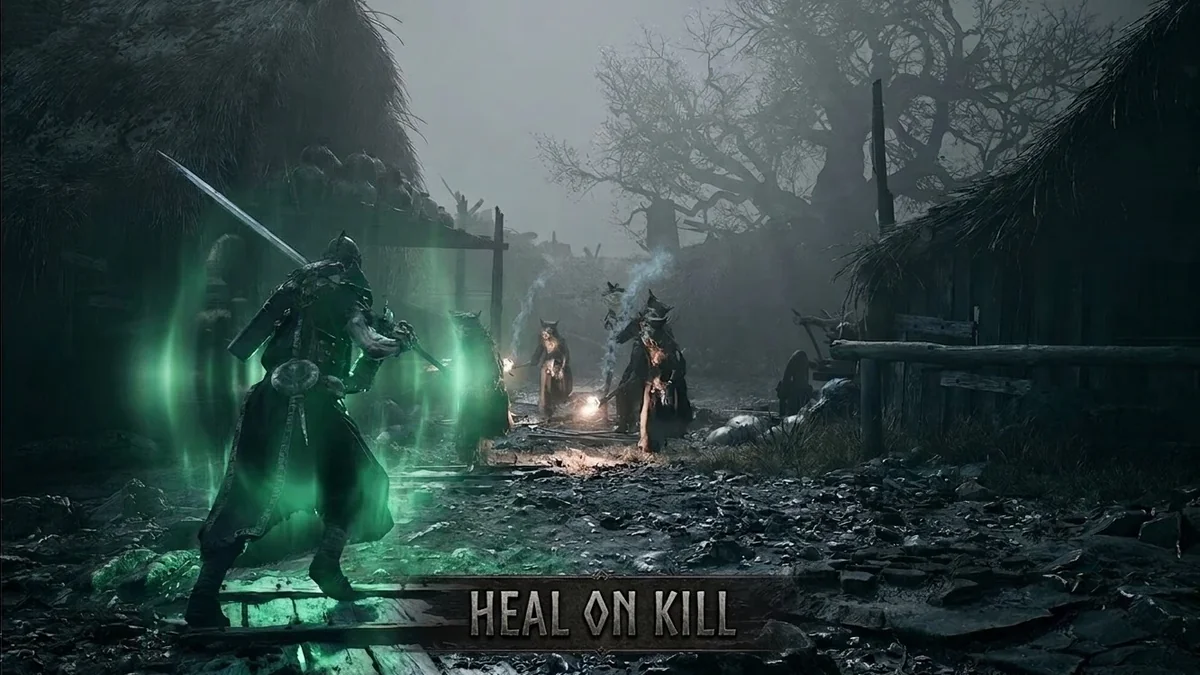
Health on Kill restores a share of your maximum health and Resolve whenever an enemy dies, using the game’s own healing function so you see the usual effects. Its page notes that it triggers on any enemy death, not only your kills, and skips the health top-up when you are already full. The amounts can be changed, or either half switched off, in MS2 Mod Settings. It was last updated on September 10, 2026. Creator: F5n0Mod3r. Needs: UE4SS for MS2. Download: Health on Kill on Nexus Mods.
16. No Status Effect Stacks
Most negative status effects in the base game can stack up to 99 times, so lingering in poison leaves you waiting out a long bar. This mod caps every negative status effect at one stack: the bar still fills while you stand in it, but once you step out, only that single stack has to wear off. It is a three-file swap for the Paks folder, last updated on August 17, 2026. Creator: AeonGreyh. Download: No Status Effect Stacks on Nexus Mods.
Progression and Loot Mods
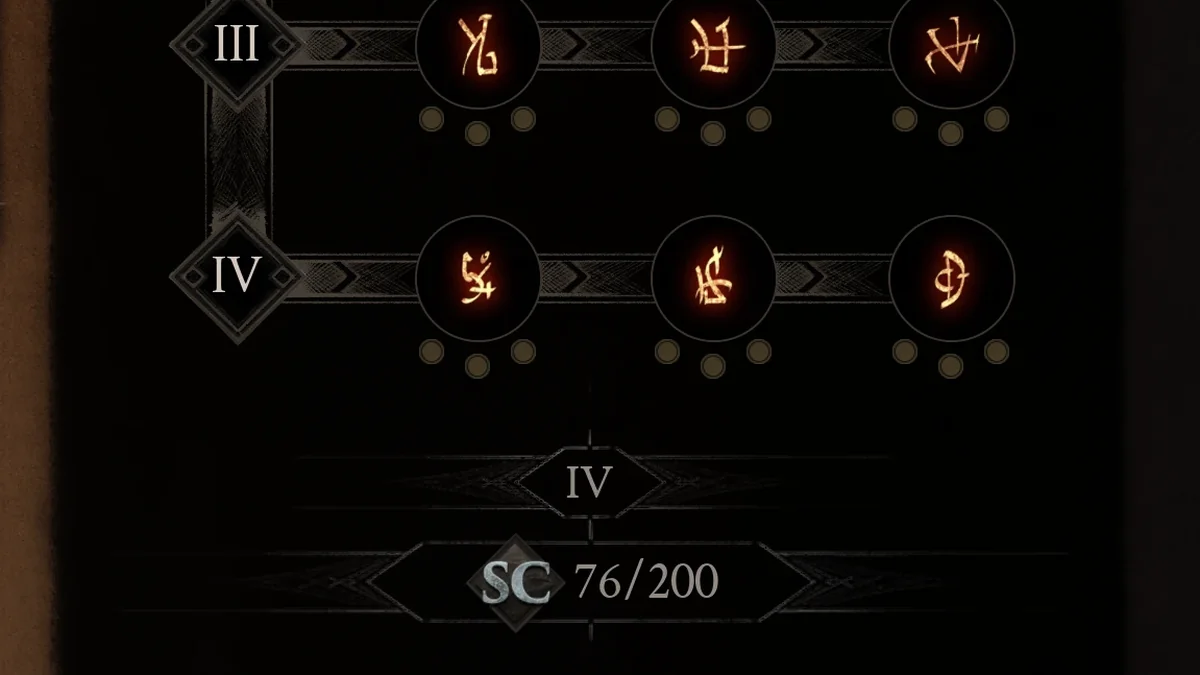
17. Increase SP Limit
Each Shell has a cap on the Shell Points you can spend on its abilities, and this mod raises it to 200 for every Shell, so you can unlock everything in a Shell’s tree instead of choosing. It is three files for the ~mods folder, with instructions in English and Chinese. It was last updated on August 18, 2026. Creator: kkyleeb21. Download: Increase SP Limit on Nexus Mods.
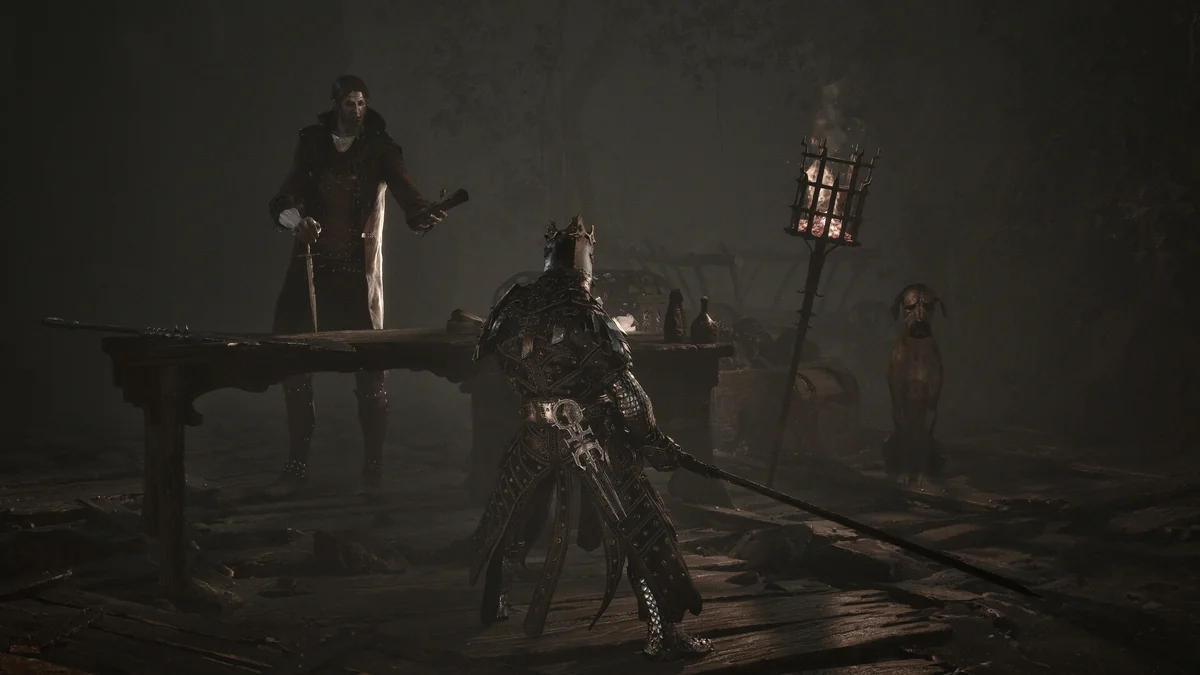
18. Unified Progression
Unified Progression lets your upgrades follow you between gear and Shells. Primary weapons share the highest upgrade level you have reached, sidearms share theirs separately, Shell Bond progress is shared across unlocked Shells, and lifetime-earned Shell Points can be spent independently on each Shell, all based on progress you actually earned and tracked per save slot. Every system can be switched off on its own, and its page warns against installing it alongside other shared-progression mods. It was last updated on September 6, 2026. Creator: lem23. Needs: UE4SS for MS2. Download: Unified Progression on Nexus Mods.
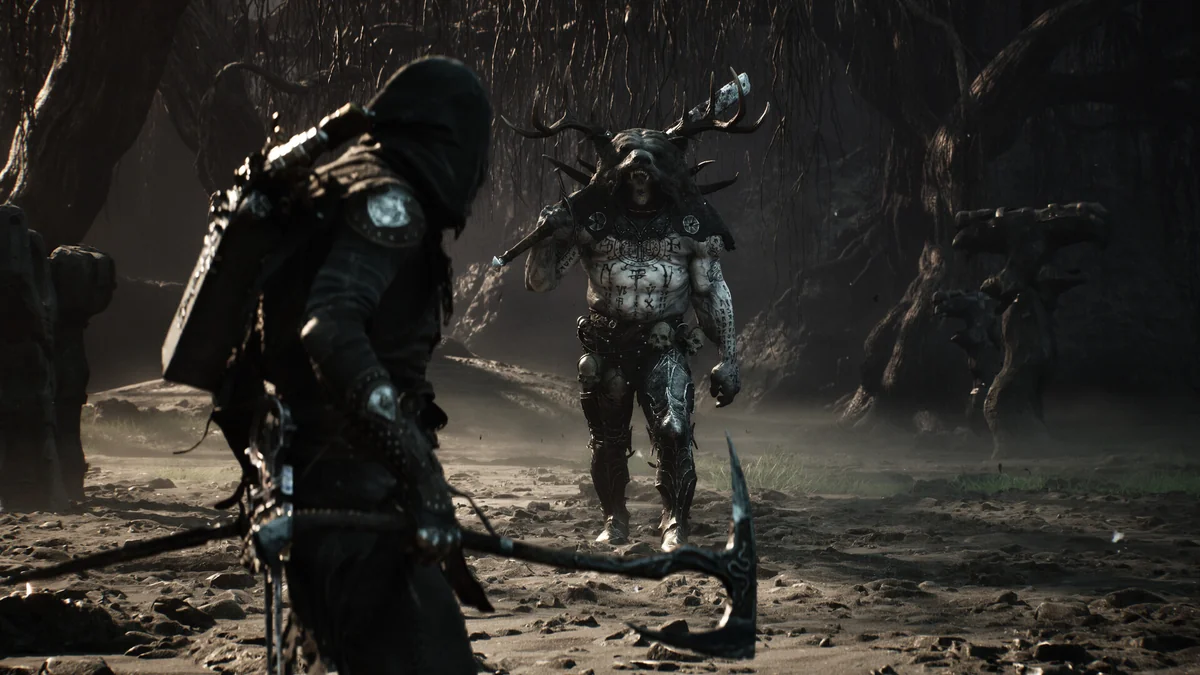
19. More Item Drop
More Item Drop multiplies the quantity of items you pick up, with a global multiplier you can set anywhere from 1 to 100 in its ini file and an option to include permanent progression items. It also has optional hotkeys for removing healing materials. It was last updated on August 24, 2026. Creator: Null993. Needs: UE4SS for MS2. Download: More Item Drop on Nexus Mods.
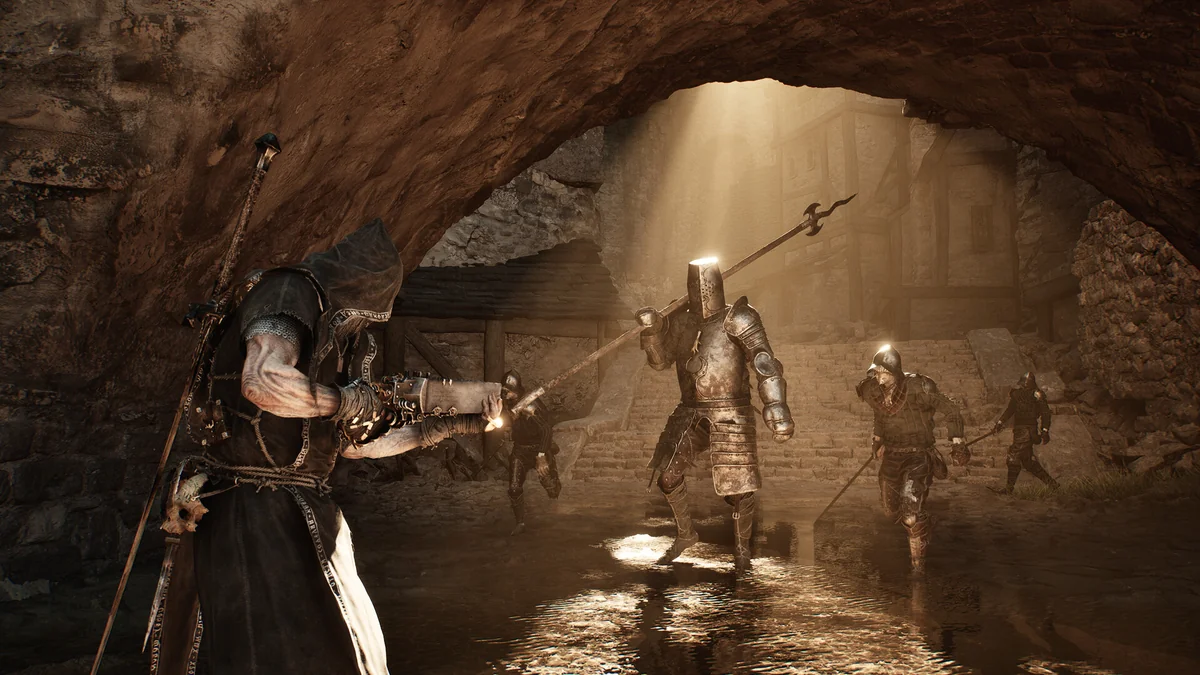
20. Auto Loot
Auto Loot picks up a deliberately limited set of approved items when you walk near them: crafting materials, Extracted Specimens and your lost Gloom, within a default range of 7.5 meters, and every type can be switched on or off. Version 1.0.2 leaves enemy Gold to the game’s own Auto Pick Up Gold option as a precaution while its creator investigates a crash tied to Justiciar’s Stone breaking. Its page says it was tested on Steam build 24841087 and installs through Vortex’s official Mortal Shell II extension. It was last updated on September 3, 2026. Creator: Ivan Karpan. Needs: UE4SS. Download: Auto Loot on Nexus Mods.
21. Grinder
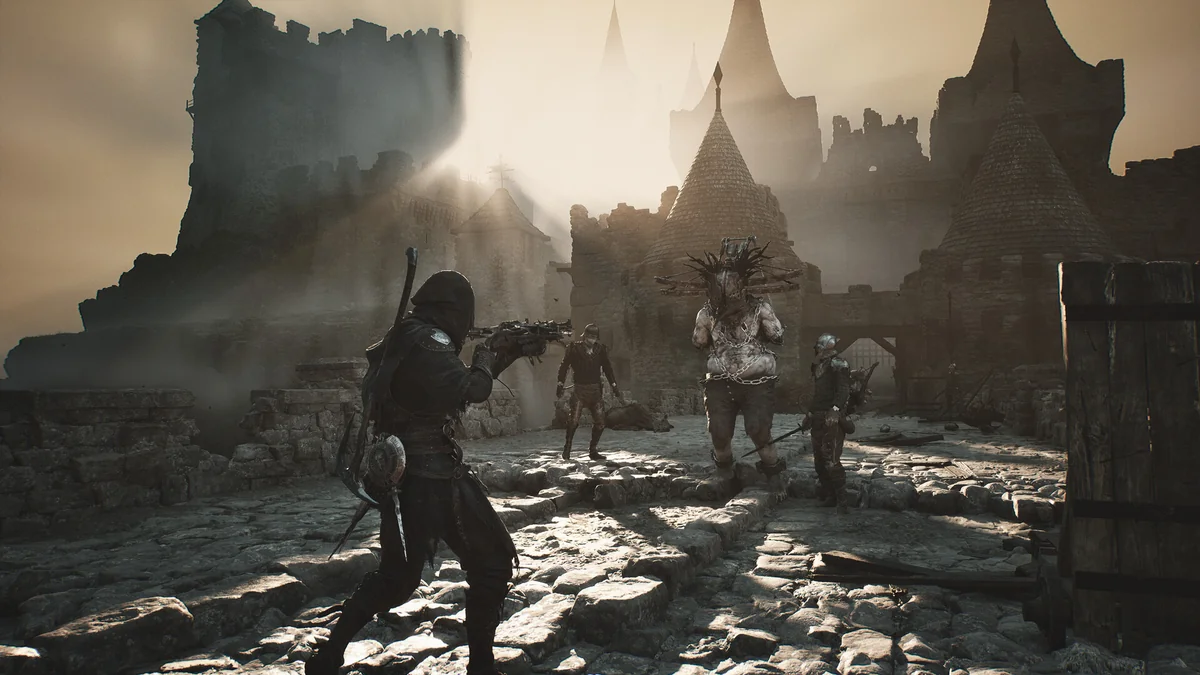
Grinder cuts down the grind with faster Tarstone EXP, bigger Gloom and Gold drops and slightly lower enemy health. You pick one preset file, from Balanced at 3x through Comfort at 5x and Fast Progression at 10x to Gods at 50x, and drop it in the ~mods folder. It is one of the most recently updated mods here, last updated on October 20, 2026. Creator: RifzzzXD. Download: Grinder on Nexus Mods.
Combat and Parry Mods
22. Perfect Block Enhanced
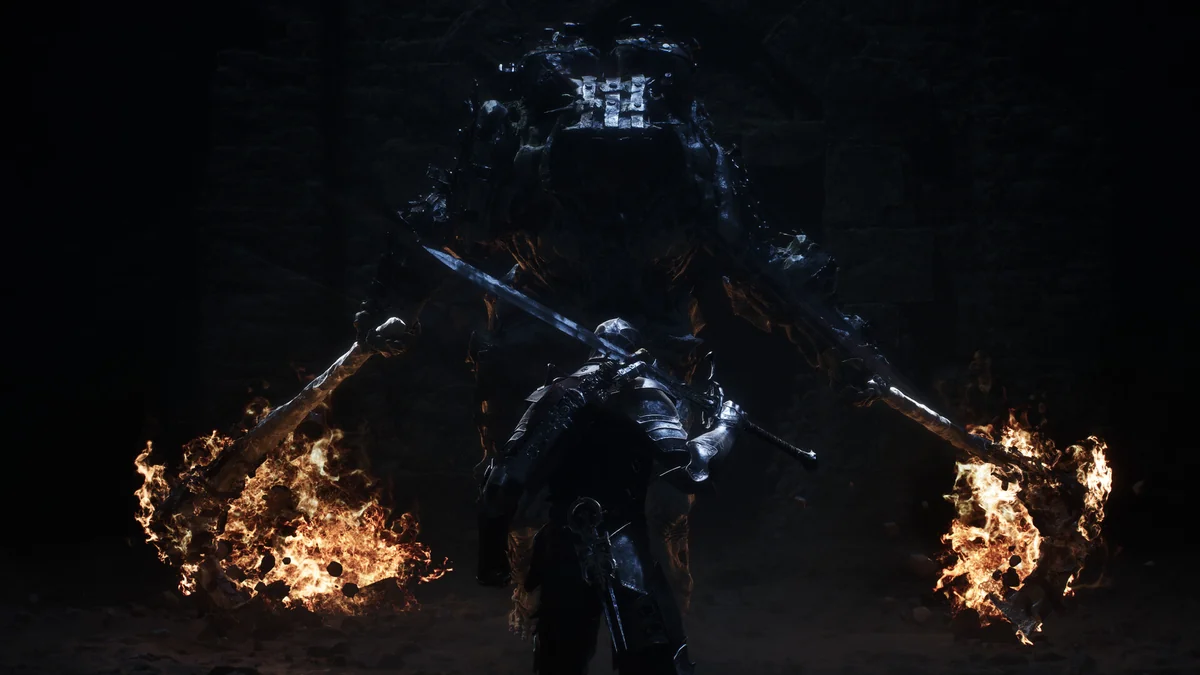
Perfect Block Enhanced makes Perfect Blocking a real defensive option: the activation delay drops from 0.3 seconds to none, the block window and its invincibility both stretch from 0.3 seconds to a full second, and the cooldown halves from 0.6 to 0.3 seconds. It is a simple swap for the Paks folder, last updated on August 18, 2026. Creator: kingsyu. Download: Perfect Block Enhanced on Nexus Mods.
23. Faster Attack Speed
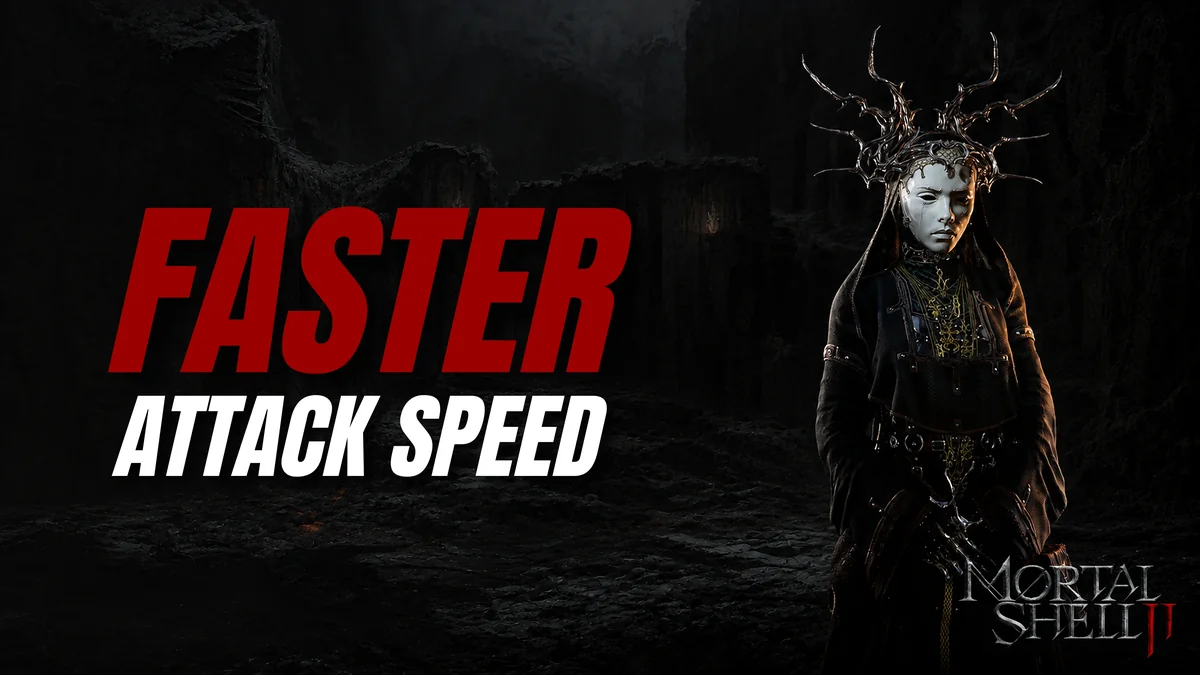
Faster Attack Speed raises your melee attack speed by 1.2 times, which its creator chose as enough to feel quicker without becoming overpowered or looking goofy. Optional Slightly Faster and Even Faster files let you pick your own pace. It was last updated on August 22, 2026. Creator: AeonGreyh. Download: Faster Attack Speed on Nexus Mods.
24. Better Dash
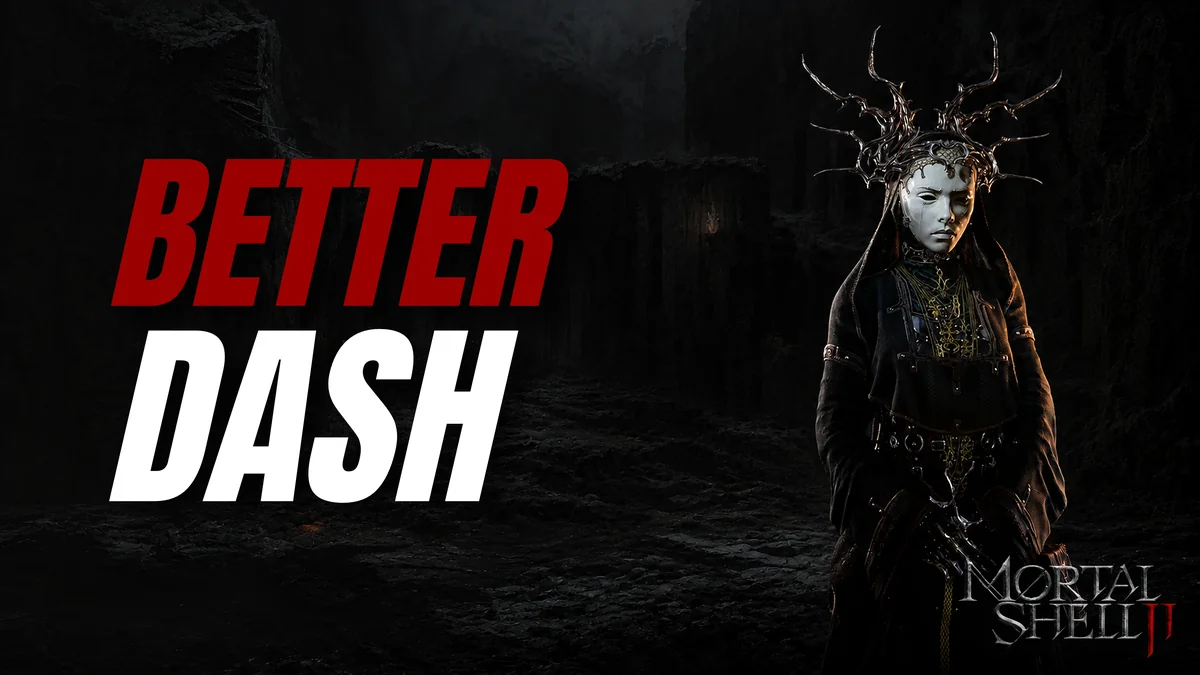
Better Dash shortens the dash’s travel time from 0.5 to 0.41 seconds, which carries you about 1.2 times farther per dodge. The same creator’s Faster Dash adds a 1.5 times speed boost on top, but it edits the same files, so Faster Dash’s page says never to install both. Better Dash’s only file dates from August 17, 2026. Creator: AeonGreyh. Download: Better Dash on Nexus Mods.
25. Custom Parry, Perfect Guard and Harden Timing
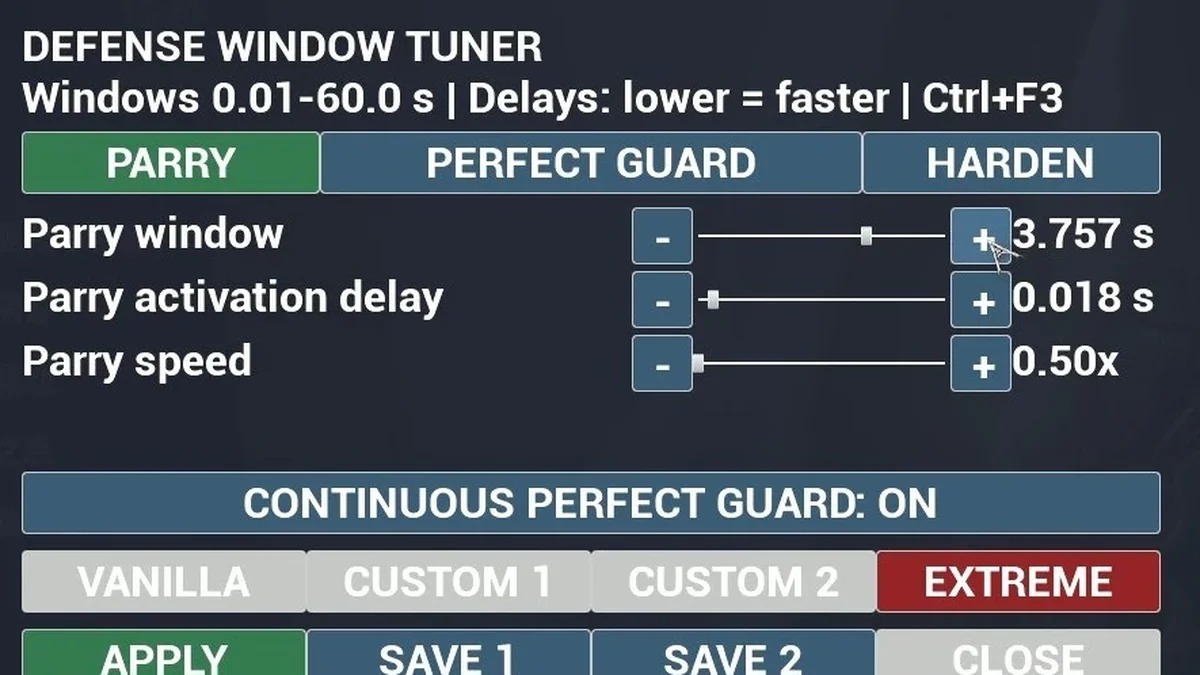
Where Perfect Block Enhanced uses fixed values, this mod gives you an in-game menu (Ctrl+F3) with separate tabs for Parry, Perfect Guard and Harden. You can adjust timing windows, activation delays, parry speed, the Perfect Guard cooldown and the invulnerability after a successful defense, save two custom presets, or switch on Continuous Perfect Guard and an Extreme preset. Its page notes that the parry window cannot outlast the parry animation itself. Pick either the All-in-One download, which includes UE4SS, or the Mod-Only one. It was last updated on August 28, 2026. Creator: Allki1869. Download: Custom Parry, Perfect Guard and Harden Timing on Nexus Mods.
26. Parry and Riposte Heal
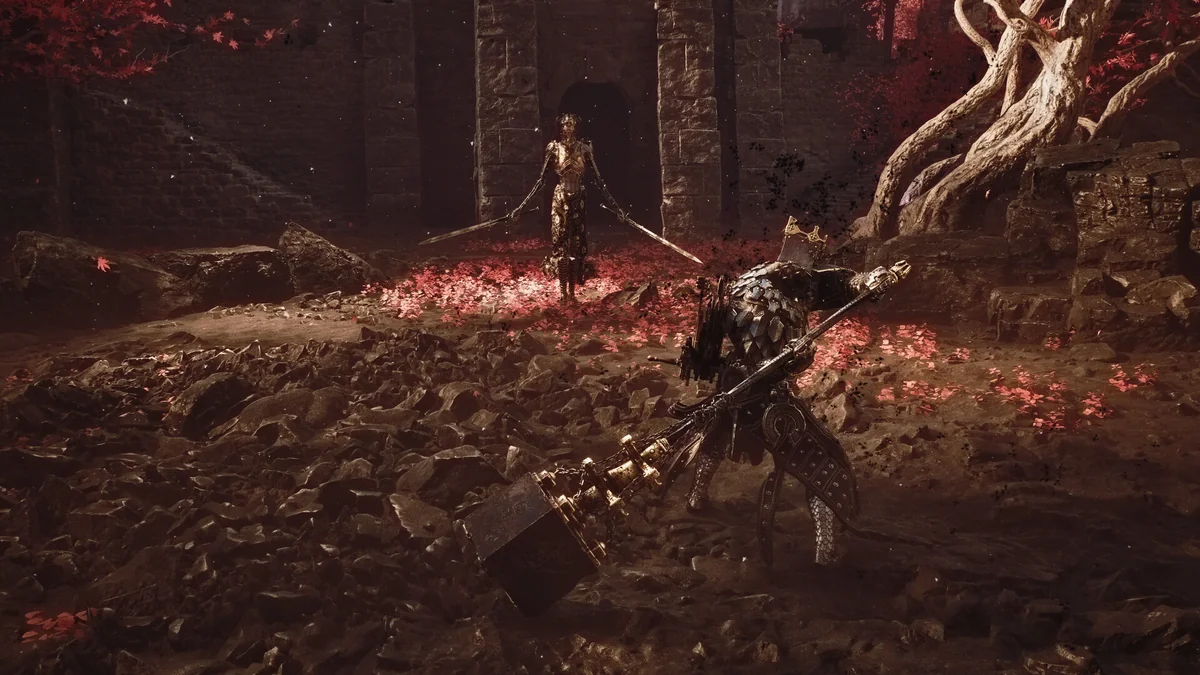
Parry and Riposte Heal rewards aggressive defense: a clean parry returns 5 percent of your Shell’s maximum health and 5 percent of your Resolve, and following it with a riposte returns 15 percent of each. The split is deliberate, its page explains, so reading an attack and punishing it keeps you alive far better than hiding behind the parry button, and every number can be changed in a settings file. It was last updated on August 29, 2026. Creator: Solace90. Needs: UE4SS for MS2. Download: Parry and Riposte Heal on Nexus Mods.
27. Perfect Block Restores Health and Resolve
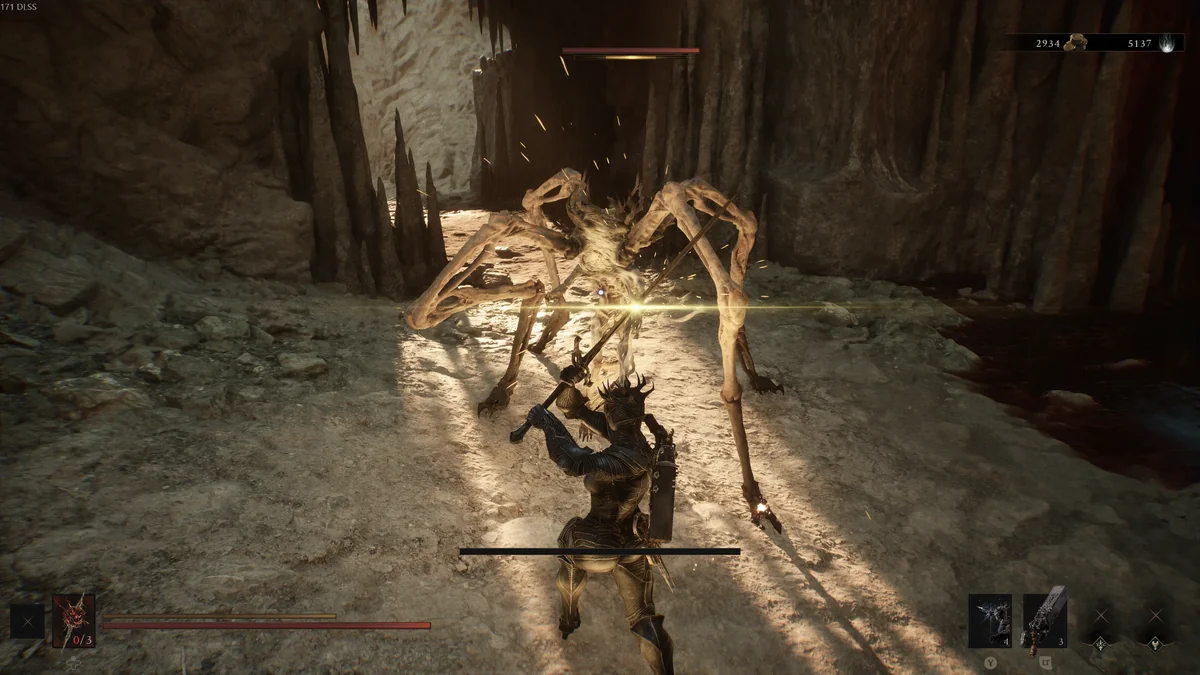
This is the same idea for players who block rather than parry. Each Perfect Block restores a share of your maximum health and Resolve through the game’s own channels, effects included, as long as you have the seal that grants Perfect Block equipped. One file heals only, and the other restores Resolve too. It was last updated on August 21, 2026. Creator: HuanJueww. Needs: UE4SS (version 3). Download: Perfect Block Restores Health and Resolve on Nexus Mods.
28. Guard Out of Any Attack
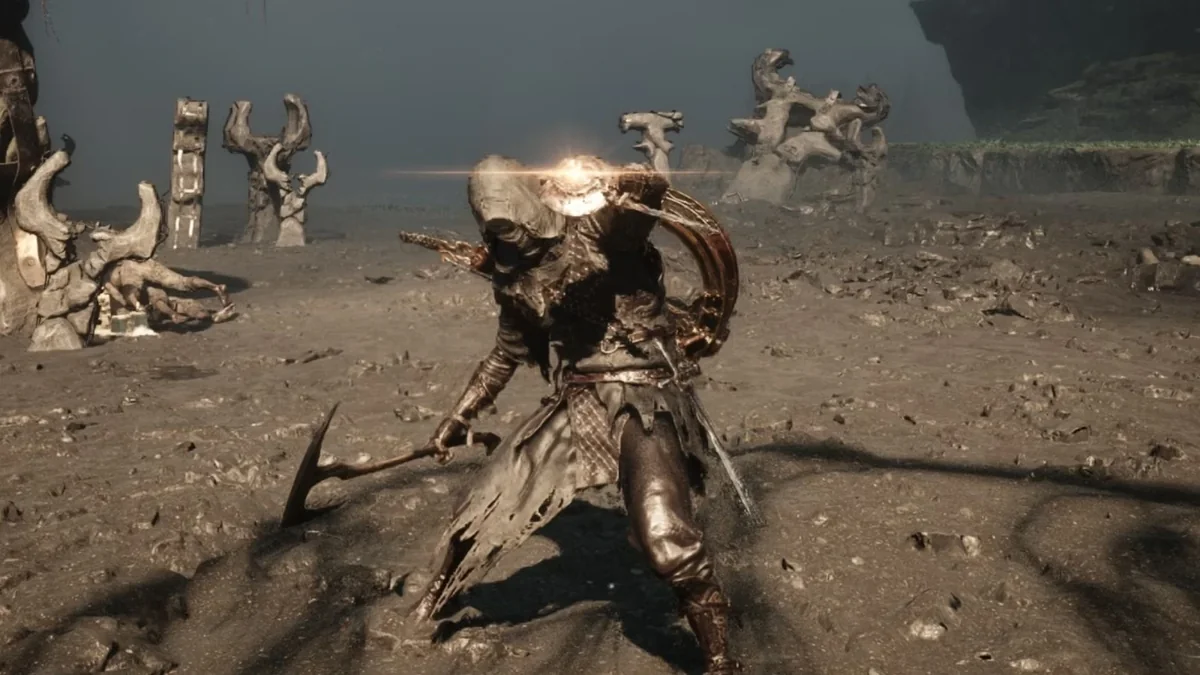
In the base game you have to finish a swing before you can raise your guard. This mod lets you block at any moment, mid-combo, with every weapon, and the switch to guard snaps in instead of easing. Its page is upfront that cancelling a swing for free makes combat easier, and the feel can be tuned at the top of its main.lua file. Uninstalling is just deleting the folder. It was last updated on August 27, 2026. Creator: Grimpil. Needs: UE4SS for MS2. Download: Guard Out of Any Attack on Nexus Mods.
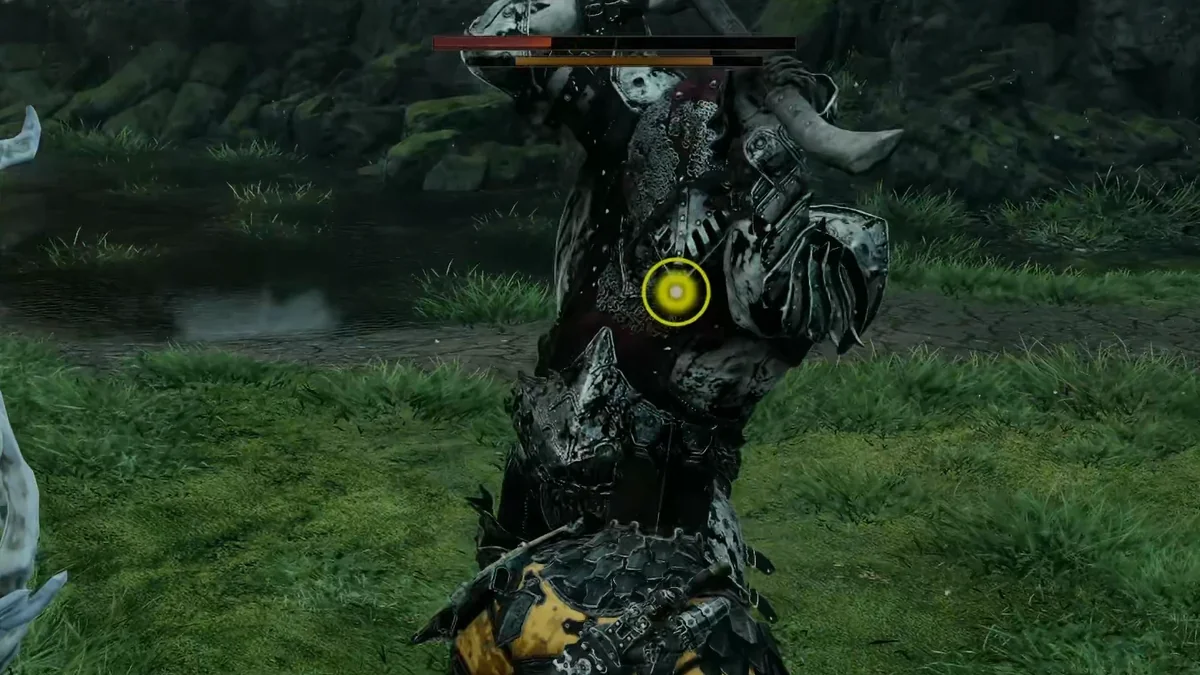
29. Parry Indicator Mk2
Parry Indicator Mk2 shows the game’s own tutorial parry indicator during the real timing window of each enemy attack, worked out from the attack animation itself. It checks whether your equipped seal blocks, hardens or parries and adjusts the window to match, flags unparryable attacks, and can give your controller a rumble instead of, or as well as, the visual cue. It continues an earlier Parry Indicator whose creator stopped updating it and shared the source code. Optional files swap in a different parry sound. It was last updated on September 6, 2026. Creator: Jarol. Needs: UE4SS for MS2. Download: Parry Indicator Mk2 on Nexus Mods.
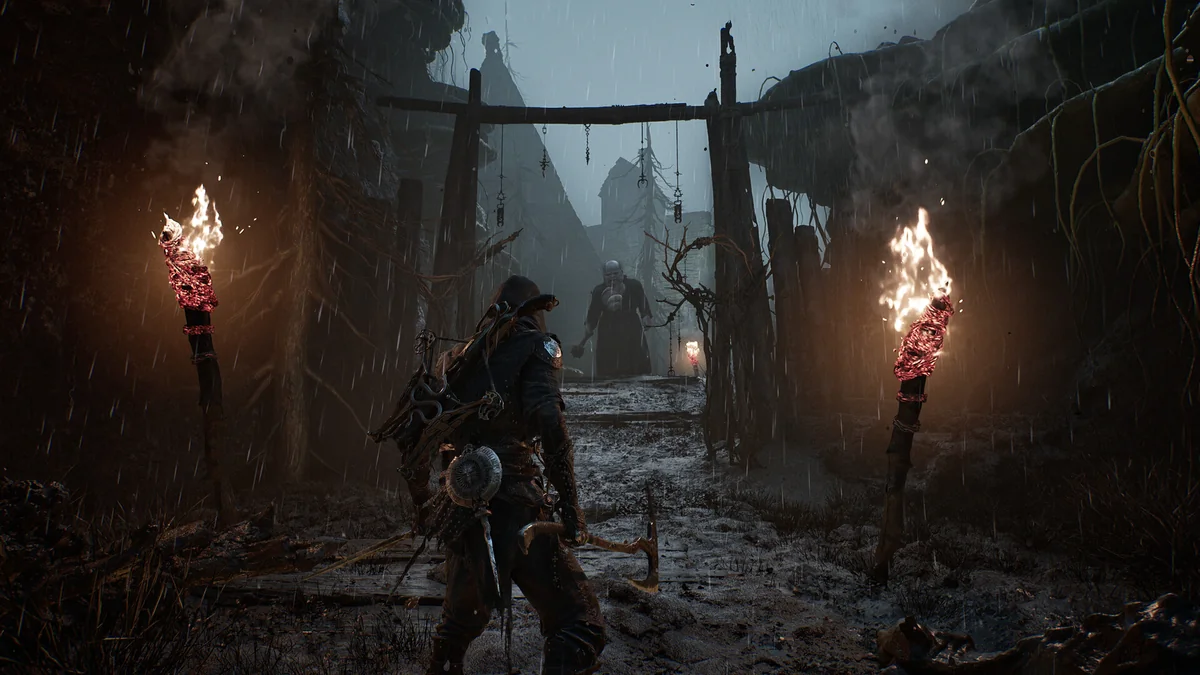
30. Faster Sprint
Faster Sprint raises only your sprint speed, by 20 percent by default, and leaves walking and jogging alone. Sprint ramps up to the new speed over 1.5 seconds unless you turn that off, the multiplier can be changed in config.lua or MS2 Mod Settings, and it reapplies itself after you change Shells. It was last updated on September 7, 2026. Creator: lem23. Needs: UE4SS for MS2. Download: Faster Sprint on Nexus Mods.
31. Infinite Harden
Infinite Harden removes the five-second cooldown on Harden, so you can turn to stone whenever you like, although your Harden still breaks when you get hit. An early version could leave you unable to interact with anything, and both current versions now ship with a small companion fix for that. The C++ version also lets you choose your own cooldown. It was last updated on August 19, 2026. Creator: AeonGreyh. Needs: UE4SS for MS2. Download: Infinite Harden on Nexus Mods.
32. Instant Acceleration
Instant Acceleration takes away the wind-up before you reach full running speed, which makes the sprint attack much quicker and easier to pull off. It was last updated on August 23, 2026. Creator: AeonGreyh. Needs: UE4SS for MS2. Download: Instant Acceleration on Nexus Mods.
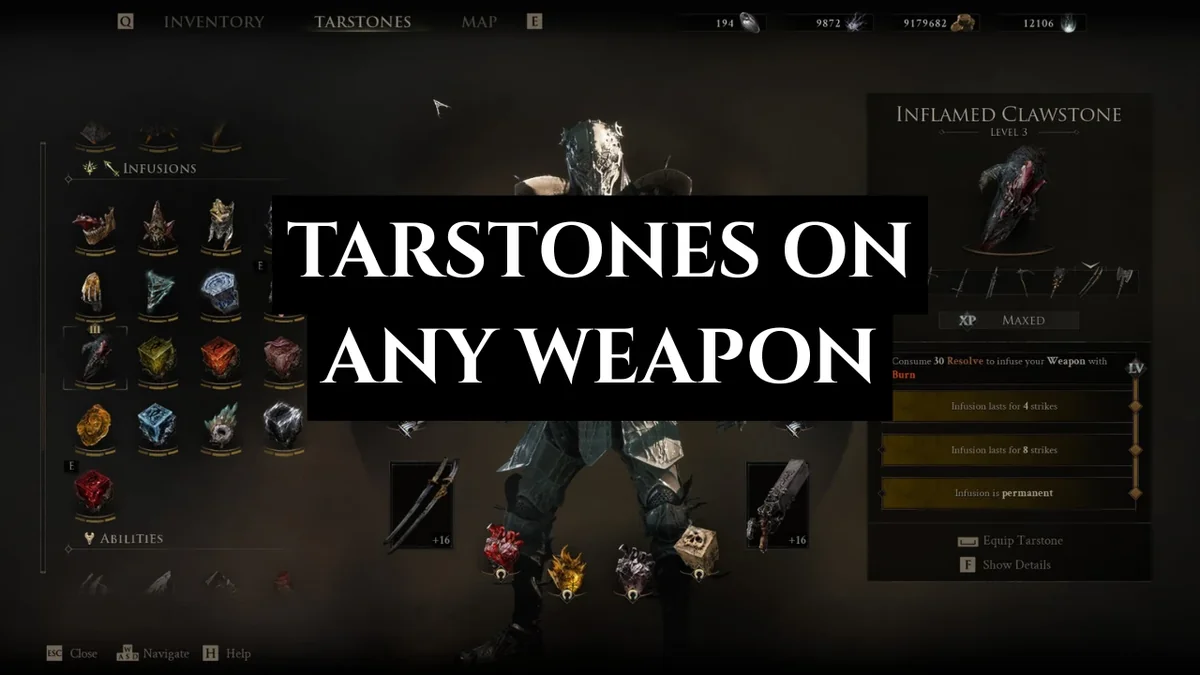
33. Unbound Tarstones
Unbound Tarstones removes the weapon restrictions on Infusion Tarstones, so any of them can go on any melee or ranged weapon. Combat and ability Tarstones are left alone, because its page explains they do nothing on weapons they were not built for. It was last updated on September 9, 2026, before the October 20 Rotten Autumn update added 10 new Tarstones. Creator: Whitephos4us. Needs: UE4SS for MS2. Download: Unbound Tarstones on Nexus Mods.
Shell and Weapon Mods

34. Genessa Walk
Genessa Walk gives the playable Genessa Shell the walking and standing animations of Genessa Secundus instead of the default player ones, in all her forms, including the corrupted Stray Sister. Jogging, sprinting, dodging and combat keep their stock animations, walk speed is matched so her feet do not slide, and the Axatana’s twin katanas stay holstered when she is not attacking. It comes in two parts that go into two different folders, so its page says Vortex and Mod Organizer 2 cannot install it for you. The same creator makes a matching Proxima Walk. It was last updated on September 6, 2026. Creator: argisht. Needs: UE4SS for MS2. Download: Genessa Walk on Nexus Mods.
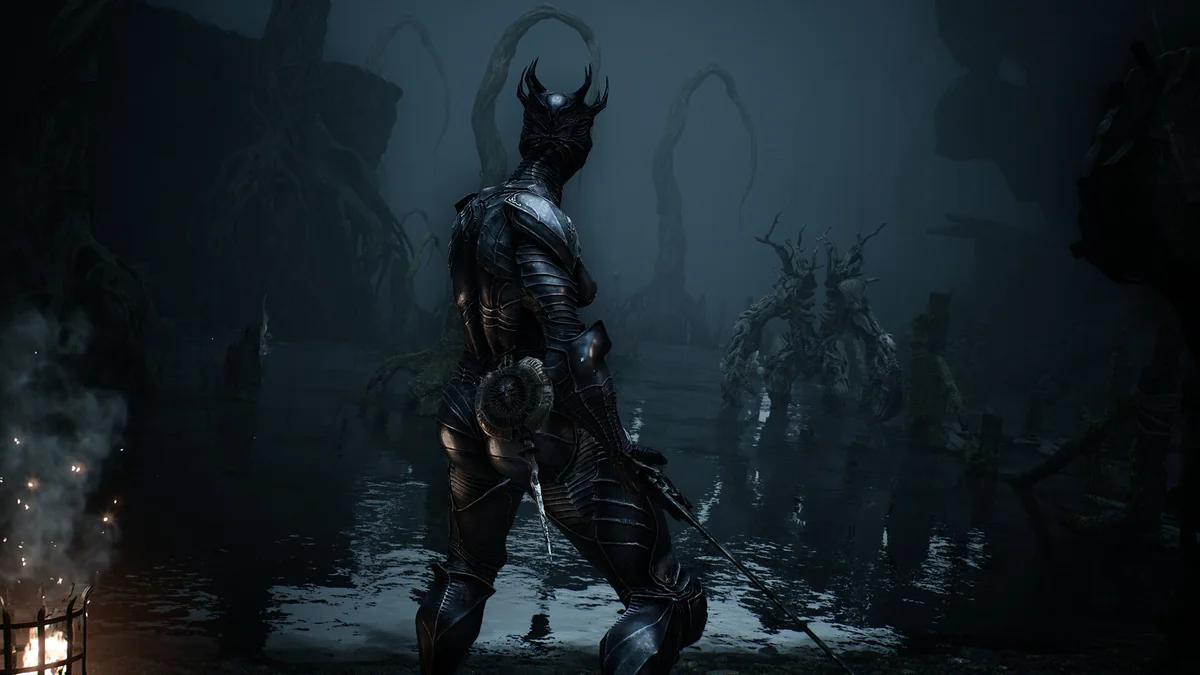
35. Instant Genessa Stray Doubles
Genessa’s Stray Doubles special plays a 4.33-second animation every time you use it, and this mod removes it, so the Doubles arrive without leaving you standing still mid-fight. An optional second file sits alongside the main one. It was last updated on August 25, 2026. Creator: Pentodo. Needs: UE4SS. Download: Instant Genessa Stray Doubles on Nexus Mods.
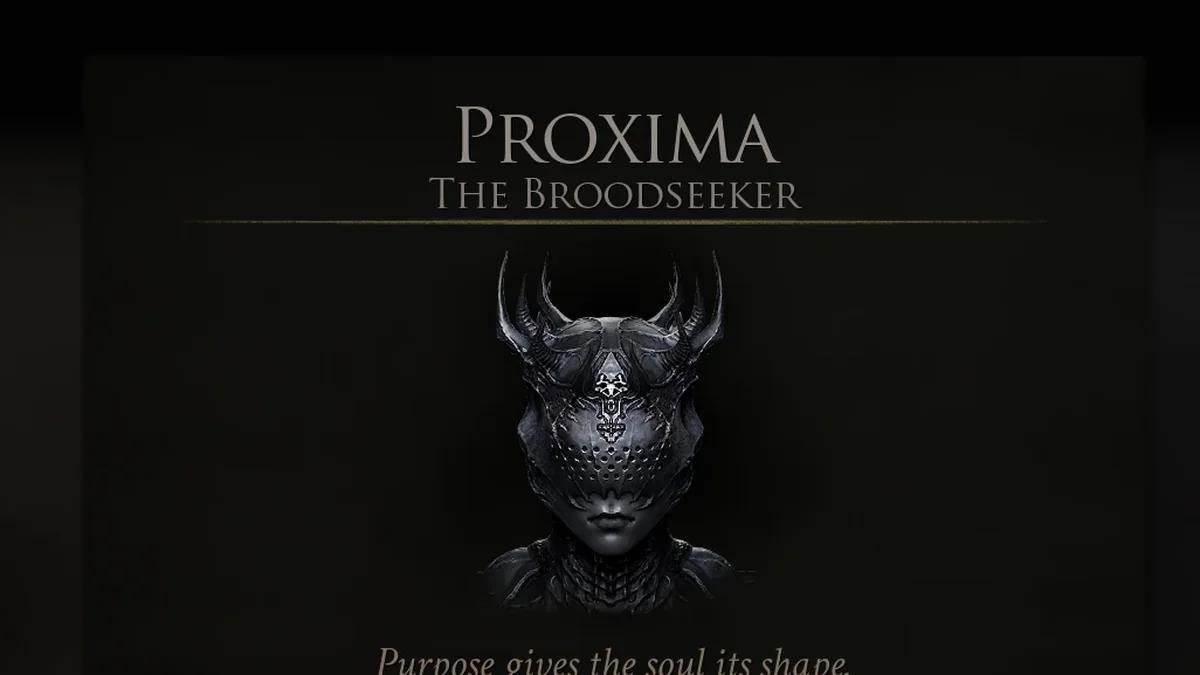
36. Buffed Proxima Series
This series of small file swaps strengthens Proxima, the Broodseeker. Grafted Armor gets a higher chance to trigger (30 percent in the main file, with 20, 25 and 50 percent options), Collector triggers more often and doubles the specimens it drops, Exoshell gets a 50 percent mitigation chance, and Fortress mitigates from 25 up to 100 percent across its four levels. Install only the parts you want. It was last updated on September 13, 2026. Creator: HEROxViper. Download: Buffed Proxima Series on Nexus Mods.
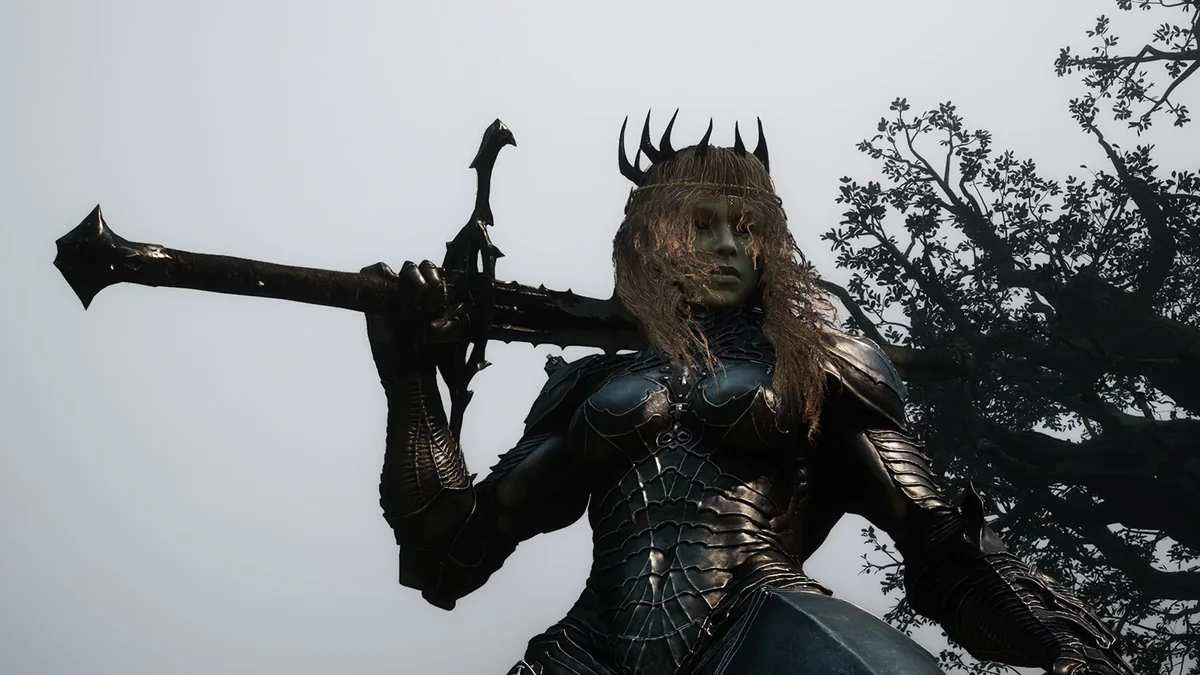
37. Proxima Face and Hair
Proxima Face and Hair gives Proxima a human face and hair, with simple hair physics, for players who would rather see a person under the armor. Optional add-on files on its page offer variations. It drops into the ~mods folder and was last updated on August 30, 2026. Creator: Chris Rubino. Download: Proxima Face and Hair on Nexus Mods.
38. Sester of the Order
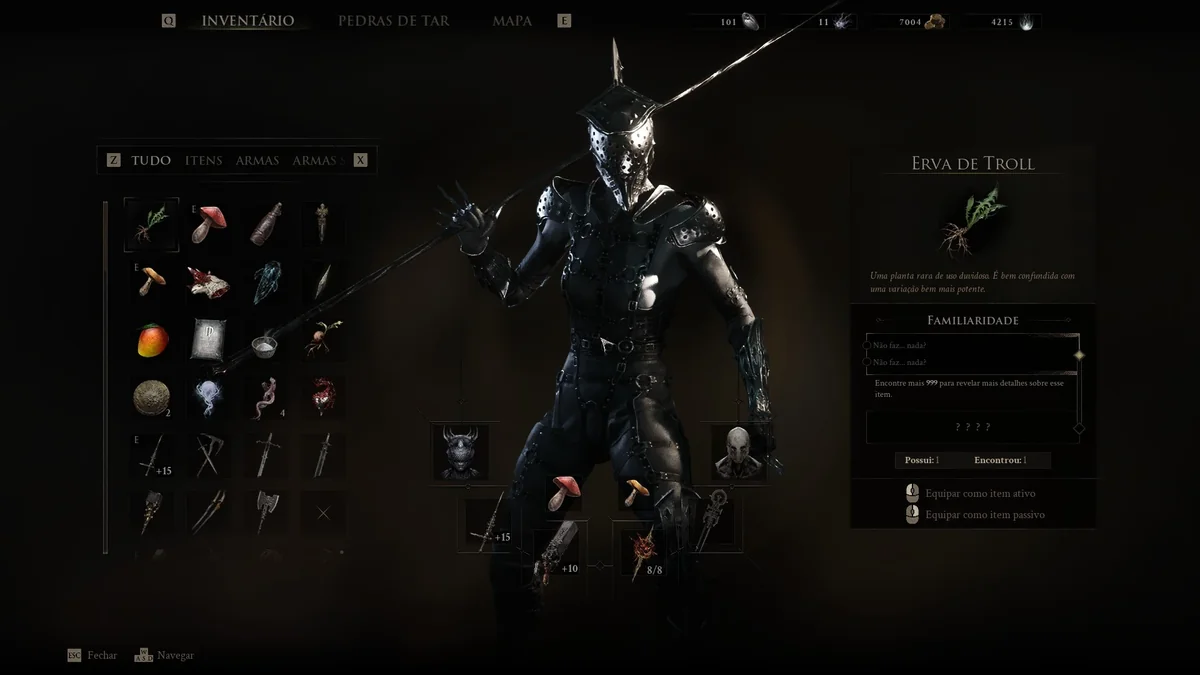
This mod puts the Sester of the Order, one of the game’s enemies, in place of both versions of Genessa’s Shell, in both of the enemy’s color schemes, switching to the black outfit after you die. It also swaps her axe, dagger and Black Needle for the enemy’s weapons, with optional spear, rapier and dagger files. It was last updated on September 3, 2026. Creator: SoN0S. Download: Sester of the Order on Nexus Mods.
39. Weapons Skins
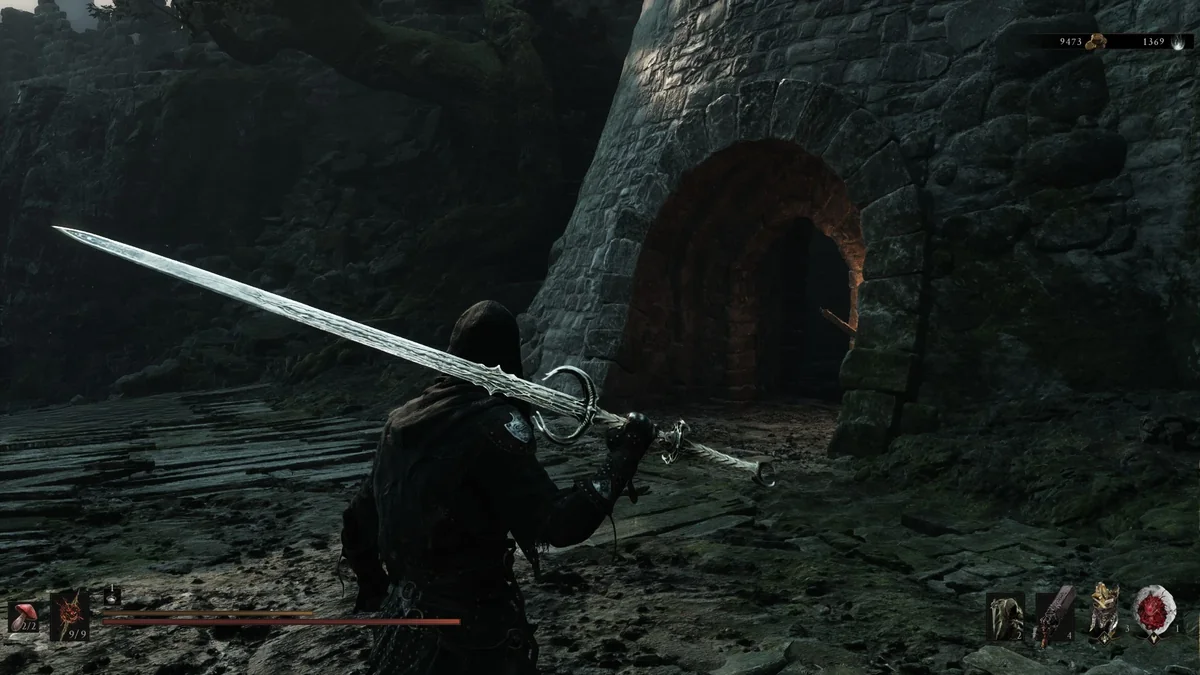
Weapons Skins lets you wield weapons that normally only enemies and bosses carry by swapping them onto the models of your playable weapons: the Cannibal Sword, Hallowed Sword or MothKnight Long Sword on The Iconoclast, a Knight Halberd or Wraith Sword on the Great Martyr’s Blade, an Aristocrat Scythe on the Clockwork Scythe, a Crossbow Spear on the Black Needle, and more. Each skin is a separate download, so you can mix and match. They are purely cosmetic, and it was last updated on September 20, 2026. Creator: SoN0S. Download: Weapons Skins on Nexus Mods.
Map, Compass and HUD Mods
40. Adaptive Minimap
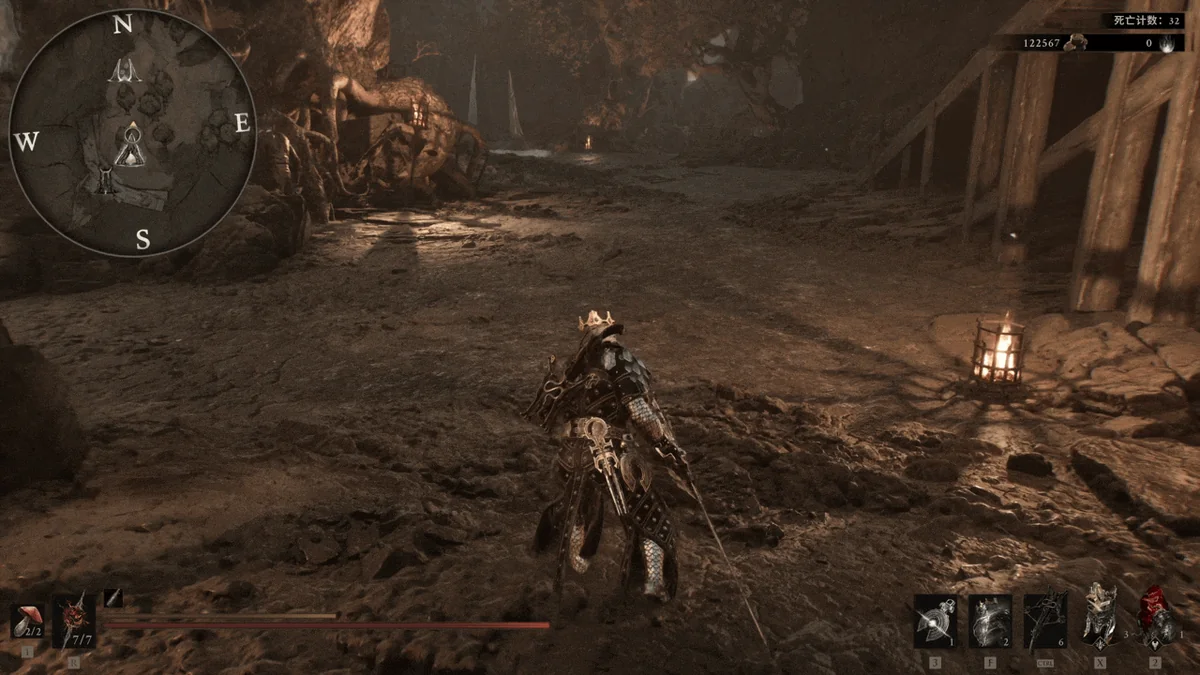
Adaptive Minimap adds a minimap built from the game’s own world map data: your position, discovered locations, beacons and your custom markers, with optional rotation that follows the camera and a compass ring around the edge. F6 shows or hides it, Ctrl with plus or minus zooms, and every hotkey and size setting lives in Minimap.ini. It does not touch your save data, and it credits Teshless’s earlier Minimap for assets and code references. It was last updated on September 5, 2026. Creator: Null993. Needs: UE4SS for MS2. Download: Adaptive Minimap on Nexus Mods.
41. Loot Goblin Map
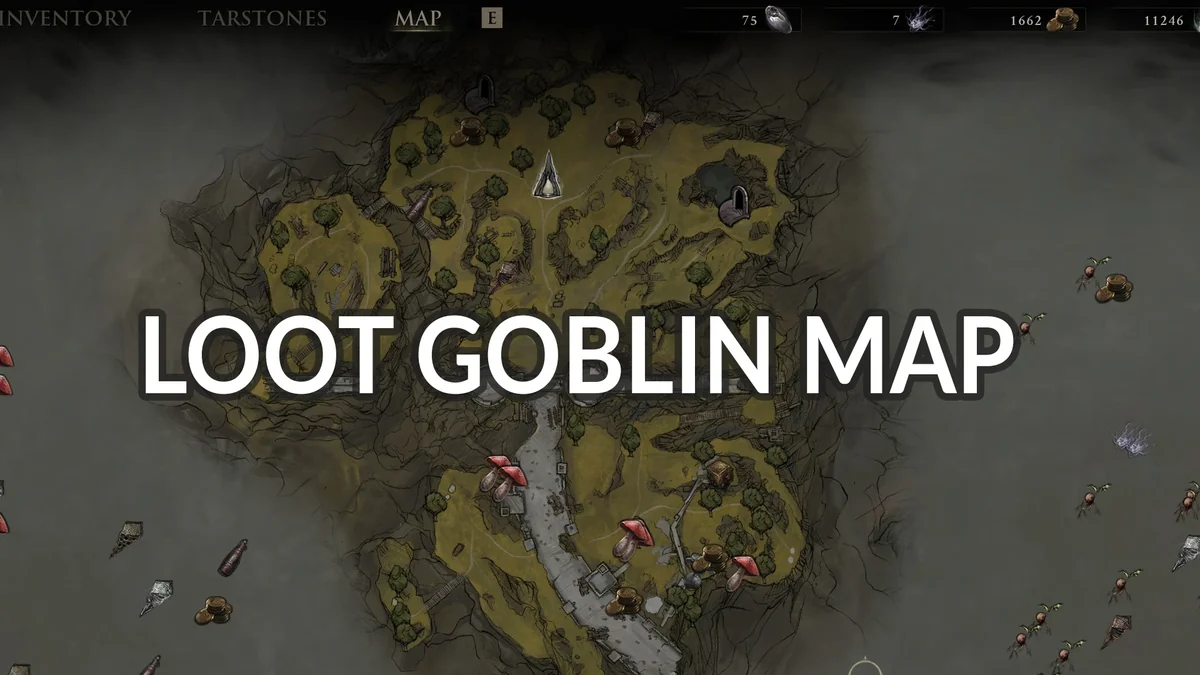
Loot Goblin Map started as a layer of 888 loot and collectible markers on the World Map, drawn with the game’s own icons and cleared as you collect each item, and version 2.1 grew it into a full mapping mod with an overworld minimap, a live fullscreen dungeon map and a dungeon minimap. With MS2 Mod Settings installed it exposes 16 options. Its page notes that gamepad navigation in its custom filter row is not reliable yet. It is the most recently updated mod on this list, last updated on November 3, 2026, after the Rotten Autumn update and its hotfix. Creator: lem23. Needs: UE4SS for MS2. Download: Loot Goblin Map on Nexus Mods.
42. Fast Travel Anywhere
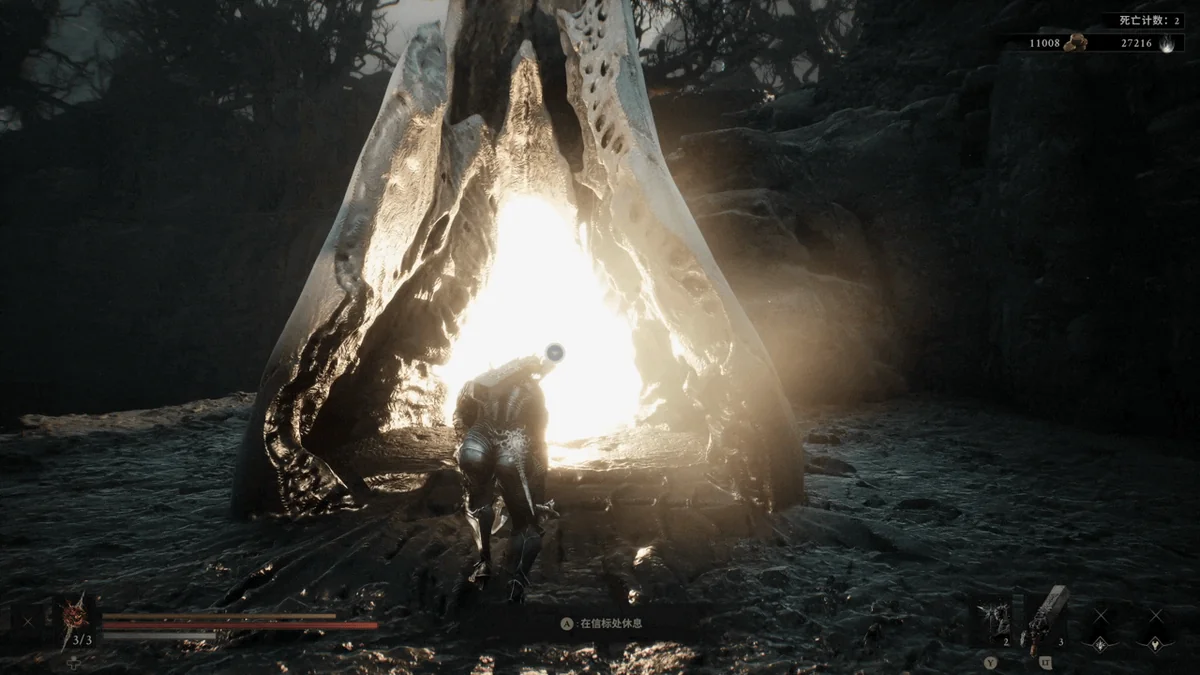
Fast Travel Anywhere lets you start the game’s own fast travel straight from the normal world map. Hover over an unlocked beacon and hold Shift while you left-click on keyboard and mouse, or focus a beacon and click the right stick on a controller. It was last updated on August 30, 2026. Creator: Null993. Needs: UE4SS for MS2. Download: Fast Travel Anywhere on Nexus Mods.
43. Health and Resolve Numbers
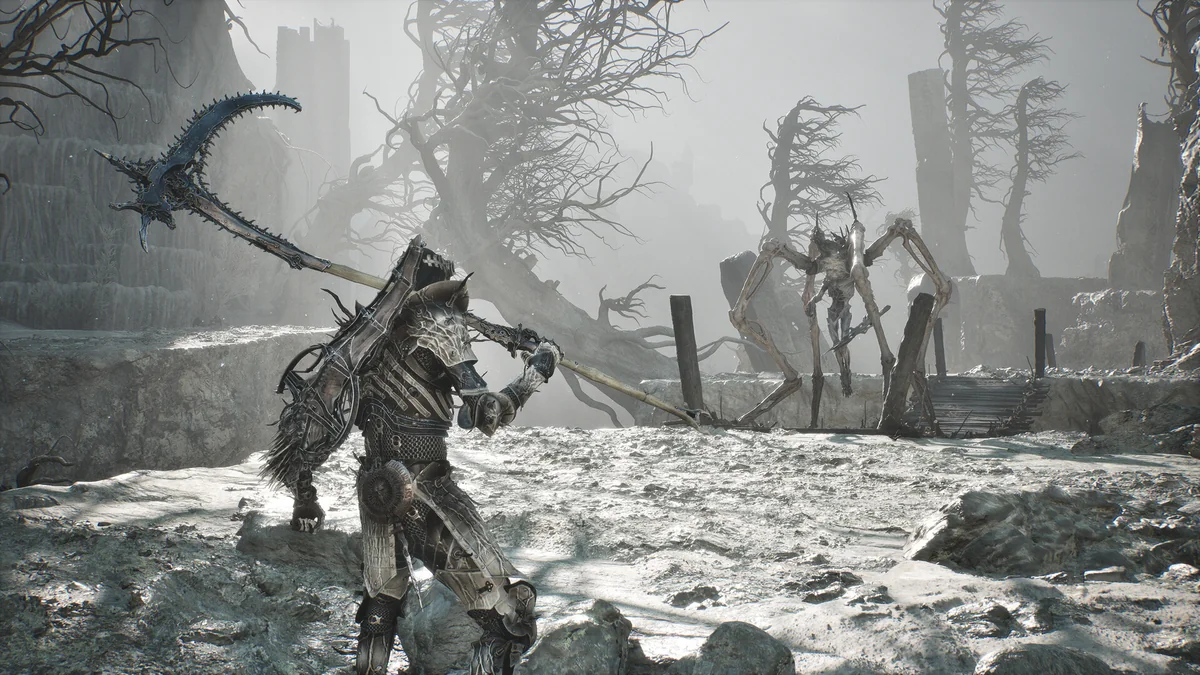
Health and Resolve Numbers prints your exact current and maximum health and Resolve on their HUD bars, slightly enlarges both bars so the numbers are readable, and hides along with the rest of the HUD. The All-in-One download includes UE4SS, and the mod-only file is for players who already have it. It was last updated on August 23, 2026. Creator: Allki1869. Download: Health and Resolve Numbers on Nexus Mods.
44. Dynamic HUD
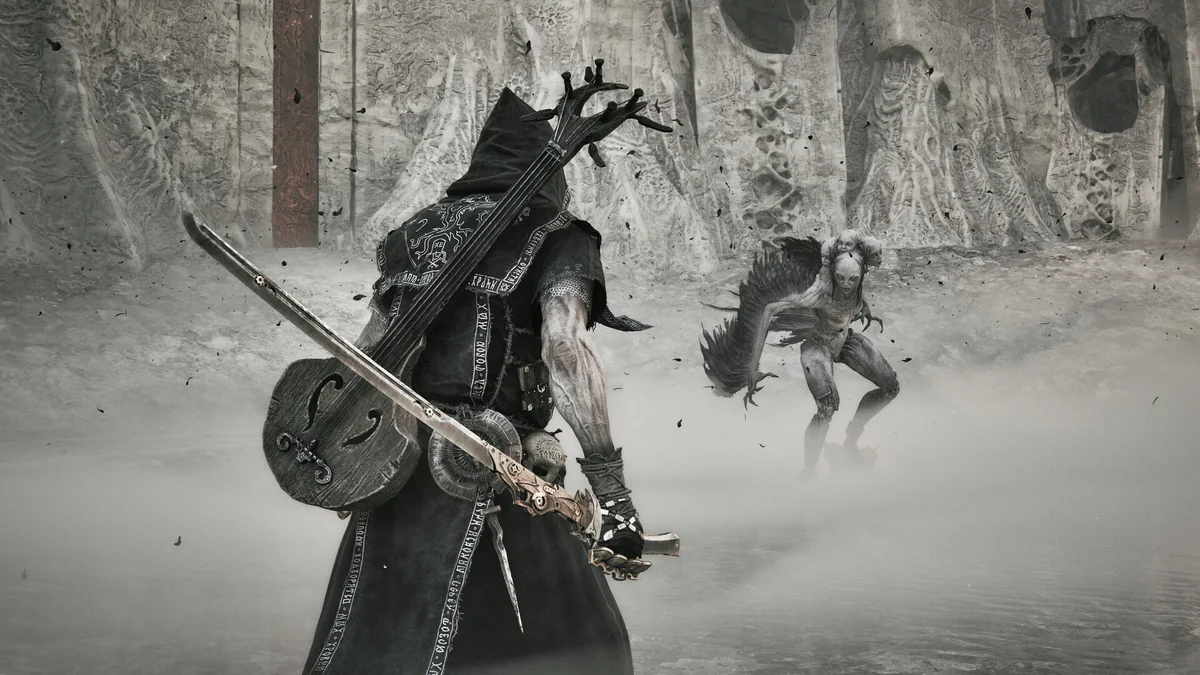
Dynamic HUD fades the interface out after a short period of inactivity, so exploration is all scenery, and brings it back the moment it matters: entering combat, dealing or taking damage, healing, using energy, gaining or spending Resolve, locking on, firing a sidearm or picking up currency. It was last updated on September 18, 2026. Creator: lem23. Needs: UE4SS for MS2. Download: Dynamic HUD on Nexus Mods.
45. Compass
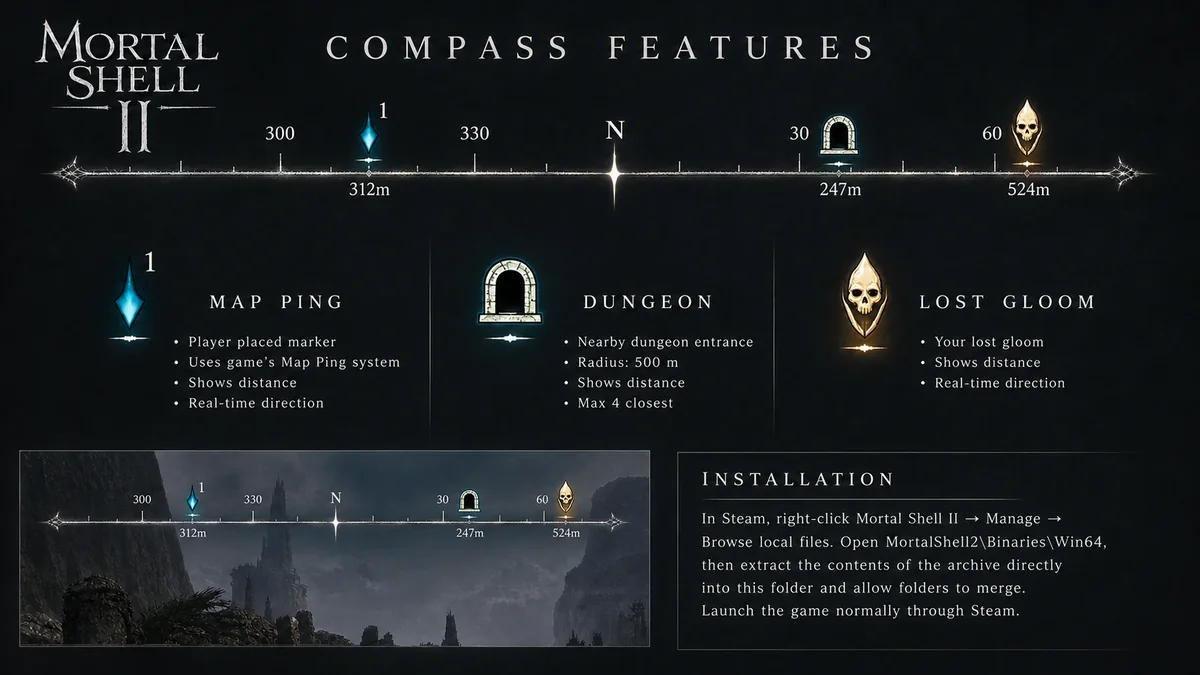
Compass adds an on-screen compass that shows the direction and distance to your lost Gloom, your map pings and the nearest dungeon entrances within 500 meters. F6 opens its settings, where you can toggle each marker type and change its opacity and scale. Adaptive Minimap (number 40) also uses F6 by default, so change one in its settings if you run both. The download includes UE4SS for players who do not have it yet. It was last updated on September 1, 2026. Creator: omuruwi. Download: Compass on Nexus Mods.
Looks, Visuals and Graphics Mods
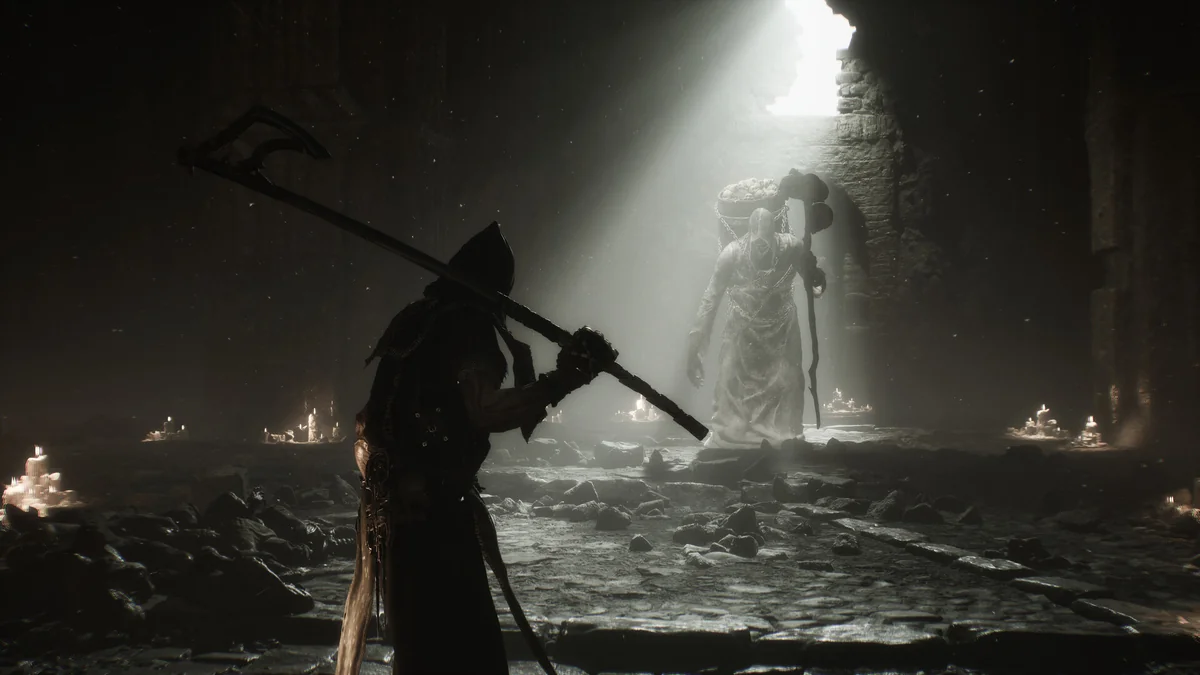
46. Hide Seals
Hide Seals removes the seals hanging off your character by deleting their model, so it needs no UE4SS. Because the Infinite Seal and Slayer Seal are held in your hand when active, hiding them leaves you empty-handed, so a second file hides only the other two. Its page warns of a possible crash at one late boss fight that removing the files fixes, which its creator had not reached to test. It was last updated on August 22, 2026. Creator: dantemk2. Download: Hide Seals on Nexus Mods.
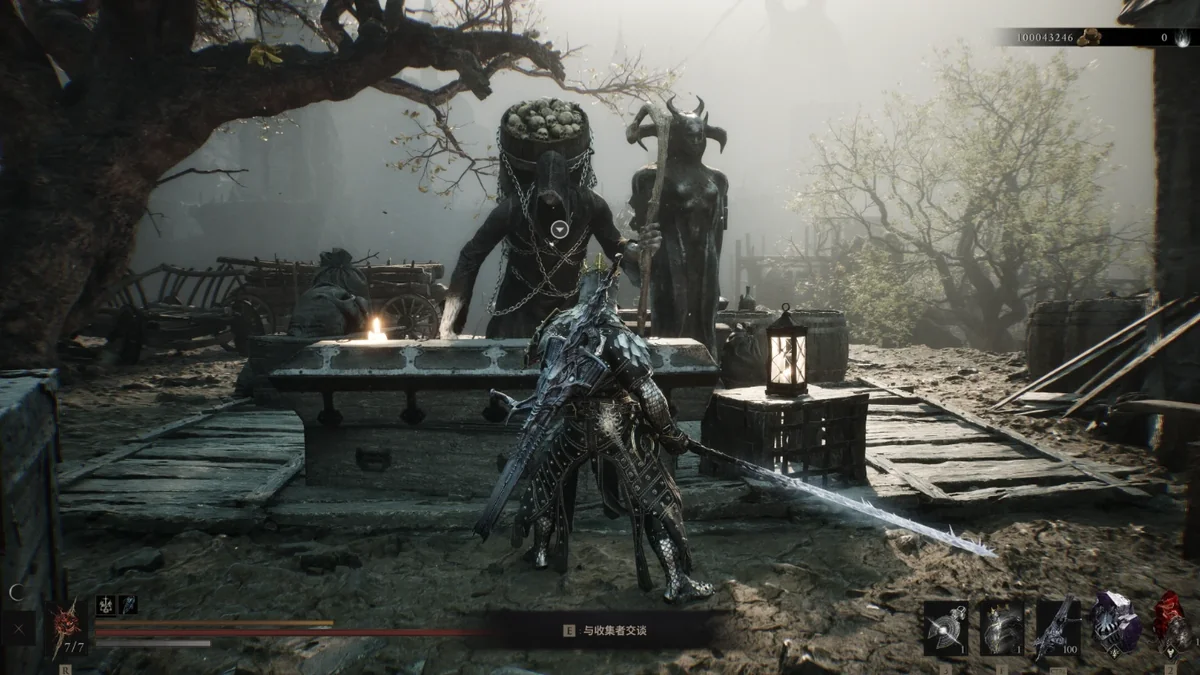
47. Night Retain Daytime Visuals
This mod keeps daytime visuals while Night Mode is on, without changing Night Mode’s enemy strength or its hidden mechanics. Version 1.4.0 removes all of the night’s visual changes, while version 1.0.0 keeps the night’s rain and wet surfaces. Its page, written in Chinese, says it was built on Steam build 24841087 and may clash with other mods that replace the same night weather preset. It was last updated on August 25, 2026, and since the Rotten Autumn update added new lighting presets for Night Mode, try those first. Creator: leeon0404. Download: Night Retain Daytime Visuals on Nexus Mods.
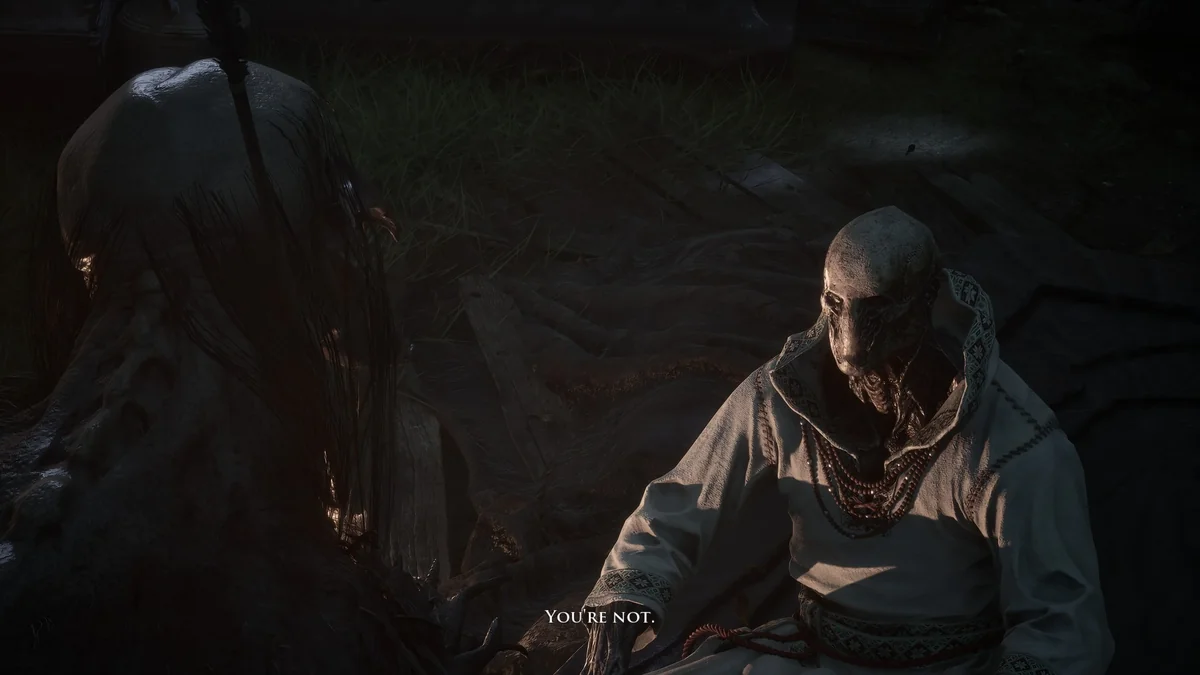
48. Disable Depth of Field
The game’s settings let you turn off many post-processing effects, but not depth of field, and this small Engine.ini file does it. It goes in AppData\Local\MortalShell2\Saved\Config\Windows, and its page says to set the file to read-only so the game does not overwrite it. Its only file dates from August 17, 2026. Creator: Mizuyy. Download: Disable Depth of Field on Nexus Mods.
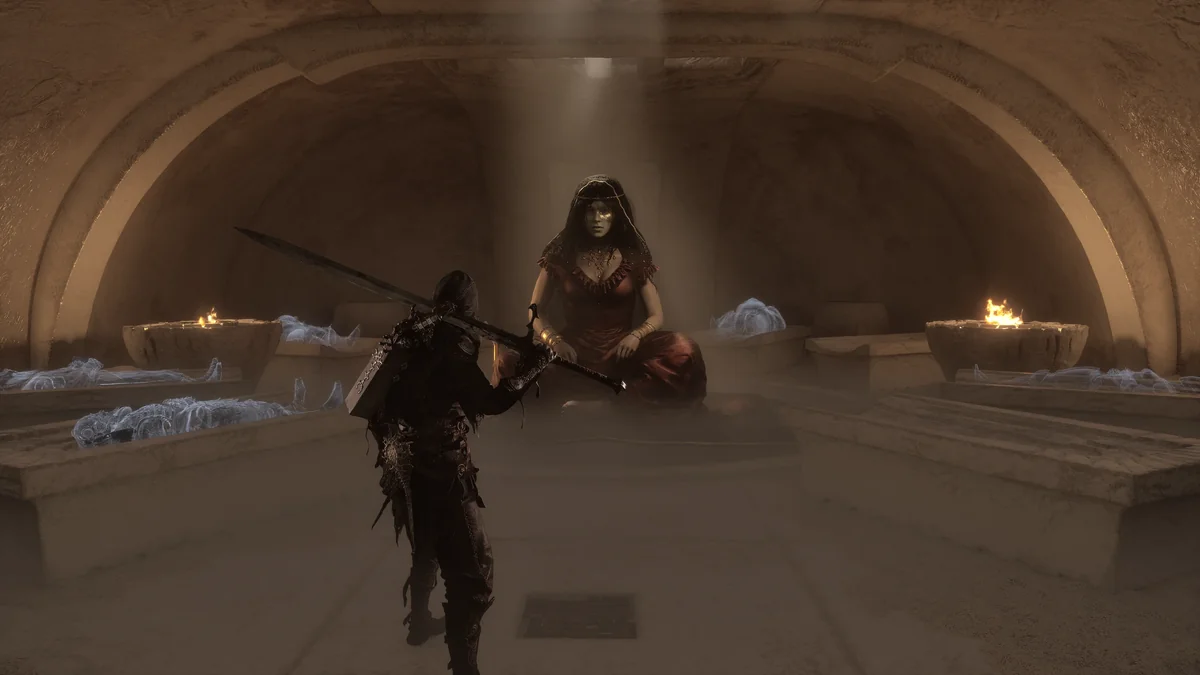
49. True Epic Graphics Settings
True Epic Graphics Settings is an Engine.ini tweak that its creator says turns on hardware Lumen, which the page says the in-game option does not actually do, and improves software Lumen, shadows, reflections, foliage, water, fog and the sky, while switching off vignette and chromatic aberration. It was last updated on September 5, 2026, before the Rotten Autumn update added an Overkill graphics setting, which Cold Symmetry’s October 30 hotfix made selectable on PC. Creator: TenebrisVenit. Download: True Epic Graphics Settings on Nexus Mods.
50. Remove Fog Complete
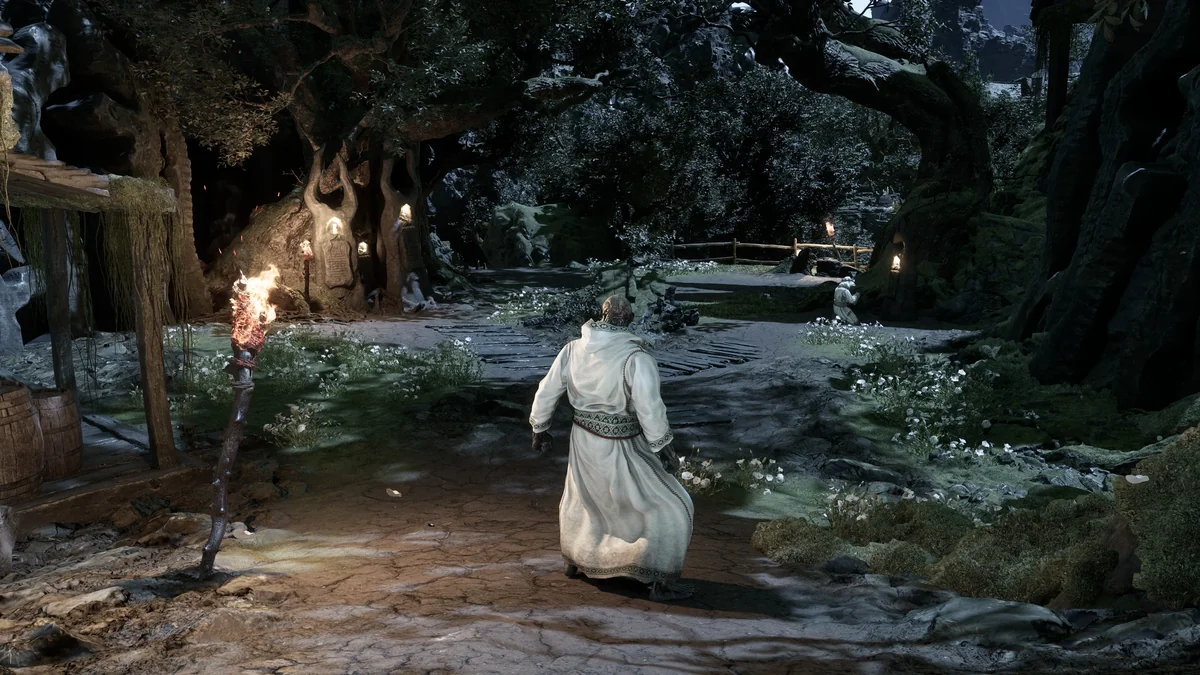
Remove Fog Complete strips the fog out of Mortal Shell II for a cleaner look and longer view distance. It is another Engine.ini file, and its page explains how to merge it with other Engine.ini mods by pasting its lines at the bottom of your existing file. It was last updated on August 21, 2026, before the September 5 update fixed volumetric fog that was too dense on lower global illumination settings, per the patch notes. Creator: PVLMFRUITZ. Download: Remove Fog Complete on Nexus Mods.
Install Order
- UE4SS for MS2 (number 1), copied into MortalShell2\Binaries\Win64. Install it once and use the mod-only downloads of Corrupted Genessa Mirage Passive Fix, Death Screen Remover, Custom Parry, Perfect Guard and Harden Timing, and Health and Resolve Numbers, and copy only the mod folder from Compass’s download, because those bundles bring their own copy of UE4SS. Health and Resolve Numbers’ page says to use its mod-only file with a separately installed UE4SS if its bundled copy falls behind.
- MS2 Mod Settings (number 2), if you want one F9 menu for the script mods that support it.
- File-swap mods (the entries with no Needs line, such as No Gloom Loss on Death and Increase SP Limit): their .pak, .ucas and .utoc files go in MortalShell2\Content\Paks\~mods.
- UE4SS script mods (every entry marked Needs: UE4SS): each folder goes in MortalShell2\Binaries\Win64\ue4ss\Mods.
- Engine.ini tweaks last (Disable Depth of Field, True Epic Graphics Settings and Remove Fog Complete), merged into a single Engine.ini, since each one replaces the same file.
A few pairs clash. Better Dash and Faster Dash edit the same files, Unified Progression should not share a load order with another shared-progression mod, and Adaptive Minimap and Compass both default to F6.
How to Install Mortal Shell 2 Mods
Find the game folder first. In Steam, right-click Mortal Shell II and choose Manage, then Browse local files; the install folder is named Sparta, and the game’s own files sit in the MortalShell2 folder inside it. File-swap mods come as three files ending in .pak, .ucas and .utoc. Put all three in MortalShell2\Content\Paks\~mods, creating the ~mods folder if it is not there (some pages, such as AeonGreyh’s, use the Paks folder itself instead, so follow each page).
Script mods need UE4SS for MS2. Copy its files into MortalShell2\Binaries\Win64, then put each script mod’s folder into its ue4ss\Mods folder. Many include an enabled.txt file that switches them on. Graphics tweaks are Engine.ini files that go in %LOCALAPPDATA%\MortalShell2\Saved\Config\Windows. Vortex supports the game through an official Mortal Shell II extension, per Auto Loot’s page, but Genessa Walk has to be installed by hand.
Game updates can break mods, script mods most of all. Cold Symmetry has patched Mortal Shell II several times since launch, most recently with the Rotten Autumn update on October 20, 2026 and a hotfix on October 30, and most mods here were last updated before them. Each entry gives its last update date. If the game stops launching after a patch, move the ~mods folder and the UE4SS files out of the game folder, confirm the game starts, then add mods back a few at a time.
How We Chose These Mods
We started from the most endorsed Mortal Shell II mods on Nexus Mods, where the game had more than 300 mods three months after launch, and worked down in order of endorsements and downloads. Each pick had to be free, still downloadable from its creator’s own page, and distinct from everything already on the list, and every entry says what it needs and when it was last updated. We left out adult and adult-flagged mods, along with the body and outfit replacers built around them, which take several of the top spots on Nexus Mods, and the Custom Shell System wardrobe, whose most endorsed outfit packs are adult-flagged. We also left out cheat menus and trainers, prebuilt save files, translations, armor and weapon models ported from other games, and near-duplicates of picks already here: Shared Upgrades (which overlaps Unified Progression), Teshless’s original Minimap, AutoPickup (made for the June demo), Faster Dash, Proxima Walk, Improved Perfect Block, Easier Perfect Guard, Less Damage and More Fun (a lighter take on Simple Easy Mode) and the original Parry Indicator, whose own page points to the Mk2 version.
Download only from the creator pages linked above. Re-upload sites and bundled packs are the usual source of outdated or unsafe files. If you also mod other soulslikes, our best Elden Ring mods list follows the same rules, as does our list of Monster Hunter Wilds mods, and our best moddable games on PC covers where to go next.
Frequently Asked Questions
What are the must-have Mortal Shell 2 mods? Start with UE4SS for MS2, since most of the best mods need it, then add MS2 Mod Settings, Respawn Where You Died or No Gloom Loss on Death, Adaptive Minimap or Loot Goblin Map, and Parry Indicator Mk2. Everything else depends on whether you want an easier run, faster progression or new looks.
Where do you download Mortal Shell 2 mods? Nexus Mods hosts every mod on this list, and each link above goes straight to the creator’s own page there.
Do you need UE4SS for Mortal Shell 2 mods? Only for script mods. File-swap mods such as No Gloom Loss on Death, Simple Easy Mode Mod and Increase SP Limit work without it, while every entry marked Needs: UE4SS for MS2 loads through it. A few downloads, including Death Screen Remover, Compass and Health and Resolve Numbers, bundle UE4SS for players who do not have it yet.
How do you install Mortal Shell 2 mods? File-swap mods go in MortalShell2\Content\Paks\~mods inside the game’s Sparta folder, and script mods go in MortalShell2\Binaries\Win64\ue4ss\Mods after you install UE4SS for MS2. The install steps above walk through both, plus the Engine.ini graphics tweaks.
Can you use mods in Mortal Shell 2 on PS5 or Xbox? No. Every mod on this list is for the PC version, and the PS5 and Xbox Series versions cannot load files from Nexus Mods. For another 2026 soulslike’s mod situation, see whether Phantom Blade Zero has mods.
Do Mortal Shell 2 mods work on Linux or Steam Deck? UE4SS for MS2’s page gives a launch option for Linux, WINEDLLOVERRIDES="dwmapi=n,b" %command%, so the script mods can load there. File-swap mods need nothing extra.
Does the Slayer Seal disable achievements in Mortal Shell 2? Yes. The game switches achievements off for the whole save once you equip the Slayer Seal, per the Slayer Seal Achievement Enabler’s page, and that mod (number 4) turns them back on.
Is there an easy mode mod for Mortal Shell 2? Simple Easy Mode Mod (number 7) is the most popular, and Gameplay Tuner AIO (number 10) has a Relaxed preset. The game also has its own optional Adaptive Difficulty setting under Game Settings, added in the September 5 update, which weakens enemies when you are struggling and strengthens them when you are winning.
Will game updates break my Mortal Shell 2 mods? They can, especially script mods. Most picks here were last updated before the October 20 Rotten Autumn update, so check each creator’s page after a patch, and keep a backup of your save before adding or removing mods.
Are these Mortal Shell 2 mods free? Yes, all 50 are free on Nexus Mods. Some creators link donation pages, but nothing here is locked behind a payment. For more of the best games released this year, see our best RPGs of 2026.