Skip to content
 Guide · Nov 20
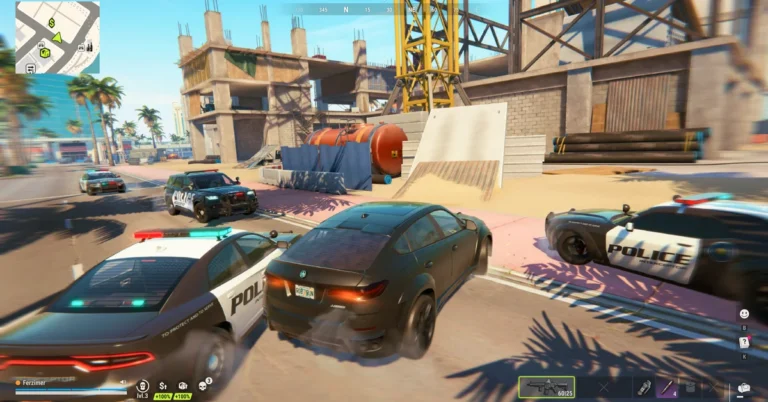
ROB RUN: How to Get a Jammer
How to get a jammer in ROB RUN: what Kefir says it is for, the Buletti at the Grand Hotel, where to check for one, and how to keep it…
 Guide · Nov 19
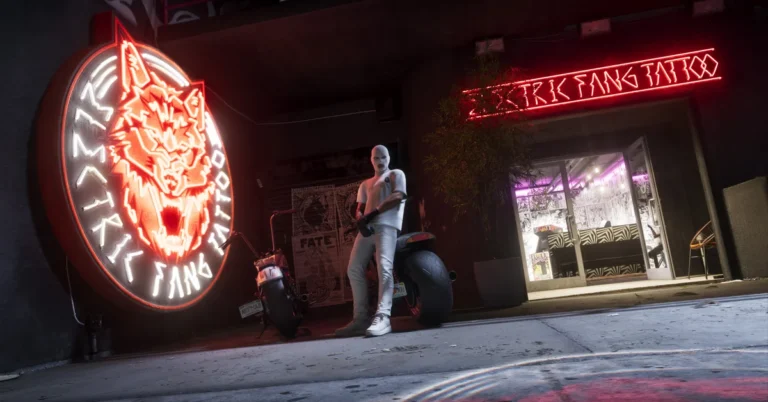
GTA 6: How to Wear a Mask
How to wear a mask in GTA 6 on PS5: putting it on from your loadout, changing how it's worn, where to get masks, and when to take one off.
 Guide · Nov 19
GTA 6: How to Change Your Movement Speed
How walking, running and the Movement Speed settings work in GTA 6 on PS5, and when a slower pace keeps Jason and Lucia out of trouble.
 Guide · Nov 19
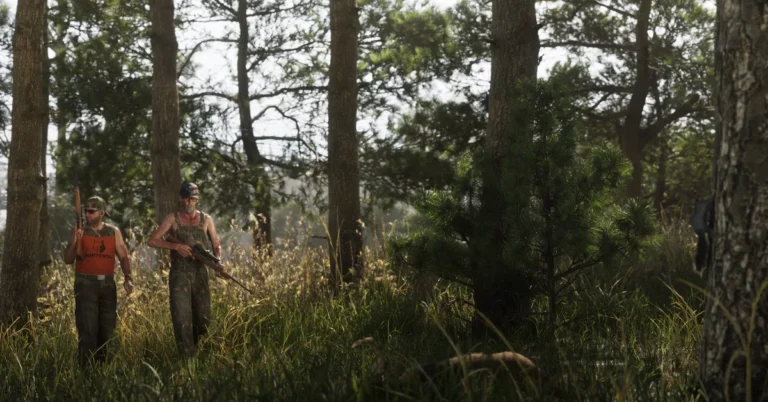
GTA 6: How to Take Cover
How to take cover in GTA 6 on PS5: the cover button, peeking out to shoot, crouching, the cover settings, and when to leave cover and run.
 Guide · Nov 19
GTA 6: How to Use the Cinematic Camera
Using the cinematic camera in GTA 6 on PS5: where to find it in the camera menu, what it shows while you drive, the extra option it gives you, and…
 Guide · Nov 19
GTA 6: How to Lock On
Locking on in GTA 6 on PS5: holding L2 on a person, the Targeting setting that controls aiming lock-on, and the R3 camera lock during chases.
 Guide · Nov 19
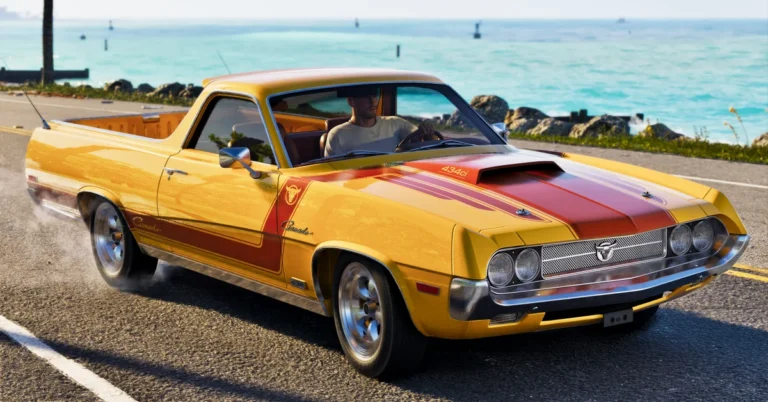
GTA 6: How to Change Camera View
Changing the camera in GTA 6 on PS5: the hold-to-open camera menu, Camera 1, 2 and 3, the Cinematic option, and the 24 settings on the Camera tab.
 Guide · Nov 19
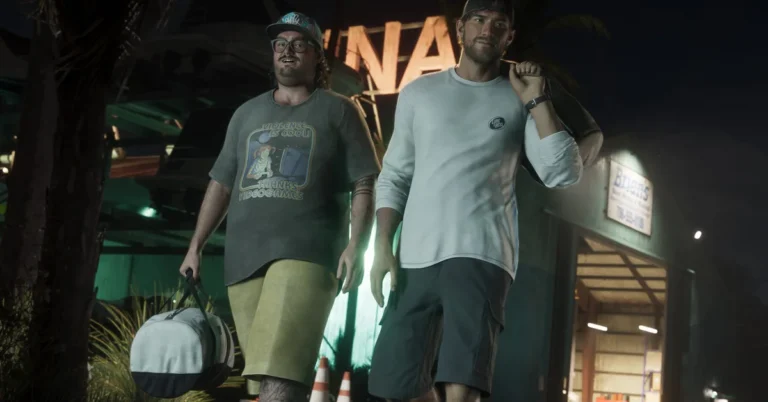
GTA 6: How to Skip Cutscenes
Skipping cutscenes in GTA 6 on PS5 and Xbox: the button the skip prompt asks for, holding versus tapping, and the other things in the game you can skip.
 Guide · Nov 19
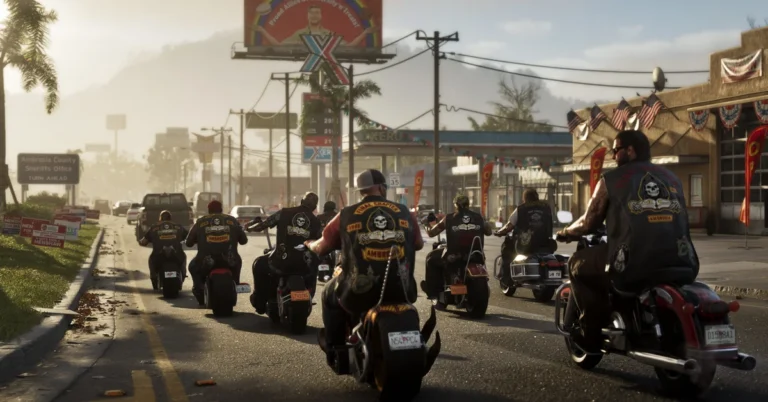
GTA 6: How to Wear a Helmet
Wearing a helmet in GTA 6, from our PS5 copy: the Items tab of the loadout, putting the helmet on and off, helmet styles, and what happens to your hat.
 Guide · Nov 19
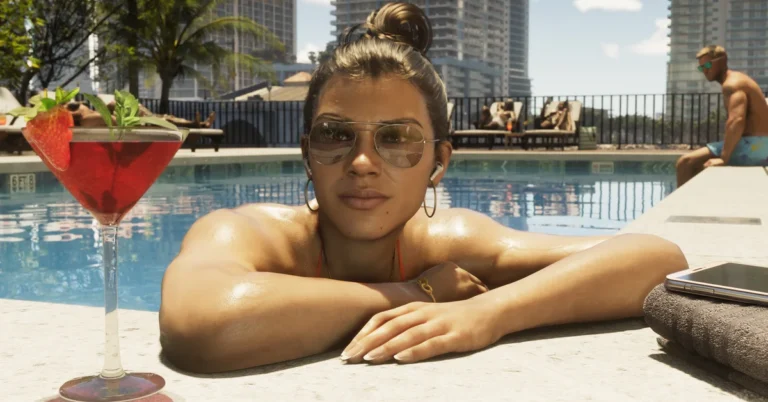
GTA 6: How the Family Savings Account Works
The Family Savings account in GTA 6's BuckMe app, from our PS5 copy: Buck Yourself step by step, the savings goal, the checking limit, and what you give up.