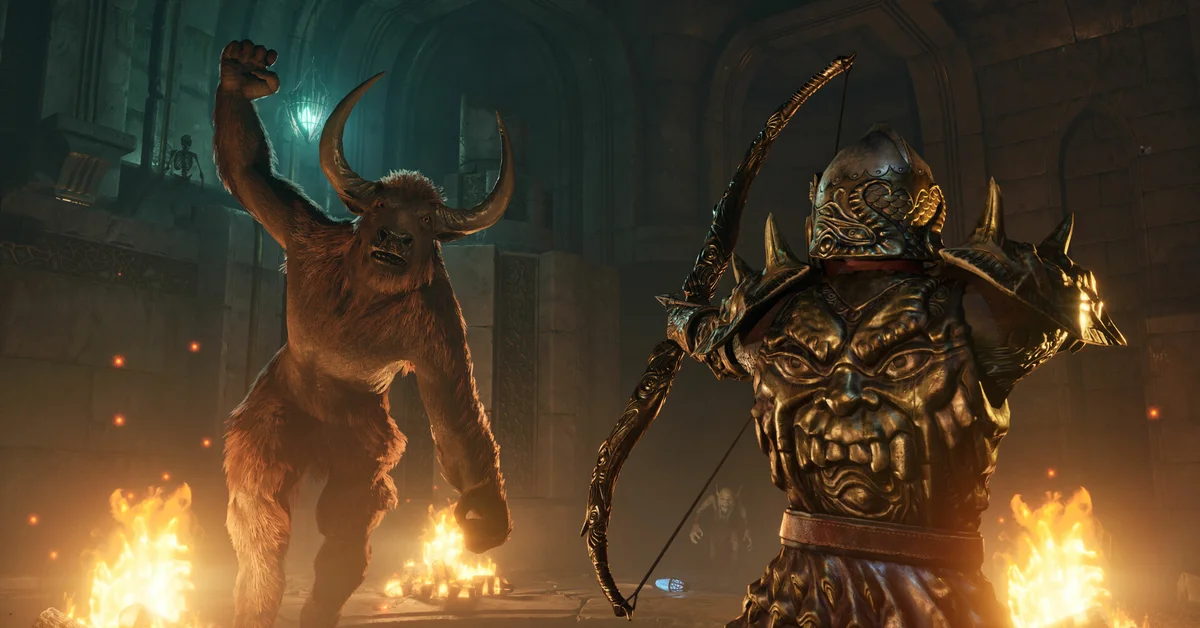
To sprint in Elder Scrolls 4 Oblivion Remastered, hold Left Shift on keyboard or press in the left stick (L3 on PlayStation, LS on Xbox) while moving; the same input gallops when you are on a horse. Sprinting did not exist in the 2006 original, so the old advice about there being “no sprint button” is dead, but sprinting burns Fatigue and it does nothing about your base run speed. Below we cover the exact bindings per platform, what sprinting costs, the walk toggle that catches people out, and the four ways to make your character permanently faster.
The Sprint Button on Each Platform
Bethesda’s official control listings for the Remaster give these defaults:
- PC (mouse and keyboard): hold Left Shift, listed as “Sprint / Gallop” on the official keyboard layout.
- PlayStation 5: press L3 (push the left stick in) while moving, per the PlayStation layout.
- Xbox Series X|S: press LS (left stick in), per the Xbox layout.
- Nintendo Switch 2: the August 2026 port uses the standard controller layout, and Bethesda’s Switch 2 features article describes its motion controls for attacks, spells, blocking and sneaking rather than movement, so sprint stays on the left stick press.
Sprinting is a hold on keyboard and a single press on controllers, where it stays on until you stop moving. All of these can be rebound in Settings under Controls. Sprinting was one of the headline additions Bethesda and Virtuos listed at launch, alongside rebuilt locomotion and a third-person camera modeled on Starfield.
What Sprinting Costs
Sprinting drains the green Fatigue bar the same way power attacks and jumping do. Run it to empty and you slow down, hit weaker and, if it bottoms out in combat, risk being knocked down. Fatigue refills on its own when you stop, and faster as your Endurance rises, so sprint between fights rather than into them. Drawing a weapon or readying a spell also slows you: sheathe with F on keyboard, Square on PlayStation or X on Xbox before a long run. The 2025 version of this guide listed the wrong sheathe buttons; those are the defaults in the official listings.
Verified against official patch notes, the Switch 2 day-one Patch 1.0 fixed a crash when running or sprinting in the Nibenay Valley and the West Weald, and Update 1.2 on PC and console fixed player height scaling, which some players had reported as the character feeling slower than expected.
The Walk Toggle Mistake
On keyboard, Caps Lock is bound to Walk. Tap it by accident and your character strolls everywhere and will not sprint properly until you tap it again; it is the single most common reason for “my character is suddenly slow” reports. Q is Auto Move, which keeps you running forward hands-free on long roads. Controllers have no walk toggle; a partial tilt of the left stick walks and a full tilt runs, so if you feel slow on a pad, check that you are not over-encumbered, which cuts you to a crawl and disables sprinting entirely. Drop or sell the heavy loot, or drink a Feather potion.
Raising Your Base Speed
Sprinting is a burst. Your everyday run speed comes from two stats that still exist in the Remaster:
- The Speed attribute directly sets how fast you move. Under the Remaster’s redesigned leveling, every level-up gives you a fixed pool of points to spend on attributes rather than the original’s skill-based multipliers, so you can put points into Speed every level without grinding. Our leveling guide explains the new system.
- The Athletics skill raises running and swimming speed and improves Fatigue regeneration. It trains itself: run and swim, and it climbs. Athletics trainers in the cities can add points for gold.
On top of those, Fortify Speed effects stack temporarily: potions brewed from Speed-boosting ingredients, enchanted rings and amulets, and custom spells made at the Arcane University’s Altar of Spellmaking once you have joined the Mages Guild. Light Armor or no armor keeps you lighter than heavy plate, and the Steed birthsign gives a permanent Speed bonus from character creation.
Faster Than Running
For real distance, nothing on foot competes with the map. Fast travel to any discovered location is free and instant, and all nine major cities are on the map from the start. For the stretches in between, a horse galloping with the sprint button outruns any sprinting character, and the Remaster includes the Horse Armor pack in every edition. Every other Oblivion guide we have written is on the Elder Scrolls hub.
Frequently Asked Questions
Is there a sprint button in Oblivion Remastered? Yes. Hold Left Shift on keyboard, or press the left stick in on PlayStation, Xbox and Switch 2. The original 2006 game had no sprint.
Why does my character run out of breath when sprinting? Sprinting drains Fatigue. Let the bar refill before a fight, and raise Endurance and Athletics to regenerate it faster.
Why is my character walking instead of running on PC? Caps Lock toggles Walk. Press it once to switch back to running.
Does the Athletics skill still exist in the Remaster? Yes. All 21 original skills remain, and Athletics still governs running and swimming speed.
Can I sprint while over-encumbered? No. Once you exceed your carry weight you slow to a crawl and cannot sprint until you drop weight or use a Feather effect.