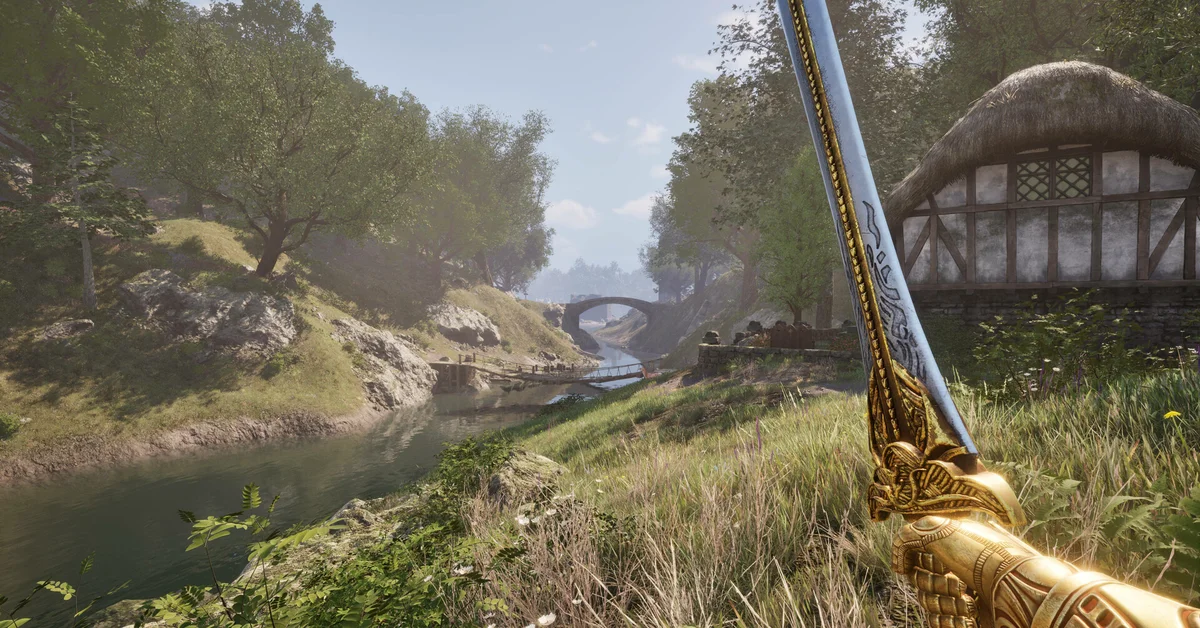
To fast travel in The Elder Scrolls IV: Oblivion Remastered, open the world map (M on keyboard, D-Pad Down on an Xbox or PlayStation controller), select any discovered marker, and confirm the prompt. The game skips ahead by an estimated travel time and drops you at the marker, as long as you are not over-encumbered. This guide covers the exact controls on each platform, the conditions that stop fast travel from working, how horses interact with it, and the fast travel fixes Bethesda has shipped since the April 2025 launch, verified against official patch notes.
The controls on PC and console
Bethesda’s official control listings give the same map shortcut on every platform. On keyboard it is M (with F4 as an alternate); on Xbox it is D-Pad Down; on PlayStation it is also D-Pad Down. The map opens on the local view when you are indoors, a behaviour Update 1.1 fixed after launch, so switch to the world map tab if you only see the interior you are standing in.
On the world map, move the cursor over a marker and select it. Undiscovered markers appear greyed out and cannot be chosen. Confirm the fast travel prompt and a loading screen follows. Update 1.2 specifically fixed “occasional very long load times when fast traveling” and water disappearing after a fast travel, so if you remember those problems from launch, they are gone on the current build.
One quality of life change from the remaster helps with discovery: per the unofficial UESP changes list, the name of a nearby location now shows below the compass when you look toward it, with the distance in steps. That makes it much easier to walk to a new marker and unlock it for later trips.
What blocks fast travel
Three things stop you, and the game tells you which in a message at the top of the screen:
- The marker is not discovered. Only places you have visited (or that a quest or NPC has added to your map) are selectable. The major cities are on the map from the start, as they were in the original, so you can jump between Anvil, Bruma, Chorrol and the rest immediately after leaving the sewers.
- You are over-encumbered. Bethesda’s own tips page for the remaster states that carrying too much weight blocks fast travel, and that your carrying capacity is five times your Strength. Drop or sell something, or read our guide on how to drop items to clear weight quickly.
- Enemies are nearby. Combat has to end first. Sprinting, which the remaster added, is the quickest way to break contact: hold Left Shift on keyboard or press L3 on a controller, and see our sprint guide for the stamina cost.
You do not need to be outdoors. Fast travel works from inside shops, guild halls and homes, which the Nintendo Switch 2 launch patch confirmed indirectly when it fixed “a hang when fast-travelling from any city interior”. Dungeons and Oblivion gates also allow it once the fighting stops.
Fast travel with a horse
Traveling by horse is “much faster” per Bethesda’s tips page, and that applies to fast travel too: the game estimates the time skip using your horse’s speed when you are mounted rather than your own. Mount up before you open the map. The horse arrives with you at the destination; when the destination is a city, it waits outside the gate rather than inside the walls.
Two habits keep your horse from vanishing, both drawn from long-standing community documentation on UESP rather than official notes. First, if you fast travel on foot several times in a row, an owned horse left behind will start walking back to the stable it came from. Second, a stolen horse never follows you at all, even though it counts as your active mount. If you have not bought one yet, our guide to getting a horse covers every stable.
One remaster-specific trick that the UESP changes list reports: you can mount a horse while over-encumbered, and doing so lets you fast travel despite the weight. We could not find an official statement on this, so treat it as a player-documented workaround rather than a promise. On Switch 2, fast traveling on horseback in the open world could push the player out of the world at launch; the August 2026 Patch 1.0 notes list that as fixed.
Autosave and fast travel
Oblivion Remastered can write an autosave every time you fast travel. The toggles live in Options under Gameplay, and Bethesda Support recommends switching every autosave option off, applying, then back on if they stop working. If you prefer control over your save slots, leave the travel autosave off and make a manual save before each trip. Both fixes are worth knowing because Update 1.2 addressed crashes “that could occur during auto saves”. For passing time without moving, use the Wait action instead; our wait guide explains that menu.
Frequently Asked Questions
Which button opens the map on PS5 and Xbox? D-Pad Down on both controllers, per Bethesda’s official control listings. If you remapped controls, check Options to see what you moved it to.
Why does the game say I cannot fast travel while enemies are nearby? An enemy still has you in combat. Sprint away or finish the fight; once the combat music ends, the map will accept the trip.
Does fast travel pass time? Yes. The game advances the clock by an estimated travel time, shorter when you are mounted. Long trips can also change the weather and move NPCs to their evening schedules.
Can I fast travel from inside a dungeon? Yes, provided you are not in combat and not over-encumbered. You do not need to walk back to the entrance.
Where are the other Oblivion guides? Every guide we have for the game is collected on the Elder Scrolls hub.