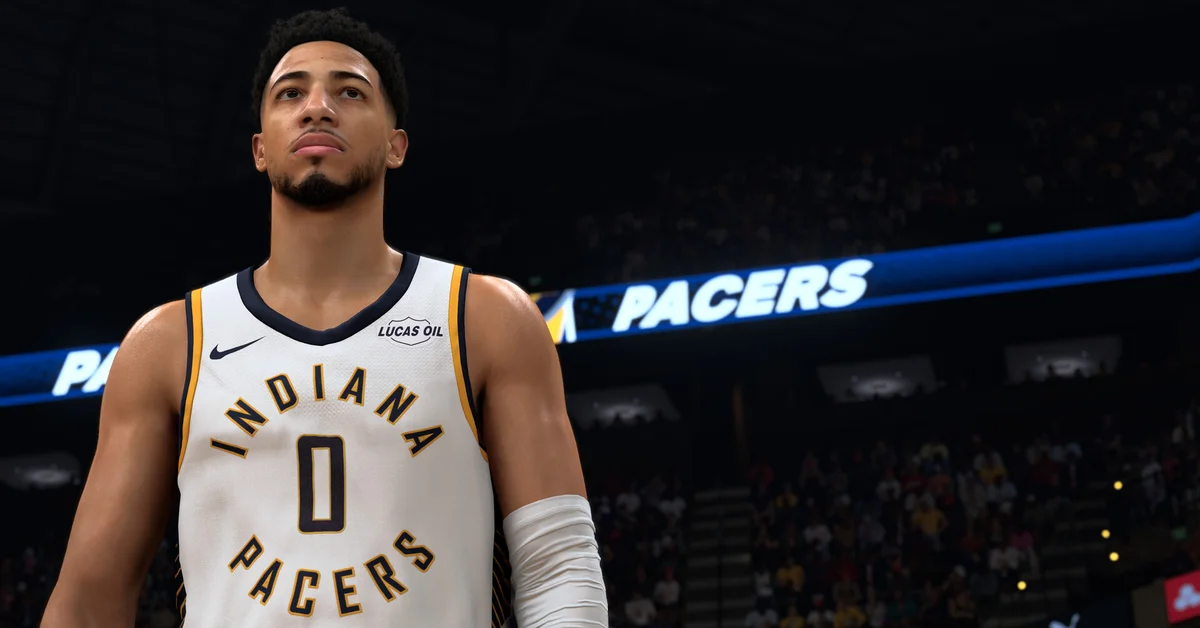
To throw a flashy pass in NBA 2K27, hold R1 on PlayStation (RB on Xbox) and flick the Pro Stick (right stick) toward the teammate you want to hit. To call a play, press L1 (LB), press the button over the teammate you want to run it for, and pick a play from the on-screen menu; hold L1 (LB) instead for a quick pick-and-roll.
Flashy passing is new as a dedicated input this year, while play calling works much as it did in NBA 2K26. Below we cover both, every other pass type worth knowing, and how play calling changes between team modes and MyCAREER.
Flashy Pass Controls
The flashy pass is one of the new “advanced controls” 2K highlighted in its official gameplay reveal for NBA 2K27. In 2K’s words, you “blindside the defense by holding R1/RB and flicking the Pro Stick directly toward your intended target to dish an authentic no-look pass,” and the passer “will dynamically look off the target using head tracking technology to sell the misdirection.”
| Action | PlayStation 5 | Xbox Series X and S |
|---|---|---|
| Flashy (no-look) pass | Hold R1, flick right stick toward the target | Hold RB, flick right stick toward the target |
| Icon pass | Tap R1, then the receiver’s button | Tap RB, then the receiver’s button |
Note the difference between the two R1 inputs. Tapping R1 and then a face button is the old icon pass, which puts a button over every teammate so you can pick one. Holding R1 and flicking the stick is the flashy pass. On Switch 2 and PC with a controller, the layout follows the Xbox column; Nintendo swaps the A/B and X/Y positions, so go by the in-game controller diagram rather than the letter.
NBA 2K26’s control list had no dedicated flashy pass input, and the 2K27 control list tags it as new. How flashy the pass looks still depends on your pass style animation, which is gated by Pass Accuracy; our best animations guide lists them by requirement.
Every Other Pass Type
These come from the 2K27 control list:
| Pass | PlayStation 5 | Xbox Series X and S |
|---|---|---|
| Normal pass | Cross | A |
| Skip pass (farther receiver) | Hold Cross | Hold A |
| Bounce pass | Tap Circle | Tap B |
| Wrap pass | Double tap Circle | Double tap B |
| Get open pass | Hold Circle, release to pass | Hold B, release to pass |
| Lob pass | Triangle | Y |
| Alley-oop | Double tap Triangle | Double tap Y |
| Touch pass | Cross again before the first receiver catches it | A again before the catch |
| Give and go | Hold Cross until the catch, release to get it back | Hold A, release to get it back |
| Fake pass | Triangle + Circle | Y + B |
| Jump pass | Square + Cross | X + A |
Use the left stick to aim at a receiver for each of these. Three more only work once you switch them on in Controller Settings: Lead to Basket Pass, Handoff/Pitch Pass and Full Receiver Control.
How to Call Plays
In any mode where you control the whole team (Play Now, MyNBA, MyWNBA and MyTEAM), play calling runs through L1 on PlayStation and LB on Xbox:
- Press L1 (LB) while on offense.
- Press the button over the teammate you want the play run for. 2K calls this Positional Playcalling.
- Pick a play from the overlay that appears.
- Run it and make the read the play is designed to create, rather than calling it and then going one-on-one.
Two quick calls skip the menu entirely:
- D-pad Left, then Post Up: gets the ball to your team’s best post scorer.
- D-pad Right, then Isolation: clears out for your best isolation scorer.
Screens and Pick-and-Roll Calls
For a quick two-man game, hold the button instead of tapping it:
- Hold L1 (LB) and a teammate comes to set a pick.
- While holding, press L3 (left stick click) to choose which side the screen comes from, and R1 (RB) to choose Roll or Fade.
- Press L1 (LB) again before the screener makes contact to have them slip the screen or fade early.
- Tap L1 (LB), then press and hold a teammate’s button to choose exactly who sets it.
New in 2K27 on the other side of the screen: when you are the screener, hold Circle (B) to set it, then tap R2 or L2 (RT or LT) to rotate the angle, or press L3 to flip its direction.
Play Calling in MyCAREER, The City and Rec
With your MyPLAYER you only control one player, so L1 (LB) does different jobs depending on the situation. With the ball, it calls a play or a screen as above. Off the ball, it becomes Call for Screen, asking a teammate to come and screen for you. On defense it calls a double team.
In modes where every teammate is a real person, like Rec and Pro-Am, a called play only works if those players actually follow it, so the hold L1 pick call is the one you will use most. If you run co-op MyCAREER with a friend, agree on a couple of go-to calls before tip-off. And when a play breaks down late in the clock, our go-to shot guide covers the bailout.
Frequently Asked Questions
How do you do a no-look pass in NBA 2K27? Hold R1 (RB on Xbox) and flick the right stick toward the teammate. That is the flashy pass, and it is a no-look pass by design.
Why do I keep throwing icon passes instead of flashy passes? You are tapping R1 (RB) instead of holding it. Keep the bumper held while you flick the right stick.
How do you call plays in NBA 2K27? Press L1 (LB), then the button over the teammate you want, and choose a play from the overlay. D-pad Left and Right give you quick Post Up and Isolation calls.
How do you call for a screen in MyCAREER? Press L1 (LB) when you do not have the ball. With the ball, hold L1 (LB) to bring a teammate over for a pick.
Can you call plays in The City? The same inputs work, but your teammates are other players, so the plays only run if they follow them. Screen calls are the reliable option there.