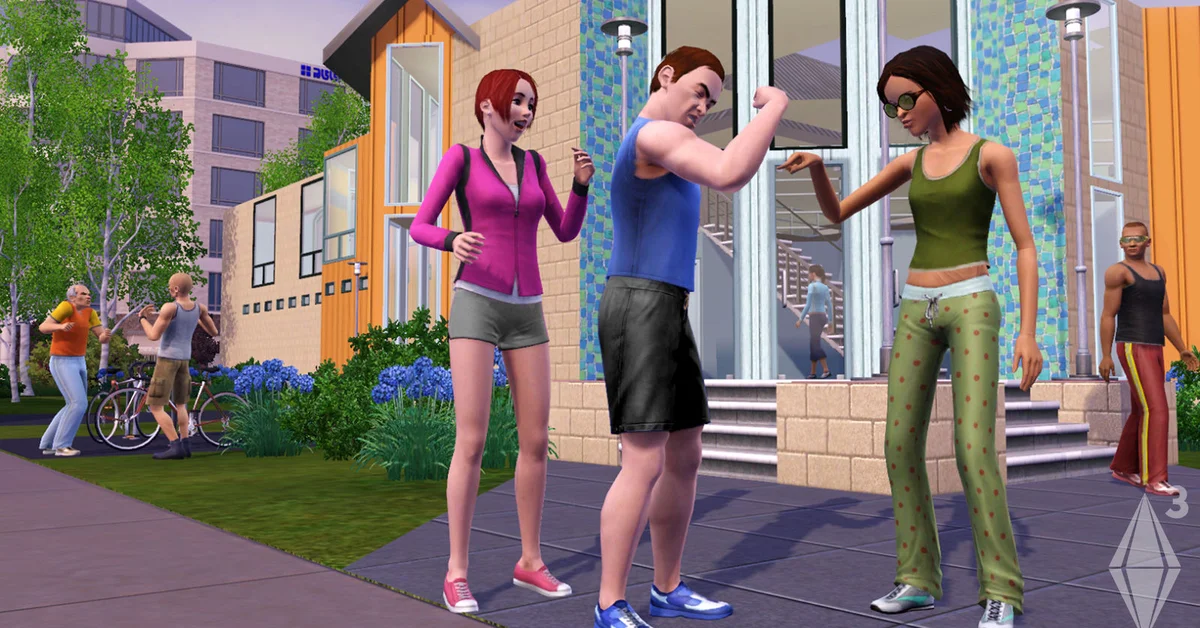
In The Sims 3, the base game cannot send a Sim on a visit to another town: each save holds one world, and the only base-game way to change worlds is to move there for good. Visiting comes from expansion packs, mainly World Adventures (China, Egypt and France), University Life (Sims University) and Into the Future (Oasis Landing). This guide covers each travel route and the pack it needs, how to move a household to a different world permanently, and what mods add on top.
Vacations Abroad with World Adventures
World Adventures is the pack most people mean when they ask about visiting other towns. It adds three vacation worlds: Shang Simla (China), Champs Les Sims (France) and Al Simhara (Egypt). To go:
- Click the Sim’s phone in their inventory, or a computer on the lot, and open the travel option World Adventures adds (vacations are booked by phone or computer).
- Pick the destination.
- Choose which Sims come along. Pets cannot travel abroad.
- Confirm the trip length and pay. The group leaves and loads into the destination world.
Sims arrive at a base camp and spend the trip on adventures, tombs, and new skills such as Martial Arts, Nectar Making and Photography. How long they can stay depends on their visa level for that country: a brand-new traveler gets a short trip, and completing local adventures raises the visa, which lengthens trips and eventually lets the Sim buy a vacation home there. Our guide to increasing visa level covers the fastest way up.
Vacation worlds are for visiting only. Sims cannot live in Shang Simla, Champs Les Sims or Al Simhara in an unmodded game, and when the trip ends the whole group returns home.
A precaution players repeat often: use Save As to make a separate copy of your save before a long trip. Saves that include vacation data have a reputation for occasionally corrupting, and a spare file costs nothing.
University and the Future: Two More Travel Destinations
Two later expansions reuse the same travel system for their own worlds.
University Life sends Sims to Sims University, a separate campus world. Only Young Adults, Adults and Elders can attend. Enrollment is done from the phone or computer; the Sim picks a major, the number of courses and a housing option (dorm or off-campus), then travels to campus for the term. The University Life pack page lists the campus features. When the term ends the Sim can re-enroll or go home. Our sorority guide covers one of the social groups on campus.
Into the Future places a Time Portal in your home world, left behind by the time traveler Emit Relevart. Click it and choose to travel, and your Sims arrive in Oasis Landing, a future version of the town. Time in the home world pauses while they are away, they can stay as long as they like, and pets cannot use the portal. The future they see depends on the choices made in the present, which the Into the Future pack builds its story around.
Island Paradise is the odd one out. Its world, Isla Paradiso, is a normal residential world with hotels and resorts, not a vacation destination, so you play there by starting a game in it or moving there. Its diving spots are covered in our scuba diving guide.
Moving a Household to Another World
To visit a town permanently, move. A later base-game patch added the ability to move a household from one world to another; per the community wiki this arrived with patch 1.55, and moving between worlds requires a minimum amount of household funds rather than a fee.
Player documentation places this under the phone or computer’s Real Estate and Travel menu, next to the ordinary move options. Choose to move to a new world, pick one of the worlds installed in your game, and the household loads into that world. Any world you own qualifies: base-game Sunset Valley, Riverview, expansion worlds such as Bridgeport or Moonlight Falls, and store worlds such as Barnacle Bay, Hidden Springs, Dragon Valley, Monte Vista and Roaring Heights, which EA still sells as add-ons on The Sims 3 page.
The alternative is manual: in Edit Town, save the household to your household library, start a new game in the other world, and place the household from the library. This works on any version but leaves relationships with Sims in the old world behind.
What Mods Add
The one thing the unmodded game does not do is let Sims visit an ordinary residential world and then come home. Community mods fill that gap: the NRaas Traveler mod is widely described as letting Sims travel to any installed world, including residential and custom worlds, and even stay there. Mods are third-party, not supported by EA, and must match your game version, so read the mod’s own documentation first. Our guide to installing Sims 3 mods covers the folder setup, and the 50 best Sims 3 mods list covers the rest.
Frequently Asked Questions
Can you visit other towns in the base game of The Sims 3? Not as a visit. The base game only lets a household move to another world permanently. Temporary trips need World Adventures, University Life or Into the Future.
Which expansion lets Sims go on vacation? World Adventures, with China, France and Egypt as destinations. Your visa level in each country decides how long you can stay.
Can pets come on vacation or to the future? No. Pets stay home for World Adventures trips and cannot use the Into the Future time portal.
Can Sims live in a vacation world? Not without mods. At the top visa level they can buy a vacation home to stay in on later trips, but the household still lives in its home world.
Does time pass at home while Sims are away? For the Into the Future portal, home time pauses. For vacations and university terms, player documentation describes the home world as suspended while the travelers are gone, so they pick up where they left off.
For every other Sims 3 walkthrough, see our Sims hub.