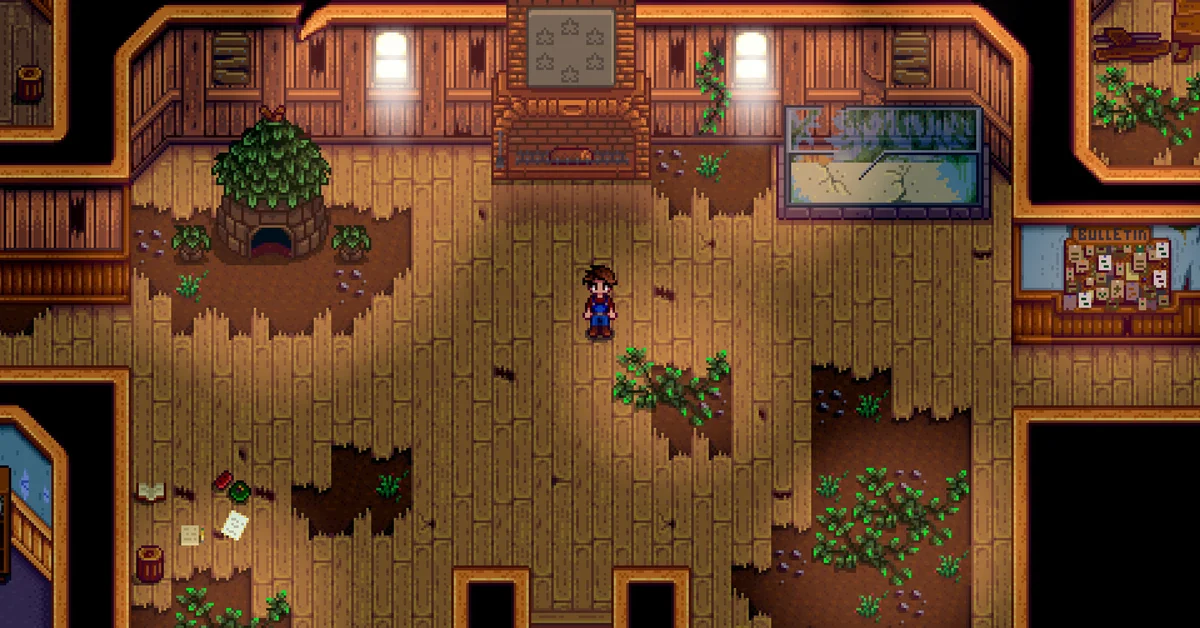
Stardew Valley saves automatically, and only at one moment: when the day ends. Go to bed, click through the end-of-day screens, and the game saves as the next morning begins. There is no manual save button on PC or console, so if you quit in the middle of the day, everything you did since 6am is lost.
This guide covers version 1.6.15 on PC and the matching 1.6.15.1 patch on Xbox, PlayStation and Switch. Below we cover exactly when the game saves, the safe way to quit, how saving works in co-op, where your save files live, and how to back up or roll back a bad day.
When Stardew Valley Saves
The game saves when the day ends in any of three ways:
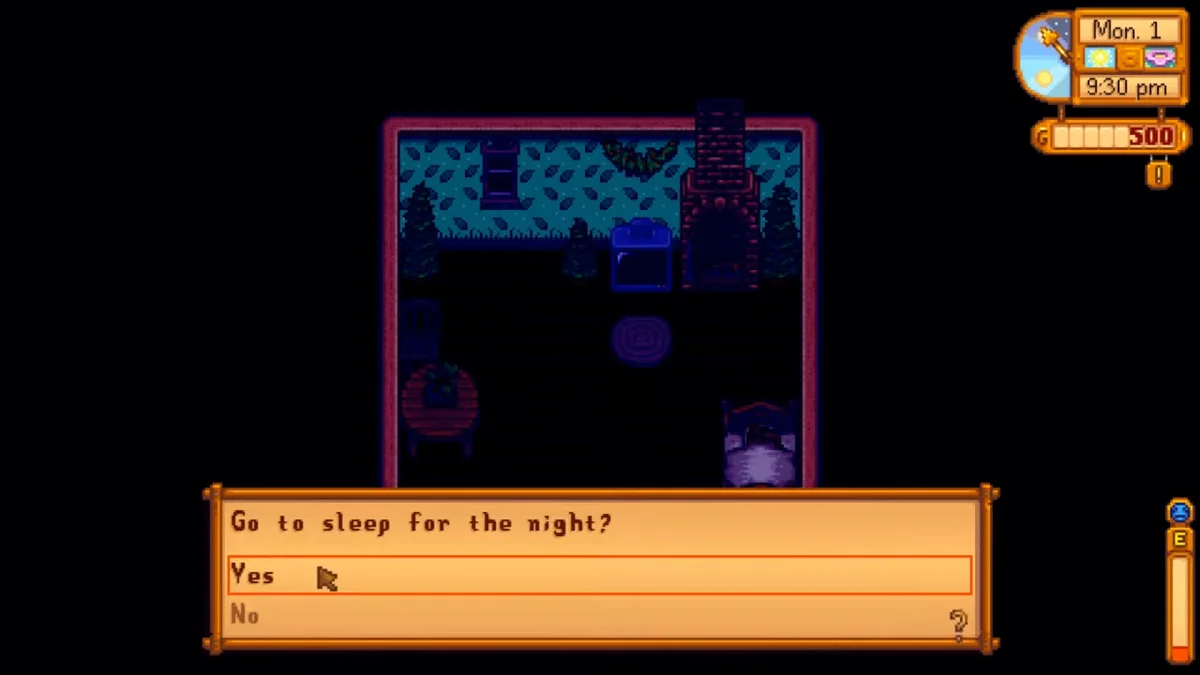
- You go to bed. Walk into your bed and confirm that you want to sleep.
- You collapse from exhaustion by running out of energy.
- You pass out at 2am because you stayed up too late.
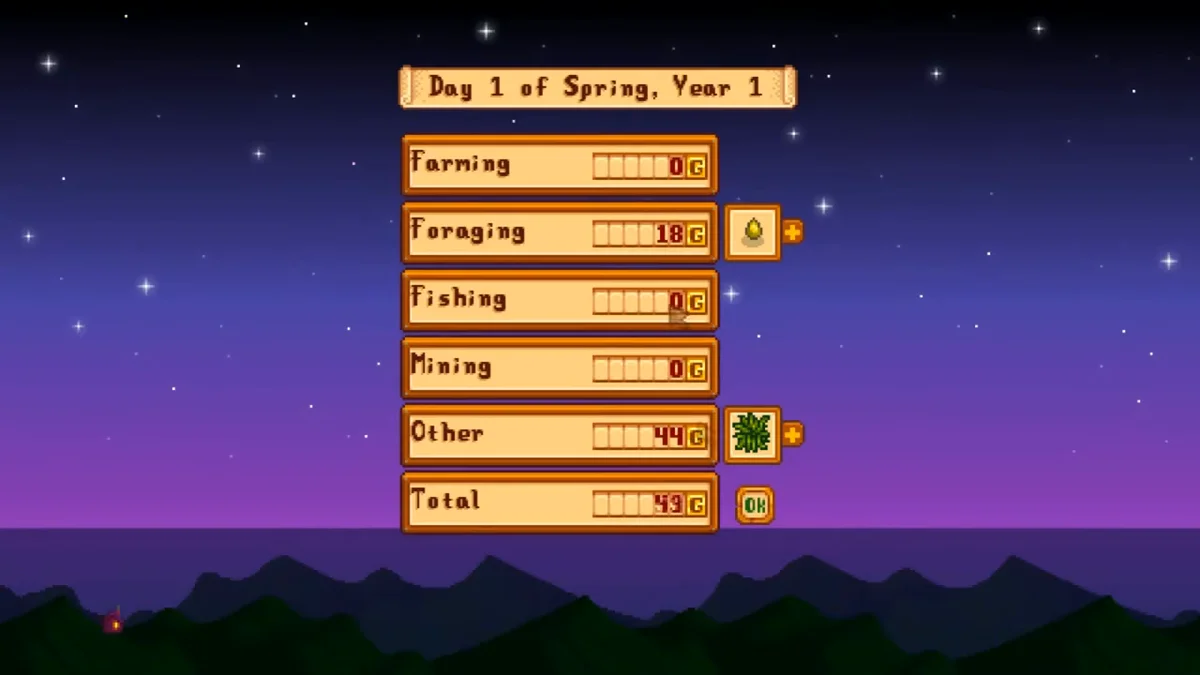
The save does not happen the instant you fall asleep. It runs after the daily shipping summary and any level-up screens, as the new day starts. The other half matters just as much: except on mobile, the game does not automatically save when exiting, and if you exit mid-day, you return to the start of the day the next time you load.
Going to bed is always the best of the three. Passing out outside your farmhouse or cabin costs 10 percent of your gold, up to 1,000g (2,500g on Ginger Island), and sleeping late means waking with less energy. Our energy guide explains how that recovery works.
How to Quit Without Losing Progress
-
Go to bed in your farmhouse, cabin or any bed you have placed, and confirm.
-
Click through the shipping summary and any level-up or profession screens.
- Wait for the save to finish. The game shows a saving screen before the new morning begins.
- Open the menu (Esc or E on PC, Menu or B on Xbox, Options or Circle on PlayStation, + or B on Switch).
- Choose the Exit Game tab, then Exit to Title, or Exit to Desktop on PC.
Our video at the end of this guide shows us saving the game on PC. The screenshots in this guide come from the same recording.
Your farm will load at 6am on the new day, exactly where you left it. If you must stop mid-day, expect to replay that day from 6am.
Saving in Co-op
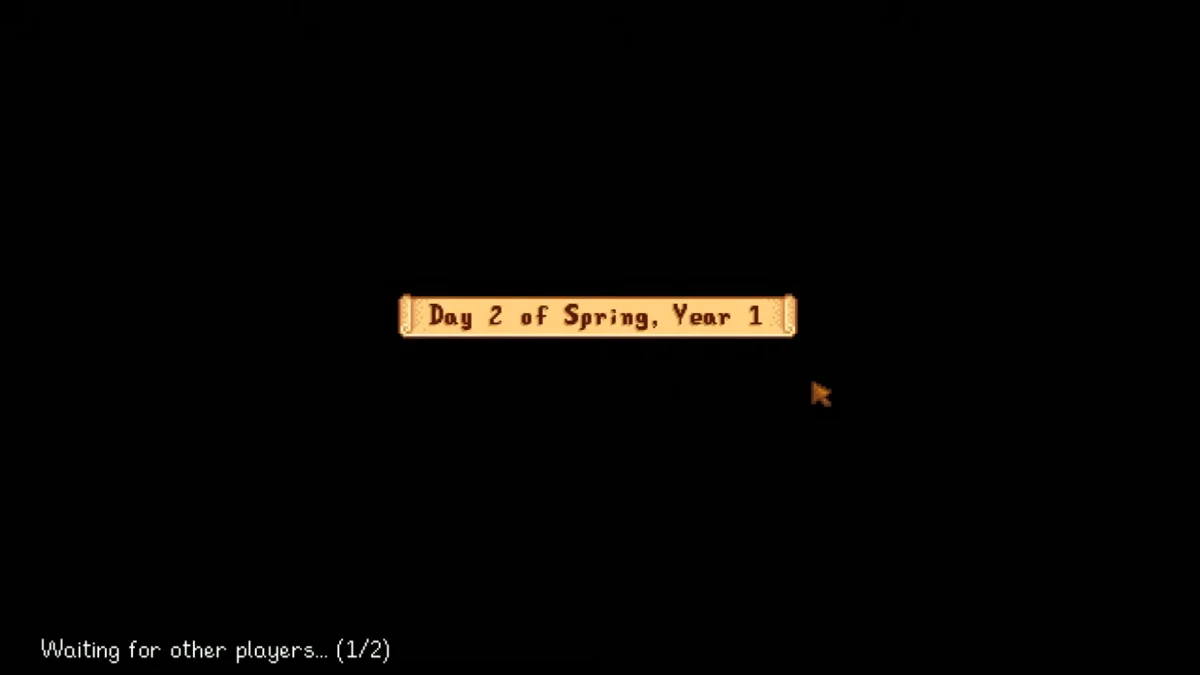
Multiplayer adds two rules. Every player must be in bed, or passed out, before the day can end, and every player then has to click OK on the shipping summary before the game saves and starts the next day. One slow player holds up the save for everyone, so agree on a bedtime.
The save file also lives only on the host’s system. Farmhands’ characters are stored in the host’s world, so they cannot play that farm unless the host has it open. Our co-op guide covers hosting and cabins in full.
Where Your Save Files Are (PC)
On PC, each farm is a folder named after the farm plus a string of numbers, holding two files the game needs to load it: the main save file and SaveGameInfo. The folders are at:
- Windows: press Windows + R, paste %appdata%\StardewValley\Saves and click OK.
- Mac and Linux: ~/.config/StardewValley/Saves
Saves are stored apart from the game itself, so reinstalling or updating does not delete them, and Steam and GOG copies on the same PC share them. To back up a farm, zip its whole folder and keep the zip somewhere outside the Saves folder, since the game will try to load anything left inside it.
One version rule matters: a newer game can load an older save, but an older game cannot load a newer one. That is why a PC save only moves to another device running the same version or newer.
On consoles, the save lives in the system’s own storage and the file steps above do not apply.
How to Undo a Bad Day
Each time the game saves on PC, it keeps the previous save as a pair of files ending in “_old”. ConcernedApe’s official save troubleshooting guide explains that this backup “is always one day behind the actual save file.” To roll back one day:
- Back up the whole save folder first.
- Delete SaveGameInfo and the main save file.
- Remove “_old” from the ends of the two backup files.
The same official guide walks through a missing or corrupted save step by step. Version 1.6.9 also made the game recover most broken or corrupted saves automatically.
If you use SMAPI mods on PC, its bundled SaveBackup mod keeps up to 10 daily backups; our best Stardew Valley mods list explains SMAPI. Mobile is the one version with a manual option: a Save Backup button in its Options page, plus automatic emergency saves when the app goes to the background. That is where most “save anytime” advice comes from, and it does not apply to PC or console. More topics are on our Stardew Valley hub.
Frequently Asked Questions
Can you save in the middle of the day in Stardew Valley? Not on PC or console. The game only saves when the day ends, so quitting mid-day sends you back to that morning.
Does passing out save the game? Yes. Collapsing from exhaustion or passing out at 2am ends the day and saves, but passing out away from home can cost up to 1,000g.
How do you quit Stardew Valley without losing progress? Sleep, click through the end-of-day screens, let the save finish, then use Exit to Title or Exit to Desktop from the Exit Game tab.
Why did my co-op day not save? Every player has to be in bed, or passed out, and then click OK on the shipping summary before the game saves. Until everyone does, the day cannot end.
How do you undo a save in Stardew Valley? On PC, replace the main save files with the “_old” backups in your save folder, which roll the farm back one day.