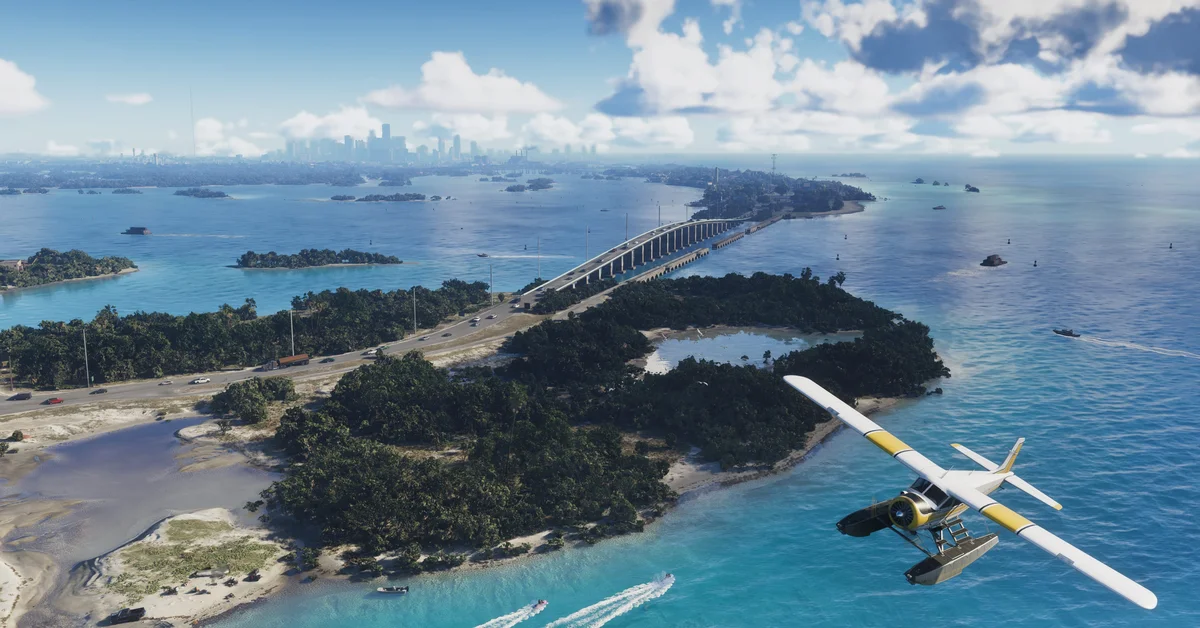
You can preload Grand Theft Auto VI from November 12, 2026, a week before launch, if you pre-order it digitally on the PlayStation Store or Microsoft Store. The Rockstar Store confirms “Pre-load begins November 12, 2026”, and the PlayStation Store lists a “7-Day Pre-load”.
Boxed copies are available from the same day so their owners can preload too. Rockstar hasn’t announced the download size or the exact hour preloading opens.
Step 1: Pre-Order Digitally (or Get the Box)
- PS5: pre-order on the PlayStation Store. The game then appears in your Game Library under Purchased.
- Xbox Series X|S: pre-order on the Microsoft Store. The game appears in My games and apps, in your Full library.
- Code in box: Rockstar says physical versions contain “a download code inside the box to support pre-load on November 12”. Redeem the code on your console’s store, and the game behaves like a digital copy. Our guide to whether the physical version has a disc covers the region lock on PlayStation codes.
Step 2: Let It Download Automatically
Preloads start on their own if your console is allowed to download in the background. These are standard console settings, not GTA-specific ones.
On PS5:
- Go to Settings > Saved Data and Game/App Settings > Automatic Updates and turn on Auto-Download.
- Go to Settings > System > Power Saving > Features Available in Rest Mode and turn on Stay Connected to the Internet.
- Leave the console in Rest Mode instead of switching it off.
The PlayStation Store listing adds that automatic pre-load downloads need your console’s automatic login options enabled, so make sure your account signs in by itself when the console starts.
On Xbox Series X|S:
- Go to Settings > System > Updates and turn on Keep my games and apps up to date.
- Go to Settings > General > Power options and choose Sleep, so the console can download while it’s off.
If an automatic download doesn’t start, open the game in your library on November 12 and select Download or Install.
Step 3: Make Room
Rockstar hasn’t published a file size yet. It usually appears on the store listings when preloading opens, so check them on November 12 and clear space before launch night. Ignore estimates you see online in the meantime: none come from Rockstar, Sony or Microsoft.
If you’re short on space, both consoles support extra storage: M.2 SSDs on PS5 and official Storage Expansion Cards on Xbox Series X|S. Games made for the current consoles need to run from fast internal-grade storage, not a USB hard drive.
What Preloading Doesn’t Do
Preloading only downloads the game; it doesn’t let you play early. GTA 6 unlocks at launch, and our release time guide lists the unlock in every region. Big launches often get a day-one patch, so leave the console online after the preload finishes.
Before Launch Night
- Check your edition. If you want the Ultimate Edition bonuses, our editions guide explains the difference and how to upgrade later.
- Claim your pre-order bonus. Digital pre-orders include a free month of GTA+, which you redeem separately. Our pre-order bonus guide has the steps.
- Check your console. GTA 6 is only on PS5 and Xbox Series X|S.
Every GTA 6 guide is on our GTA hub.
Frequently Asked Questions
When can you preload GTA 6? From November 12, 2026, one week before launch, for digital pre-orders, and for boxed copies once you redeem the code.
How big is GTA 6? Rockstar hasn’t announced the file size. Check the store listing when preloading opens on November 12.
Can you preload the physical version of GTA 6? Yes. The box contains a download code, and Rockstar says boxed copies are available from November 12 to support preloading.
Does preloading let you play early? No. It only downloads the game. You can play once it unlocks on launch day.
Why isn’t my GTA 6 preload downloading? Check that automatic downloads are on and your console stays connected in Rest Mode (PS5) or Sleep (Xbox), or start the download manually from your game library.