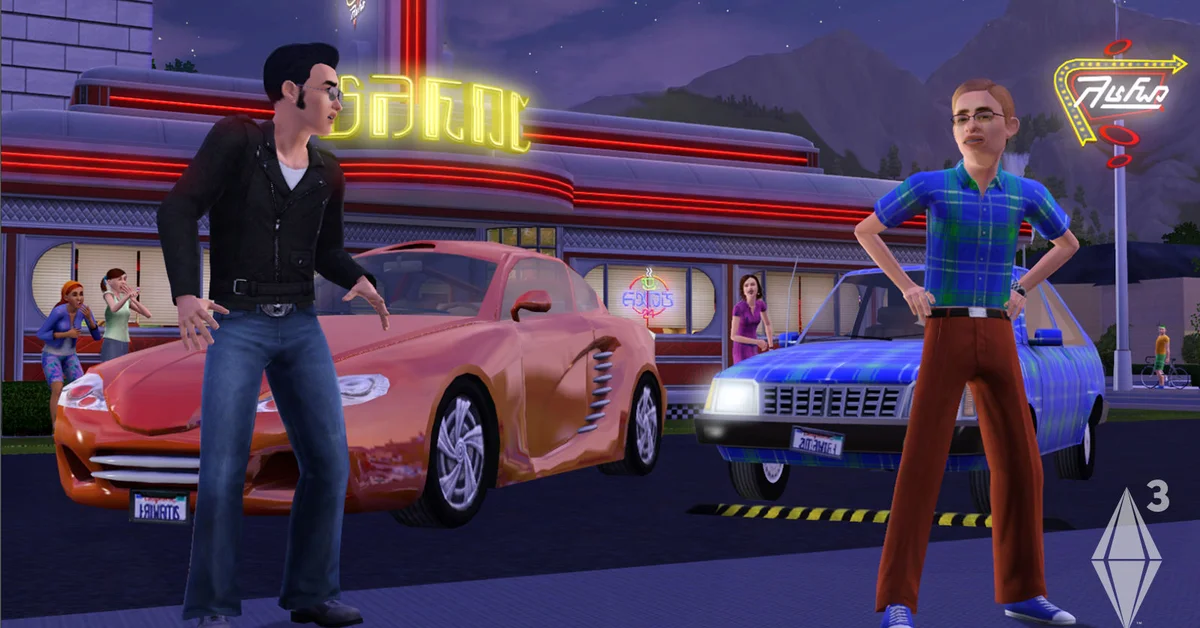
There is no button that sends paparazzi away in The Sims 3: they cannot be asked to leave, so the fix is to keep them out, clean up the damage they do, or turn the celebrity system off. The best home defense is a fence with a locked gate plus locked doors, and the permanent fix is the population controls that patch 1.38 added to the game options. Below we cover why paparazzi follow your Sim, how to lock them out at home and in town, how to recover from a scandal, and the cheat and mod options.
Why Paparazzi Follow Your Sim
Paparazzi arrived with the Late Night expansion pack as part of its celebrity system. Once your Sim earns celebrity stars, photographers start turning up outside clubs, at parties and around town, and the more famous your Sim gets, the more they appear. Per the community-run Sims wiki, they will follow a celebrity around, walk into a home if the gates or doors are unlocked, and even trail a celebrity child to school (they stay outside the building).
Celebrity status does not decay on its own, so a famous Sim stays famous. If you are still building fame, our guide on how to become a celebrity in Sims 3 explains the star levels; the Film career in particular hands out celebrity points from level 4, as our Sims 3 Film career guide covers.
Keep Paparazzi Out of Your Home
This is the most effective method, and it needs nothing beyond Late Night:
- Fence the whole lot. Any gap lets them walk straight up to the house.
- Add a gate and lock it. Click the gate and set it so only household members can pass. The community wiki recommends pairing the fence with a front gate and a call box, which Late Night uses on its celebrity homes, so visitors ring from outside instead of walking in.
- Lock the doors the same way. The wiki notes that paparazzi sneak in when gates or doors are left unlocked, so lock both.
- Leave room outside the gate. Player reports on the Steam discussion boards suggest placing the gate with space in front, so the photographers crowd there instead of blocking the path.
With Supernatural installed, the community wiki also says Bonehilda can scare paparazzi away, though it flags that claim as unconfirmed.
Keep Paparazzi Away in Town
Community lots are harder, because you do not control them. Two things help:
- VIP areas with barrier ropes. Late Night venues use velvet barrier ropes and bouncers to keep lower-level Sims out, and the wiki notes paparazzi cannot get past a rope while a bouncer is present. If you own or edit a venue, add ropes around the areas your celebrity uses.
- Stay off the busiest lots. Clubs and hotspots draw the most photographers. Home lots and quieter venues see far fewer.
Clean Up After a Scandal
The real damage paparazzi do is catching your Sim misbehaving. WooHoo in public, fighting, cheating on a partner and other bad behavior can leave a celebrity Publicly Disgraced for several days, which hurts relationships and blocks celebrity discounts. The community wiki lists these ways to recover:
- Dispel Rumors with other Sims, which shortens the disgrace each time.
- Sue for Slander at City Hall. It costs legal fees, and you can win a payout or lose the fees.
- Pay Off Paparazzi at the office building. The price rises with your Sim’s celebrity level.
- Deflect Scandal onto another celebrity at the office building, which costs relationship with the target whether it works or not.
Our Sims 3 WooHoo guide covers where WooHoo can happen, which helps you keep it behind closed doors.
Turn the Celebrity System Off
If you do not want fame at all, patch 1.38 added population controls to the game options. The patch’s release notes, as archived by the community wiki, say they are game-wide (not per save), and with Late Night installed they include a toggle for Celebrities. With celebrities switched off, Sims stop becoming famous, which stops paparazzi from having anyone to chase. The Sims 3 no longer receives patches, so this is the final version of the setting.
One trade-off: the community wiki warns that disabling celebrities can stall the Film career, which uses celebrity level as a promotion factor.
Cheats and Mods
- Reset them. Open the cheat console with Ctrl + Shift + C on PC and type
resetsim Firstname Lastnamewith the photographer’s name. Player reports say this sends them off the lot, but they come back when needed. Our guides to enabling cheats in Sims 3 and resetting a Sim explain the console. - Remove the role. Player reports point to the NRaas Register mod, which can remove paparazzi from a town’s global roles. Our guide to installing Sims 3 mods covers setup, and our best Sims 3 mods roundup lists other quality of life fixes.
For the rest of the series, visit our Sims guides hub.
Frequently Asked Questions
Can you ask paparazzi to leave in The Sims 3? No. Per the community wiki, paparazzi cannot be asked to leave, so you have to keep them out or remove the reason they are there.
Which pack adds paparazzi to The Sims 3? The Late Night expansion pack, which adds the whole celebrity system.
Do paparazzi go away if my Sim loses fame? Celebrity status does not decay on its own, so waiting will not help. Turning celebrities off in the population controls is the permanent option.
How do I fix a Publicly Disgraced moodlet? Dispel rumors with other Sims, sue for slander at City Hall, or pay off the paparazzi at the office building.
Will a fence really keep paparazzi out? It works best with a locked gate and locked doors. Paparazzi walk in through anything left unlocked.