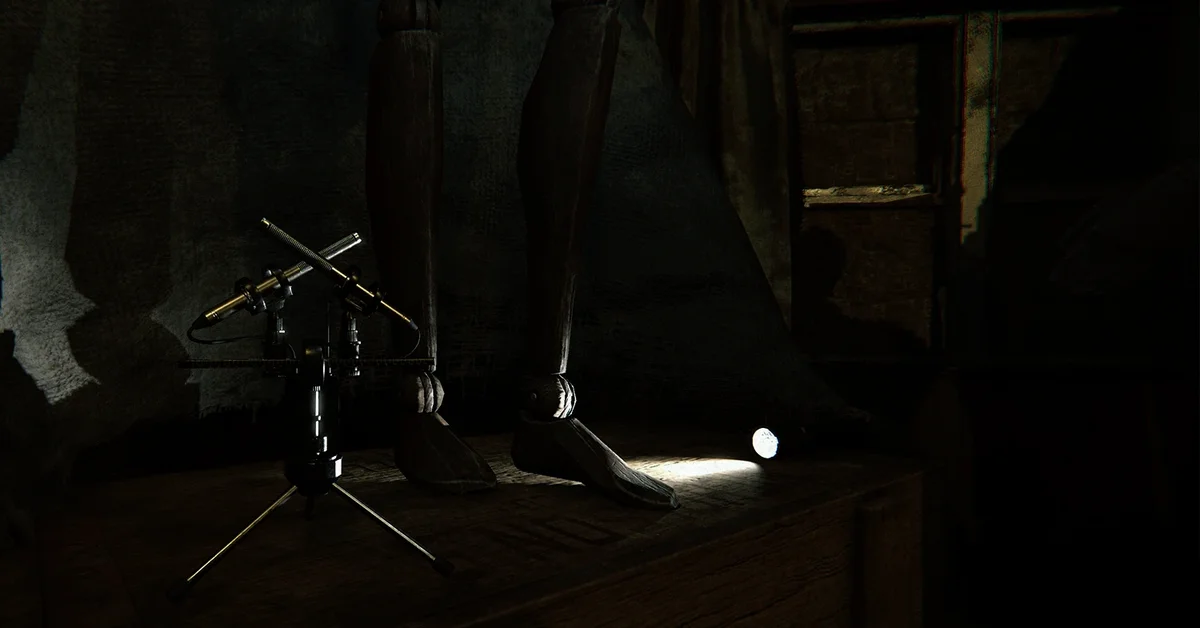
Since the Resonance update, Phasmophobia‘s ghosts respond to a set list of voice lines printed on a new Ghost Communication page in your Journal: in the version Kinetic Games showed before launch, they are “Can you speak to us,” “Open a door,” “Close a door,” “Give us a sign,” “Show us your presence,” “Throw something,” “Turn this on” and “Turn this off.” Saying the ghost’s name or certain trigger words no longer raises its activity, and the Spirit Box, Ouija Board and Monkey Paw keep their own separate phrases.
Resonance, version 0.20.0.0, came out on November 24, 2026, on every platform. Below we list each line and what it asks for, what changed from the old system, how the lines work in Text mode and VR, and what to check when the ghost is not hearing you.
The Ghost Communication Lines
Kinetic showed the new Journal page in its Development Preview #22 on November 2, under the heading “Ghost Communication” and the line “Here’s a list of phrases we’ve discovered that prompt a reaction from Ghosts.” The image was marked work in progress, so if your Journal words a line differently, go by the Journal.
| Line | What you are asking the ghost for |
|---|---|
| “Can you speak to us” | To speak to you |
| “Open a door” | To open a nearby door |
| “Close a door” | To close a nearby door |
| “Give us a sign” | A sign that it is there |
| “Show us your presence” | Proof of its presence |
| “Throw something” | To throw a nearby object |
| “Turn this on” | To switch something on |
| “Turn this off” | To switch something off |
The Resonance patch notes describe the new options as a way “to ask for interactions or proof of presence from the Ghost,” and Kinetic’s preview said they let you ask the ghost to interact with nearby objects such as doors and switches, throw objects or give a sign of its presence. In Kinetic’s image the page sits opposite the Journal’s “Media – Sounds” page.
What Changed From the Old System
Before Resonance, saying a ghost’s name or certain words near it could raise its activity. The patch notes are direct about that: “These new options replace the ability to say certain words or the Ghost’s name to try and increase Ghost activity.”
So stop calling the ghost by name. Use the lines above to ask for the specific thing you want to see, such as a door moving or a light switching, and watch for it.
Equipment Phrases Are Separate
The bottom of the Ghost Communication page notes that “There are also separate phrases we can use for the Spirit Box, Ouija Board, and Monkey Paw.” The Resonance patch notes list no change to those phrases:
- Spirit Box: Kinetic’s own suggestions are “Give us a sign,” “Where are you?” and “How old are you?” Our guide to using the Spirit Box covers the light and distance rules a reply depends on.
- Monkey Paw: every wish starts with “I wish,” such as “I wish for sanity.” Our Monkey Paw guide lists every wish and its price.
- Ouija Board: it has its own phrases too, which the Ghost Communication page keeps apart from the ghost lines.
Using the Lines in Text Mode and VR
Kinetic’s preview said the new options are also available when your Voice Recognition mode is set to Text, and that VR players using Text mode get them through the Sanity watch. Two Resonance fixes help here: on consoles, Text input options no longer appear when your recognition is set to Voice, and on every platform, using Text input no longer registers as movement, which used to make your footsteps audible and drain Sanity.
When the Ghost Cannot Hear You
If the lines get no reaction at all, check that the game is hearing you before blaming the ghost. Kinetic’s Help Centre gives these checks for voice recognition:
- Test the microphone in a map. Open Options, then Audio, and speak: the Current Microphone Input bar should move.
- Refresh audio after loading. If voice stops working once a map loads, open Options, then Audio, and press Apply even without changes.
- Match the language. In the lobby, open Options, then Other, and check the Voice Recognition Language.
- Check your talk mode. With Push-To-Talk, confirm the key binding; with Toggle, the microphone icon in the bottom left should be white, not grey.
- Close audio tools. Kinetic names Voicemeeter, Nahimic, Logitech G Hub, Razer Cortex and Voicemod among the apps that interfere, and says high-end XLR microphones may not be fully supported.
Resonance also brought the Dowsing Rods, which our guide to using the Dowsing Rods covers, and our Resonance news story has the rest of the update. Every guide is on our Phasmophobia hub.
Frequently Asked Questions
Does saying the ghost’s name still work in Phasmophobia? No. Since Resonance, saying the ghost’s name or certain words no longer raises its activity. The new Ghost Communication lines replace it.
Where are the voice commands listed in the Journal? On the new Ghost Communication page, which Kinetic added in the Resonance update.
Do the voice lines work on PS5 and Xbox? Yes. Resonance is on every platform Phasmophobia is on, and voice recognition and Text mode both work on PS5 and Xbox.
Can you use the voice lines without a microphone? Yes. Kinetic’s preview said they work with Voice Recognition set to Text, and VR players in Text mode reach them through the Sanity watch.
Did Resonance change the Spirit Box or Monkey Paw phrases? No. They keep their own separate phrases, and the patch notes list no change to them.