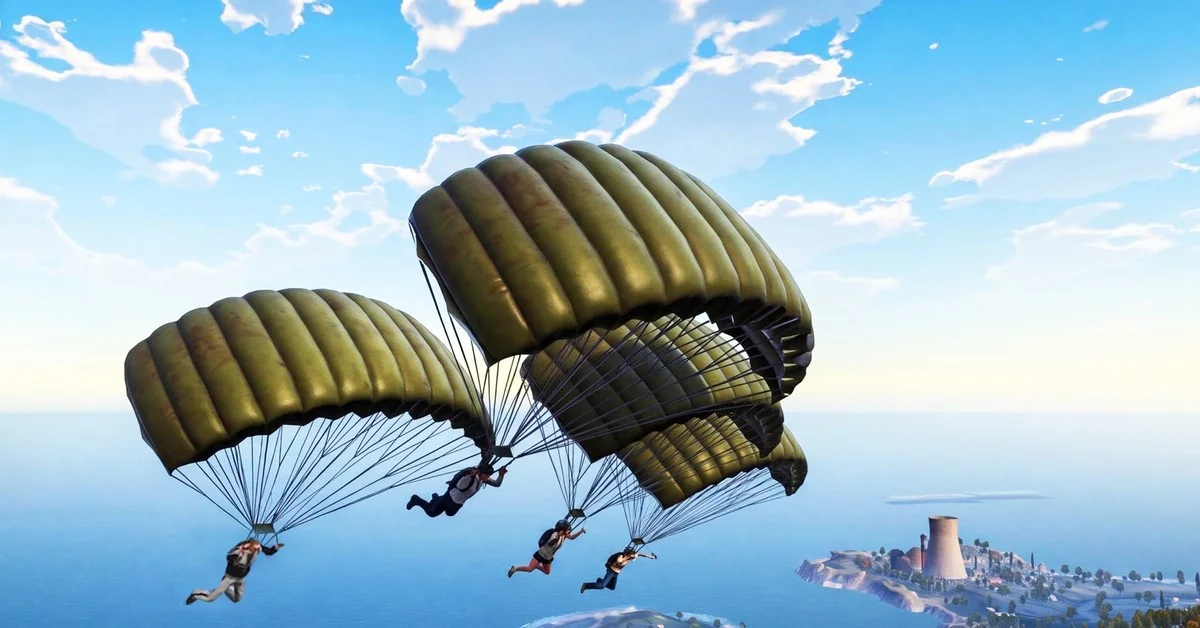
PUBG Mobile Flash, the new lightweight version of PUBG Mobile, is out now and free: search PUBG MOBILE FLASH on the App Store and tap Get, or on Google Play and tap Install. PUBG Mobile’s launch press release gives November 13, 2026 as the launch date and puts the first download at under 1 GB on Android and under 2 GB on iOS.
Below are the steps for each store, when it went live, the download size, the devices it runs on, the official APK, and the countries where the App Store page shows up.
When PUBG Mobile Flash Launched
There were two official dates, one day apart:
- November 13: PUBG Mobile’s Version 4.7 press release, sent on November 11 through its UK PR agency Swipe Right, said Flash was “launching on November 13th,” and its launch release from London on November 12 gives the same launch date. The App Store screenshots for Flash carry the same date.
- November 14 at 08:00 UTC: before launch, the US App Store page said “Expected Nov 14, 2026,” and Apple’s store data for the listing put the release at 08:00 UTC that day.
It launched on November 13. Apple’s store data for the US listing now gives the release as 08:00 UTC that day, which was 3:00 AM Eastern (midnight Pacific), and when we checked on the morning of November 13, the App Store offered Flash with a Get button in place of the pre-order, and Google Play offered it with an Install button and more than 100,000 downloads already. Pre-orders and pre-registrations made before launch arrive the way each store delivers them, covered in the steps below.
How to Download PUBG Mobile Flash on iPhone and iPad
- Open the App Store and search for PUBG MOBILE FLASH, or open the App Store page directly. The seller is Tencent Mobile International Limited.
- Check that the page says “Free,” then tap Get under the app’s name.
- Confirm with Face ID, Touch ID or your Apple Account password, and let the 1.8 GB download finish.
- Open Flash and sign in with your existing PUBG Mobile account, if you have one.
If you pre-ordered before launch, Apple’s developer page on pre-orders says a pre-ordered app downloads onto your device on release day and sends you a notification. Apple Support adds that the automatic download needs automatic downloads switched on; if Flash does not appear, find it in your purchases and download it from there.
How to Get PUBG Mobile Flash on Android
- Open the Google Play Store app and search for PUBG MOBILE FLASH, or open the Google Play listing. The developer is Level Infinite, and the listing’s address ends in
com.tencent.igfit. - Tap Install. Google Play downloads and installs it like any other app.
- Open Flash and sign in with your existing PUBG Mobile account, if you have one.
If you pre-registered before launch, Google Play sends a notification when the game is ready, and you can install it from the notification or the listing. Do not mix it up with the main PUBG Mobile listing, whose address ends in com.tencent.ig without the “fit.” As of November 13, the Flash listing shows more than 100,000 downloads.
PUBG Mobile’s own Flash page also offers an Android APK, listed at 1.1 GB, for phones without Google Play. If you go that route, download it only from that page.
Download Size and Device Requirements
Flash exists to take less space than the main game. PUBG Mobile’s launch release puts the first download at under 1 GB on Android and under 2 GB on iOS; the Google Play description says “under 0.96 GB on Android or under 1.75 GB on iOS,” and the App Store page’s size field reads 1.8 GB. For comparison, the main PUBG Mobile app’s App Store listing is about 4 GB. The release also says Flash needs at least 2 GB of RAM and offers frame rate options of 25, 30, 40 and 60 FPS, depending on what your phone can handle.
| iPhone and iPad | Android | |
|---|---|---|
| Store | App Store | Google Play |
| Size | 1.8 GB on the listing (under 2 GB, per the launch release) | Under 1 GB, per the launch release |
| Requires | iOS 13.0 or iPadOS 13.0 or later | Android version not shown on the web listing |
| Memory | At least 2 GB of RAM, per the launch release | At least 2 GB of RAM, per the launch release |
| Frame rates | 25, 30, 40 or 60 FPS, depending on the device | 25, 30, 40 or 60 FPS, depending on the device |
| Age rating | 13+ | Teen |
| Price | Free, with in-app purchases | Free, with in-app purchases |
Both listings say Erangel and the Classic Battle Royale come in the first download, with nothing extra to grab before your first match. Everything else, from other maps and modes to events and higher-quality textures, downloads only when you ask for it, and the App Store version adds a download confirmation so nothing big lands without your say-so. The App Store page also lists graphics tuning for “entry-level and mid-range phones.”
The App Store page supports English plus 16 more languages: Arabic, Burmese, French, German, Hindi, Indonesian, Malay, Portuguese, Russian, Simplified Chinese, Spanish, Thai, Traditional Chinese, Turkish, Urdu and Uzbek. Its in-app purchases include the Prime and Prime Plus subscriptions.
Which Countries Have the App Store Page
Neither listing nor either press release gives a list of countries. As of November 13, Apple’s store offered Flash in countries including the US, UK, Canada, Australia, Germany, France, Italy, Spain, the Netherlands, Poland, Mexico, Brazil, Turkey, Saudi Arabia, the UAE, Egypt, Nigeria, South Africa, Pakistan, Nepal, Indonesia, Malaysia, Singapore, the Philippines and Thailand.
It was still not on the App Stores of India, Japan, South Korea, Vietnam, Taiwan, Bangladesh or Russia. The main global PUBG Mobile app is not on the first six of those App Stores either, so those regions are left out of both apps; Russia is the odd one, with the main app listed and Flash missing. Players in India use KRAFTON’s separate Battlegrounds Mobile India app, which the Flash listings do not mention.
Do You Need the Main PUBG Mobile App?
No. Flash is its own app with its own store page, so it installs next to the main game rather than replacing it. The press release says you “can also use their existing PUBG MOBILE accounts and team up with friends across both applications,” so you sign in with the account you already have.
Stick to the two store listings above. The official channels point to the App Store, Google Play and the APK on PUBG Mobile’s own Flash page, and the App Store page says Flash runs PUBG Mobile’s Ban Pan anti-cheat, so an APK from anywhere else is a risk to your account. The PUBG: Battlegrounds anti-cheat team takes ban evasion seriously too: it recently banned 10,237 accounts that dodged hardware bans.
If you want a second mobile battle royale, Call of Duty: Mobile Season 10 brought Verdansk to phones. And PUBG Mobile is based on PUBG: Battlegrounds, which sits on our list of the best-selling games of all time.
Frequently Asked Questions
When did PUBG Mobile Flash come out? On November 13, 2026, the launch date in PUBG Mobile’s launch release. Apple’s store data gives the US App Store release as 08:00 UTC that day (3:00 AM Eastern), a day earlier than the “Expected Nov 14, 2026” its listing showed before launch.
Is PUBG Mobile Flash free? Yes. Both store listings show it as free, with in-app purchases such as the Prime and Prime Plus subscriptions on the App Store.
How big is the PUBG Mobile Flash download? Under 1 GB on Android and under 2 GB on iOS, per PUBG Mobile’s launch release; the App Store page lists 1.8 GB. Extra maps, modes and resources download later, only if you choose them.
What phone do you need for PUBG Mobile Flash? One with at least 2 GB of RAM, per the launch release, and iOS 13.0 or later on iPhone. Flash offers 25, 30, 40 and 60 FPS options, depending on the device.
Can I play with friends on the main PUBG Mobile app? Yes. The press release says you can team up with friends across both apps, and the App Store page promises matches together across PUBG Mobile and Flash.
Is there an official PUBG Mobile Flash APK? Yes. PUBG Mobile’s own Flash page at pubgmobile.com offers an Android APK, listed at 1.1 GB. Get Flash from that page, Google Play or the App Store, never from another site.