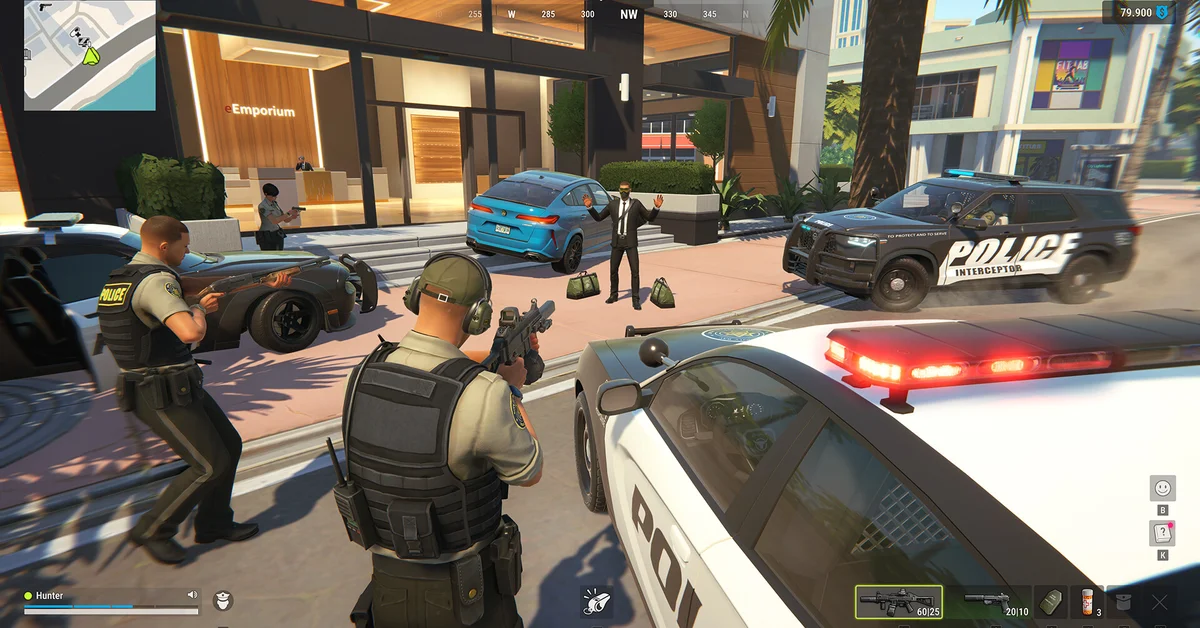
To report a cheater in ROB RUN, press the Report button on the death screen after they kill you. Kefir’s November 17 patch notes made that button “more noticeable,” and the studio has asked for an in-game report whenever something looks suspicious. Those reports are one of the three signals Kefir says its anti-cheat work draws on.
For problems the button cannot cover, such as a bug someone is abusing, Kefir’s help center sends you to its support team by email. Below are the steps, what counts as cheating under Kefir’s rules, what to check before you report, how to reach support, and what happens next. Our guide to cheats in ROB RUN covers how the anti-cheat itself works.
How to Report a Cheater In-Game
- Get to the death screen. When another player kills you, the death screen shows a Report button. Kefir’s patch notes and posts name only this screen as the place to send a report from, so that is the moment to act.
- Check who you are reporting. In a Russian-language post on its official Telegram channel on November 20, Kefir said (our translation) that it had updated the report window to show more information about the player and made the report button easier to spot. Look it over before you send.
- Send it and get back to your run. Kefir has not published any further steps, and it asks for a report in every suspicious case rather than only the ones you are sure about.
The same November 20 post said Kefir had already taken steps to fix a recent problem with sending reports. If a report failed to go through for you earlier in the month, Kefir says that problem has been addressed.
What Counts as Cheating in ROB RUN
Kefir’s community rules list what is “strictly prohibited”: cheats, exploiting bugs for an advantage, real-money trading, selling accounts, harassment, spam and doxxing. Its ban policy, which Kefir updated on November 17, goes into more detail. Bannable conduct includes:
- Cheats, bots, scripts, macros and other unauthorized software
- Exploiting bugs or glitches, or manipulating mechanics for rewards you are not meant to get
- Bypassing the anti-cheat
- Using another account to get around a ban or other restrictions
- Stream sniping, which means using someone’s live broadcast to gain an advantage
- Selling in-game items or currency, or advertising that you do
What is not cheating matters just as much. ROB RUN’s terms say actions the game’s mechanics allow, “including PvP combat, raids, forming clans or alliances, and betrayal,” are not prohibited conduct. Kefir’s November 13 FAQ also defends two things that can feel unfair: camping a drop-off point (“that’s part of ROB RUN, too”) and jumping a property fence in a car, since fences were never meant to block access completely. A squad waiting at the drop-off is playing the game, not hacking it.
Check This Before You Report
Kefir’s servers already block a long list of cheats, so some things that look like hacking are not. In its November 9 Telegram post, Kefir said the server checks key actions and limits what it sends to your PC, which rules out speed hacks, walking through walls, flying, teleporting, immortality, seeing the health of anyone outside your party, and seeing inside closed containers or other inventories. Kefir also notes that lag can make it look as if someone flew or teleported.
What the server cannot fully stop, by Kefir’s own account, is aim assistance and limited information about other players close to the cheater. Those are the cases the button is for: someone who tracks you through walls again and again, or whose aim snaps onto targets in a way nobody else’s does. Kefir said on November 20 that it is sharpening the criteria it uses to tell skilled shooters from aim cheats, and chance encounters from radar users, while keeping false positives down. One great shot is not evidence. A pattern is.
How to Contact Kefir Support
For a cheater, the in-game report is the route Kefir asks for, and it has not published a separate email process for cheater reports. Support is the place for everything around it: a bug someone is exploiting, a report button that will not work, lost progress or a ban appeal.
Kefir’s contact page gives the support email as robrun.support@kefircyprus.com, and its other help pages say what to send:
| What you are reporting | What Kefir’s help center asks for |
|---|---|
| A bug or an exploit | What you were doing before it happened, plus a screenshot or video (bug page) |
| Lost progress | Your UID, your player name and the approximate time it happened (progress page) |
| An Easy Anti-Cheat error | A screenshot and your UID (anti-cheat page) |
| A ban you disagree with | An appeal to support, under the ban policy |
Your UID is in the Esc menu. Press Esc and it appears on the right under your character name, with a Copy UID button that puts it on your clipboard, according to Kefir’s ID page.
The same contact page lists Kefir’s official communities (Discord, X, Steam, Facebook, Instagram, VK and Telegram) for news and discussion, and its feedback page points ideas and suggestions there. Kefir’s November 17 safety post on Telegram adds that almost every question is settled through support tickets, and that its moderators and QA staff message players directly only in exceptional cases.
What Happens After You Report
Kefir said on November 20 that it works from three sources of signals: reports sent from the game, Easy Anti-Cheat events and its own server checks, and that it aims to check those signals faster and act on confirmed violations. On November 9 it said reports help it find cheaters faster and test the ways they get around its protection.
Do not expect a reply. Kefir has not said it tells you the outcome of a report, and its ban policy says it has no obligation to disclose the grounds for a ban and may keep “technical violation detection methods, signatures, thresholds” private. Kefir also announces bans in waves: it rolled out a new one on November 23 and said it had blocked more than 200,000 accounts so far. Part of its detection runs in a shadow mode to avoid banning innocent accounts by mistake, so a reported cheater is not always removed on the spot.
Until then, Kefir’s combat design is on your side. Its November 9 post points out that close-range fights, indoor fights and vehicles blunt aim assistance, and that hiding in a closet keeps you out of sight of radars and wallhacks alike.
Mistakes That Can Get Your Own Account in Trouble
- False reports. Kefir’s ban policy lists “Misusing support channels by submitting false reports” as a bannable violation, and ROB RUN’s terms say the same. Report what you saw, not a rival clan.
- Abusing support staff. The same line covers “using profane, obscene, or abusive language when communicating with support.” Keep your message to the facts.
- “I reported you by accident” messages. Kefir’s November 17 safety post calls these a scam: fake admins warn that your account is about to be banned, or claim they reported you by mistake and send you to an “admin.” Kefir says it never asks for your password, login codes, Steam Guard codes, a QR scan, a payment or a download.
- Fighting cheats with cheats. Using a cheat against a cheater is still cheating, and Kefir’s anti-cheat page says using cheats “results in a permanent ban.”
What Kefir Is Doing Next
Kefir’s November 23 Steam post says it is talking to the Easy Anti-Cheat team about more security measures, building its own cheat-detection tools, growing its in-house anti-cheat team and exploring hardware bans. Restricted servers come first: they will ask for a minimum amount of jail time or a total of in-game purchases, and they will be matchmade separately from standard servers. Our news story on the restricted servers has the details, our jail time guide explains how that stat builds, and every guide for the game is on our ROB RUN hub.
Frequently Asked Questions
How do you report a cheater in ROB RUN? Press the Report button on the death screen after the player kills you. Kefir made the button more noticeable on November 17 and added more information about the player to the report window on November 20.
Can you report a player who did not kill you? Kefir’s patch notes and posts only describe the Report button on the death screen. For an exploit or anything else the button cannot cover, email support at robrun.support@kefircyprus.com with a description and a screenshot or video.
Does Kefir tell you if a player you reported gets banned? Kefir has not said it does, and its ban policy says it does not have to share the grounds for a ban or its detection methods.
Can you get banned for false reports in ROB RUN? Yes. Kefir’s ban policy lists submitting false reports through support channels as a violation that can lead to a ban.
Where is my UID in ROB RUN? Press Esc. Your UID appears on the right under your character name, and the Copy UID button copies it to your clipboard.
Is a player who seemed to teleport cheating? Not necessarily. Kefir says its servers block flying and teleporting, and that lag can make it look as if someone did.