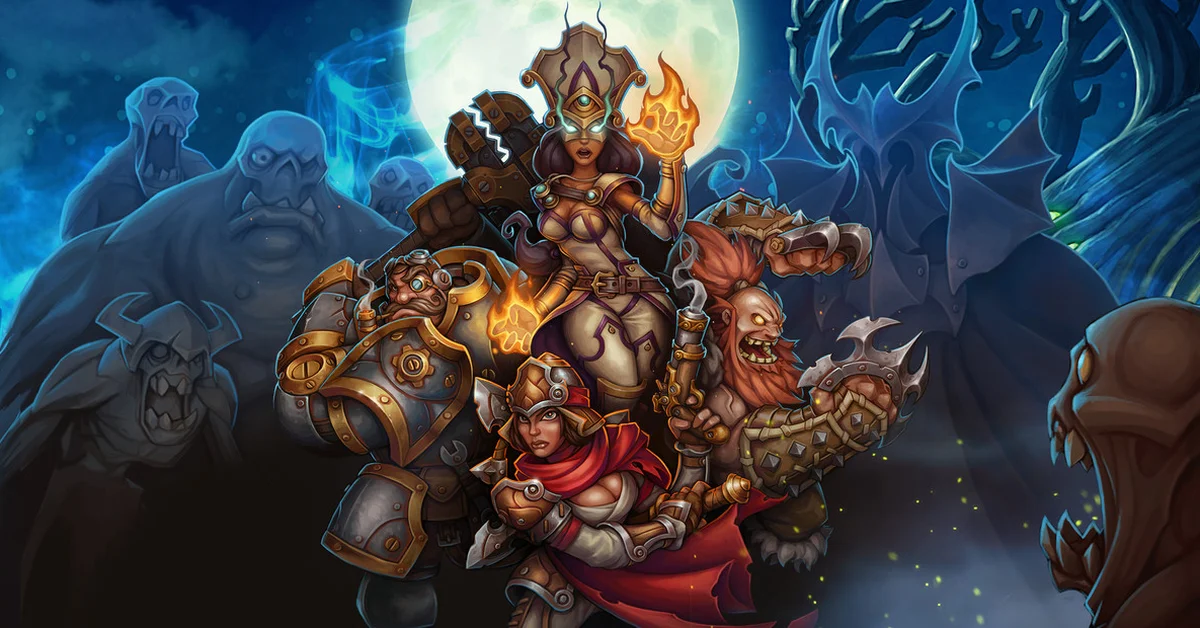
To play Torchlight 2 with friends online, update the game on Steam, make sure everyone is on the same branch, choose online multiplayer, and host or join a game from the lobby. Since November 11, 2026, the default Steam version signs you in with your Steam account and loads your Steam friends list, so you no longer need a separate TapTap.io account. You can also play over LAN on the same network, with up to six players on PC.
Online login changed twice in seven weeks, which is why so many groups got stuck. This guide gives the current steps on Steam, the branch and mod rules that decide who can join whom, how saves behave, and what to do when a connection fails. It is based on the Torchlight II team’s own Steam posts from September to November 2026.
What Changed With Online Login
Torchlight II has moved through three online logins since September:
- Before September 21: online play used the old Arc Games account service.
- September 21: a server migration moved online play to TapTap.io accounts, with a new display name and an empty friends list, because friends data from the old service could not carry over.
- October 23: the team opened an optional public_beta branch that logs in with Steam instead.
- November 11: the default branch switched to Steam login too. The game now authenticates through your Steam account and loads your Steam friends list.
Friends you added through TapTap.io do not sync to Steam, but the team says they are not deleted: they stay saved to that account. Our news story on the Steam login switch has the full background.
How to Play Online With Friends
- Update the game. Let Steam download the latest version. Online play needs a current client.
- Match branches with your group. The default branch and the public_beta branch cannot play together, the team says, so everyone needs the same one. To check, right-click Torchlight II in your Steam Library, choose Properties, then Betas, and see which branch is selected.
- Add each other as Steam friends. The in-game friends list is now your Steam friends list, so anyone you only knew through TapTap.io needs a Steam friend request first.
- Match your mods. Everyone in a game needs the same mods. When you browse Internet games, the Steam Workshop launcher (added in 2013) filters modded games by mod combination and can subscribe you to a game’s mods with one click, then restarts Torchlight II to sync and activate them.
- Start online multiplayer and pick your hero. You are signed in through Steam automatically, with no TapTap.io screen.
- Host or join from the lobby. The host creates a room for the group, and everyone else joins it from the lobby. Online and LAN games on PC hold up to six players, per the official site.
Single-player mode is not affected by any of this, and the team says the November update changed only how online multiplayer signs you in, not the game’s content or other multiplayer services.
How to Play Over LAN
If your group shares a network, LAN skips the internet lobby entirely. Choose LAN instead of online play, have one player host, and the rest join on the same network. The Steam store page promises co-op “via LAN or over the Internet for free.”
One fix to know: the public_beta update on October 30 fixed disconnections or crashes on Windows when several game clients run on the same local network. If LAN games keep dropping on the default branch, the whole group can move to public_beta together (Properties, then Betas, then public_beta).
Steam lists cross-platform multiplayer for Torchlight II, and the 2015 Mac and Linux release posts said those versions can play with Windows. The public_beta branch added Linux and Steam Deck support on October 30.
Saves, Characters and Branches
Your heroes are local saves, so you bring your own character into a friend’s game. Switching between the default and public_beta branches keeps your progress, because both branches share save data.
The catch is mods. Torchlight II keeps modded and unmodded saves in separate folders, so if you turn mods on or off, your other heroes may not load until you switch back. They are not lost. The team recommends backing up before you switch branches or change your mod setup. On Windows, the folders are in Documents, under my games\runic games\torchlight 2\, in “save” (no mods) and “modsave” (with mods).
If You Cannot Connect
Work through these in order:
- Check branches and mods again. A mismatch on either is the most common reason a friend’s game will not show or will not let you in.
- Restart after updating. A client that updated mid-session can still be on the old build.
- Try public_beta as a group. Its November 6 update made the game try to log in and reconnect automatically after an unexpected disconnect, and fixed long character names failing to register in the multiplayer lobby.
- Send the team logs. The November 6 post explains how: add EXTRALOGGING to the game’s Launch Options (Properties, then General), reproduce the problem, then send the log from Documents\My Games\Runic Games\Torchlight 2\logs\ privately to the address in that post. Do not post logs publicly, since they can include account and network details.
For more loot-driven co-op, see our guide on how to play Path of Exile 2 with friends or our list of the best PC co-op games of 2026.
Frequently Asked Questions
How many players can play Torchlight 2 together? Up to six on PC and up to four on console, online or over LAN, according to the official Torchlight II site.
Do you still need a TapTap.io account for Torchlight 2? Not on Steam. Since November 11, 2026, the default branch logs in to online multiplayer with your Steam account.
Can default and public_beta players play together? No. The team says the two branches cannot play multiplayer with each other, and it is still looking into whether cross-branch play is possible.
Is Torchlight 2 multiplayer free? Yes. The Steam store page says co-op over LAN or the internet is free, with no subscription.
Does the Steam login change apply to consoles or other PC stores? The team’s posts cover the Steam version. They do not describe a change for the console versions or for copies from other stores.
Will my old friends list come back? TapTap.io friends stay on that account but do not sync to Steam, so add them as Steam friends. Friends from the old Arc Games service could not carry over after the September migration.