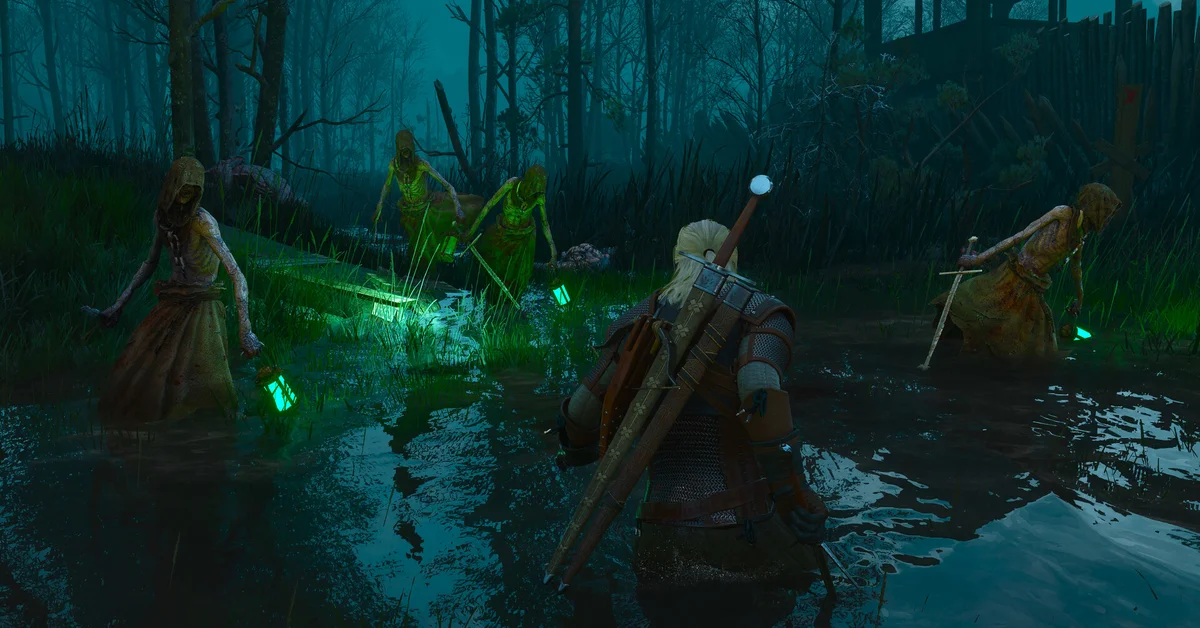
If The Witcher 3: Wild Hunt Remastered isn’t showing up, first check you’re on a current-gen version: CD Projekt Red’s free upgrade, Patch 5.0, only comes to PC, PS5, Xbox Series X|S and Switch 2, not PS4, Xbox One or Switch 1. On PC there’s no separate Remastered listing either: your existing copy becomes the Remastered game once it updates, so check that you aren’t on the old CLASSIC branch.
Here is the fix for each store and console, from CD Projekt Red’s support site.
Which Versions Get the Remaster
- Get it: PC (Steam, GOG, Epic Games Store), PS5, Xbox Series X|S and Switch 2, per CD Projekt Red’s Remastered FAQ.
- Don’t get it: PS4, Xbox One and Switch 1. PlayStation’s own page says “The Remastered upgrade does not apply to the PlayStation 4 version.” CDPR says those versions keep working but won’t get further updates or the Songs of the Past expansion.
If you own an old-gen version, the fix is to claim the current-gen one, covered below.
Steam
- Look for the same game. Steam didn’t add a new listing; the original store page has been renamed to the Remastered edition.
- Check your branch. Right-click the game, choose Properties > Betas, and select None for the newest version. CLASSIC is the old build.
- Verify the game files if it still won’t update.
GOG Galaxy
Open the game, choose Manage Installation > Configure, and set Beta Channels to Disabled, which means the newest version.
Epic Games Store and Others
- Epic only offers the latest version, so updating Epic is enough.
- Battle.net sells the Remastered edition as a new store, not as an upgrade path.
- EA App: players report their copies are stuck on the old 4.04 version; EA’s store isn’t in CDPR’s list of upgraded platforms.
PS5 (From a PS4 Copy)
The PS5 version doesn’t install over a PS4 copy on its own:
- Claim the free PS5 version from the PlayStation Store or your game library, per CDPR’s PlayStation guide.
- Game of the Year owners: open the game’s product page, choose …, then View product, then … again, select the Complete Edition, and buy it at $0.
- PS4 disc owners: you need a PS5 with a disc drive and the disc inserted, and the disc’s region must match your account’s.
- Missing expansions: restore licenses, or turn on Settings > Users and Accounts > Other > Console Sharing and Offline Play for a “Missing DLC” error.
Some players with PS4 discs report being shown a price instead of the free upgrade, and others that the Remaster is missing from PS Plus cloud streaming; CDPR hasn’t addressed either yet.
Xbox Series X|S
The upgrade uses Smart Delivery, so the Series X|S version installs automatically for owners. An Xbox One disc only works on a Series X, since the Series S has no disc drive. On PC, Microsoft Store copies upgrade through Xbox Play Anywhere.
Switch 2 (From a Switch 1 Copy)
The Switch 2 version is a separate eShop product, a digital Standard Edition priced at $59.99, and Switch 1 owners can claim it free. Digital Switch 1 owners could claim it in advance; cartridge owners claim it now that it has launched. RPG Site reports that cartridge owners should update the Switch 1 game, then look for “Now available for Nintendo Switch 2” on the title screen, which leads to a free download on the eShop, with the cartridge’s region matching the account’s. CDPR says the free upgrade isn’t offered in Russia or Belarus. Our Switch 2 guide covers that version.
The Expansions
On current-gen, Hearts of Stone and Blood and Wine come with the update: CDPR says “Simply update the game”. On PS4 and Xbox One they’re a free store download instead.
If It’s Downloaded but Your Saves Are Missing
Our guide to fixing saves that aren’t showing up covers the PC save problems many players hit at launch, and our saves guide explains what carries over. CDPR’s Marcin Momot put the Switch 2 download at about 50 GB, so leave plenty of space. Every guide is on our Witcher 3 hub.
Frequently Asked Questions
Why isn’t The Witcher 3 Remastered on Steam? It is, on the same page as before. Steam renamed the original listing; update the game and make sure the Betas setting is None.
Does the PS4 version get the Remastered upgrade? No. PS4 owners need to claim the free PS5 version from the PlayStation Store.
How do I go back to the old version? On Steam, choose CLASSIC under Properties > Betas; on GOG, use Beta Channels. Epic only offers the latest version.
Is the Remastered upgrade free on Switch 2? Yes, for Switch 1 owners, who claim the Switch 2 version free on the eShop.
Do I need to download the expansions separately? Not on current-gen: they come with the update. On PS4 and Xbox One they’re a free store download.