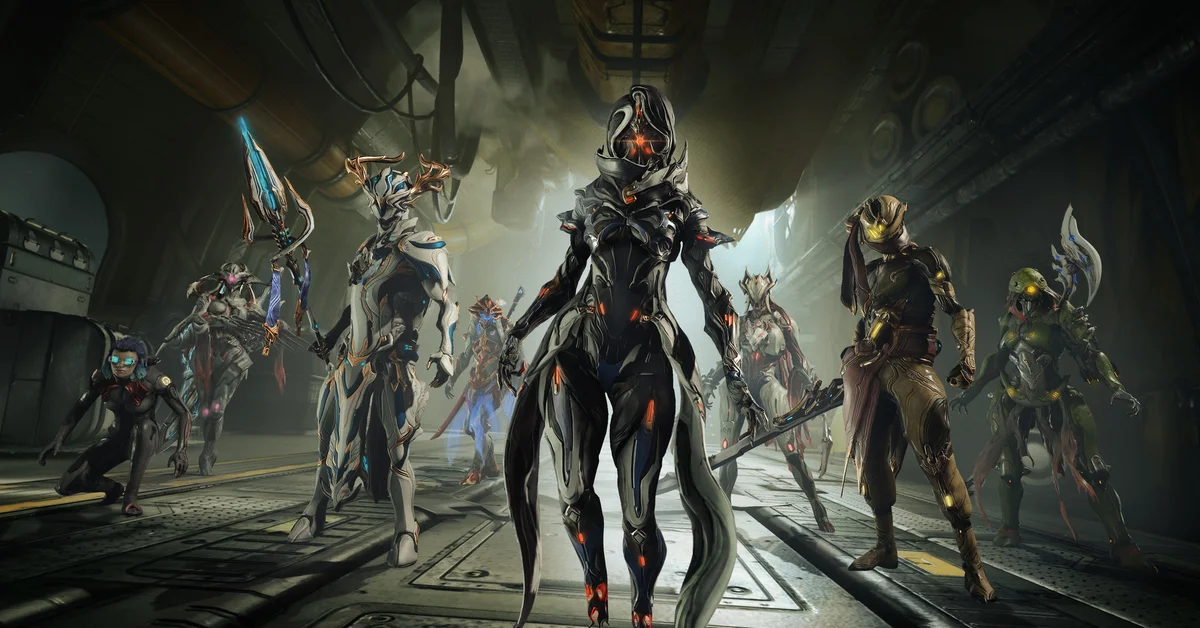
Yes. Warframe has full crossplay between PC, PlayStation, Xbox, Nintendo Switch and mobile (iOS and Android), and it has cross save too: Cross Platform Save links your accounts so one set of progress follows you to every platform. Crossplay is a single toggle in the game’s options, while cross save is a one-time link on warframe.com that needs a PC account, although you never have to play on PC.
Below: which platforms play together, how to turn crossplay on or off, how to set up cross save, what carries over and what does not, and the trading rules between platforms.
Which Platforms Play Together
Digital Extremes’ Cross Platform Guide lists PC, Xbox, PlayStation, Nintendo Switch and mobile, and crossplay is active on every version of the game:
| Platform | Crossplay | Cross save |
|---|---|---|
| PC (Steam, Epic Games Store, standalone) | Yes | Yes (the PC account is the hub) |
| PlayStation 4 and PlayStation 5 | Yes | Yes |
| Xbox One and Xbox Series X and S | Yes | Yes |
| Nintendo Switch | Yes | Yes, with a Platinum exception |
| iOS and Android | Yes | Yes |
Crossplay first went into testing between PC and Xbox in the fall of 2022, and PlayStation and Switch joined on December 1, 2022. The mobile versions came later and connect to the same game.
How to Turn Crossplay On or Off
- Open the menu in your ship or in a mission and go to Options.
- Find the Cross Platform Play toggle (under the System tab).
- Turn it on to join squads and public matchmaking with every platform, or off to stay on your own.
With Cross Platform Play turned off, you lose friends and clan features with other platforms, trading and gifting with other platforms, and cross-platform voice chat. Leave it on unless you have a reason to keep matchmaking to your own platform: it is what lets a PC friend and a console friend share a squad.
How Cross Save Works
Cross Platform Save is set up once, on the website rather than in the game:
- Log in to warframe.com with a PC account, or create one. DE requires a PC account as the base, but you do not have to download or play the PC version.
- Open Account Management and start linking. Connect your other platform accounts one at a time.
- Choose your Primary Account. Its progress and inventory are the ones you keep.
Two rules matter before you start. Linking is permanent, and you can link only one account per platform. If you have two accounts with real progress, pick the Primary carefully, because only that account’s progress and inventory stay accessible afterward.
What Carries Over (and What Does Not)
From your Primary Account, everything comes along: quests, Syndicate ranks, Focus, Intrinsics, Helminth unlocks, and active Kuva Liches or Sisters of Parvos.
From your secondary accounts, DE keeps some real-money purchases:
- Prime Access bought with real money, minus its Platinum and boosters.
- Heirloom Packs bought with real money, minus their Platinum.
- Bundles bought with real money, minus their credits, Platinum and boosters.
- TennoGen bought on Steam stays on PC, while TennoGen bought on a console applies to the other non-PC platforms.
Platform-exclusive items, such as the PlayStation-exclusive Obsidian Syandana, do not move to other platforms.
Trading and Platinum Across Platforms
Since Update 37.0 in October 2024, trading and gifting work between platforms whether or not you use cross save. You need:
- Mastery Rank 2 or higher.
- Two-factor authentication on your account if you play on PC or use Cross Platform Save.
- Cross Platform Play turned on, for trades with someone on another platform.
The one big exception is Platinum on Nintendo Switch: Platinum cannot be traded between Switch and other platforms, even with cross save. And on every platform, Personal Platinum (the starting Platinum on a new account, for example) cannot be traded or gifted at all.
If you are still choosing your first Warframe before you team up with friends on another platform, our starter Warframe guide compares Excalibur, Mag and Volt. Warframe is free on every platform, which makes it one of the easier squad games to get friends into; our best co-op PS5 games list has more.
Frequently Asked Questions
Is Warframe cross platform between PC and PS5? Yes. PC, PlayStation, Xbox, Switch and mobile players can all squad up and matchmake together with Cross Platform Play turned on.
Does Warframe have cross progression? Yes. Cross Platform Save links your accounts to a PC account on warframe.com, and your Primary Account’s progress follows you everywhere.
Do I need to play on PC to use cross save? No. You need a PC account as the base, but you never have to install or play the PC version.
Can I unlink my accounts later? No. DE says account linking is permanent, so choose your Primary Account carefully.
Can Switch players trade Platinum with other platforms? No. Platinum trading between Nintendo Switch and other platforms is not available, though other items can be traded.
Is Warframe mobile crossplay? Yes. The iOS and Android versions support both Cross Platform Play and Cross Platform Save.