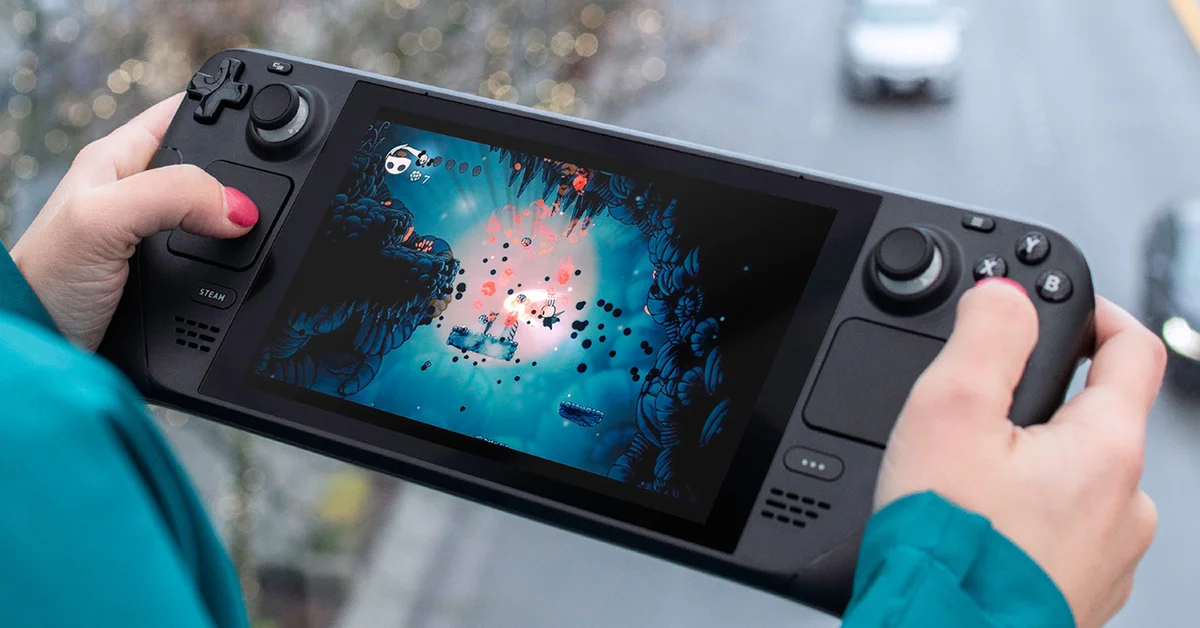
Steam store pages now show the average framerate players get in a game on Steam Deck, Valve announced in a Steam post on November 9, 2026. The numbers come from Deck owners who opted in to share anonymized framerate data, and Valve says thousands of games already have them.
Where to Find It
On a game’s Steam store page, open Steam Deck Compatibility > Learn more. The data covers games Valve has tested for Deck compatibility, whether they are rated Verified, Playable or Unsupported. It also shows in your Steam Library if you are on the Steam Client Beta.
An expandable view adds a histogram showing what share of samples landed at each framerate. Valve says small columns at the low end are where hitches and stutters show up, so the chart tells you more than the average alone.
A few rules shape the numbers:
- Default frame limit only. Valve counts only Decks left at the default limit: 90 FPS on Steam Deck OLED and 60 FPS on the LCD model. Custom in-game settings are not filtered out.
- A minimum sample size. Games without enough data points show nothing until they collect more.
- Gaps are normal. A histogram with a big gap between 90 and 45 FPS usually means VSync is syncing a game that cannot hold 90 to the display’s refresh rate, not that something is broken.
Why Valve Added It
Valve says its Verified rating comes from standardized tests that may not match every player’s idea of acceptable performance. A game rated Unsupported for unstable performance can still be playable for some people, while a Verified game may not reach the framerate others want. Real averages fill that gap.
Valve calls this a stepping stone toward framerate data for more devices. The Steam Client Beta on desktop is already asking players to share anonymized framerate data, and Valve says that prompt will reach everyone later.
What This Means for Players
Before you buy a game for your Deck, the store page now gives you a measured answer next to the compatibility badge. It is a useful check alongside our own Deck guides, such as Control Resonant on Steam Deck, Ace Combat 8 on Steam Deck and Silent Hill Townfall’s PC requirements and Deck performance.
If you would rather not share your data, Steam asks in the Library, and you can change it any time under Steam Account Settings > Data & Browsing > Anonymous Game Framerate Data. To watch your own framerate on Valve’s newer hardware, see our guide to showing FPS on Steam Machine.
Source: Valve, “Steam Deck Framerate”, Steam, November 9, 2026.