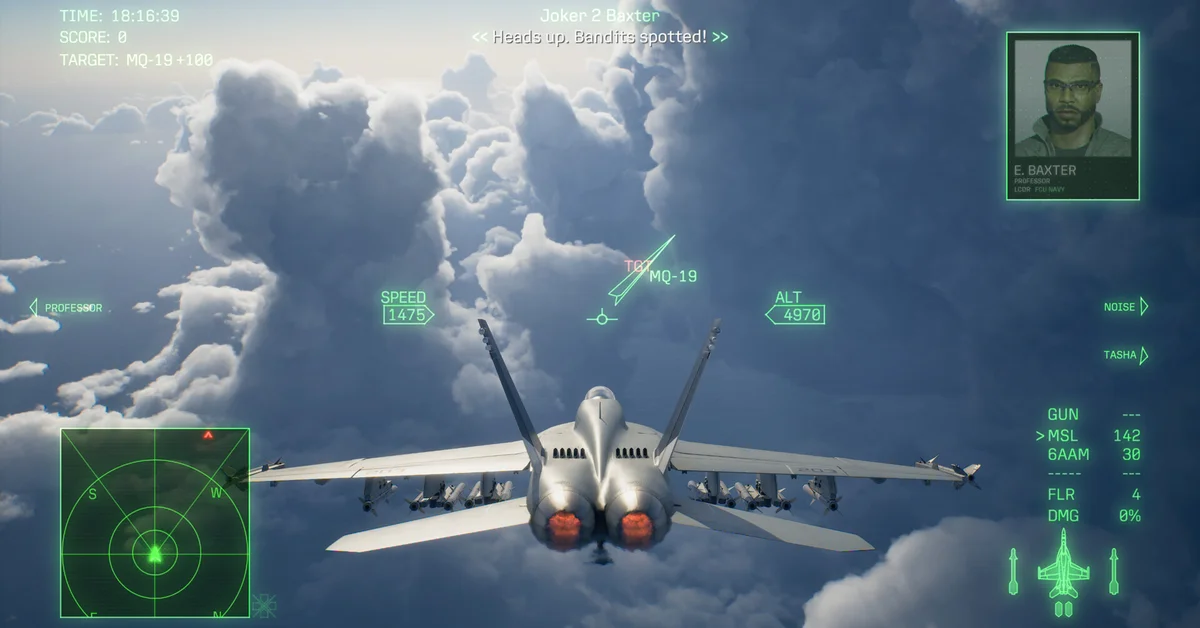
Right now, Ace Combat 8: Wings of Theve does not run properly on Steam Deck. Valve’s official compatibility rating is now Unsupported as of October 22, 2026, and handheld tests published September 25 found it unplayable on a Steam Deck OLED because it crashed in the campaign and tutorial across every Proton version tried.
Below: what Valve’s rating means, why the Deck struggles, how Windows handhelds like the ROG Ally did, what Bandai Namco has said about PC crashes, and your options if you want to play away from a desk. We will update this guide if Valve changes its rating or a patch changes the picture.
Valve’s Official Rating: Unsupported
Steam’s compatibility check for the game (app 2288340) now returns Unsupported on both the Steam Deck and the wider SteamOS scale, as of October 22, 2026. Before launch it returned no rating at all, Valve’s “Unknown” state. Check the Steam Deck compatibility section of the Steam store page for the latest.
Unsupported is Valve’s lowest rating: Valve uses it when some or all of a game does not currently function on Steam Deck. The handheld test results below show what that looks like in practice.
Why the Steam Deck Struggles
The official PC requirements set a high floor. Even the minimum spec asks for Windows 11, an SSD, DirectX 12 with Shader Model 6.6, and “a hardware ray tracing-enabled graphics card,” with an RTX 2060 or RX 6600 XT listed. Bandai Namco’s own estimate for that minimum is 1080p upscaled at 30fps on Low settings, and it warns that “framerate might drop in graphics-intensive scenes.” The recommended spec (RTX 3070 or RX 6800, 32 GB of RAM) targets 1080p upscaled at 60fps on Medium.
The Steam Deck’s APU sits well below those GPUs, and one PC hardware report says ray tracing cannot be switched off in the PC version. Storage is another squeeze: Steam lists 150 GB, which rules out the 64 GB Deck unless you use a large microSD card, and the game asks for an SSD.
What Handheld Tests Found
The handheld impressions published September 25, ahead of launch, are the most detailed so far:
| Device | Reported result |
|---|---|
| Steam Deck OLED | Unplayable: crashes in the campaign and tutorial across Proton versions |
| ROG Ally (Z1 Extreme) | High 20s to 30fps at 720p on the lowest settings, with freezes and cutscenes locking up for about 20 seconds |
| OneXPlayer 3 | Around 40fps, but crashes when firing missiles |
| MSI Claw 7 AI+ | Around 30fps at 1080p Low, with similar crashes |
A second report, published September 29, said the game boots to the menus on Deck and then crashes once a campaign mission starts. Both reports came from the early-access build, before Bandai Namco’s October 23 update, so treat them as a snapshot rather than the final word.
What Bandai Namco Has Said About PC Crashes
Bandai Namco has not commented on Steam Deck specifically. It has acknowledged crashes on PC in general. A Product Notice on the game’s Steam news page dated September 29 says: “We have received reports of unexpected crashes occurring while playing the Steam version… The development team is currently investigating.” Its interim advice is to use the recommended GPU driver, keep at least 16 GB free on your SSD, and enable Windows virtual memory. A September 30 post also explains error code ST-3100001 as a lost connection in Ace Combat Online.
Three October notices matter for handheld players. On October 9, Bandai Namco said the game “is officially supported on Windows 11” and that players on other operating systems “may experience behavior that differs from our testing environment,” adding that setups below the system requirements can make online matchmaking less stable for everyone in the session. On October 16, a second Product Notice called the game’s memory use “a significant issue” and said systems with about 48 GB or more of combined RAM and Windows virtual memory crashed less often in its internal testing; the Steam Deck has 16 GB of RAM. On October 20, it announced Update Data Ver. 1.01.002 for October 23, with crash fixes for specific missions and menus. Its notes do not mention Steam Deck or SteamOS. On November 2, a third Product Notice said asynchronous computation may affect stability on certain GPU configurations, and that players who crash may see improvements by setting the Async Compute option in the SYSTEM menu to OFF. The option is grayed out on GPUs that do not support it, and this notice does not mention Steam Deck either.
If You Want to Play on a Handheld
- Wait before buying for Deck. Steam’s standard refund window is two weeks and under two hours played, but a crash-on-load game can eat that quickly, so read our Steam refund guide first.
- Stream it instead. Steam Remote Play from a PC that meets the spec avoids the Deck’s hardware limits entirely. On PS5, Remote Play to a PlayStation Portal is another route.
- Pre-order owners have Ace Combat Zero. The pre-order bonus ended at launch. Zero first ran from within the Ace Combat 8 install, and on October 23 Bandai Namco released a standalone Steam version for players who already own it. Bandai Namco says it is being added to eligible libraries in stages, installs and plays even on a PC without Ace Combat 8, and picks up existing progress on the same PC; our Zero pre-order bonus guide has the details.
If you play on a desktop instead, our flight stick and HOTAS guide, VR support guide and how long to beat guide cover the next steps, and every guide is on the Ace Combat 8 hub.
Frequently Asked Questions
Is Ace Combat 8 Steam Deck Verified? No. As of October 22, 2026, Valve rates it Unsupported on Steam Deck and on SteamOS.
Does Ace Combat 8 run on Steam Deck? Not reliably right now. Pre-launch handheld tests found it crashed in the campaign on a Steam Deck OLED, and a second report described the same kind of crash.
Does Ace Combat 8 run on the ROG Ally? Pre-launch handheld tests got it running at roughly 30fps at 720p on the lowest settings, with freezes and cutscene lockups.
Why is Ace Combat 8 so demanding on PC? It requires a graphics card with hardware ray tracing even at minimum spec, per the Steam page.
Will Ace Combat 8 get Steam Deck support? Bandai Namco has not said. It says the game is officially supported on Windows 11, it is still working on PC crashes and memory use, and the notes for its October 23 update do not mention Steam Deck. We will update this guide if a patch or a new Valve rating changes things.