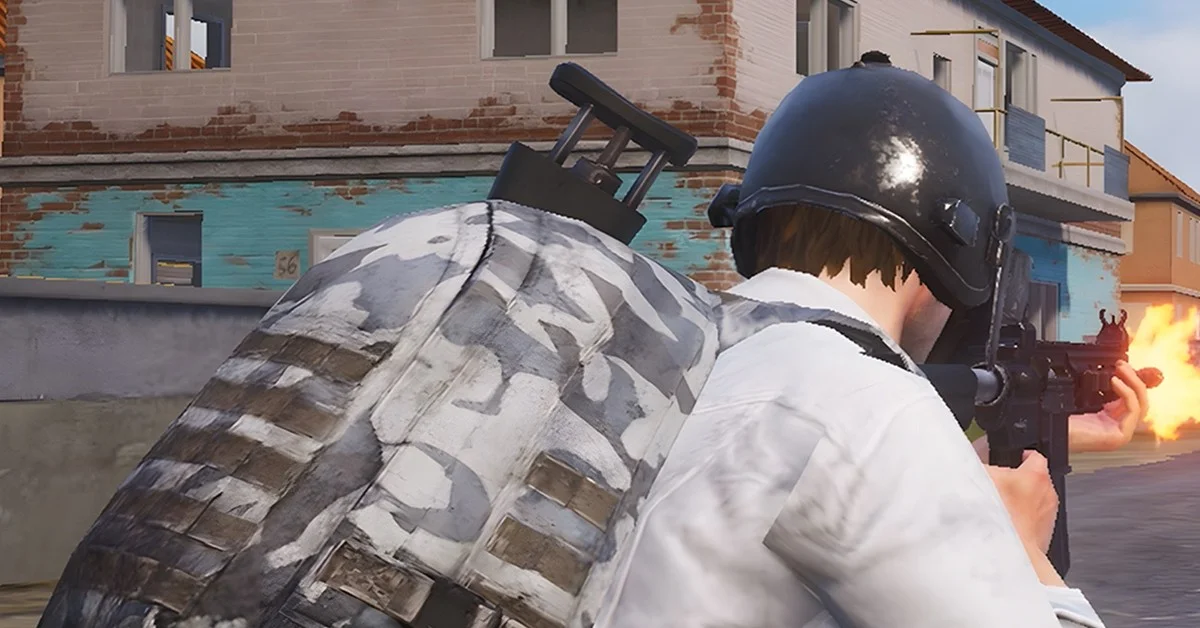
Yes. PUBG Mobile Flash runs on your existing PUBG Mobile account, so your friends and your in-game items, skins included, come with you: Flash’s App Store listing promises “the same account, friends, and in-game assets across PUBG MOBILE and FLASH.” The one catch is how outfits look, because Flash shows a lighter stand-in for any outfit whose full files you have not downloaded yet.
Flash came out on November 13, 2026, the launch date in PUBG Mobile’s launch press release. Below is exactly what the official listings and the release say carries over, how the outfit display works, and how playing with friends on the main app works. For the store steps, see how to download PUBG Mobile Flash.
What the Official Listings Say About Your Account
Four official sources cover it, and they agree.
The App Store listing, under the heading “One PUBG MOBILE World,” says: “Stay connected with the same account, friends, and in-game assets across PUBG MOBILE and FLASH. Enjoy synchronized updates, play matches together across both apps, and stay in the same PUBG MOBILE ecosystem.” One of the listing’s official screenshots puts it shorter: “Same account. Same friends. Same matches.”
PUBG Mobile’s Version 4.7 press release says players “can also use their existing PUBG MOBILE accounts and team up with friends across both applications.”
PUBG Mobile’s launch press release, from London on November 12, says players “can team up with those playing PUBG MOBILE, while their accounts, matches, friends, and assets are synced across both apps.”
The Google Play listing says Flash gives you “the same authentic battle royale, the same friends, the same updates and the same PUBG MOBILE world with a lighter beginning.”
So Flash is not a fresh start. It is a second, smaller way into the same PUBG Mobile account, and the “in-game assets” in Apple’s wording are the outfits, weapon finishes and other items you already own.
How Skins and Outfits Work in Flash
This is the part to know before you log in. Flash keeps its download small by leaving most art files out until you ask for them, and outfits are part of that. The App Store listing says:
“Smart outfit display automatically shows temporary appearances for outfits you haven’t downloaded, without using extra storage. Download the original outfit resources whenever you want to see the full look.”
PUBG Mobile’s launch release puts it the same way: when an outfit or cosmetic item “has not been downloaded, a temporary outfit will be displayed until the corresponding resources are manually downloaded.”
In practice:
- You still own every outfit. The listing calls your items the same “in-game assets” across both apps.
- An outfit may look plainer at first. Until you download its original resources, Flash shows a temporary appearance in its place.
- The full look is one download away. Grab the outfit’s resources whenever you want to see it properly.
- Visuals start light across the board. The listing says “lightweight visuals help save space, with higher-quality resources available on demand.”
The listing does not say whether the stand-in also applies to other players’ outfits on your screen. Either way, it changes only what your phone draws, not what is in your inventory.
Playing With Friends on the Main PUBG Mobile App
You do not need your squad to switch apps. The App Store listing promises you can “play matches together across both apps,” and the press release says you can “team up with friends across both applications.” Your friends list is the same one, because the account is the same.
The listing also promises “synchronized updates,” so Flash and the main app are meant to stay on the same version. Flash’s App Store page lists version 4.7.0, which matches the Version 4.7 update PUBG Mobile released on November 11.
How to Move Your Account Over to Flash
- Install Flash from the App Store or Google Play, where it has been out since November 13 (our download guide has the steps).
- Sign in with the same login your PUBG Mobile account uses today. Neither the listings nor the launch release names the login options, so use whichever one you already have linked.
- Check your inventory. Your outfits and items should all be there; any that look plain need their outfit resources downloaded.
- Download the extra maps and modes you play. Both listings say Erangel and the Classic Battle Royale come preinstalled, and everything else downloads on demand.
- Keep the main app or remove it. Flash is a separate app with its own store page, so the two can sit side by side.
What the Listings Don’t Say
The official sources are clear on the account, friends, items and cross-app matches. As of November 13, after launch, neither store listing nor PUBG Mobile’s launch release names:
- Which login methods Flash supports.
- Rank or Royale Pass progress by name. They promise the same account and assets, and the launch release adds that matches are synced too, so check both after your first login.
- Whether every mode is in Flash on day one. The App Store listing says you can “download additional maps, modes, events, and resources whenever you need them,” which points to everything being available as a download rather than missing.
Flash also uses PUBG Mobile’s Ban Pan anti-cheat, per the App Store page, so the same fair-play rules follow your account. On the PC side, PUBG: Battlegrounds recently banned 10,237 accounts for ban evasion, a reminder not to risk an account full of skins on cheats.
Frequently Asked Questions
Do I need a new account for PUBG Mobile Flash? No. The press release says you can use your existing PUBG Mobile account, and the App Store listing promises the same account across both apps.
Do my PUBG Mobile skins carry over to Flash? Yes. The App Store listing says your in-game assets are shared across PUBG Mobile and Flash. Some outfits may show a temporary appearance until you download their full resources.
Why does my outfit look different in Flash? Flash shows a temporary appearance for outfits whose files you have not downloaded, to save storage. Download the outfit’s original resources to see the full look.
Can Flash players and PUBG Mobile players play together? Yes. Both the press release and the App Store listing say you can team up and play matches together across both apps.
Do I have to delete PUBG Mobile to use Flash? No. Flash is a separate app with its own store listing, so you can keep both installed.