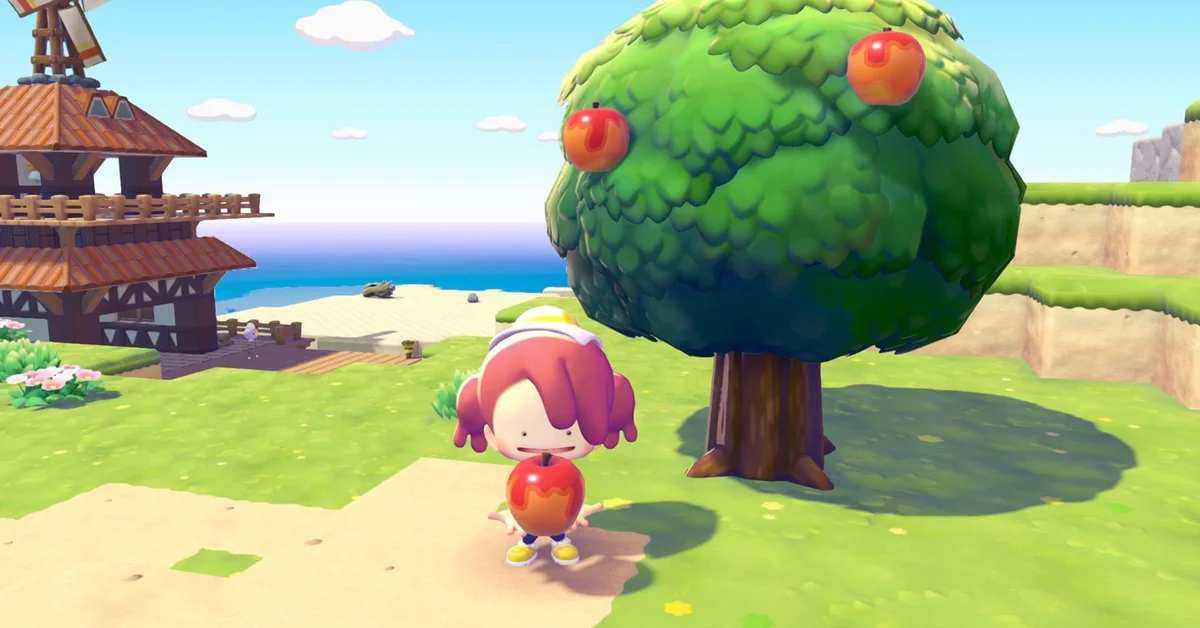
To sprint in Pokemon Pokopia, hold B while you move with the left stick. Your character breaks out of the usual jog into a much faster sprint. It works right from the beginning of the game, with nothing to unlock.
Traversing the world gets a lot faster once you know it. Below is how to sprint, how to move the run button if B feels awkward, and the other ways to cover ground quickly.
We recorded ourselves sprinting on Switch 2 for the video at the end of this guide.
How to Sprint
- Move with the left stick in whatever direction you want to go, as normal.
- Hold B while you move.
- Let go of B to drop back to the normal jog.
That is all there is to it. There is no menu option to turn on and no Pokemon to befriend first: running is part of Ditto’s basic movement from the opening minutes.
How to Swap the Run Button
Holding B ties up your right thumb, which means you cannot steer the camera with the right stick while you sprint. If that bothers you, swap the controls:
- Press + to open the menu.
- Go to Settings, then the Game tab.
- Set Run/Jump Controls to Swap. Running moves to R and jumping moves to B.
With running on R, your right thumb is free for the camera while you hold the run button with your index finger.
Sprint and Jump Together
Jumping is not available from the start: you unlock it from Magikarp, and it sits on R by default. Our jump guide shows how to get it. Once you have it, holding B to run while tapping R to hop is a quick way across Pokopia’s blocky terrain on foot.
Nintendo’s version 1.1.0 update also made the Run and Jump buttons useful mid-fall: pressing either while Ditto is falling after a transformation wears off turns Ditto back into its human form so you can take control again.
Other Ways to Get Around Faster
Sprinting is for short trips. For longer ones, Pokopia has better options:
- Build a home in each town. Nintendo’s own tips say building a home for Ditto unlocks a quick way to travel back to that town from the main menu.
- Ask a Pokemon with the Fly or Teleport specialty. Nintendo notes that when you search for a Pokemon from your Pokedex, a Pokemon with one of those specialties will take you straight to it.
- Unlock more moves. Every move in the game comes from a Pokemon you befriend. Cut and Rock Smash both clear the trees and rock standing between you and where you want to go.
Frequently Asked Questions
How do you run in Pokemon Pokopia? Hold B while moving with the left stick.
Do you have to unlock sprinting in Pokopia? No. You can sprint from the very start of the game.
Can you change the sprint button? Yes. Set Run/Jump Controls to Swap in the Game tab of the settings, and running moves to R.
How do you travel between towns quickly? Build a home in each town, which unlocks quick travel back to it from the main menu.
Can you jump while sprinting? Yes, once Magikarp has taught you to jump. Hold B to run and press R to jump.