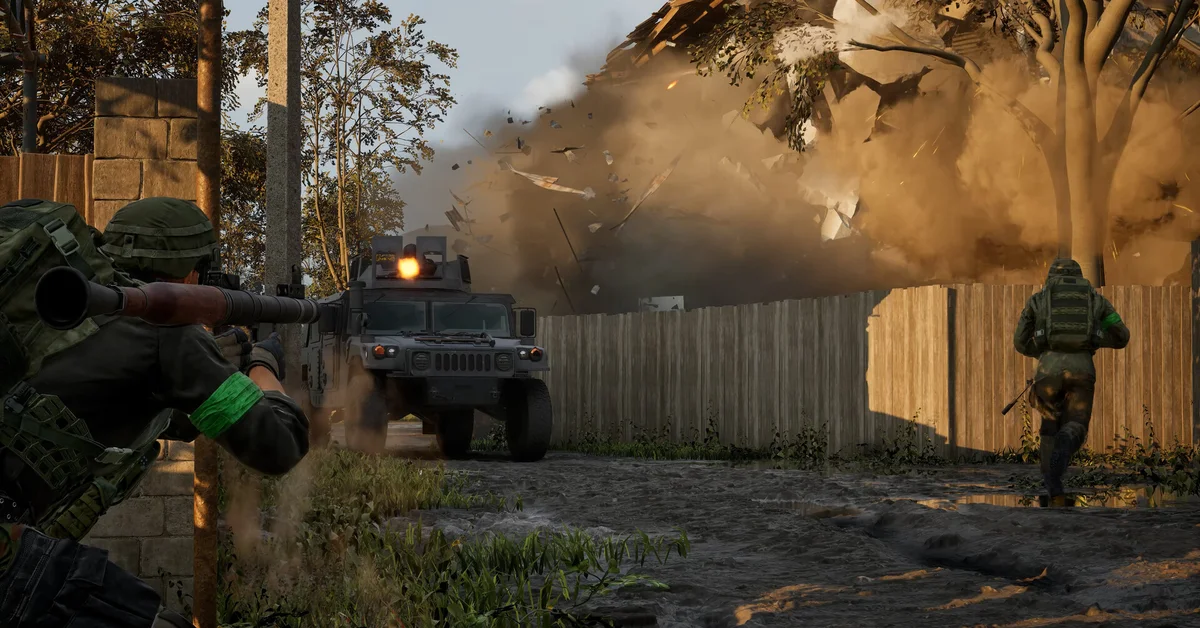
The WARDOGS team told players on November 23 to avoid NVIDIA’s three newest GeForce drivers and roll back to version 617.42 if the game freezes or stutters, in a Steam post on the driver problem. The trouble started with driver 621.14 and hits some RTX 40 and RTX 50 series cards, not all of them.
Which NVIDIA Drivers to Avoid
Since 621.14, the team says, WARDOGS can freeze during gameplay, run into shader compilation problems and stutter. NVIDIA’s 621.35 hotfix does not fix it, and the team says many other PC games show the same behavior on these drivers. Until NVIDIA ships a fix, avoid these three:
- 621.14, released November 4
- 621.24, released November 12
- 621.35, a hotfix released November 20
The team calls 617.42 “the last driver we know to be stable for WARDOGS.” NVIDIA released it on October 6, 2026.
Do You Need to Roll Back?
Only if you have the problem. If you are on one of those drivers and WARDOGS runs fine, the team says you don’t need to change anything. If you get freezes or stuttering, rolling back to 617.42 is the first thing to try.
How to Install NVIDIA Driver 617.42
These steps follow NVIDIA’s own clean installation instructions:
- On NVIDIA’s driver page, use Manual Driver Search to pick your card’s series, model and version of Windows, then download GeForce Game Ready Driver 617.42 from the results.
- Close other apps, including GPU monitoring or tuning tools such as MSI Afterburner.
- Right-click the installer, choose Run as administrator, and click Yes if Windows asks.
- Keep the default folder for the temporary files, then choose Custom (Advanced) and click Next.
- Tick Perform a clean installation, click Next, and restart your PC when the install finishes.
What This Means for Players
Treat 617.42 as a stopgap. The team says it is watching NVIDIA’s releases and will tell players when a newer driver is safe, so wait for that word before you update again. If you have changed WARDOGS driver settings with NVIDIA Profile Inspector, our NVIDIA Inspector warning fix explains which ones the game now blocks and how to reset them. If the game will not launch at all, our guide to error codes WD-L014, WD-L018 and WD-L020 covers the anti-cheat errors. Every guide for the game is on our WARDOGS hub.
WARDOGS is in early access on PC through Steam.