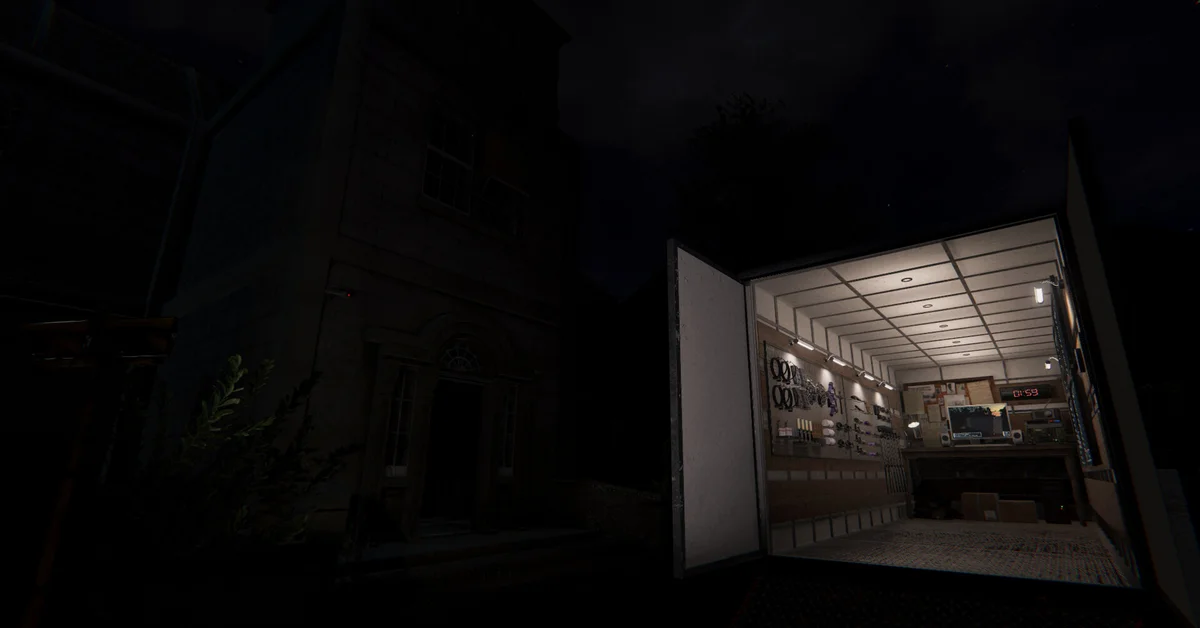
Since the Resonance update, every Sound Sensor you place in Phasmophobia shows the sounds it picks up as icons on the Truck’s map, as they happen: a single sound pings once and disappears, while a looping sound stays on the map for a while. Only sounds inside a sensor’s range are picked up, so where you place each sensor decides what the map can tell you.
Kinetic Games reworked the Sound Sensor in Resonance, version 0.20.0.0, released free on November 24, 2026, on every platform. Kinetic was blunt about why in its Development Preview #22: “Currently, the Sound Sensor is rarely used and we want to make sure it’s a valuable part of a Ghost Hunter’s loadout.” Below we cover how to set the sensors up, how to read the new icons, how to use the map during a Hunt, and what else changed.
What the Sound Sensor Map Shows Now
Kinetic’s Resonance patch notes put it this way: “Once a Sound Sensor has been placed down inside a location, an icon on the Truck’s map will reflect the type of sound as and when it happens. These will ping differently depending on if the sound is a single sound or a looping sound.”
Three details from Kinetic matter when you use it:
- The icon shows the type of sound. The preview promised “accurate information on the source of any picked up sounds,” and Kinetic’s announcement said the icons show whether a sound is “ongoing or a one-off.”
- Range is everything. “A sound can only be picked up if it is happening within the range of the Sensor itself.” Kinetic’s preview image of the map draws each sensor’s range as a large circle over the floor plan.
- More sounds count. The notes add that “Additional sounds have also been added to what can be picked up by a Sound Sensor.”
Step by Step: How to Use the Sound Sensor Map
- Bring Sound Sensors in your loadout. Add them on the lobby computer with the rest of your equipment.
- Place them inside the building. Put them where you want to listen: rooms you suspect and the corridors between them.
- Spread them out. Overlapping circles tell you little; sensors spread across the floor plan show you where a sound happened.
- Go to the Truck and watch the map. Each sound the sensors pick up appears as an icon on the Truck’s map as it happens.
- Read the icon. A ping that appears once and vanishes is a single sound. An icon that stays is a looping sound that keeps going.
- Move the sensors in. Once sounds cluster in one area, move the sensors closer or head there with your evidence gear.
On Restricted map variants, the Truck map now shows the right layout too, another Resonance change.
Using the Map to Identify the Ghost
Kinetic’s preview said you can use the Sound Sensor map “as a way of determining a Ghost type based on the speed of movement, which will be especially useful during a Hunt,” and its announcement repeated that the map helps “identify ghosts based on movement speed.” While a teammate hides inside, anyone in the Truck can watch how fast the ghost’s sounds move across the map and compare it with what you know of each ghost’s speed.
Sound Sensor Fixes in Resonance
The patch notes fix several Sound Sensor problems at the same time:
- On Maple Lodge Campsite, the sensor no longer shows on the wrong floor of the Truck map.
- A sensor placed in the Bleasdale Farmhouse attic now plays its audio.
- EMF Reader audio heard through a Sound Sensor no longer plays at a higher pitch than intended.
- In VR, sensors are no longer dropped when you switch them to your other hand.
Pairing It With the Rest of Resonance
The sensor map pairs well with Resonance’s other additions. Kinetic’s new voice lines ask the ghost to open doors, throw things or switch something on, and a sensor in that room lets you listen for the result from the Truck; our guide to every voice command that works lists them. The Spirit Box still needs you in the room. For the Bone, our guide to using the Dowsing Rods covers the new equipment, and our Resonance news story has the rest of the update. Every guide is on our Phasmophobia hub.
Frequently Asked Questions
Where is the Sound Sensor map in Phasmophobia? In the Truck. Each placed Sound Sensor reports what it picks up as icons on the Truck’s map.
What do the Sound Sensor icons mean? The icon reflects the type of sound. A single sound pings once and disappears, while a looping sound stays on the map for a while.
Why is my Sound Sensor not picking anything up? It only hears sounds inside its own range, so move it closer to where the ghost is active.
Can the Sound Sensor help identify the ghost? Kinetic says yes: watch how fast the ghost’s sounds move across the map, especially during a Hunt.
Did Resonance change the Sound Sensor’s tiers? The patch notes list no tier change. The rework is to the map in the Truck and to which sounds the sensor can pick up.