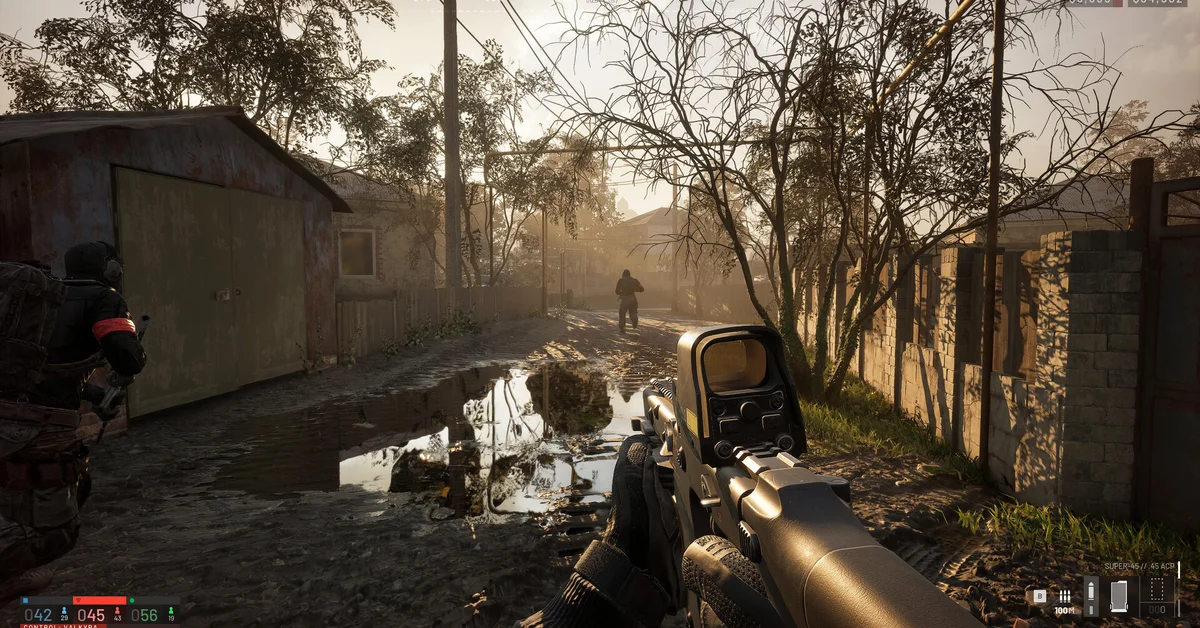
Yes, you can play WARDOGS with a controller on PC, but support is partial. BULKHEAD promised “partial gamepad support at early access launch” with a small amount of aim assist, and its pinned FAQ says controller support “is limited in the current version.” Keyboard and mouse remains, in BULKHEAD’s words, “the optimal way to experience WARDOGS on PC.”
Below we cover what works on a pad, how aim assist behaves, the setup steps Team17’s support team recommends, and the problems players are reporting.
What BULKHEAD Has Said
In its “10 Reasons NOT to Buy WARDOGS” devlog, BULKHEAD explained that WARDOGS “is designed as a PC focused game for PC players first, but we know that some players want to just use gamepads. So, there will be partial gamepad support at early access launch.”
On aim assist, the same devlog says it “will exist, but only to a small degree, as playing without it is honestly just comically bad.” The studio’s pinned Steam FAQ adds that controller support is limited in the current version, alongside the note that console versions launch in 2028.
One thing to know before buying: the Steam store page does not list any controller support level, so Steam’s own “Full” or “Partial” badge will not appear.
What Works on a Controller
Shacknews reported that a controller works for infantry combat, driving and flying, with stick sensitivity, acceleration and separate ground and air settings in the options. It also reported that buttons cannot be remapped in game, so you are working with the default layout.
According to Shacknews’ controls rundown, helicopters map collective up and down to the triggers, cyclic to the left stick and yaw to the right stick, while the parachute deploys on A (Cross) and cuts on B (Circle). Our helicopter guide covers flying in more detail.
How to Set Up a Controller
Team17’s support staff give these steps on the official Steam forums when a pad is not responding:
- Open Steam > Settings > Controller and enable Steam Input for your controller type (PlayStation, Xbox, Switch Pro or Generic).
- Do the same in Big Picture > Settings > Controller.
- Right-click WARDOGS in your library, choose Properties > Installed Files > Verify integrity of game files.
- In game, reset keybinds to default.
Team17 support also noted that thousands of players are using controllers without issues, so a broken pad is usually a configuration problem rather than a missing feature.
Known Controller Issues
Players on the Steam forums report a few recurring problems in the current build:
- The A button stops responding on some menus and the deploy screen.
- The game detecting the same controller twice, which can cause double inputs.
- Aim assist “sticking” to buildings, with some players asking for a toggle to turn it off.
None of these are confirmed fixed yet, so check the latest official patch notes if you are affected.
Should You Play WARDOGS on a Controller?
For vehicles, a pad is comfortable. For infantry fights, remember BULKHEAD deliberately keeps aim assist weak, and the studio itself calls mouse and keyboard the optimal input, so expect gunfights on a pad to be harder. If you want console-native play, the PS5 and Xbox versions are planned for 2028; see our console guide.
Frequently Asked Questions
Does WARDOGS have aim assist? Yes, but only a small amount. BULKHEAD said it exists “only to a small degree” to keep controller play viable against mouse users.
Can you remap controller buttons in WARDOGS? Shacknews reported there is no in-game way to remap controller buttons. Steam Input lets you remap at the Steam level, since Team17 already recommends enabling it.
Does a PS5 DualSense work with WARDOGS? Team17’s troubleshooting covers PlayStation controllers through Steam Input, so a DualSense should work once PlayStation Configuration Support is enabled in Steam.
Is WARDOGS on Steam Deck? Steam lists WARDOGS as unsupported on Steam Deck and SteamOS, and BULKHEAD does not officially support Linux. Our Steam Deck and Linux guide explains why.
Will controller support improve? BULKHEAD has not given a timeline, but the planned 2028 console versions mean full gamepad play will be needed eventually. Our beginner guide covers the Early Access roadmap, and the WARDOGS guides hub lists every guide.