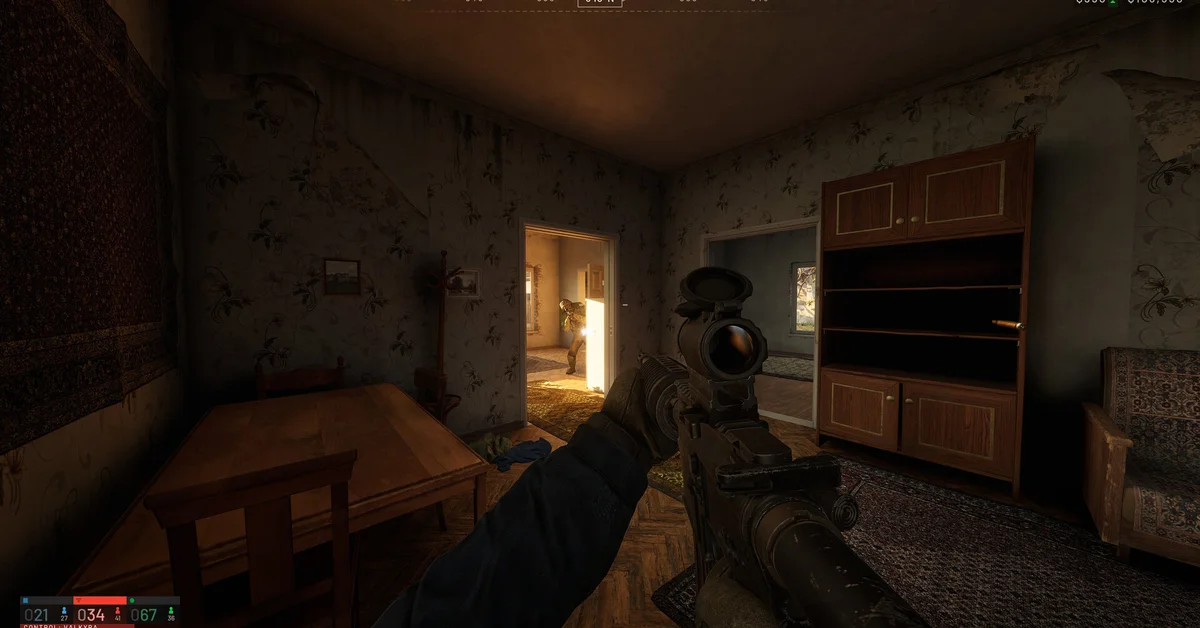
No, not officially. Steam rates WARDOGS as Unsupported on Steam Deck and SteamOS, the game is Windows only, and BULKHEAD states it does “not officially support Linux.” The studio says it is still working on Proton compatibility but has not committed to a date, and the kernel-level anti-cheat is the main obstacle.
Below we cover Valve’s rating, BULKHEAD’s official Linux statement, the anti-cheat that makes it complicated, and what the studio says about Secure Boot and TPM on Windows.
Steam Deck: Unsupported
Valve’s own compatibility report for WARDOGS returns Unsupported for both Steam Deck and SteamOS, with the reason that the game does not support SteamOS. The Steam store page lists Windows as the only platform, and the minimum spec (a GTX 1660, 16 GB of RAM and 50 GB of storage) targets 1080p Low at 60fps with upscaling.
Because WARDOGS is also on GeForce NOW, according to Team17’s official WARDOGS page, streaming it through GeForce NOW is worth checking if you want to play on a Deck.
BULKHEAD’s Official Linux Statement
In a pinned developer post on the Steam forums, BULKHEAD wrote: “We do not officially support Linux and we cannot commit to having support for launch. We are still working on Official Linux Proton compatibility.”
That post also explained why some players thought Linux was supported. Earlier alpha and beta builds ran on Linux “by happen stance,” and a community manager’s comment was screenshotted from Discord and shared as if it were a promise. BULKHEAD told players who bought the game specifically for Linux to request a refund.
GamingOnLinux had reported in August that the developers were “working on proton support,” back when the game used Easy Anti-Cheat, then reported in September that Proton support may come later.
Why Anti-Cheat Is the Problem
The Steam page lists “Kernel Level Anti-Cheat: Elytra” and requires agreeing to a third-party EULA. Per GamingOnLinux and players on the Steam forums, WARDOGS moved from Easy Anti-Cheat to Elytra around the second closed beta in early September. Kernel-level anti-cheat systems generally need specific work to run under Proton, which is why builds that ran before launch do not guarantee the live game will.
On ProtonDB, community reports have trended toward “borked” since launch. Some commenters also claim BULKHEAD warned that Linux workarounds could lead to bans. We have not found an official statement saying that, but given the kernel anti-cheat, we would not risk an account on it.
Secure Boot and TPM on Windows
Many Windows players search this too, so here is the official answer. BULKHEAD’s enforcement page says: “We do not currently require Secure Boot or a TPM to be enabled to play online, but we may introduce that requirement at any time if it becomes necessary to protect the game.” The same page promises to announce any such requirement before it takes effect.
In its “11th Reason NOT to Buy” devlog, BULKHEAD added that if your account is associated with a cheater, it reserves the right to force you to run with Secure Boot enabled. Steam Family Sharing was also switched off in September; PCGamesN reported BULKHEAD said accounts were using it to bypass bans.
If the anti-cheat is throwing errors on Windows, our anti-cheat error guide walks through Team17’s official fixes.
Frequently Asked Questions
Is WARDOGS Steam Deck verified? No. Valve rates it Unsupported on Steam Deck and SteamOS.
Does WARDOGS work with Proton? Not officially. BULKHEAD says it is still working on Proton compatibility but cannot commit to a date, and ProtonDB reports have trended toward “borked.”
Does WARDOGS require Secure Boot? Not currently. BULKHEAD says it may introduce a Secure Boot or TPM requirement if needed, and can require Secure Boot for accounts linked to cheaters.
Is WARDOGS on Mac? No. The Steam page lists Windows only, and the only other platforms announced are PS5 and Xbox Series X|S for 2028. See our console guide.
Can I use a controller if I stream it? Controller support on PC is partial; our controller guide covers what works, and the rest of our coverage is on the WARDOGS guides hub.