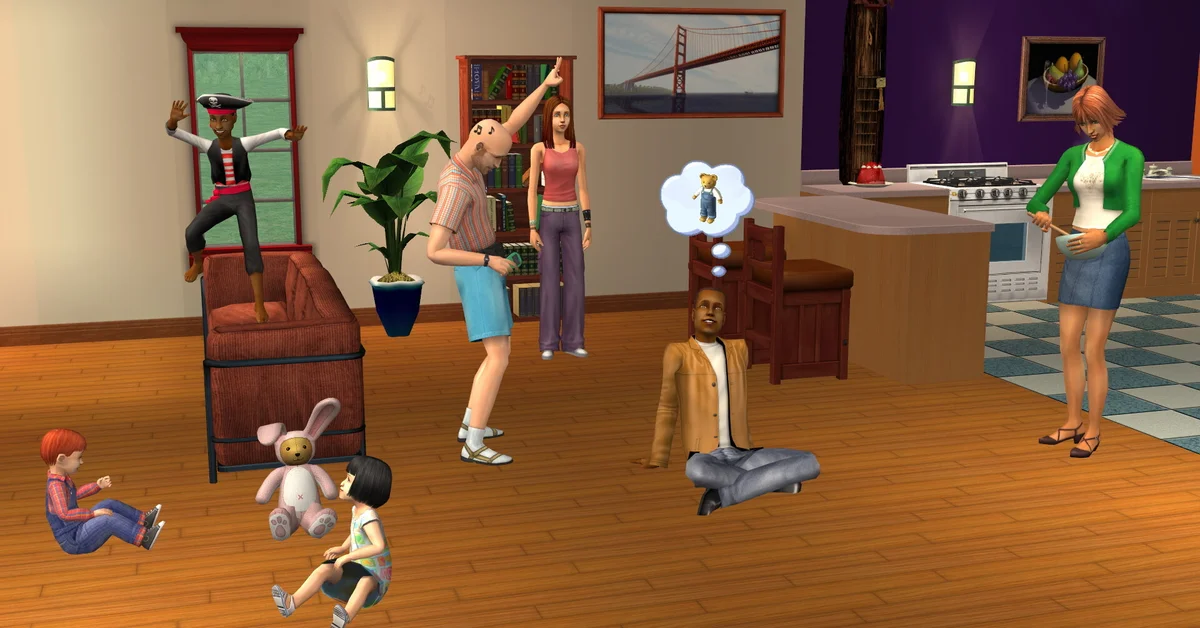
A baby in The Sims 2 becomes a toddler after three Sim days, and you can trigger that birthday yourself on the final day by buying a birthday cake, placing it on a table and having a teen or older Sim carry the baby to it. If you do nothing, a household member eventually picks the baby up and helps them grow up on their own. There is no way to age a baby early without cheats, which is the part most guides get wrong, so below we cover the exact timeline, the cake, the automatic birthday, the testing-cheats shortcut that does skip the wait, and what changed (nothing) in the 2025 Legacy Collection patches.
How long the baby stage lasts
Babies grow into toddlers after 72 Sim hours. The game reminds you: two days before any Sim’s birthday a warning appears in the top-right corner, and 24 hours later a second alert says the Sim can now age. From that second alert until the transition fires, you are in the birthday window. Toddlers then spend four more days before becoming children, so the baby and toddler stages together run a full Sim week.
Babies are not selectable, so there is no age counter to check. The two alerts are your clock. If you lost track, the crib and the icon on the household panel still let you click the baby, and the birthday interactions only appear once the window is open.
Method 1: the birthday cake
Birthday cakes sit in Buy Mode under Miscellaneous, Party. Buy one and put it on a table or counter (candles cannot be blown out on the ground). Then click the cake with a teen, adult or elder selected, choose the baby by name under the grow-up option, and that Sim carries the baby to the cake, blows out the candles on their behalf and the transition plays. Other household members gather round and cheer; with the cinematic camera enabled, the birthday plays as a short cutscene.
The cake has one limit that the 2025 version of this guide missed: it only works when the Sim is within 24 hours of transitioning. Buy it early and the option simply does not appear. The number of candles matches the life stage, so a baby’s cake carries a single candle.
Throwing a birthday party (call Services on the phone, choose party, then birthday) makes the same cake the centrepiece and adds guests and a party score. It is optional, but with Family and Popularity Sims the party itself fulfils wants worth aspiration points.
Method 2: let the household do it
Skip the cake and the game handles the birthday itself. Once the baby is ready, a teen or older Sim on the lot gets an autonomous “Help Grow Up” and carries the baby to the transition wherever they are standing. This is the “sparkle and spin” version with no cake and no party, and it is the same for the older Ultimate Collection and for the Legacy Collection.
There is a small risk in leaving it to chance: the birthday can fire while the household is asleep or at an awkward moment, and the baby’s mood at transition matters. Long-standing player documentation says Sims “grow up well” or “grow up badly” based on their aspiration and needs at the moment of the birthday, and a baby whose needs are met tends to become a toddler in a better state. Feed and change them on the third day, then trigger the cake yourself.
Method 3: testing cheats
If you want the toddler now, the age transition cheat works on any day. Press Ctrl + Shift + C to open the cheat console, type boolProp testingCheatsEnabled true and press Enter. Hold Shift and click the baby. The debug menu includes an option to force the age transition, which grows the baby into a toddler on the spot. Type boolProp testingCheatsEnabled false afterwards, because, per the Legacy Collection’s first patch notes, the cheat pops up debugging dialogs while it is active, which is expected behaviour.
The 2025 text pasted the cheat as “nginxCopyEditboolProp”, which was a copy-paste artefact; the command is boolProp testingCheatsEnabled true, nothing more. Our Sims 2 cheats guide lists the full menu, and the same Shift-click on an elder ends their life, so read the option before you confirm it.
What the Legacy Collection changed
Nothing about aging. The Legacy Collection, released January 2025 on Steam and the EA App, bundles every expansion and all but one stuff pack, and its eight patches through April 2025 (verified against the official patch notes on Steam) fixed crashes, resolution scaling, a missing alien baby and a bug where quitting without saving after a child-to-teen birthday left the Sim half-aged. That last fix is worth knowing: if you cancel a birthday by quitting without saving, update the game first, or the Sim may keep the new stage’s attributes on the old body. Otherwise the baby timeline, the cake and the cheat are identical to the original game and the Ultimate Collection.
For what comes after the toddler stage, from getting into private school to going to university, the Sims guides hub lists every guide, and if a birthday ever stalls with the baby stuck mid-animation, how to reset a Sim fixes it without a reload.
Frequently Asked Questions
How many days is a baby a baby in The Sims 2? Three Sim days (72 hours). Toddlers then take four more days to become children.
Can I age up a baby early with a cake? No. The cake only works within 24 hours of the natural transition. Aging early requires the testing cheats age transition.
Where is the birthday cake in Buy Mode? Under Miscellaneous, Party. Place it on a table or counter, not the floor, or the candles cannot be blown out.
Does the baby need a party to age up? No. A party is optional. Without one, a teen or older Sim will eventually help the baby grow up on their own.
Is aging any different in the Legacy Collection? No. Life stage lengths, the cake and the cheat are unchanged. The only related patch fixed a bug with cancelling a child-to-teen birthday by quitting without saving.