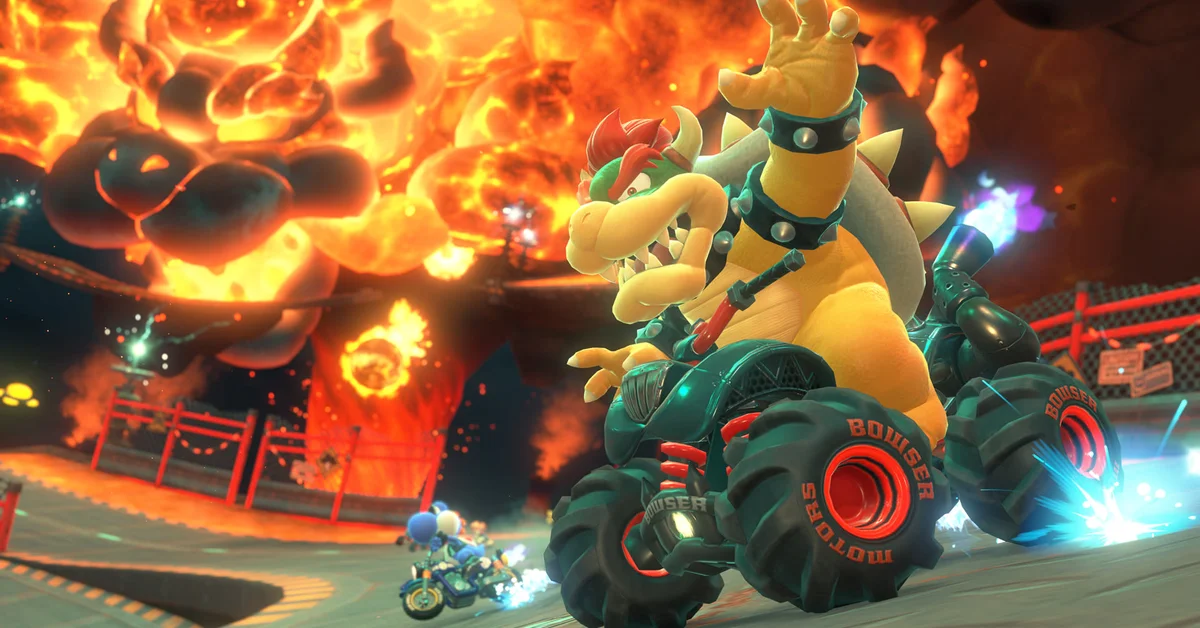
To boost at the start of a race in Mario Kart World, press and hold the A Button the moment the 2 appears in the countdown and keep holding through the green light; the game calls this the Rocket Start. That is Nintendo’s own instruction in its tips article, and it is simpler than the “wait a beat after 2” advice that circulated in 2025. Below we cover the exact cue, what happens when you jump the gun, how to turn the boost into a lead in the first straight, and how the updates through Version 1.8.0 changed the opening seconds.
The Rocket Start Timing
The countdown shows 3, 2, 1 and then the start. Per the developer, the input is: when the 2 appears, press and hold A. Do not tap; hold it until the race is underway. If your timing is right you leave the line with a burst of speed while the rivals around you creep off normally.
Some details of the cue, verified against the official material and the current build:
- The trigger is the appearance of the 2, not the 1. Holding from 3 is too early; holding from 1 is too late for the full effect.
- On a Pro Controller or paired Joy-Con 2, A is the face button on the right. On a single sideways Joy-Con 2, the accelerator is whichever button sits in the A position for that grip, which the game shows on the controller diagram when you pick the controller.
- Auto-Accelerate does not do this for you. With Auto-Accelerate on, the kart drives itself once the race starts, but the Rocket Start still needs you to hold A on the 2.
- The Rocket Start works in every race mode: Grand Prix, VS Race, Time Trials, Knockout Tour, online and the new standalone SNES courses added in Version 1.8.0.
Keep your finger off R/ZR or SR during the countdown: that is the Jump Boost button for ramps, per the official Items and Techniques page, and hopping on the line does nothing useful.
What Happens If You Mistime It
Press A too early and you get a wheel spin instead of a launch. The Version 1.2.0 patch notes (July 2025) note that the game shows a wheel-spinning animation when the player presses A during the countdown, which is the visual cue that you were early. The 2025 advice that an early press makes you “spin out” overstates it: you lose the boost and leave the line slowly, but you do not crash or lose coins.
Press A too late, or tap instead of hold, and you simply start at normal speed. There is no penalty beyond the missing boost.
The window is generous compared with older Mario Kart games, which is why Nintendo’s instruction is a single cue rather than a “just before 1” rhythm. If you keep missing, the most common cause is releasing A briefly when the race begins to press an item button; keep A held and use L/ZL for items with your other hand.
Turning the Boost into a Lead
A Rocket Start puts you a kart length or two ahead of the pack at the first item boxes. What you do next matters more than the boost itself.
- Take the boxes, then get out of the line. Everyone with a Rocket Start arrives at the boxes together. Drift off the racing line straight after collecting so the first Green Shells and Bananas go past you. Our guide to drifting covers the input and the Mini-Turbo levels.
- Pick up coins early. Nintendo’s tips say coins raise your kart’s max speed for that course, up to 20 carried, and the opening straight is usually lined with them. A Rocket Start plus a quick handful of coins is what keeps you ahead into corner one.
- In Knockout Tour, the start matters less than the eliminations. Rallies are long and the field is 24 wide; a clean Rocket Start avoids the first-corner pile-up, which is where most early knockouts happen. The post-launch rallies added in 2026 follow the same countdown.
Vehicle choice changes how the boost feels. Version 1.7.0 (June 2026) raised the acceleration of characters and vehicles that had low acceleration, so heavy builds that felt sluggish off the line at launch now reach top speed sooner after a Rocket Start. If you are still building your garage, see our guide to unlocking karts.
What the Updates Changed at the Start Line
We read every version in Nintendo’s official update history from the 1.1.0 day-one patch to 1.8.0. The Rocket Start input and its cue have not changed. The notes that touch the opening seconds are:
- Version 1.2.0: added the wheel-spinning animation on an early A press, and made COM players weaker in everything other than Battle, so offline fields are easier to pull away from.
- Version 1.4.0 (December 2025): added Custom Items, which lets a room strip out items like Lightning and Spiny Shells that undo an early lead.
- Version 1.7.0: the acceleration buff above.
- Version 1.8.0 (September 2026): rating changes in online races now scale with course length, so a lost start on a short course costs less than it used to, and Spectator Mode lets friends watch your starts from a room.
Everything else in the game is collected on our Mario Kart World guides hub.
Frequently Asked Questions
When exactly do you press A for a Rocket Start? Per Nintendo, press and hold A the moment the 2 appears in the countdown and keep holding through the start. That is the whole cue.
What happens if you press A too early? Your wheels spin and you leave the line without the boost. There is no crash and no coin loss; you just lose the advantage.
Does the Rocket Start work with Auto-Accelerate on? You still have to hold A on the 2. Auto-Accelerate handles the throttle once the race begins, not the start boost.
Does the Rocket Start work online? Yes. It works in every race mode including online and Knockout Tour, and the timing is the same.
Did any update change the start boost? No. The only start-line change in the notes is the Version 1.2.0 wheel-spin animation for an early press; Version 1.7.0’s acceleration buff changes how quickly some builds get up to speed afterward.