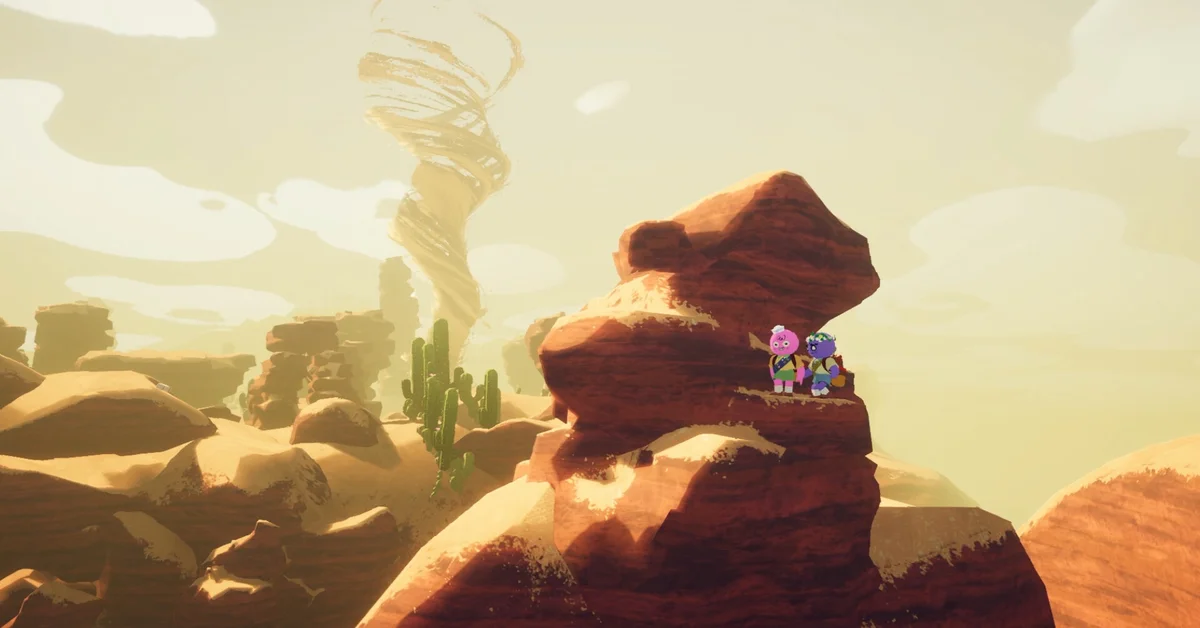
PEAK saves your expedition automatically every time your group lights a campfire, so you can quit mid-climb and continue later from the most recent campfire. There is no manual save and no save-anywhere: the checkpoint is the campfire, and it lasts until you win, lose, or start a new expedition. Below: what the save keeps, resuming in co-op, later fixes, and Ascent runs.
How Saving Works: Campfire Autosaves
Landfall and Aggro Crab added saving in the Play It Your Way update on March 30, 2026. In the developers’ words, you can “continue from your most recent campfire” and “leave an expedition and continue it later.”
The rules, straight from the official notes:
- The save happens at campfires. Lighting a campfire is the checkpoint. Nothing between campfires is saved, so quitting halfway up a biome sends you back to the last fire you lit.
- There is one autosave per expedition. It “lasts until you win, lose, or start a new expedition.” Starting a fresh run replaces it.
- Game updates can erase it. Landfall warns that if an update removes the map you were playing on, the save is gone (“Use it or lose it!”). Patch 1.61.a also wiped every existing save once because of structural changes, so finish a saved run before a big update if you can.
The same update added chill campfires: while you stay by a lit campfire, hunger does not build and the fog does not advance, and the fire stays lit until a scout leaves, which makes it a natural stopping point.
What the Save Keeps (and What It Doesn’t)
What gets saved has changed over several patches:
- Your inventory. What each scout carries has always been part of the save.
- Items around the campfire. Patch 1.61.a made saves restore the items that naturally spawn at a campfire, such as marshmallows, but it warned that items players dropped were not kept: “Make sure everything you need is in your pockets before disconnecting!” Patch 2.04.a (September 2, 2026) changed that, and the campfire save “will now remember all the items you’ve got around the campfire instead of just what you’re carrying on you.”
- Dead scouts. Patch 2.5.a fixed a bug where “loading a save as a skeleton would sometimes instantly kill you,” so a scout who was dead when you saved comes back in that state rather than freshly revived. Our revive guide covers getting them back.
- Badge progress. Patches 1.61.a, 2.01.a and 2.5.a fixed badges and achievements misfiring or not counting after a reload.
Badges, cosmetics and unlocked Ascents are separate from the expedition save and always persist.
How to Resume a Run, Solo and in Co-op
Solo is simple: relaunch and continue the saved expedition instead of starting a new one. The official notes do not name the menu option, and we will not guess at one.
Co-op is where players get tripped up. The official notes confirm saved expeditions and a lot of reconnect fixes, but they do not spell out who owns the save in a group, so the safe approach is for the same player who hosted the original run to host the resumed one, then invite the same friends back. Do not assume a different player can load the group’s run from their own copy of the game.
To get friends back in, the usual Steam invites still work, and patch 2.04.a added room codes: the host copies the code from the pause menu, and friends enter it through “JOIN GAME” on the main menu. If your lobby gets uninvited visitors, our guide to kicking players from a lobby has the fix.
What the Later Save Fixes Changed
The system has had a lot of tuning since March:
- Patch 1.65.a (July 23, 2026): autosaves now “self-destruct AFTER a player successfully resumes the run, rather than when they start loading the map,” so a crash during loading no longer costs you the save.
- The Final Ascent (August 11, 2026): loading an existing autosave “will no longer delete the save.” Saves now only delete “when the run ends, regardless of winning or losing.” The developers’ own comment: “Rejoice, save scummers!”
- Patches 2.04.a and 2.5.a (September 2026): campfire items and skeleton reloads, covered above.
The Final Ascent change matters most: loading no longer consumes the save, so you can quit and reload the same campfire until the run ends.
Saving and Ascents, Including Ascent 8
Campfire saves work at every Ascent, and patch notes show Landfall fixing Ascent-specific reload bugs: patch 1.61.a fixed Ascent 5 and higher players getting cold in the Caldera after loading a save or reconnecting. The Ascent rules ride along with the run you saved.
For Ascent 8, saving changes the planning. It is the hardest climb in the game, and it no longer has to happen in one sitting. Two tips:
- Bank the amulet run at campfires. Since patch 2.04.a, gear around the fire is saved too, but keeping key items in a scout’s pockets is still the safest habit.
- Remember that a loss deletes the save. The safety net covers quitting, not dying out. If the group is about to wipe, the save will not bring you back.
Our best items and loadout guide covers what to carry, and every other PEAK guide is on our PEAK hub.
Frequently Asked Questions
Can you save anywhere in PEAK? No. PEAK only autosaves when you light a campfire, and you resume from the most recent one.
Does losing a run delete the save? Yes. Since the Final Ascent update, saves delete only when the run ends, whether you win or lose. Loading a save no longer deletes it.
Will a game update erase my saved run? It can. Landfall warns that if an update removes the map you were on, the save is erased, and patch 1.61.a wiped all saves once.
Can a different friend host a saved co-op run? The official notes do not say, so the safe plan is to have the original host load the run and re-invite the group.
Are items on the ground near the campfire saved? As of patch 2.04.a, yes: the campfire save remembers items around the fire, not just what each scout carries.