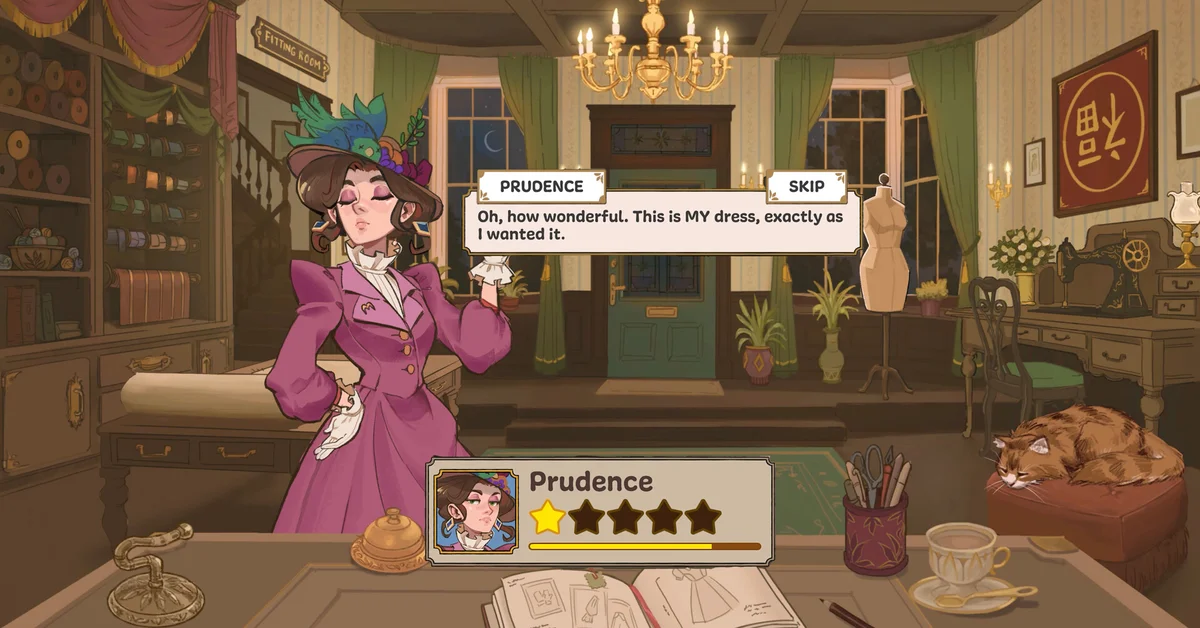
Yes, Dressmaker runs on Steam Deck, and Valve rates it Playable. The developers say it “runs fast on the Steam Deck,” but the game has no official controller support yet, so you will want to map a few buttons yourself, starting with zoom.
Below we cover what Valve’s check found, what the developers have said, how players set up the controls, and the small problems reported so far. Dressmaker launched on September 21, 2026, for Windows and Mac.
Valve’s Rating: Playable
Valve’s compatibility check rates Dressmaker Playable, one step below Verified. Its notes say:
- Controller glyphs shown in the game do not match the Deck’s buttons.
- Some text is small or hard to read on the Deck’s screen.
- Display output has some issues that do not stop you playing.
On the plus side, Valve found that the default controller configuration works and that the game performs well.
What the Developers Say
The game’s community manager answered the question directly before launch, in the official forum on September 10, 2026: “We’ve tested Dressmaker on the Steam Deck and it runs smoothly, although it doesn’t currently have controller support. That is something we’ll be looking at after launch!”
The developers’ launch post repeated it: “The game runs fast on the Steam Deck, but we want to give it proper controller support.” On September 29, the community manager added that players “can map the best options for yourself right now, but we are looking into proper controller support.”
There is no native Linux version, so the Deck runs the Windows version through Proton. A developer noted on the forum that the game is “actually mostly developed on Linux,” which may explain why it runs well.
The Control Setup Players Use
Because Dressmaker is built for mouse and keyboard, the Deck’s default layout covers most actions but not all. Players on the official forum report:
- Zoom is not mapped by default. Zoom is the Z key or a middle mouse click on PC, and players map it to a back button such as R4.
- The touchscreen works, which helps with menus and precise clicks.
- Community layouts exist. Players share controller layouts on the forum, and you can find them through Steam’s controller settings for the game.
The sewing controls are worth mapping carefully: on PC, Space sews, A and D rotate the fabric, and W and S change speed. Our guide to Dressmaker’s controls lists every key the developers and players have confirmed.
Performance Reports
Players who have tried it describe the Deck version as smooth, and several call it a good fit for a cozy game played in short sessions. One player reported freezes, so it is not flawless for everyone. If you hit a bug, Free Lives asks players to email support@freelives.net and include the save file.
Steam lists Steam Cloud support, so a Deck and a Windows PC should share saves, though players report trouble moving saves between Mac and Windows.
Is It Worth Playing on Deck?
For a sewing game played in short sessions, the Deck suits Dressmaker well once zoom is mapped. Players who want precise cutting for perfect quality may still prefer a mouse; our guide to getting 100% quality explains why precision matters. Every guide is on our Dressmaker hub.
Frequently Asked Questions
Is Dressmaker Steam Deck Verified? No. Valve rates it Playable, one step below Verified, mainly because of controller glyphs and small text.
Does Dressmaker have controller support on Steam Deck? Not officially yet. The developers say proper controller support is planned, and you can map controls yourself in the meantime.
How do you zoom in Dressmaker on Steam Deck? Zoom is not mapped by default. Players map the Z key or a middle mouse click to a spare button such as R4.
Does Dressmaker run well on Steam Deck? The developers say it runs smoothly, and players largely agree, with one report of freezes.
Is there a Linux version of Dressmaker? No native one. The Deck runs the Windows version through Proton.