
To change the radio station in GTA 6, hold Left on the D-pad while you’re in a vehicle to open the radio, then press L1 or R1 to flip through the stations. The station you land on starts playing straight away, and its name, song and artist show under the row of logos.
We changed stations in Jason’s ’70 Ganado on our PS5 copy on launch night. Below are the exact steps, how to switch the radio off and back on, and how to listen when you’re out of the car.
How to Change the Station in a Car
- Get in a vehicle. The game’s hint is plain about the button: “Hold [Left on the D-pad] to access the radio and vehicle controls.”
- Hold Left on the D-pad. A strip of station logos opens across the top of the screen, with Vehicle and Radio tabs at its left end. It opens on the Radio tab.
- Press L1 or R1 to change station. L1 moves left along the row and R1 moves right. The highlighted logo gets a white frame, and the station’s name appears underneath with what’s playing.
- Stop on the station you want. When we stopped on Emotion 98.3, it was playing “Drive” by The Cars.
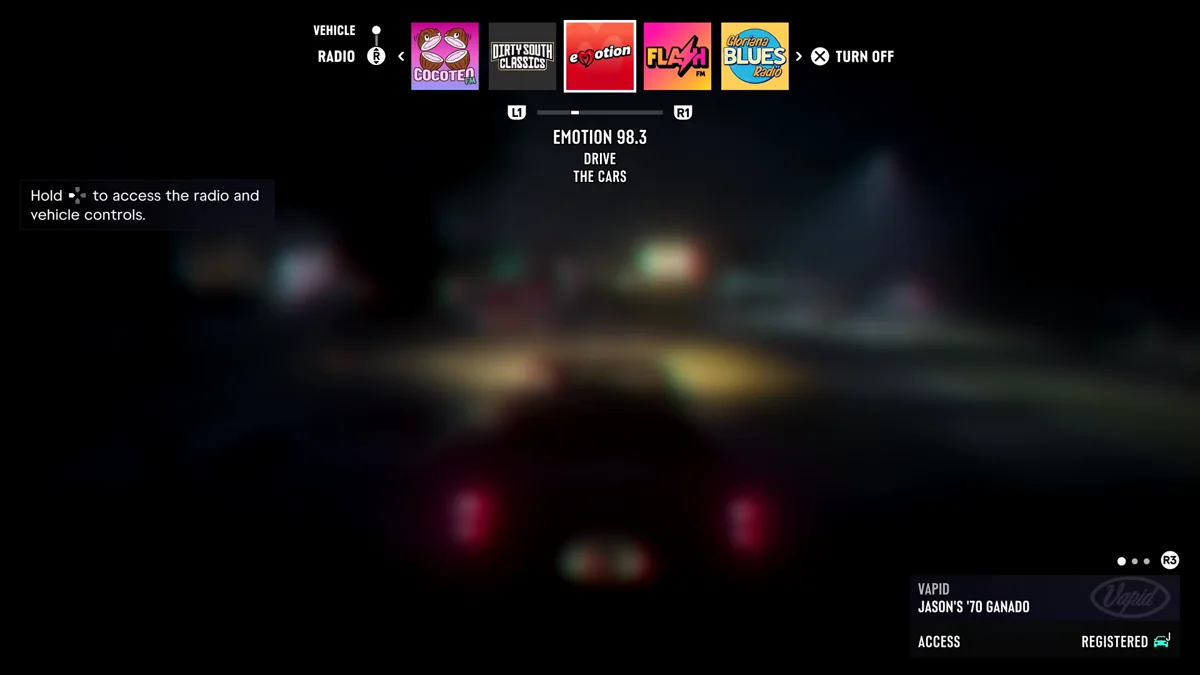
The strip is wider than the screen, so keep pressing R1 to see more. On our run it showed Dirty South Classics, Emotion 98.3, Flash FM, Gloriana Blues Radio, Kaleidoscope FM and Worldwide FM, among others.
How to Turn the Radio Off and On
At the right end of the strip, Turn Off sits on Cross. Press it and the radio goes quiet; the button then changes to Turn On, and the station name shows “Off” underneath. Press Cross again to bring the radio back.
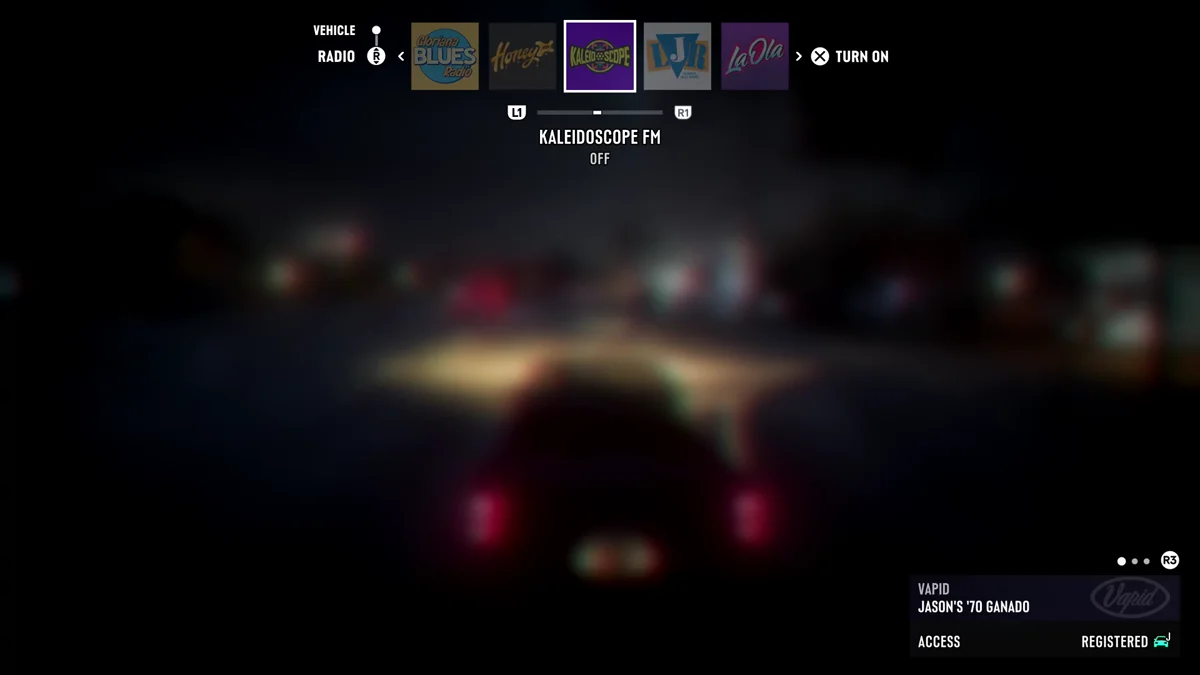
If you’d rather the radio never starts by itself, the Audio tab of Settings has a Vehicle Radio option. On Default, the game says, “if the previous driver was listening to the radio, it will resume automatically.” Setting it to Off keeps it silent until you turn it on yourself.
The Vehicle Tab
The Radio tab isn’t the only thing in that strip. The Vehicle tab sits just above it on the left, with a right-stick icon beside the two tabs, and it holds your car’s own controls. Our guide to the GTA 6 controls lists what the strip covers, headlights and trunk included.
Listening on Foot
You don’t have to be in a car. With headphones or earbuds on, the radio plays through your character’s phone while you walk around. On foot, the Control Scheme screen in Settings lists radio controls on Left on the D-pad: a press for quick controls and a hold for the radio menu. Our guide to listening to music and podcasts on your phone covers it in full.
Find the Station You Want
Every station Rockstar has named, its hosts and the songs it plays are in our guide to GTA 6’s radio stations, and Vault Radio, the one you have to unlock, has a guide of its own. If you record or stream, the Mute Licensed Music option in the Audio tab silences the licensed songs. Every GTA 6 guide is on our GTA 6 hub.
Frequently Asked Questions
How do you change the radio station in GTA 6 on PS5? In a vehicle, hold Left on the D-pad to open the radio, then press L1 or R1 to move between stations.
How do you turn off the radio in GTA 6? Hold Left on the D-pad in a vehicle and press Cross on Turn Off. To keep it off in every vehicle, set Vehicle Radio to Off in Settings > Audio.
How do you open the radio in GTA 6? Hold Left on the D-pad while you’re in a vehicle. The station strip opens at the top of the screen.
Can you change the radio station on foot in GTA 6? Yes, with headphones or earbuds on. The radio plays through your phone, and Left on the D-pad brings up the radio controls.