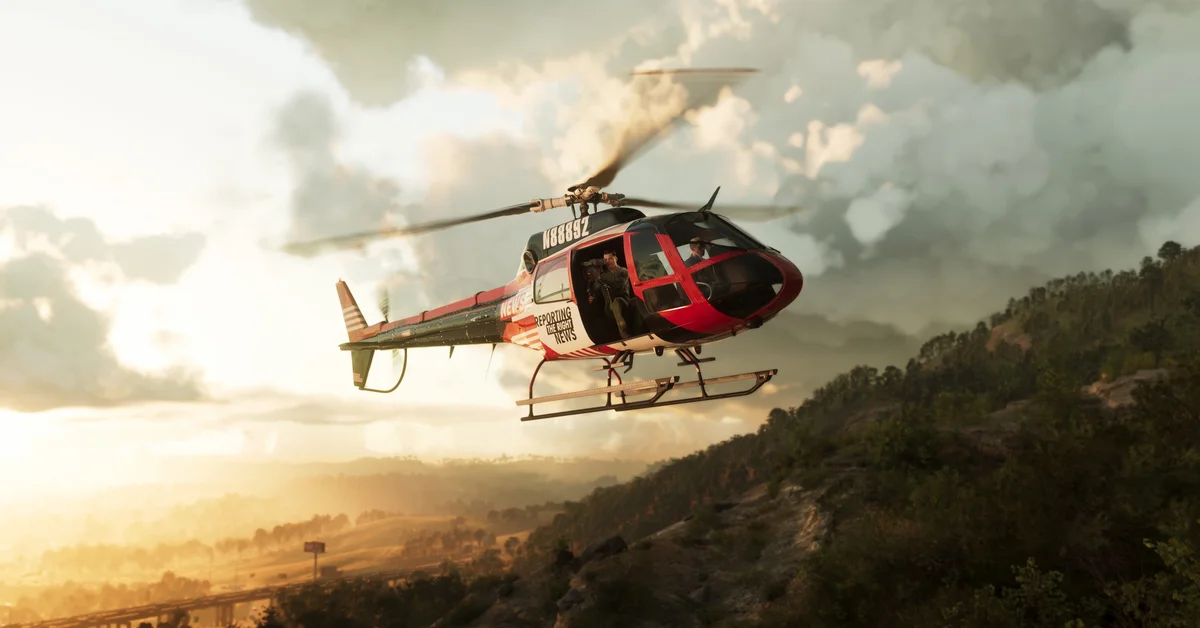
To fly a plane in GTA 6 on PS5, hold R2 to speed up, pull the left stick down to take off, hold Square or Circle to turn with the rudder, and hold L2 to slow down as you come in to land. Those are the controls the game teaches the first time you fly, in a seaplane during Jason’s first mission.
We flew it on PS5 on launch night, and the game shows each control as a hint at the moment you need it. Below is how each part of a flight works, where you first fly, and the settings that change the controls. We recorded the flight for the video at the end of this guide, and the screenshots in this guide come from the same recording.
Where You First Fly
Your first flight in Grand Theft Auto VI comes at the end of Gone Fishing, Jason’s first mission. You leave in a seaplane from a dock, and the name card that pops up when you climb in reads Mammoth, Brian’s Dodo. Our Gone Fishing walkthrough covers the rest of the mission.
How to Take Off
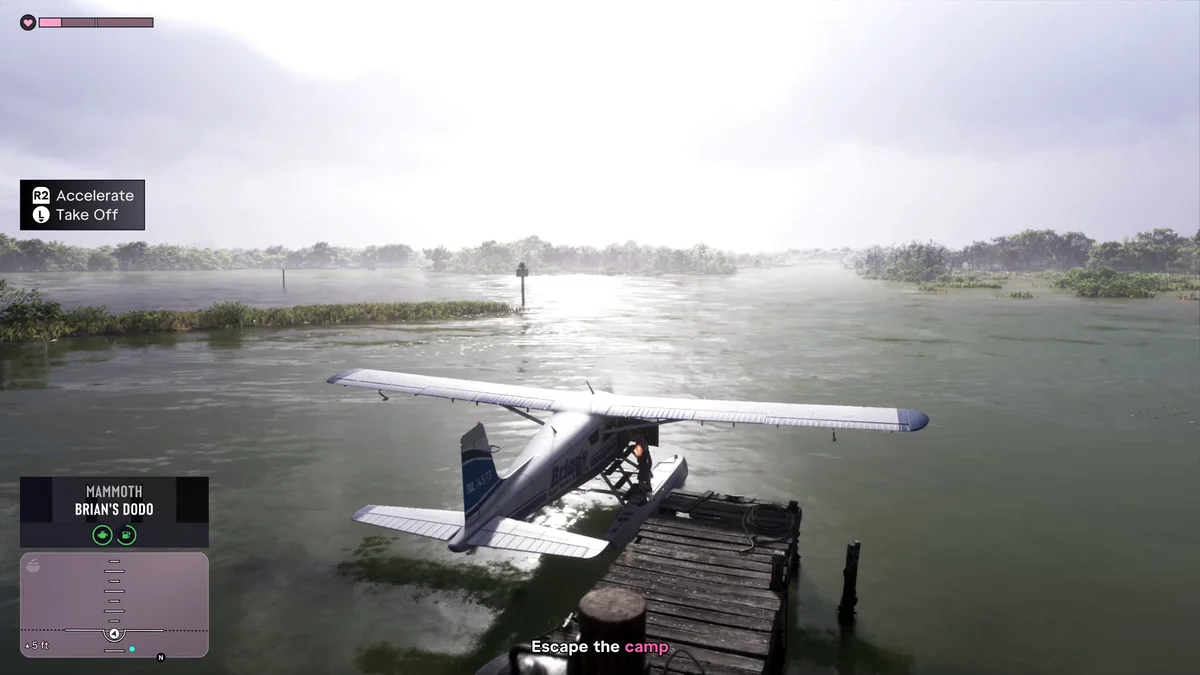
- Hold R2 to accelerate. The seaplane picks up speed across the water.
- Pull the left stick down to take off once you have speed. The hint on screen pairs “R2 Accelerate” with a left stick icon pointing down for “Take Off.”
How to Steer in the Air
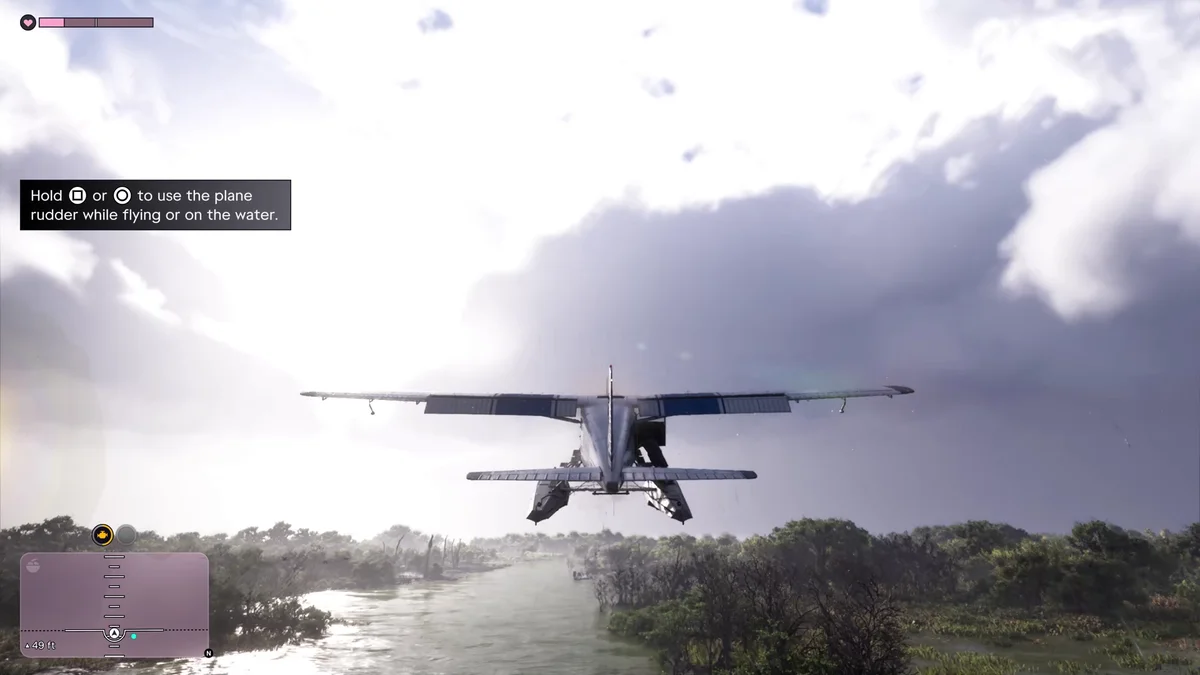
Once you’re up, the next hint covers turning: “Hold Square or Circle to use the plane rudder while flying or on the water.” A rudder turns the nose left or right, which helps when you’re lining up on a landing spot or turning on the water before take-off.
Your altitude shows in feet while you fly, so you can see how high you are as you climb and descend.
How to Land
- Line up early with the stretch of water or runway you want, using the rudder for small corrections.
- Ease off R2 and descend gently.
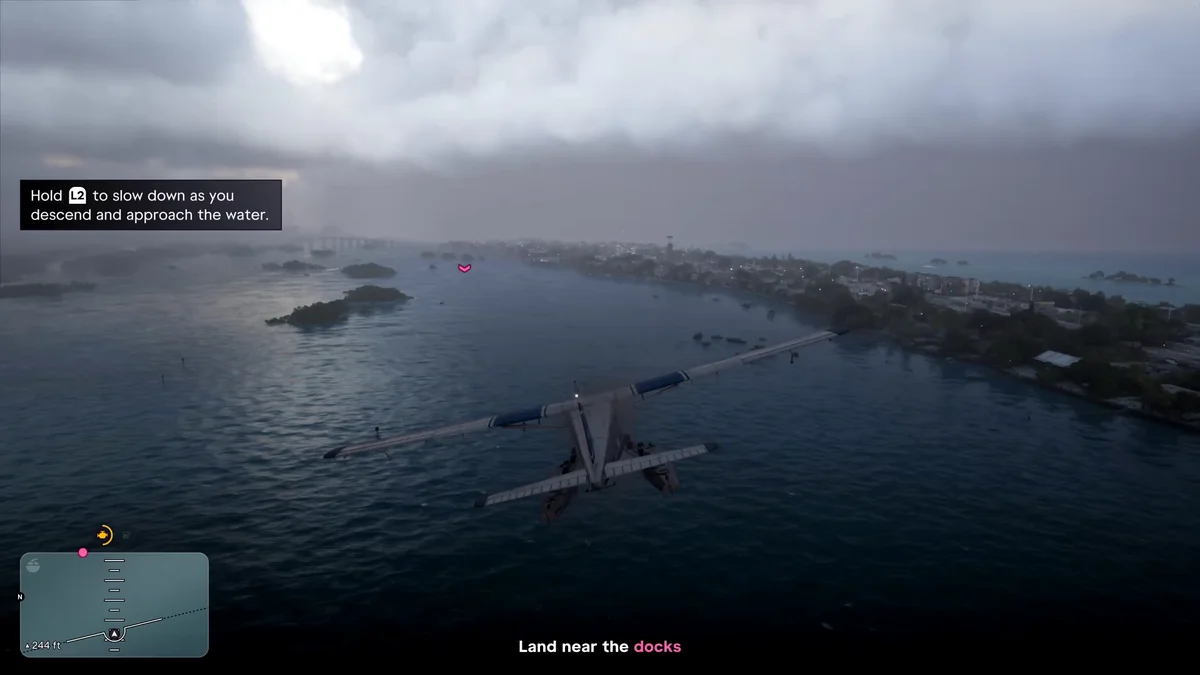
- Hold L2 to slow down. The hint reads: “Hold L2 to slow down as you descend and approach the water.”
- Keep L2 held as you touch down on the water.
On our first landing, the mission asked us to land near the docks at Brian’s marina, and we held L2 on the way down and set the plane down on the water.
Settings That Change Flying
Two settings menus affect how planes handle:
- Controller > Inverted Controls > Aircraft Movement “inverts the vertical movement” of the left stick in aircraft, and it’s switched on by default. If pushing up does the opposite of what you expect, turn it off. Our guide to inverting the camera covers the whole Inverted Controls section.
- Camera > Aircraft has follow speed settings for how the camera swings back behind the plane.
The Control Scheme tab also has an Aircraft preview beside On Foot, so you can check the flying buttons there. Our controls guide has the full layout.
Where to Find Planes
After the first mission, planes turn up around Leonida. Our guide to the airport covers the jets at Vice City International, and our guide to unfogging the map explains why a small plane helps uncover it. Pack a parachute before you climb too high.
Frequently Asked Questions
How do you fly a plane in GTA 6? Hold R2 to accelerate, pull the left stick down to take off, hold Square or Circle for the rudder, then hold L2 to slow down when you land.
How do you take off in GTA 6? Hold R2 to build speed, then pull the left stick down to lift off. The game shows both as a hint the first time you fly.
How do you use the rudder in GTA 6? Hold Square or Circle. The rudder works in the air and on the water.
How do you land a plane in GTA 6? Line up, descend gently and hold L2 to slow down as you approach the water, and keep holding it as you touch down.
When do you first fly a plane in GTA 6? At the end of Gone Fishing, Jason’s first mission, in a seaplane.
Every GTA 6 guide we’ve written is on our GTA 6 hub.