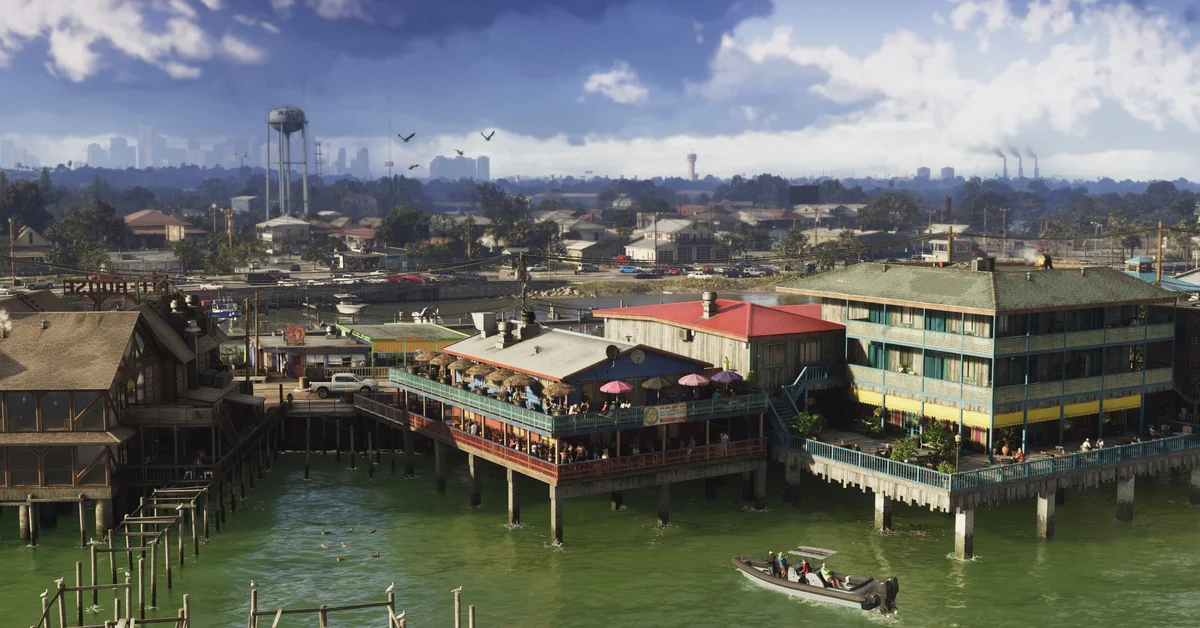
No, GTA 6 doesn’t have a performance mode on PS5. We went through every tab of the settings menu on our base PS5 copy on launch night, and there’s no performance, graphics or resolution option anywhere in it, because the game targets 30 frames per second on every console and has no faster mode to switch to.
Rockstar’s November 10 pre-load post says Grand Theft Auto VI was built “for the current generation of consoles, targeting 30 frames per second while pushing both platforms to their absolute limits.” That covers Xbox Series X|S as well as PS5, and the PS5 Pro stays at 30fps too. Below we cover what the settings do let you change, what the PS5 Pro adds, where Xbox stands, and the console and TV settings worth checking before you play.
What the Settings Menu Has Instead
Settings has eight tabs on our PS5: Control Scheme, Controller, Gameplay, Display, UI, Camera, Audio and Account. None of them picks a frame rate or resolution. The nearest thing to graphics options is the Display tab, which is all about how the picture looks rather than how fast it runs:
- Brightness Calibration and Safe Zone: the usual screen setup, so the picture isn’t too dark and nothing sits off the edge of your TV.
- Motion Blur Strength: “the intensity of motion blur effects when moving your character or the camera quickly.” It starts at 3. If fast camera turns look smeared to you, this is the slider to lower.
- Visual effect sliders: Player Status Effects Intensity, Hit Effects Intensity and Awareness Effects Intensity, which all start at 5.
- Dismemberment, Blood and Gore Intensity, and Flashbang: dismemberment starts on, blood and gore on High and flashbangs on Bright.
- Focus Trail Colorblind Mode, Brightness Reduction and High Contrast Shaders: all off by default. High Contrast Shaders “applies a high contrast color to entities and interactions in world.”
The Camera tab adds a Comfort section with Weapon Sway, Camera Shake and Camera Bob, the last of which sets “how much the camera bobs in situations such as walking, running, or swimming.” Switching off the shake and sway and lowering the bob steadies the picture, which can make 30fps easier on the eyes. Our controls guide covers the Control Scheme tab, and our guide to GTA 6’s difficulty settings covers what the Gameplay tab can make easier.
PS5 Pro: What Changes
The PS5 Pro runs the same PS5 version of the game, with extras on top. Rockstar’s pre-load post says the Pro gets “improved clarity through PlayStation Spectral Super Resolution (PSSR) and ray-traced shadows only available on PlayStation 5 Pro,” and the PlayStation Blog lists the same two upgrades.
Rockstar technology production director Marc Chambers told Kotaku that the game’s base presentation already uses ray-traced reflections and global illumination, and that the Pro adds ray-traced shadows and PSSR on top. The frame rate stays at 30fps, because the Pro’s processor “is not powerful enough to run the game’s complex simulation at higher frame rates,” Chambers said.
We played on a base PS5, so we haven’t seen the Pro’s menu ourselves, but what Rockstar has described is a sharper picture, not a faster one. Our 60fps guide covers the frame rate in more detail.
Xbox Series X and Series S
Rockstar’s 30fps target covers both Xbox consoles, and its post gives no separate figures for the Series X and the Series S. Microsoft’s store listing says only “Optimized for Xbox Series X|S.” The pre-load post does say Xbox Cloud Gaming streams the game “utilizing XBOX Series S graphics settings.”
It’s a change from GTA 5. When GTA 5 came to PS5 and Xbox Series X|S in March 2022, Rockstar gave it three modes, Fidelity, Performance and Performance RT, so players could trade detail for frame rate. GTA 6 has no such menu on our PS5: everyone plays at the same 30fps target.
If you’re still choosing a console, our guide to the best console for GTA 6 compares every model, and our report on the 30fps target covers the announcement.
Console and TV Settings to Check First
With no mode to pick in the game, the settings that matter are your console’s and your TV’s.
On PS5, go to Settings > Screen and Video > Video Output. Sony’s video output guide explains each option:
- Resolution: leave it on Automatic; “it’s set to the highest resolution your TV supports.”
- HDR: “On When Supported” keeps non-HDR games and apps in standard range, while “Always On” converts everything to HDR.
- Adjust HDR: run it once for your TV. Sony says it “enables fine brightness adjustments and optimized HDR rendering.”
PS5 also has Game Presets under Settings > Saved Data and Game/App Settings, including a Performance Mode or Resolution Mode choice. Sony notes that “this applies only to games that offer these modes,” so on a base PS5 it makes no difference to GTA 6.
On Xbox Series X|S, press the Xbox button, then go to Profile and system > Settings > General > TV and display options, where resolution and refresh rate live.
On your TV, switch to its game mode to cut input lag.
Before you play, make sure you have room for the game: our download size guide covers the space you need. Every GTA 6 guide is on our GTA 6 hub.
Frequently Asked Questions
Does GTA 6 have a performance mode? No. The settings menu on our base PS5 copy has no performance, graphics or resolution mode, and Rockstar targets 30fps on every console.
Does GTA 6 run at 60fps? No. Rockstar targets 30 frames per second on PS5 and Xbox Series X|S, and the PS5 Pro stays at 30fps as well.
Is GTA 6 better on the PS5 Pro? It looks sharper, but it doesn’t run faster. Rockstar says the Pro adds PSSR upscaling for “improved clarity” and ray-traced shadows that only the Pro gets, while its processor can’t run the game’s simulation above 30fps.
Does the PS5 Game Presets setting work with GTA 6? Sony says the Performance Mode or Resolution Mode preset applies only to games that offer those modes, and GTA 6 has no mode to pick on the base PS5.
Can you reduce motion blur in GTA 6? Yes. Lower the Motion Blur Strength slider in Settings > Display. It starts at 3.