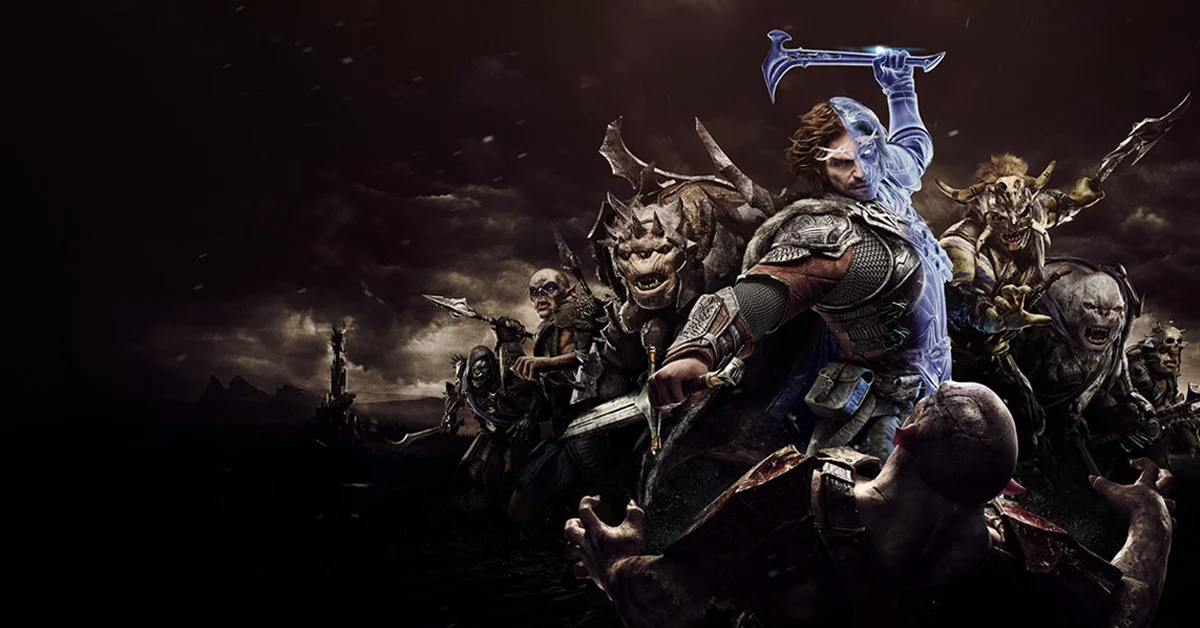
The best Shadow of War mods start with the two loaders nearly everything else runs through, survivalizeed’s DLL Loader and ReaperAnon’s Middle-Earth Mod Loader, plus the Packet Loader that makes armor, weapon and effect swaps possible. From there the list grows into skill tree unlocks, Nemesis System changes that keep captains coming back, ReShade presets and Black Numenorean and Nazgul looks for Talion, Eltariel and Baranor. All 50 are free, hosted on Nexus Mods or on their creators’ GitHub pages, and all of them are for the PC version of Middle-earth: Shadow of War.
Shadow of War never got official mod tools, so its scene runs on community loaders that inject into the game at launch. That is why the first group below matters more than usual: most entries further down name one of those three files as a requirement, and each entry’s Needs: line says which.
Essential Shadow of War Mods and Loaders
1. Shadow of War DLL Loader
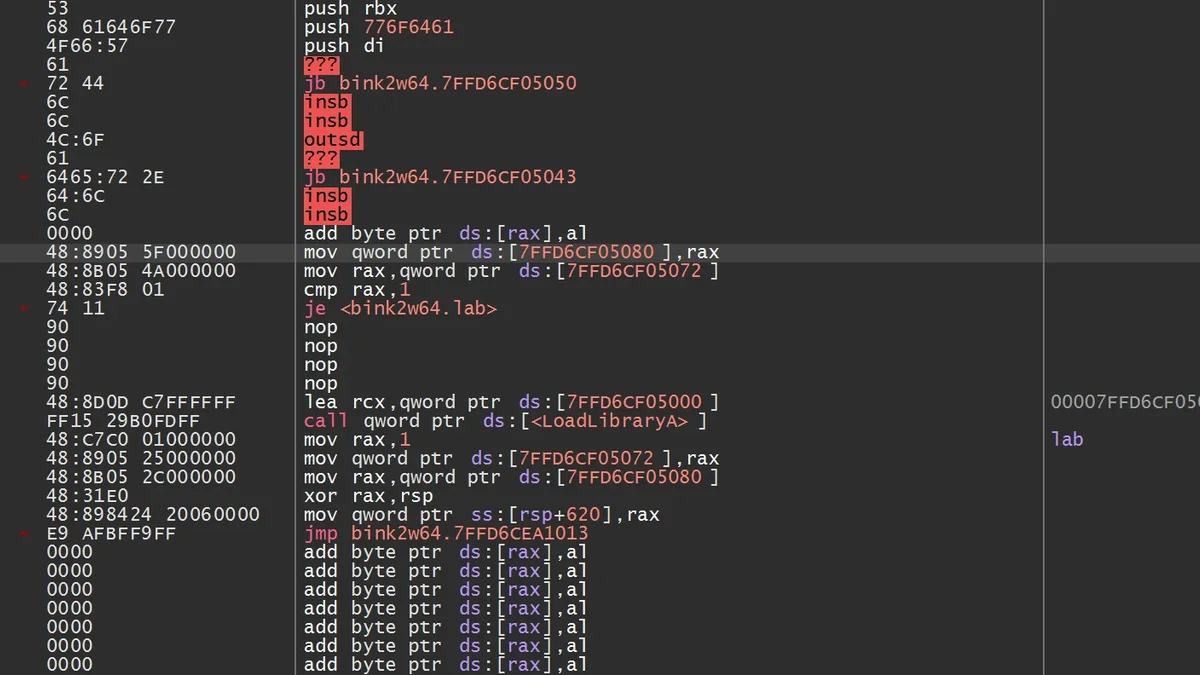
A DLL loader is what lets Shadow of War run plugin mods at all, and survivalizeed’s is the most downloaded Shadow of War mod on Nexus Mods. You drop its files into the game’s x64 folder and create a plugins folder beside them, and every plugin or packet then goes into that folder. Its page pitches it as the lighter alternative to the Middle-Earth Mod Loader (number 2): it has no interface and needs no file renaming, and its creator says that avoids the crashes the other loader can hit when you change window settings. Many mods on this list name it as their requirement, from the Packet Loader to More Captains in Free Roam. Creator: survivalizeed. Download: Shadow of War DLL Loader on Nexus Mods.
2. Middle-Earth Mod Loader
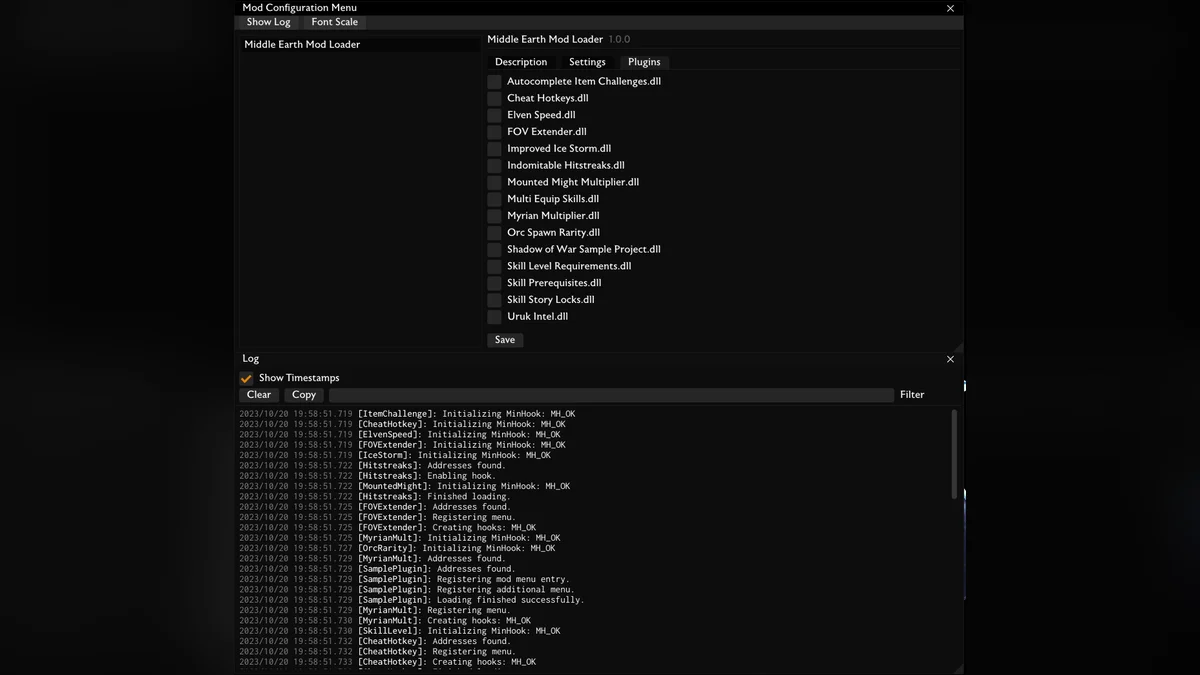
ReaperAnon’s Middle-Earth Mod Loader is the other foundation, and its GitHub release has been downloaded more than 44,000 times. It loads plugins from the same x64\plugins folder and adds an in-game Mod Configuration Menu (F10 by default) plus a log window (the tilde key), which is where ReaperAnon’s own mods, Nemesis Recurrence and More Moves for Talion keep their settings. Installing it means renaming the game’s bink2w64.dll to bink2w64_.dll before copying its files in, and its README asks for the latest Microsoft Visual C++ Redistributable. A fix release in October 2026 addressed menu crashes and made settings easier to change, per its release notes. Creator: ReaperAnon. Download: Middle-Earth Mod Loader on GitHub.
3. Shadow of War Packet Loader
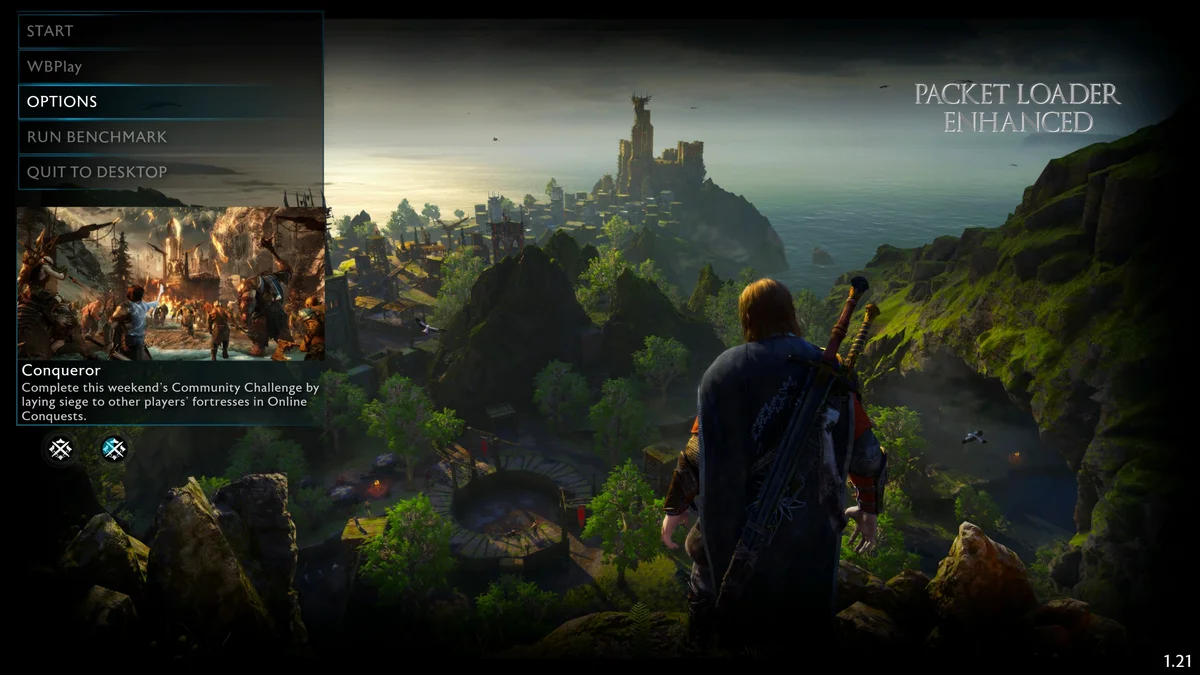
The Packet Loader is what makes every armor, weapon, texture and effect swap on this list possible: its page says it lets you replace any resource in the game. Mods built for it ship as “packets”, unpacked folders you drop into your plugins folder. It runs as a plugin itself, so it needs one of the two loaders above, and its creator still describes this second generation as an early build he is fixing crashes in. If a packet changes nothing, open PacketLoader\Internal\PacketLoader.ini, set the cache to 0, load the game once so it generates new signatures, then set it back to 1. Version 2.3.1 is the current release. Creator: survivalizeed. Needs: the DLL Loader or the Middle-Earth Mod Loader. Download: Shadow of War Packet Loader on Nexus Mods.
4. Skip Intro
Skip Intro removes the logo and legal screens at startup. In its creator’s benchmark, the time from launching the game to reaching the main menu dropped from about 35 seconds to about 15, and an SSD helps further. It works with and without the free 4K Cinematic Pack, and it needs no loader: you extract its game folder into your ShadowOfWar folder, or in Vortex set its Mod Type to “Engine Injector”, per its page. Creator: xNightswitch. Download: Skip Intro on Nexus Mods.
5. FOV Extender
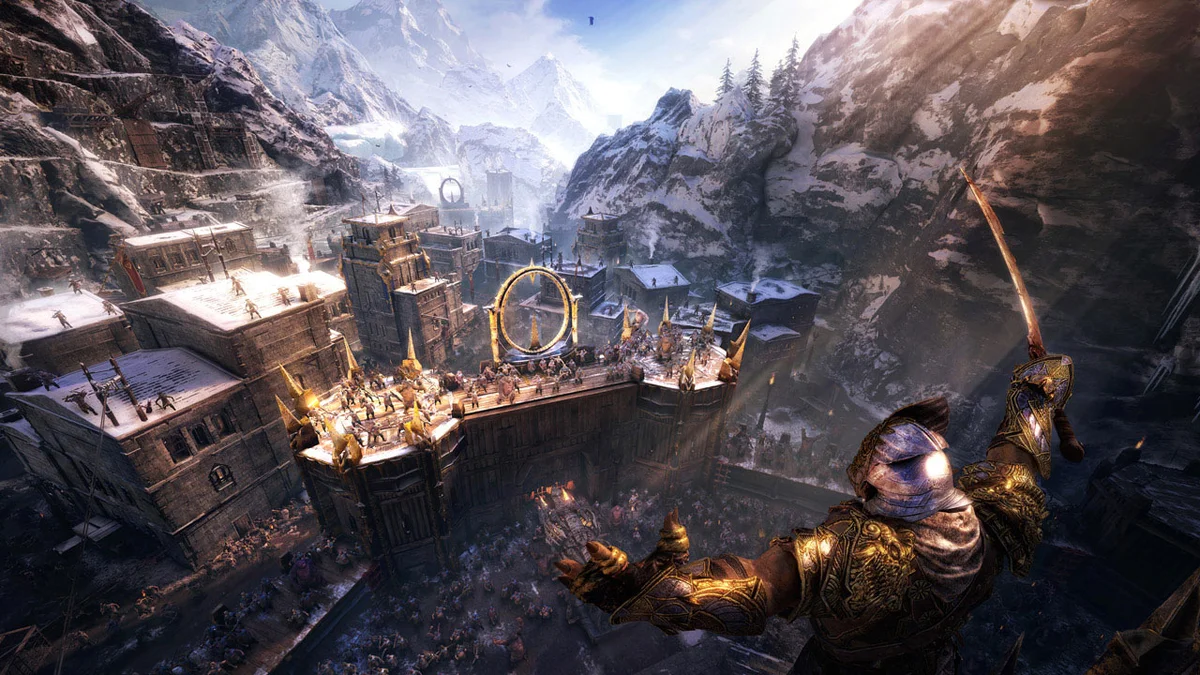
The game’s own field of view slider stops short of what many PC players want, especially on wide monitors. FOV Extender pushes the field of view past the game’s maximum, and you set the value in-game from the Mod Configuration Menu. It is one of the fourteen plugins in ReaperAnon’s Shadow of War collection, which all install the same way: copy the archive’s contents into the x64\plugins folder. Creator: ReaperAnon. Needs: Middle-Earth Mod Loader. Download: FOV Extender on GitHub.
6. Disable Mouse Smoothing
Shadow of War smooths mouse input, which makes the camera feel floaty on a mouse. This small patch turns that smoothing off so the camera responds directly. It comes two ways: a standalone build that adds an ASI loader (winmm.dll) to the x64 folder, or a version for the DLL Loader that goes in the plugins folder. Its source code is public, and an optional settings file lets you configure it. Creator: lnx00. Download: Disable Mouse Smoothing on Nexus Mods.
7. 60 FPS 4K Cutscenes (Fixed)
This mod replaces the game’s cutscenes with 4K versions at 60 frames per second for the main campaign, side missions and the DLCs, interpolated with the FlowFrames tool. Malice_Unarmed fixed two cutscenes that glitched in-game in WinterElfeas’ original upload and credits WinterElfeas with half the work. It is a big download, and undoing it means deleting the cinematics folder in ShadowOfWar\game and verifying your files, which downloads about 20 GB of the original videos again, per its page. Creator: Malice_Unarmed and WinterElfeas. Download: 60 FPS 4K Cutscenes on Nexus Mods.
Skills, Combat and Progression Mods
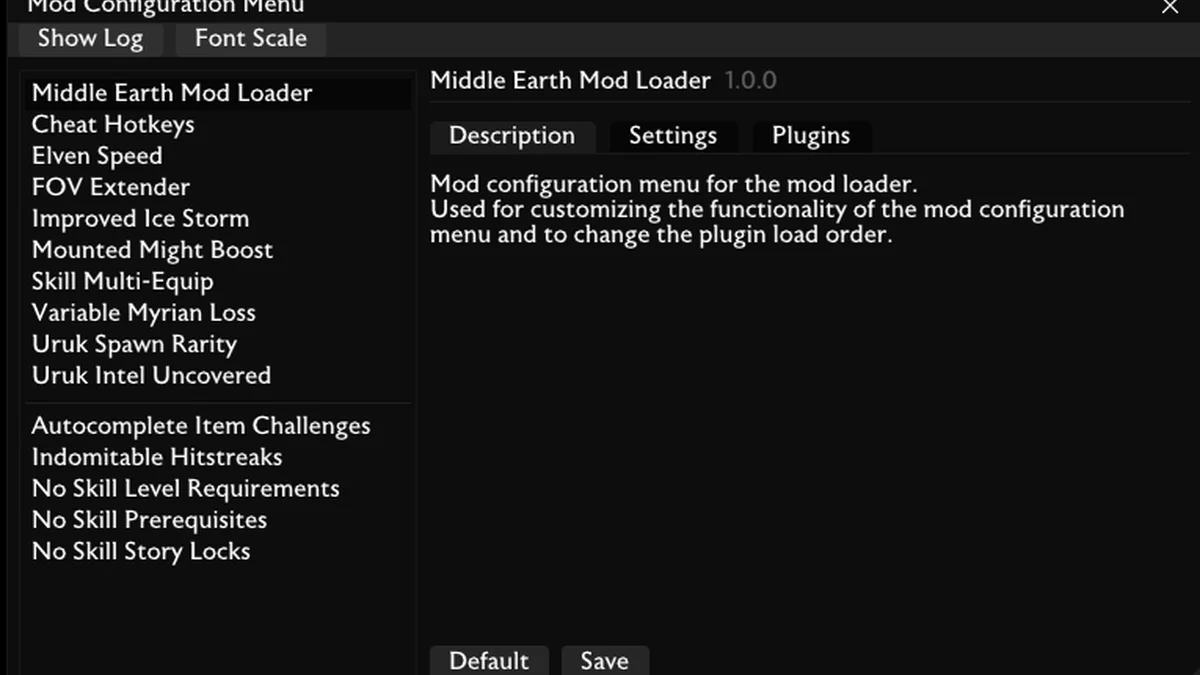
8. Multi-Equip Skills
Every skill in Shadow of War has several upgrades, but the game only lets you equip one of them at a time. Multi-Equip Skills lets you equip more than one by holding a modifier key, and you can set it up in the Mod Configuration Menu. It is the most downloaded of ReaperAnon’s mods, at more than 17,000 downloads on GitHub. Creator: ReaperAnon. Needs: Middle-Earth Mod Loader. Download: Multi-Equip Skills on GitHub.
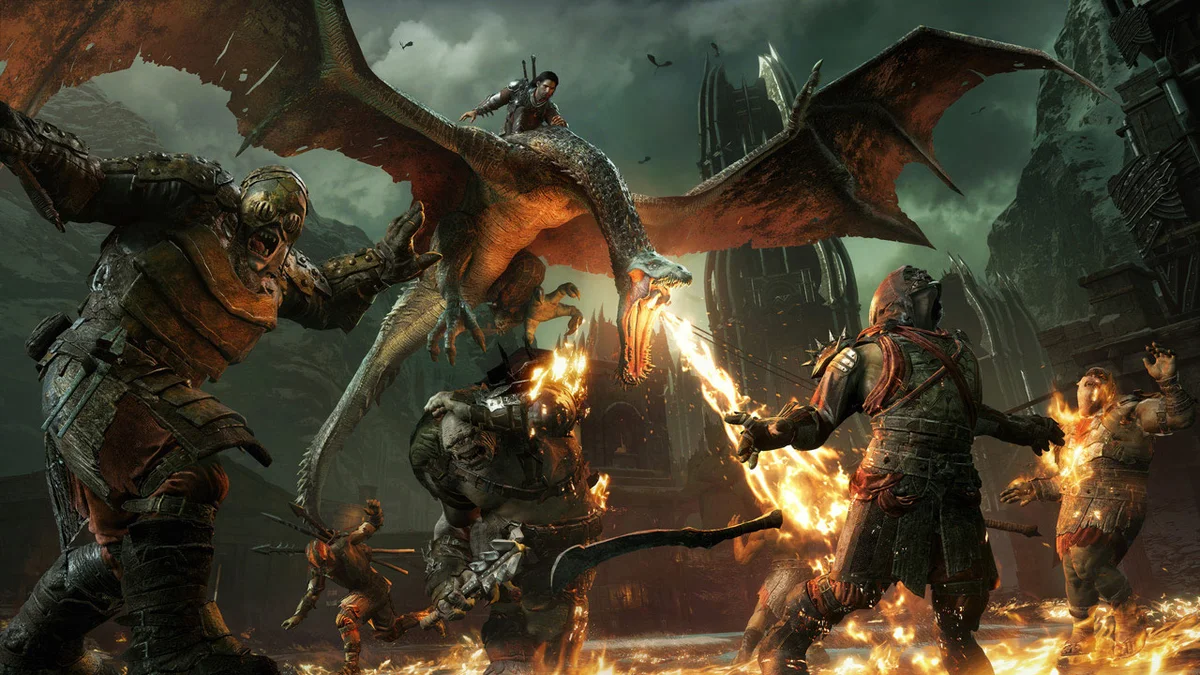
9. Skill Level Requirements
Skill Level Requirements removes the level gates on skills, so you can buy any skill at any level once you have the points. Its README pitches it as a way to make the early game more interesting, and it pairs naturally with the next two entries, which remove the other two kinds of skill lock. Creator: ReaperAnon. Needs: Middle-Earth Mod Loader. Download: Skill Level Requirements on GitHub.
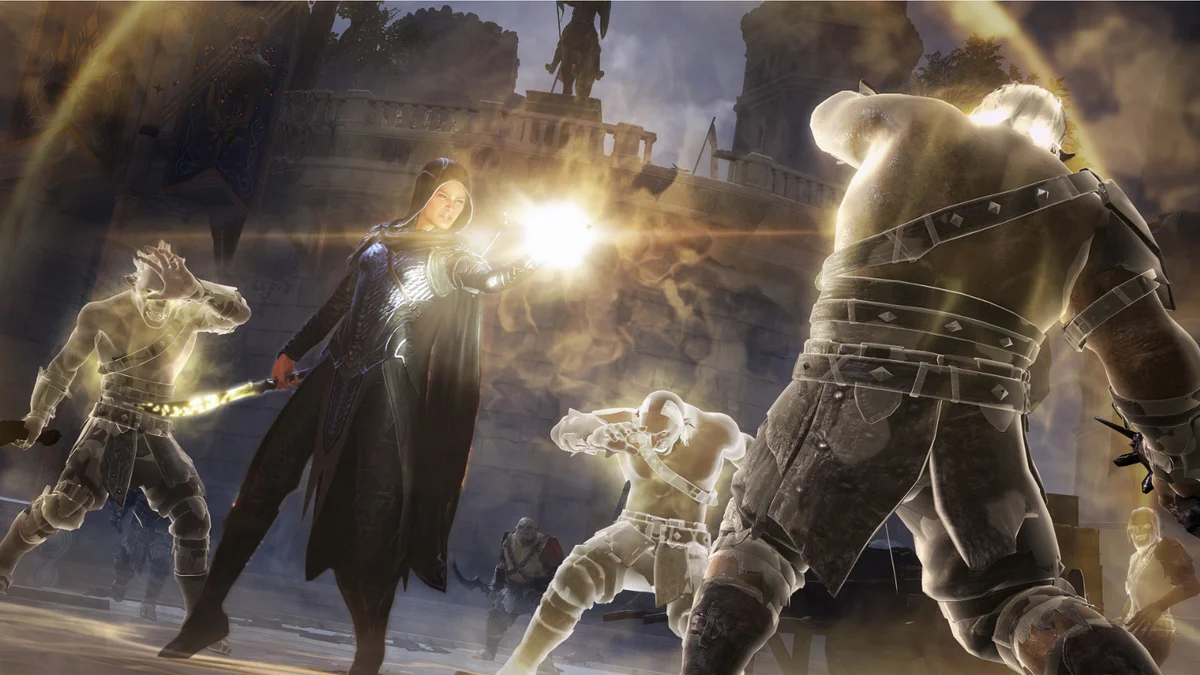
10. No Skill Prerequisites
The skill tree normally makes you buy every main skill in a branch before the one you actually want. No Skill Prerequisites removes that chain, so you can buy any main skill upgrade without the ones before it. Creator: ReaperAnon. Needs: Middle-Earth Mod Loader. Download: No Skill Prerequisites on GitHub.
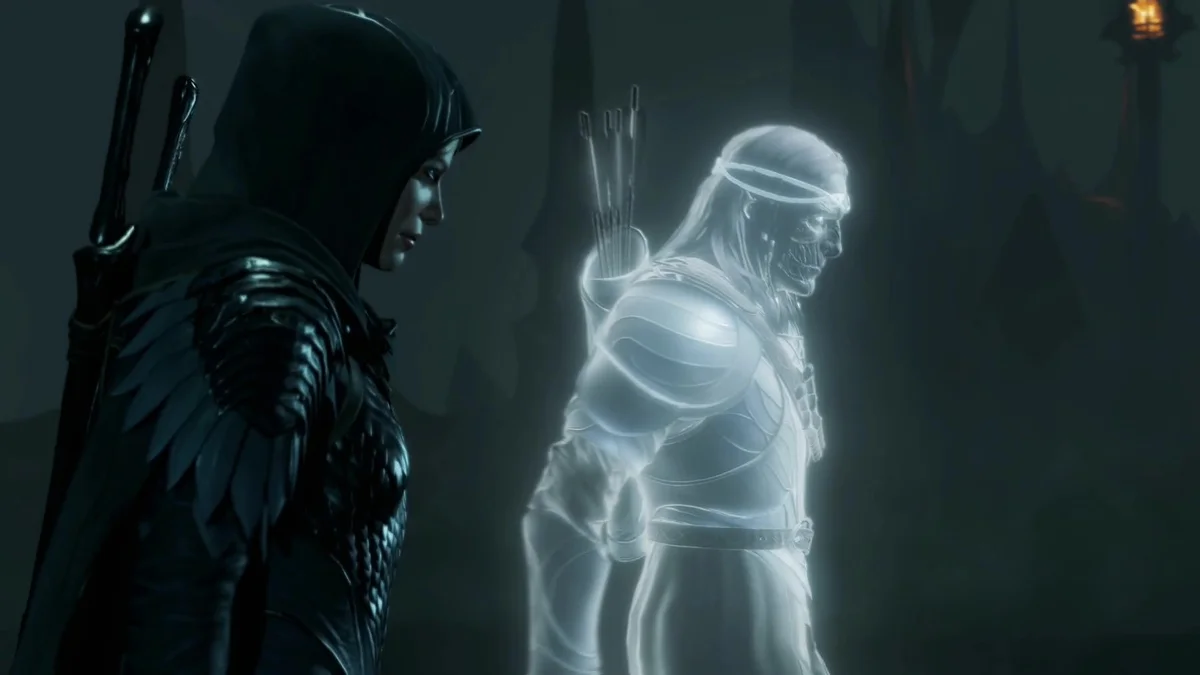
11. No Skill Story Locks
Several of Shadow of War’s skills stay locked until the story reaches the quest that teaches them. No Skill Story Locks removes those locks, so you can spend a point on a story skill before you play its quest. With the two entries above, it turns the skill tree into an open menu from the first hour. Creator: ReaperAnon. Needs: Middle-Earth Mod Loader. Download: No Skill Story Locks on GitHub.
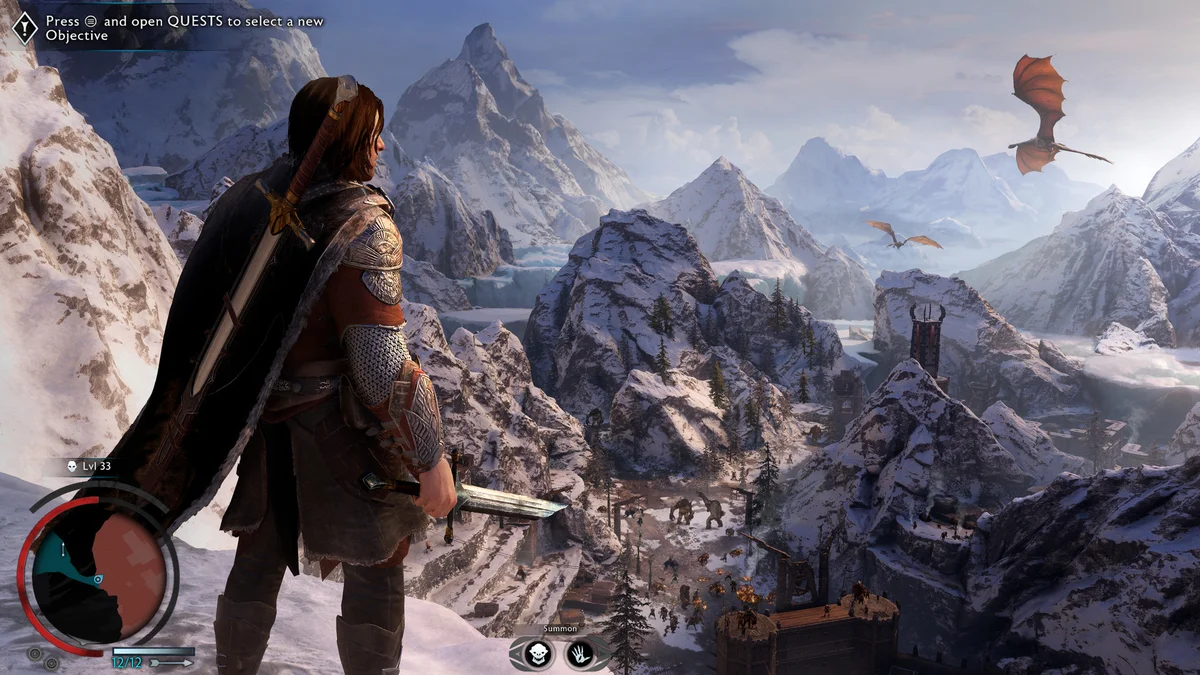
12. Elven Speed
Elven Speed reworks the focus cost of the elven speed ability and lets you choose how focus regenerates while you use it. By default it pauses focus regeneration instead of draining your focus the way the base game does, and the setting is adjustable in the Mod Configuration Menu. Creator: ReaperAnon. Needs: Middle-Earth Mod Loader. Download: Elven Speed on GitHub.
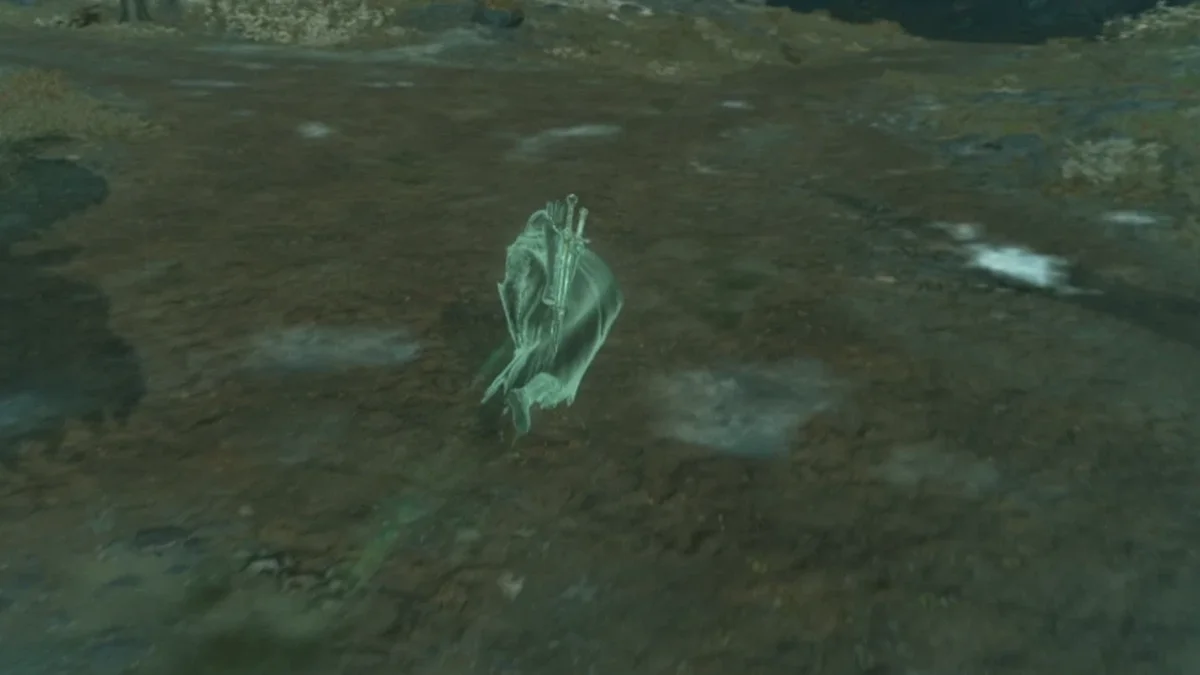
13. Faster Elven Run
Mordor is big, and Talion’s elven run is the main way across it. Faster Elven Run simply raises that sprint speed. Its page warns that it does not work alongside the Nazgul mod (number 19), which has its own faster run while in Nazgul form, so pick one. Creator: survivalizeed. Needs: Shadow of War DLL Loader. Download: Faster Elven Run on Nexus Mods.
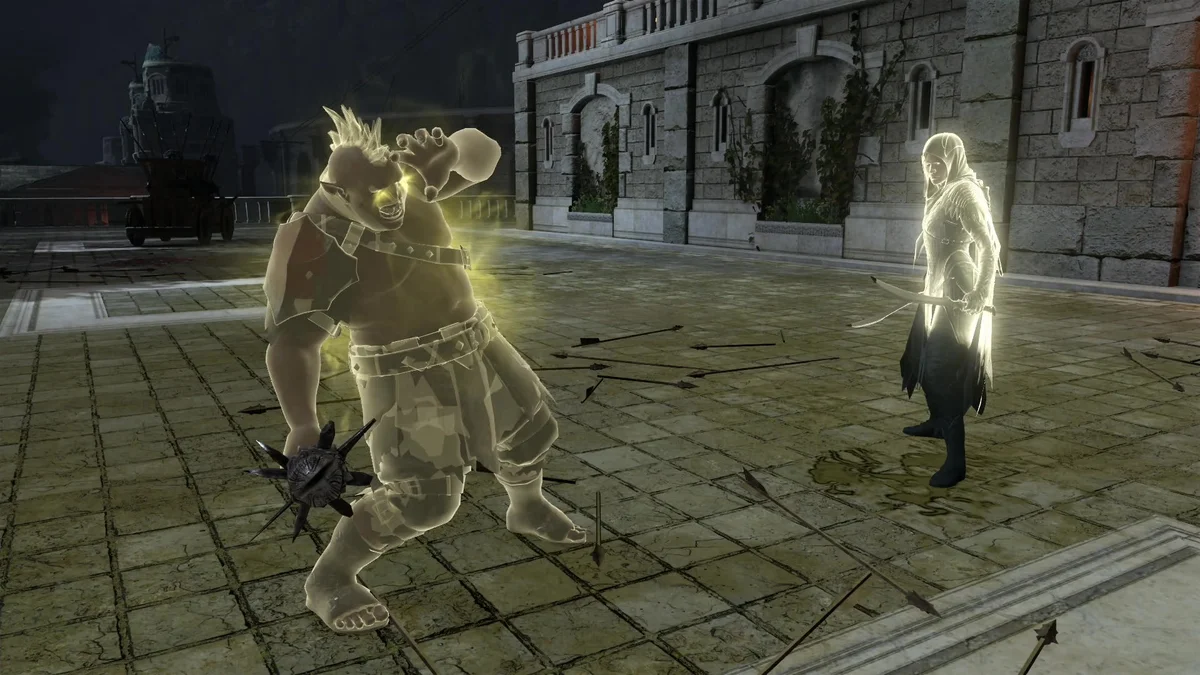
14. Improved Ice Storm
Ice Storm is a mandatory skill that its creator calls a downgrade, or at best a sidegrade. Improved Ice Storm lets your normal attacks damage frozen enemies, as in the DLCs, and lets you trigger the wraith flurry when you want it instead of being pulled into a slow animation mid-fight. It can also switch to the regular wraith stun, which still works on enemies who are immune to frost or enraged by it. ReaperAnon updated it in October 2026 to fix hotkeys that were not working for some setups. Creator: ReaperAnon. Needs: Middle-Earth Mod Loader. Download: Improved Ice Storm on GitHub.
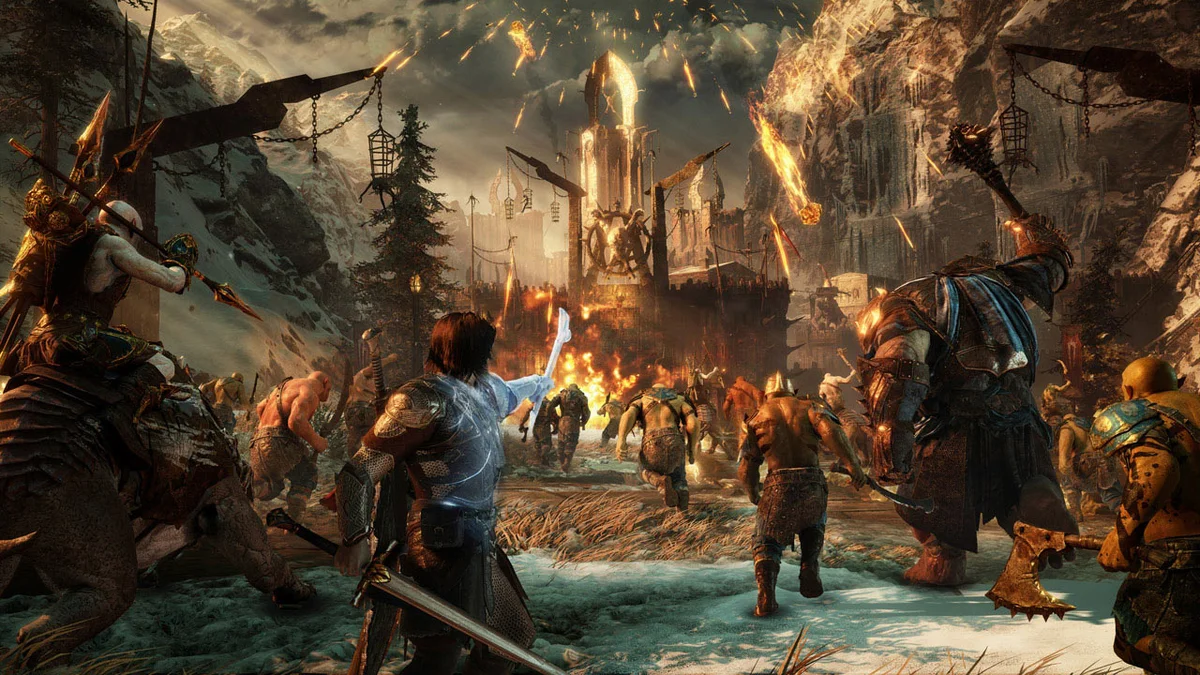
15. Indomitable Hitstreaks
Your hit streak powers Might and many of Talion’s finishers, and in the base game a single hit taken resets it. With Indomitable Hitstreaks, getting hit no longer resets your streak while you are in combat, which makes the big fights against captains and their bodyguards far less punishing. Creator: ReaperAnon. Needs: Middle-Earth Mod Loader. Download: Indomitable Hitstreaks on GitHub.
16. Mounted Might Multiplier
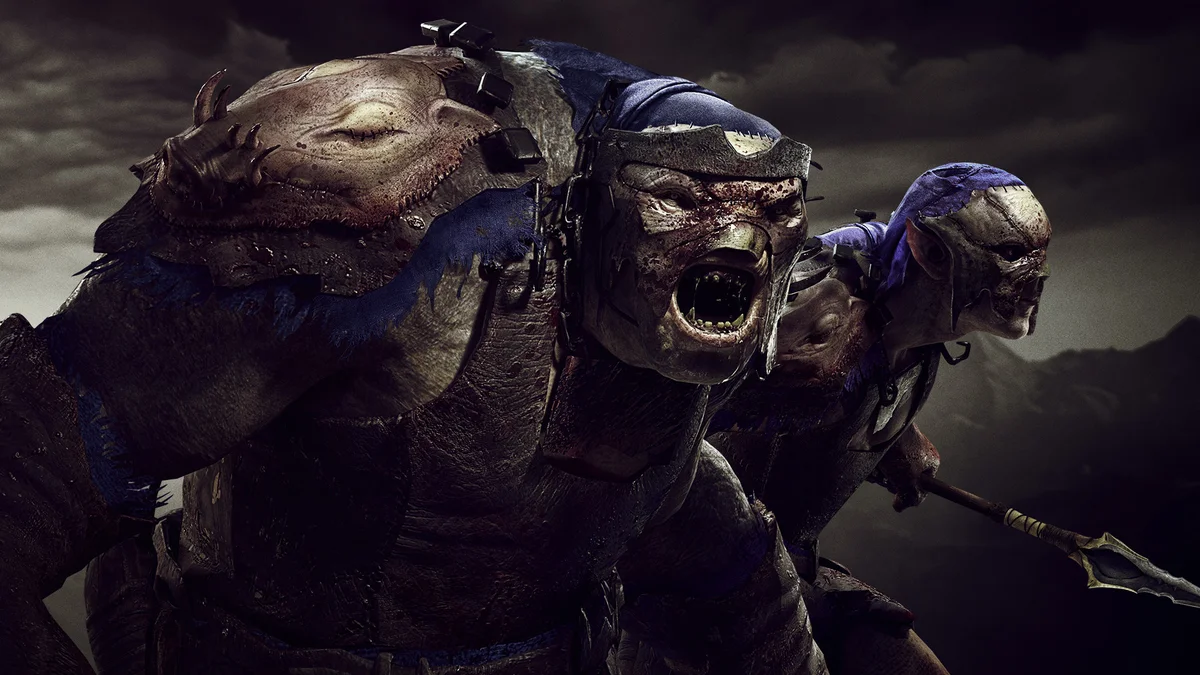
Creatures are fun early on but rather niche later in the game, as ReaperAnon’s README puts it. Mounted Might Multiplier raises the Might you earn while fighting on one, so hopping on a caragor feels like less of a downgrade. The multiplier is adjustable in the Mod Configuration Menu. Creator: ReaperAnon. Needs: Middle-Earth Mod Loader. Download: Mounted Might Multiplier on GitHub.
17. No Slowmotion
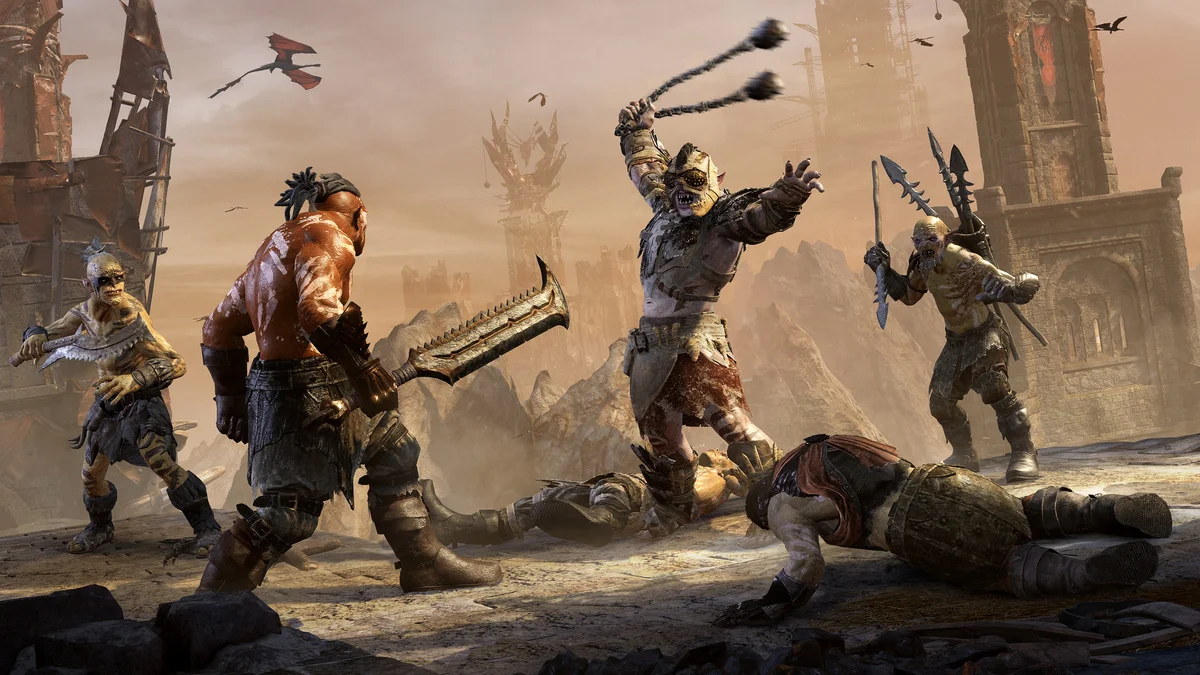
Shadow of War slows the action down for executions, shadow strikes, counters and dominations, and it adds up over a long fight. No Slowmotion removes the slow motion from executions, every kind of shadow strike, most blocks and counters, and dominating any enemy or creature. Its creator estimates that covers about 40% of the game’s slow-motion effects. Creator: survivalizeed. Needs: Shadow of War DLL Loader. Download: Shadow of War No Slowmotion on Nexus Mods.
18. More Moves for Talion
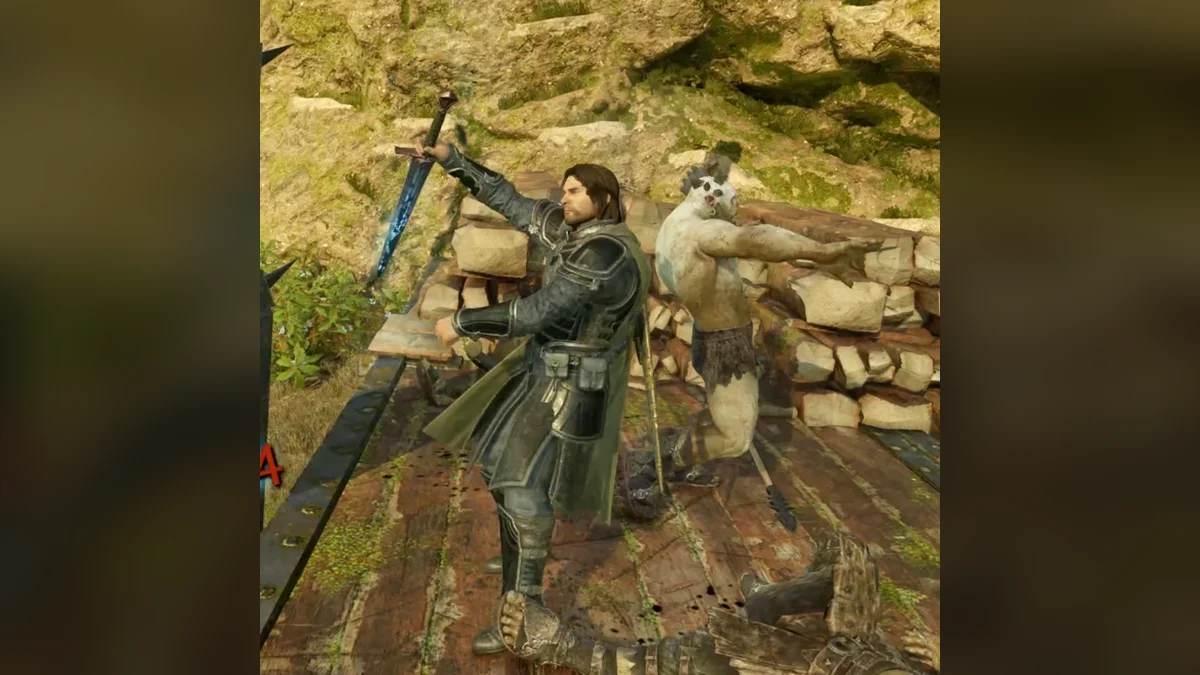
More Moves for Talion gives Talion the executions Eltariel and Baranor use in their DLC campaigns: standing executions from the front and back, finishers on knocked-down enemies, perfect-counter kills and Olog executions, each with the enemy’s matching animation. Moves re-roll after every use, and in the Mod Configuration Menu you can choose a mixed pool, Talion’s moves only, or Eltariel’s and Baranor’s only. It needs both story expansions, The Blade of Galadriel and The Desolation of Mordor, and its page lists the latest Steam patch. It installs as an .arch06 file plus one line in x64\default.archcfg, which you add again after verifying your game files. Creator: thiccchonkychonk. Needs: Middle-Earth Mod Loader, both story DLCs. Download: More Moves for Talion on Nexus Mods.
19. Nazgul
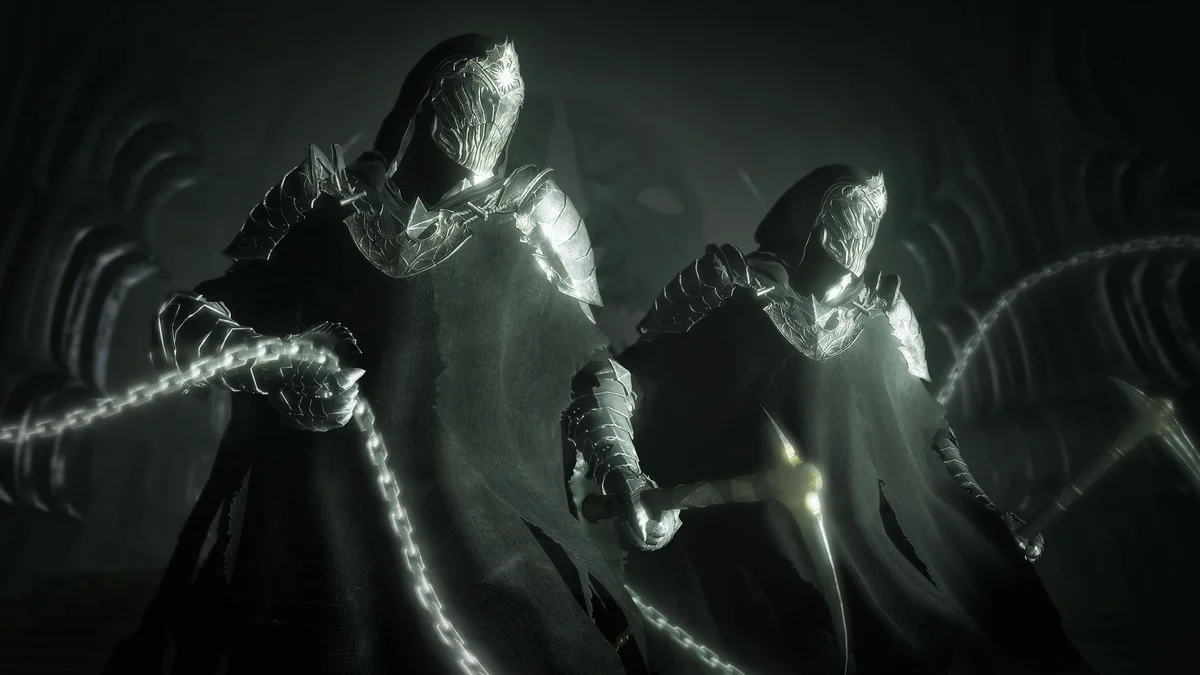
Nazgul adds a new state before the wraith view where Talion turns into a Nazgul, and it also works for Eltariel and Celebrimbor. Later versions added a faster elven run with slowed time, a dash that teleports you to nearby enemies, and unlimited Might and focus while in Nazgul form, with the keys set in an ini file. Its page says it was written for the Steam version and does not work on GOG, and version 6.2 made it compatible with ReaperAnon’s Mod Loader. One known bug: if you trigger elven rage while in Nazgul form, you stay a Nazgul, so leave that form first. Creator: survivalizeed. Needs: Shadow of War DLL Loader. Download: Nazgul on Nexus Mods.
Nemesis System, Orc and Open World Mods
20. Nemesis Recurrence
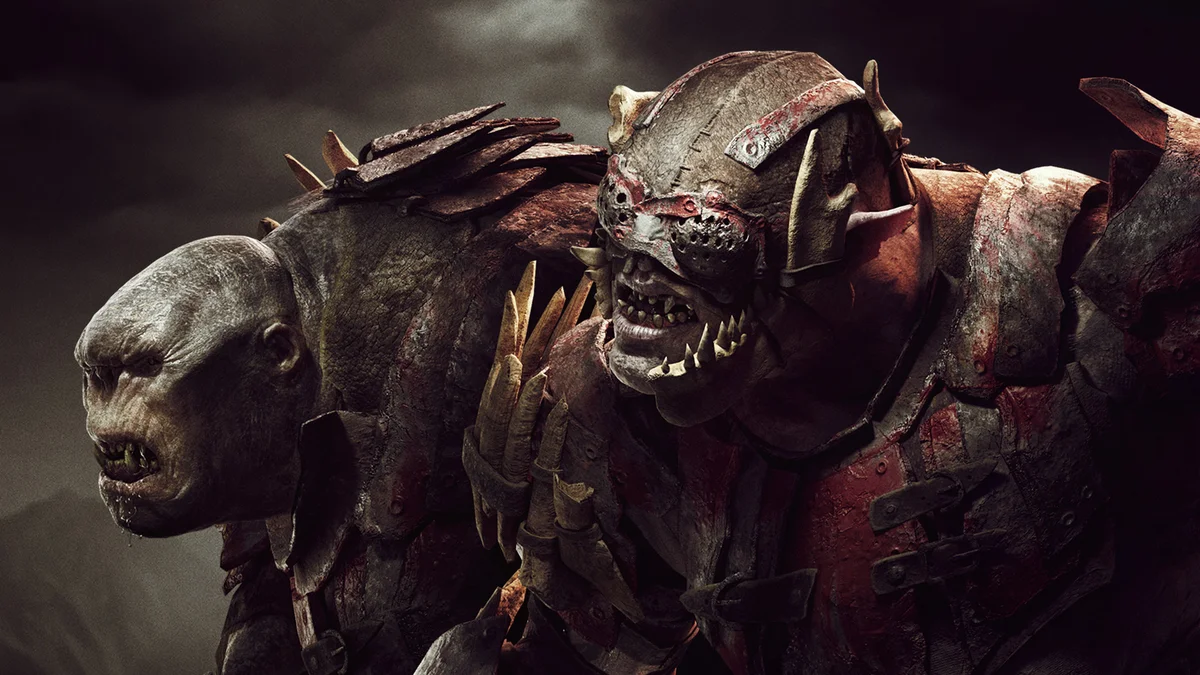
In the base game, most of the Nemesis System’s iconic cheat-death identities (Flame of War, the Stitch, the Blight, the Machine, Iron Skull and more) can appear only once per save, and physical scars become rare after the first one or two. Nemesis Recurrence removes those hidden caps, lifts the lockouts that stop related titles from appearing in the same region, evens out the odds inside each scar pool and keeps the cheat-death rate from decaying late in a playthrough. It also restores depleted chances on existing saves when you load them, and it leaves story captains such as Bruz and Zog alone. Its four feature groups toggle from the F10 menu, and its creator lists the Steam version (patch 1.21) and recommends against GOG. It only arrived in October 2026 and was updated in November, and it already passed 1,600 downloads. Creator: YoRHa9S. Needs: Middle-Earth Mod Loader. Download: Nemesis Recurrence on Nexus Mods.
21. Orc Spawn Rarity
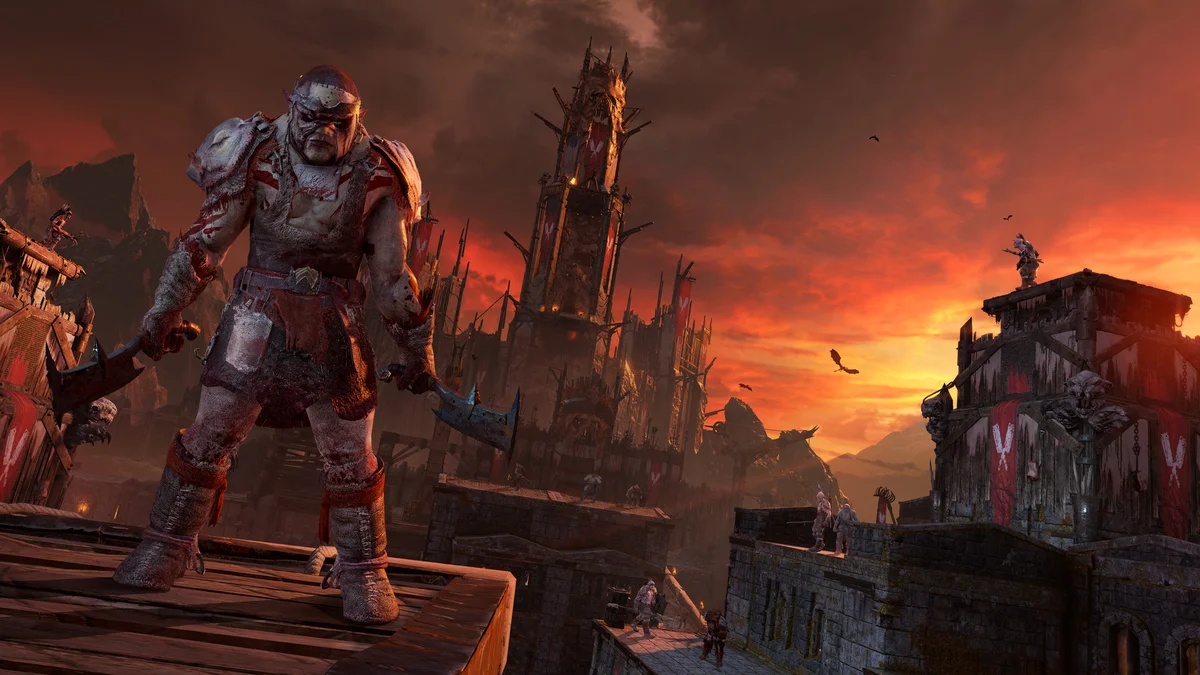
Orc Spawn Rarity adds two settings that give Epic and Legendary orcs an extra chance to spawn, calculated on top of the base game’s own odds. Its README is clear that it can make the game harder by putting tougher orcs in your way, which is also what makes your army stronger once you dominate them. Creator: ReaperAnon. Needs: Middle-Earth Mod Loader. Download: Orc Spawn Rarity on GitHub.
22. Uruk Intel
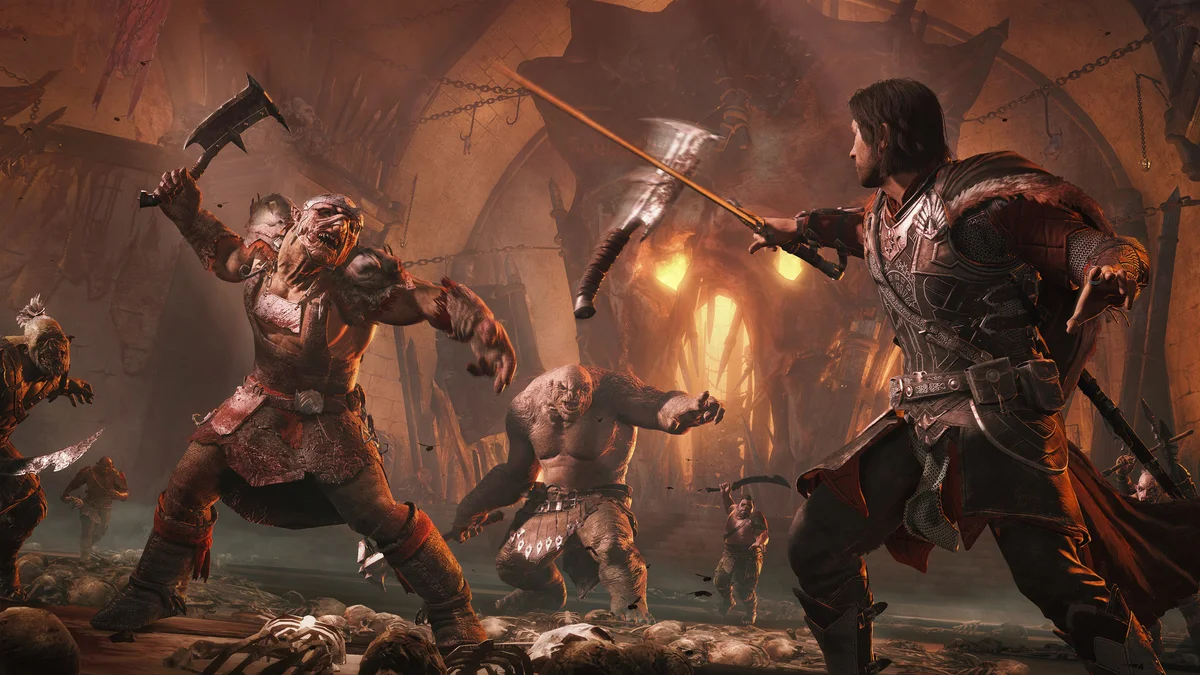
Uruk Intel removes the blacked-out “mystery” models of orcs you have no intel on, or, as a stronger option, shows every orc’s weaknesses from the start. Its README warns that revealing all weaknesses can break some main quests and block progress until you turn that option off and restart the quest, so use the lighter setting during the story. Creator: ReaperAnon. Needs: Middle-Earth Mod Loader. Download: Uruk Intel on GitHub.
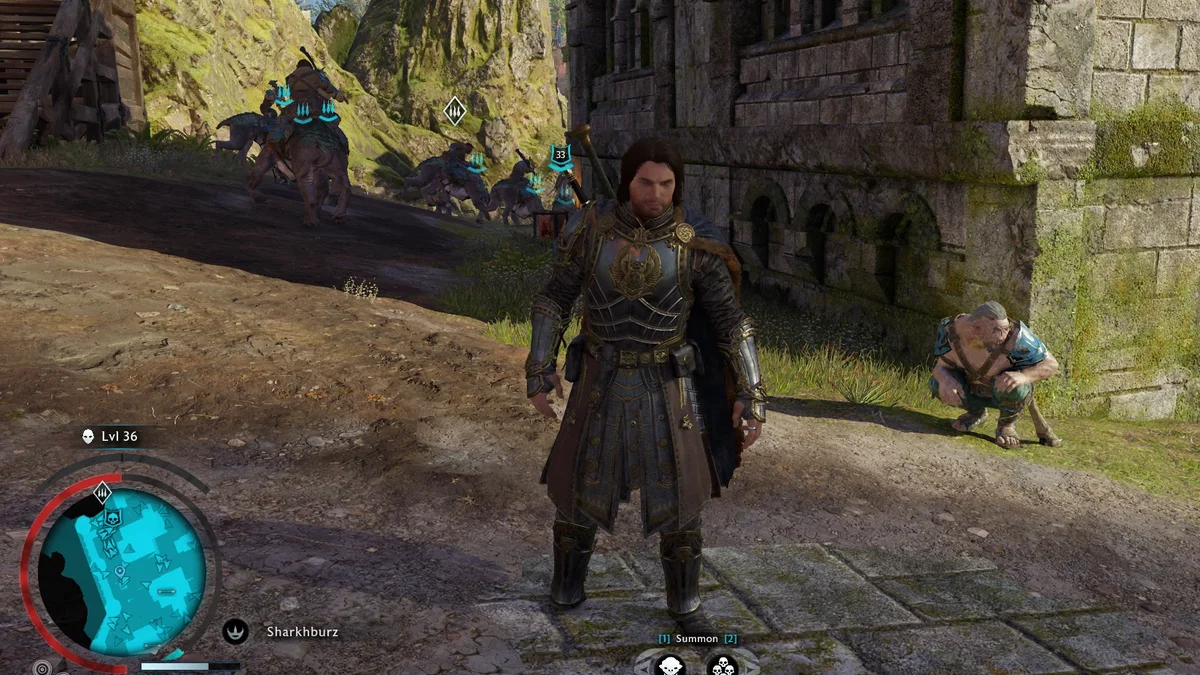
23. More Captains in Free Roam
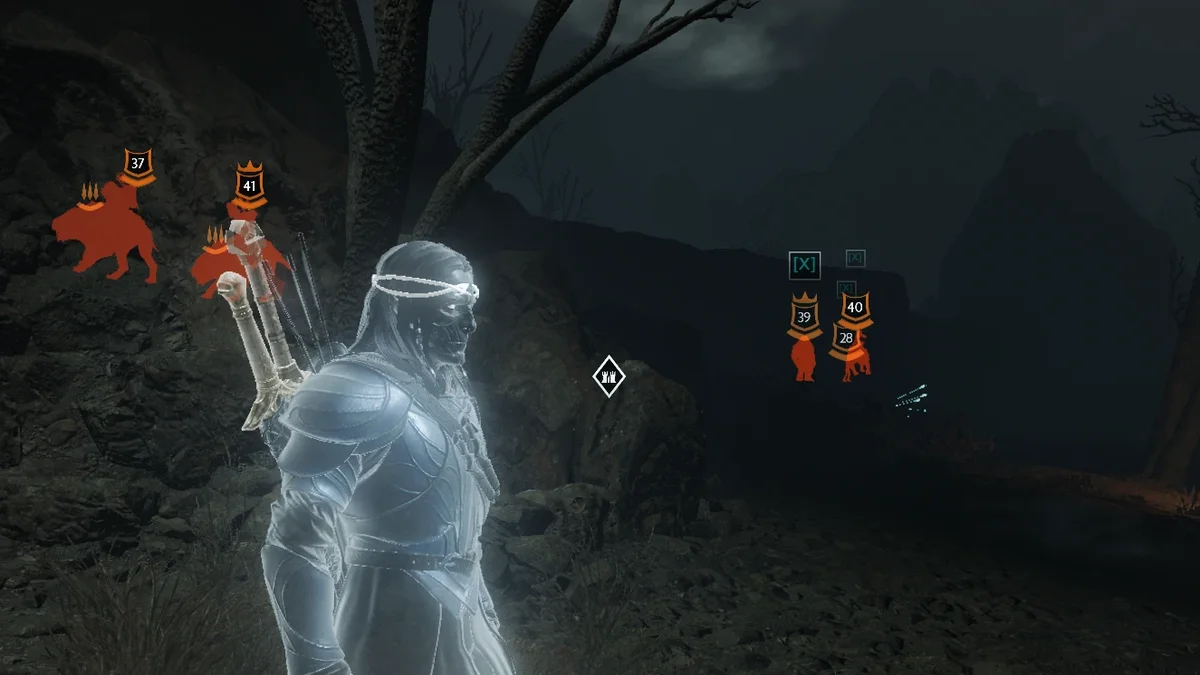
More Captains in Free Roam pulls real Nemesis captains from your current region’s army roster and lets them roam the open world while you explore, with their levels, traits, allegiance and relationships intact. Allied captains can appear and fight beside you, Warchiefs show up with their bodyguards, and Caragor Rider captains arrive on their mounts. A settings file caps the numbers (five enemy and five allied captains by default) and sets the spawn distance, spawns pause during missions, and Overlords are left out on purpose. Its page says the two story DLCs are untested. Creator: naamionallex. Needs: Shadow of War DLL Loader. Download: More Captains in Free Roam on Nexus Mods.
24. Increased AI Cap
Increased AI Cap raises the game’s ambient AI cap to 255, the most the engine supports, so more enemies and creatures can spawn on their own. Its page notes that some areas still limit grunt numbers by themselves. It needs no DLL injection at all: you place its .arch06 file in the game folder and add one line to x64\default.archcfg, and it works on both the Steam and GOG versions. Creator: superseb123abc. Download: Increased AI Cap on Nexus Mods.
25. Permanent Bodies
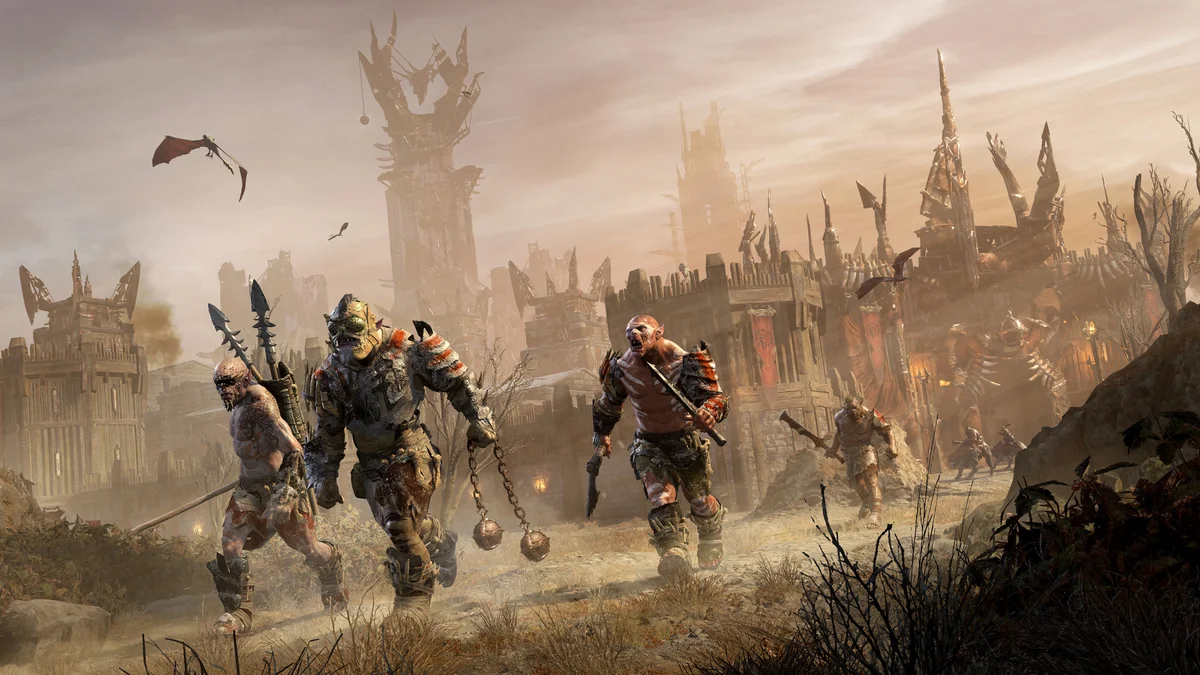
Shadow of War clears away older corpses as more enemies die. Permanent Bodies switches off that cleanup during normal play, so bodies stay after fights and while you explore, whether you, your allies or another faction killed them. Its page lists the limits: cutscenes, scripted transitions, loading a save and fast travel can still clear them, and huge numbers of bodies may cost performance. A configurable fork, Persistent Bodies (and Blood), also keeps blood decals. Creator: unlockingdegree. Needs: Shadow of War DLL Loader. Download: Permanent Bodies on Nexus Mods.
26. Shadow of War Spawner
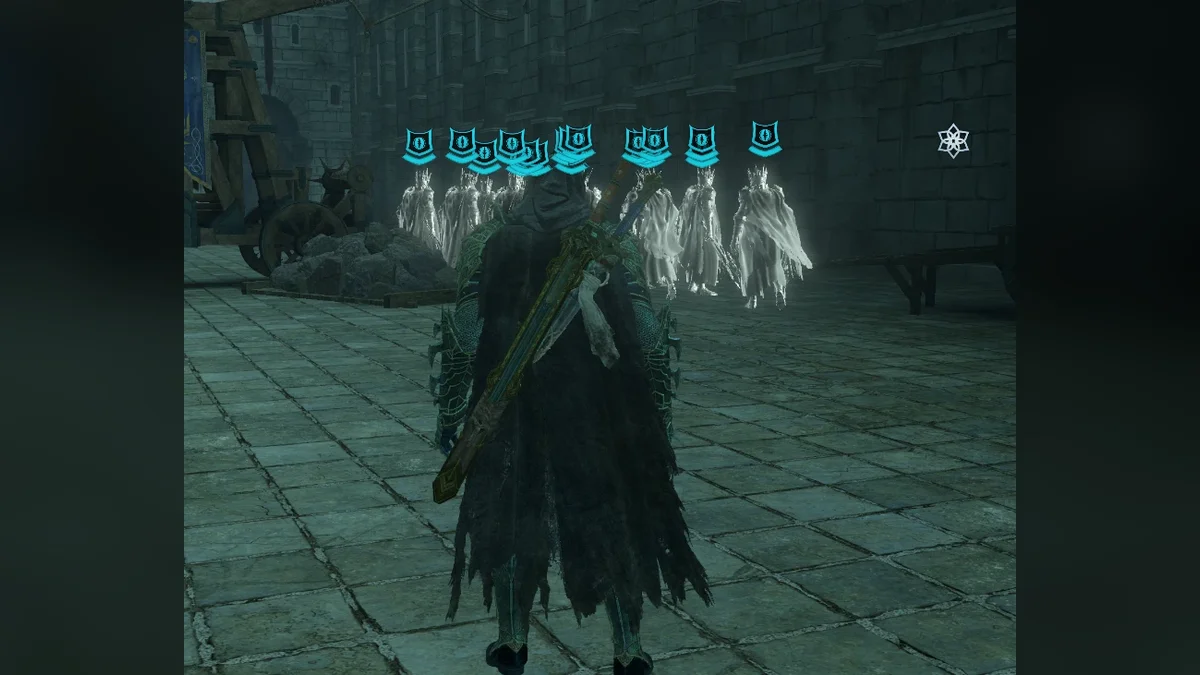
The Spawner lets you spawn almost any entity in the game, from orc grunts and Ologs to drakes, Nazgul and the Balrog. In survivalizeed’s version you choose the entity, spawn style and faction in Spawner.ini and press a key; a second version by Sebastien in the same download adds an in-game menu (Insert key) and avoids an invisible-entity bug, but cannot change factions or spawn styles yet. It was built for the Steam version, and a spawn only shows if the game has that entity loaded in memory. Creator: survivalizeed and Sebastien. Needs: Shadow of War DLL Loader. Download: Shadow of War Spawner on Nexus Mods.
27. Autocomplete Item Challenges
Legendary and Epic gear in Shadow of War hides its extra abilities behind item challenges, which can mean grinding a specific kind of kill for a weapon you already like. Autocomplete Item Challenges completes them automatically and lets you upgrade every weapon with secondary abilities at any time. Creator: ReaperAnon. Needs: Middle-Earth Mod Loader. Download: Autocomplete Item Challenges on GitHub.
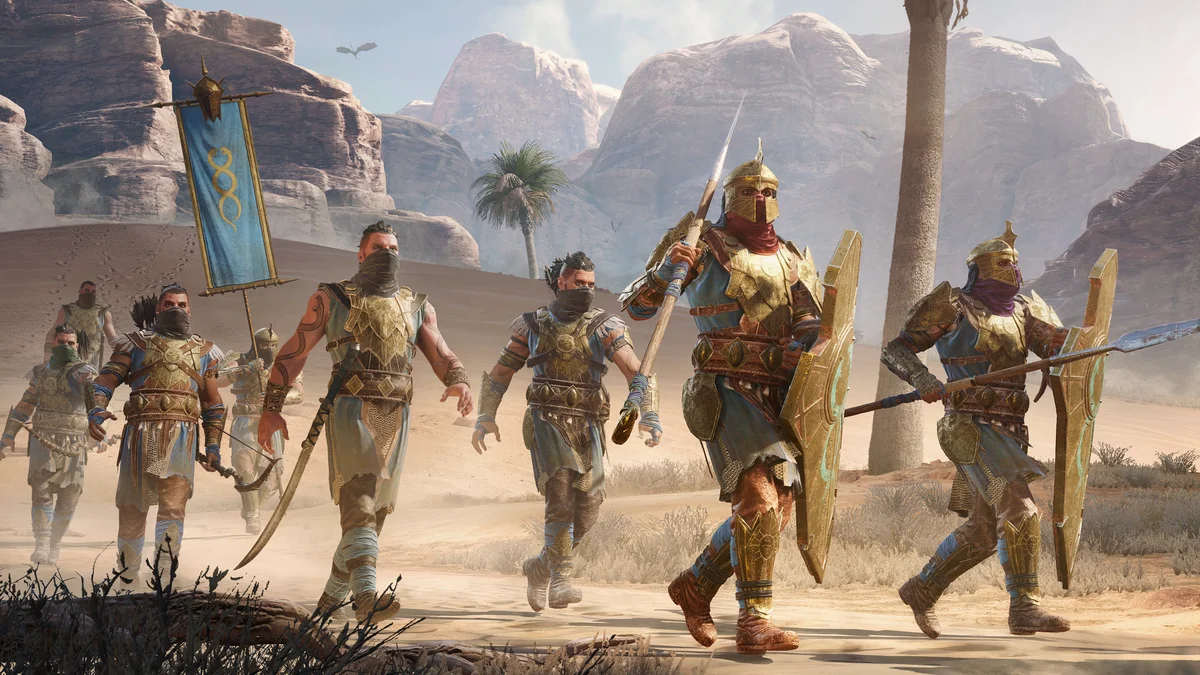
28. Myrian Loss Multiplier
Mirian is the currency you spend on upgrades and more. Myrian Loss Multiplier changes how much Mirian actually leaves your wallet when you buy an upgrade or anything else, without changing the listed costs, so you can make spending cheaper without touching what you earn. You set the multiplier in the Mod Configuration Menu. Creator: ReaperAnon. Needs: Middle-Earth Mod Loader. Download: Myrian Loss Multiplier on GitHub.
Graphics, ReShade and Effects Mods
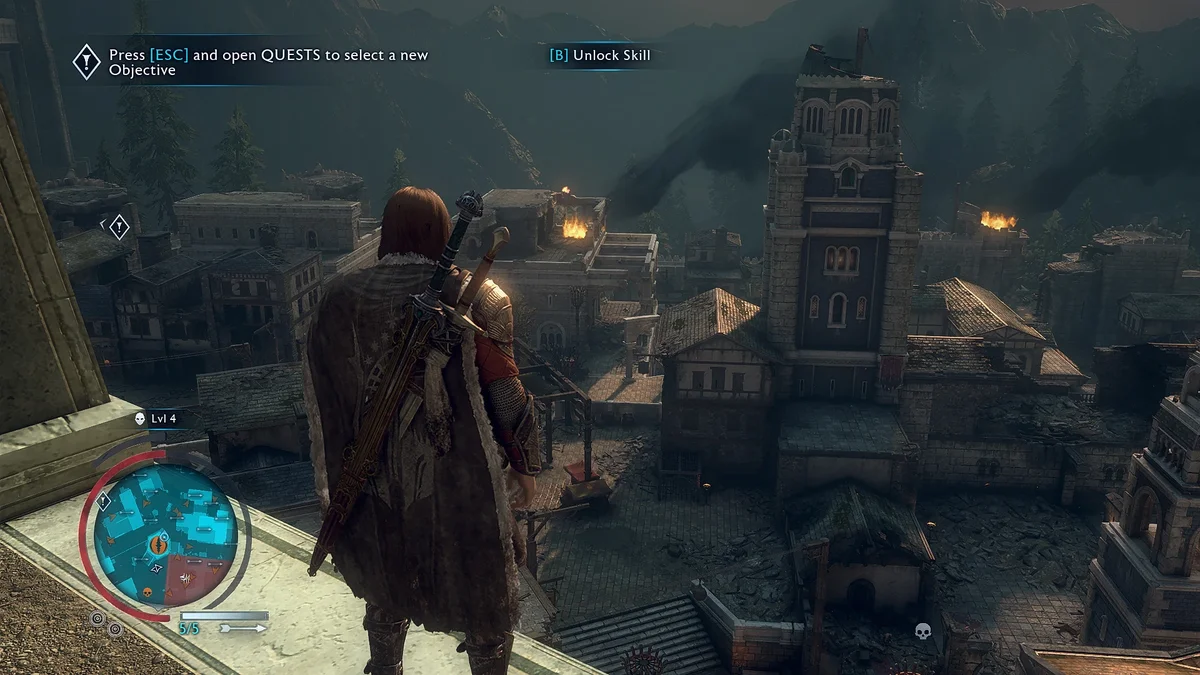
29. Simple Realistic 3D
Simple Realistic 3D is the most endorsed Shadow of War mod on Nexus Mods. It is a ReShade preset and shader pack, bundled with its own customized ReShade 2.x build, that aims for a more realistic look with colder colors and sharper detail while skipping heavy effects such as ambient occlusion to keep the performance hit small. It also includes a top-and-bottom 3D stereoscopic mode (F11), a side-by-side comparison with the vanilla image (Pause) and a toggle for its light boost (Delete). Its install line names the wrong game’s executable, so extract it next to ShadowOfWar.exe in the x64 folder. Creator: Chris Rubino. Download: Simple Realistic 3D on Nexus Mods.
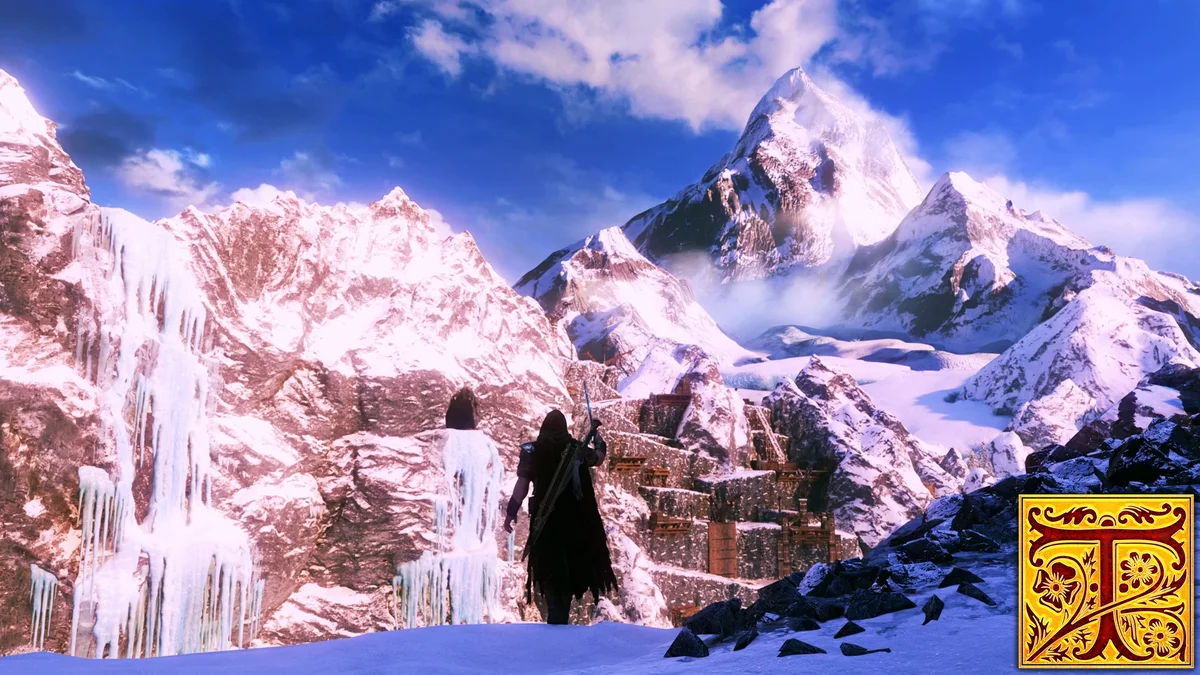
30. Tolkien’s Vision
Tolkien’s Vision is a ReShade preset that pulls the game’s look toward the films, or in its creator’s words, “cinematic sugar-free eye candy.” It was built for ReShade 4.9.1, and its page says it appears not to work with newer ReShade versions, so install that older release, which ReShade’s site still offers. You may need to raise the in-game brightness, and the page recommends the High Resolution Texture Pack DLC if your PC can take it. It was last updated in September 2021. Creator: Zappaguri. Download: Tolkien’s Vision on Nexus Mods.
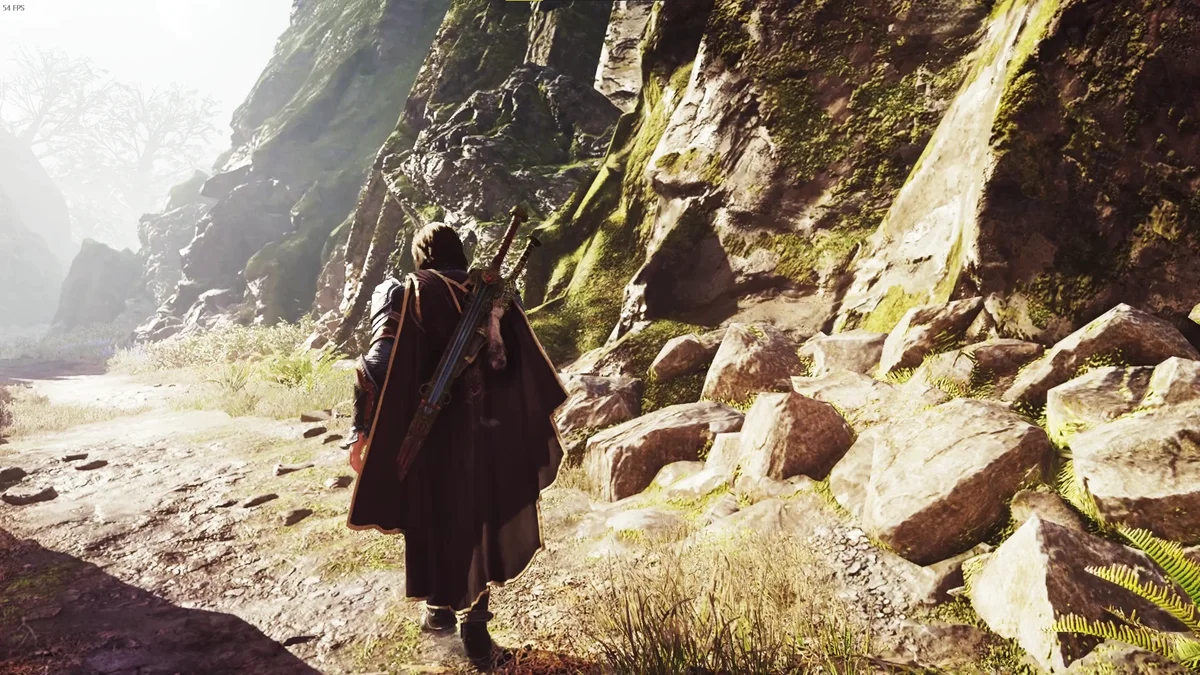
31. NightShade
NightShade is a cinematic ReShade preset its creator used for an entire playthrough, so it has been tuned across every region rather than a few screenshot spots. Install ReShade with all its effects, paste the preset into the game folder, then pick Nightshade.ini from the ReShade menu (Home key). An optional file sits beside the main one. Creator: Elcat0. Needs: ReShade. Download: NightShade on Nexus Mods.
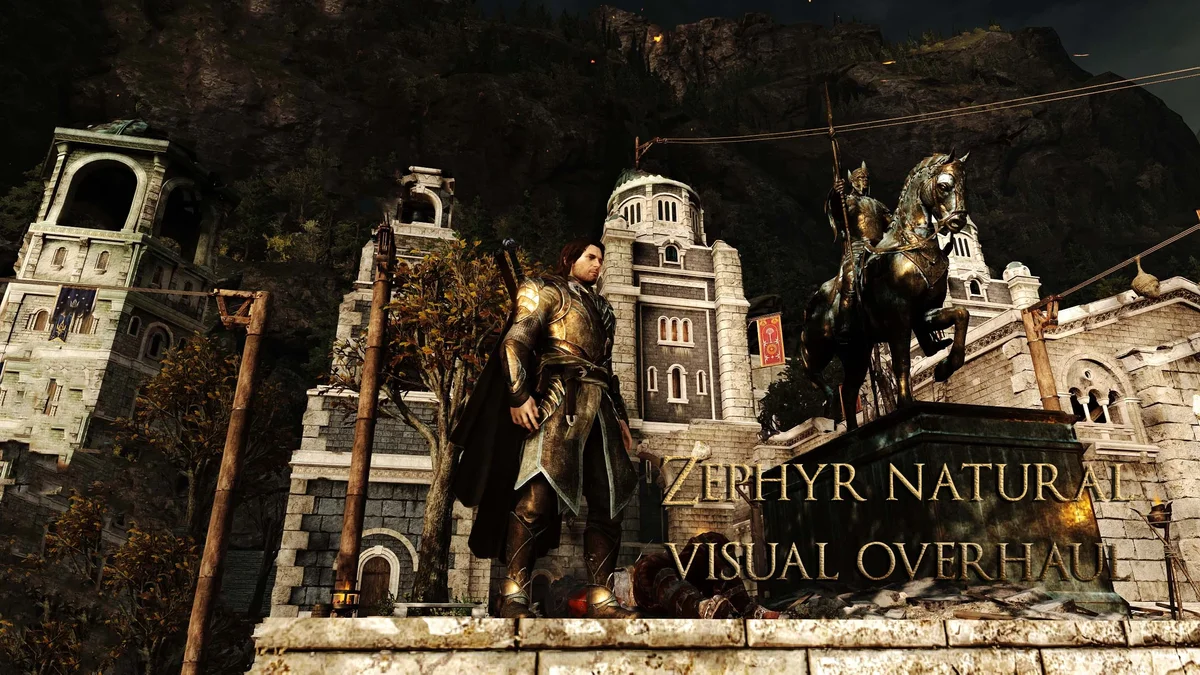
32. Zephyr Ultimate SOW Graphics Settings
xBehli’s personal settings file is built for a smooth and stable experience, with a README that walks through the install. Its creator made it to pair with his Zephyr Natural Visual Overhaul, a ReShade 4.9.1 preset that tones down the game’s saturated reds for a more natural look, and whose page warns of a drop of about 5 to 10 frames per second. Install the settings first and the preset on top if you have the headroom. Creator: xBehli. Download: Zephyr Ultimate SOW Graphics Settings on Nexus Mods.
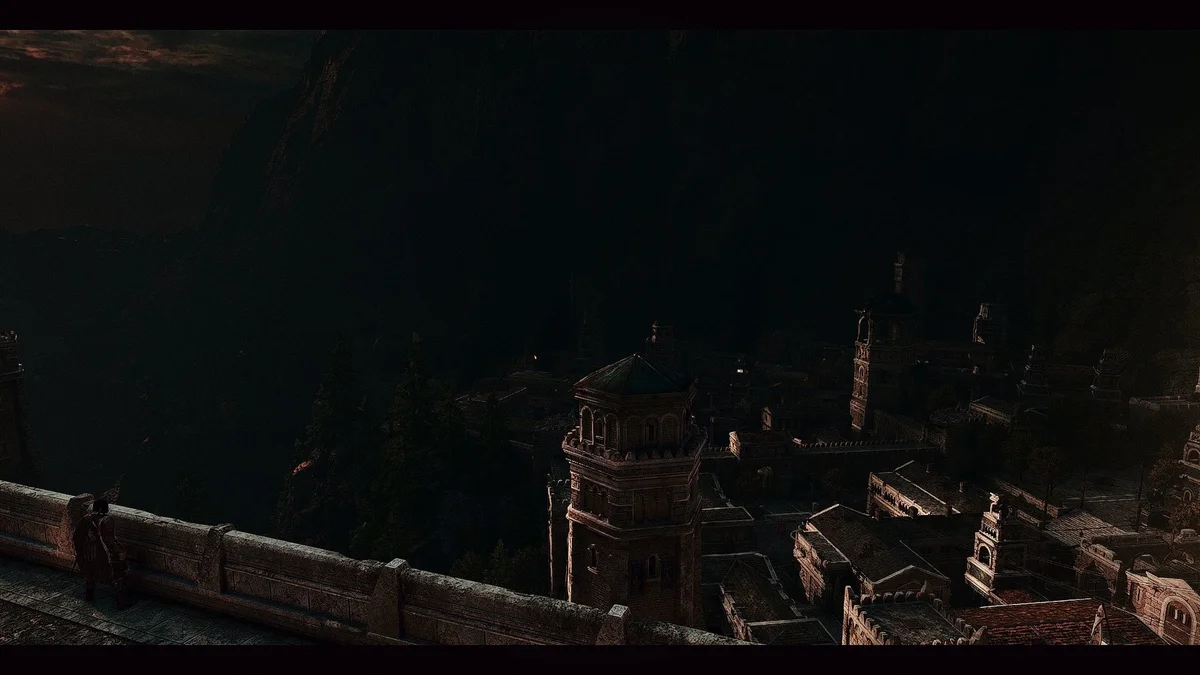
33. Cinematic Doom
Cinematic Doom was the first mod posted to Shadow of War’s Nexus Mods page, back in July 2018, and it is still among the most endorsed. The ReShade preset gives the game a darker, more cinematic grade, and its page jokes that “Mordor is now 43% darker and more immersive.” It suits players who find the vanilla image too bright and saturated. Creator: Dahveed. Download: Cinematic Doom on Nexus Mods.
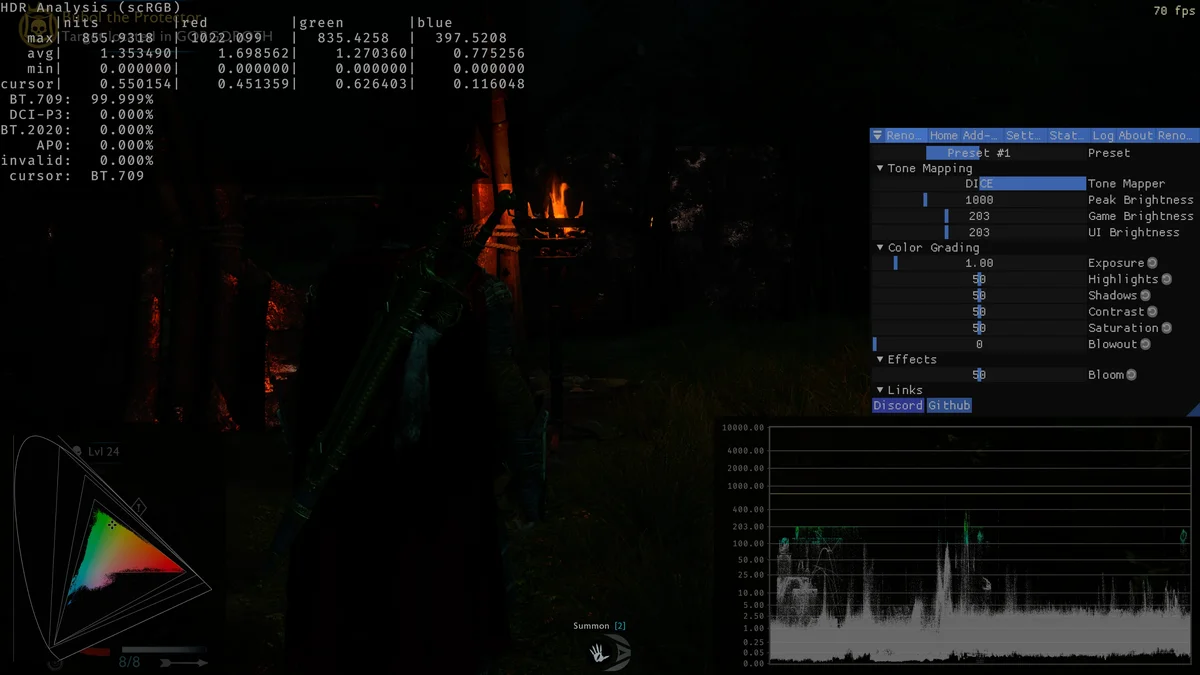
34. RenoDX HDR Fix
For HDR displays, RenoDX rewrites the game’s DirectX 11 shaders to fix its HDR output. It adds paper white sliders for the game and the interface, alternative tonemapping, a gamma correction, color grading sliders, a bloom slider, true HDR in photo mode and optional film grain. It runs through ReShade 6.5.1 or newer with add-on support, and its page says it has only been tested on Steam and asks you to turn off overlays and play in borderless windowed mode. Creator: MusaQH. Needs: ReShade with add-on support. Download: RenoDX HDR Fix on Nexus Mods.
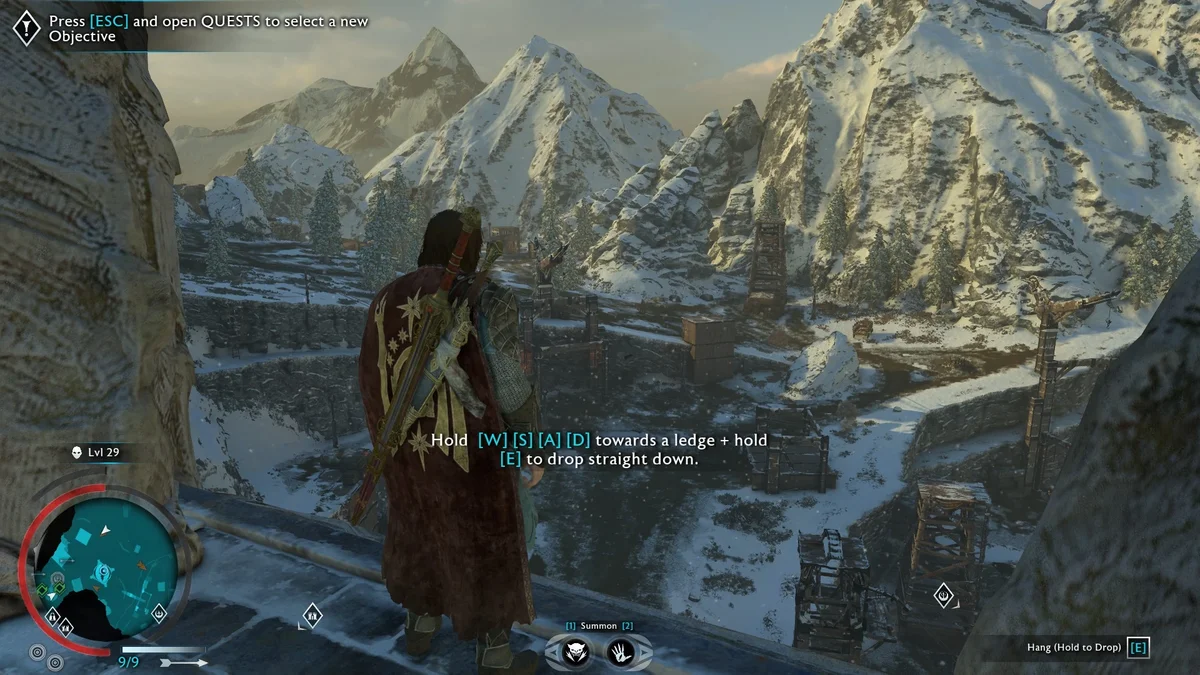
35. Shadow of War Realism
Shadow of War Realism is a newer ReShade preset, from October 2025, aimed at realistic lighting and color. It removes the green tint that sits over much of the game and brings out detail, and its page says it has no performance impact. After installing ReShade, choose @RealisticSoW from the ReShade menu. Creator: belis1453. Needs: ReShade. Download: Shadow of War Realism on Nexus Mods.
36. More Red Blood
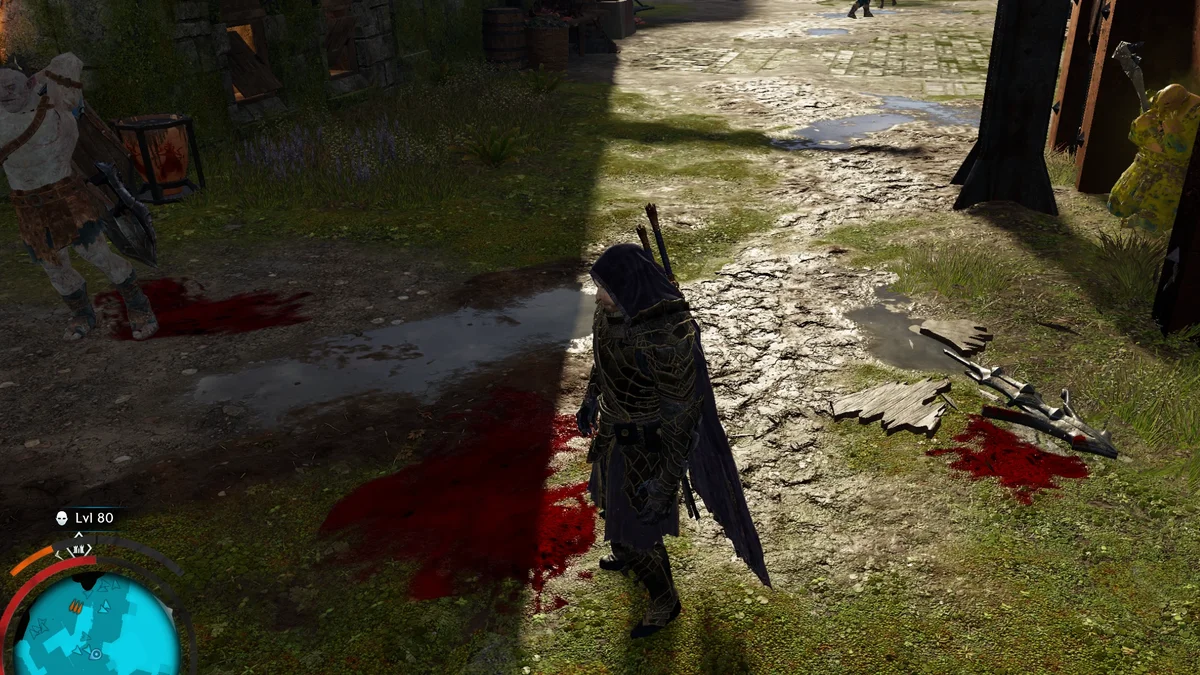
More Red Blood turns the orcs’ black blood red and leaves more of it on the ground. Its creator still labels it a work in progress, since reflections are not right yet. If you only want the color change, his separate Red Blood mod does just that, but the two do not work together. Creator: survivalizeed. Needs: Packet Loader. Download: More Red Blood on Nexus Mods.
37. Realistic and Aggressive Fire
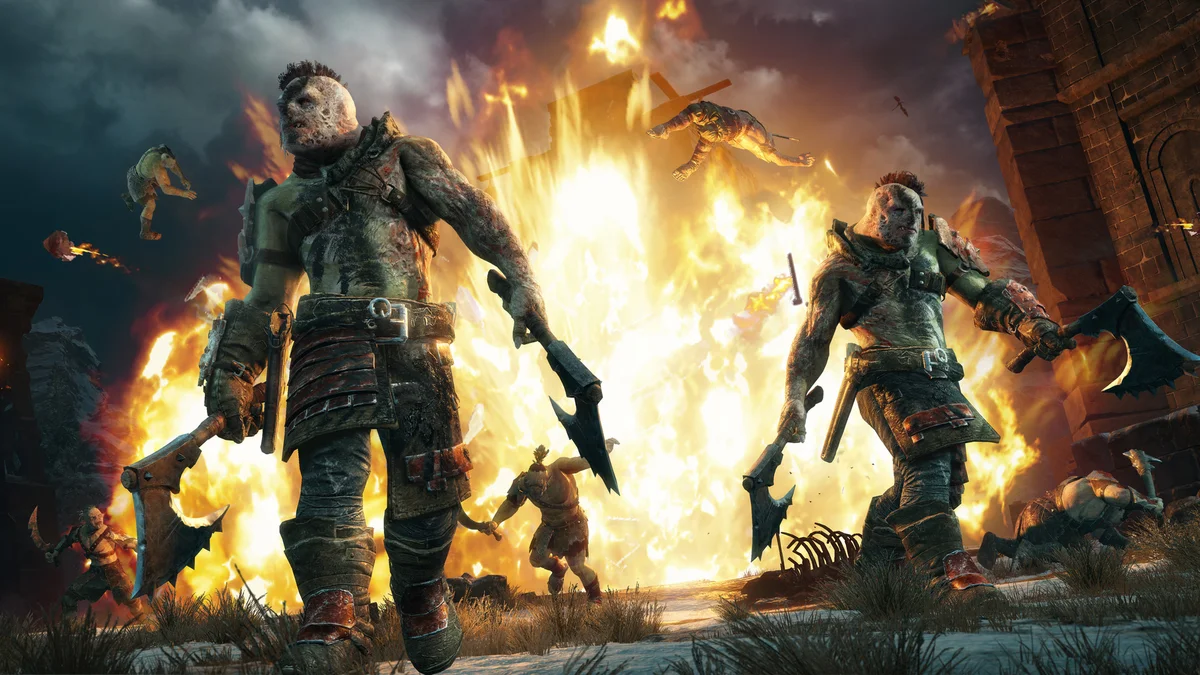
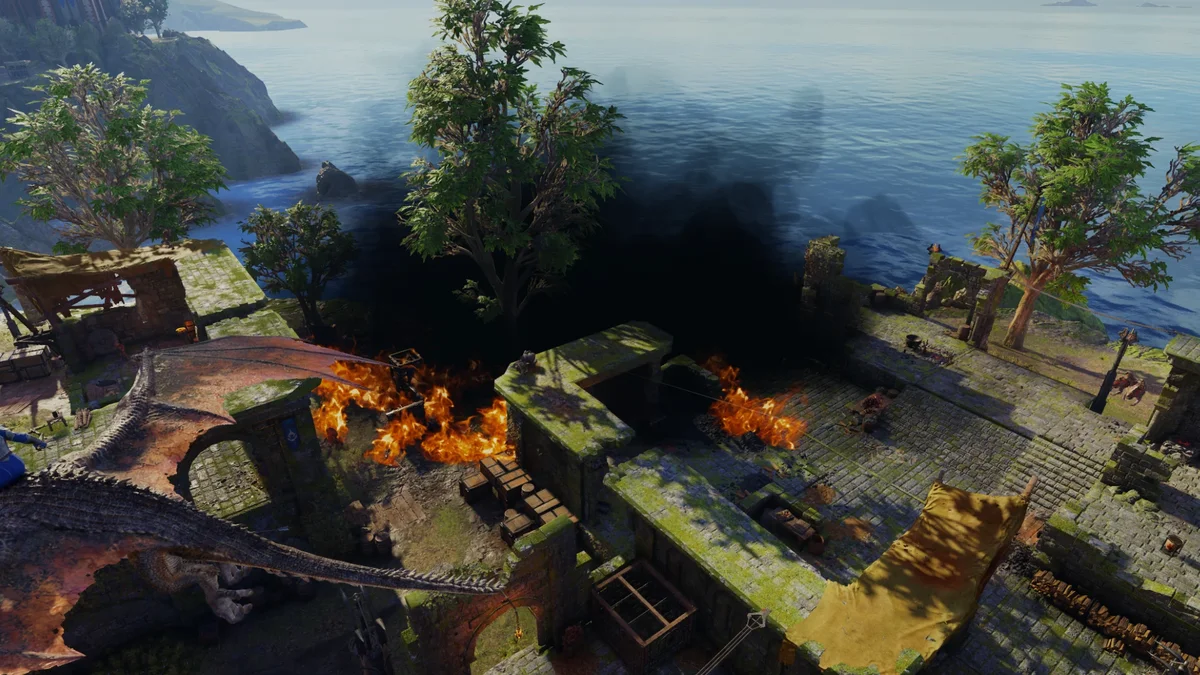
This packet makes fire in Mordor look far more dangerous: bigger flames, bigger and black smoke, a faster fire animation that looks less canned, and a longer fade distance so details stay visible from farther away. It replaces his older Bigger Fire mod, and the two do not work together. Creator: survivalizeed. Needs: Packet Loader. Download: Realistic and Aggressive Fire on Nexus Mods.
38. Green Dragon Fire and Bigger Range
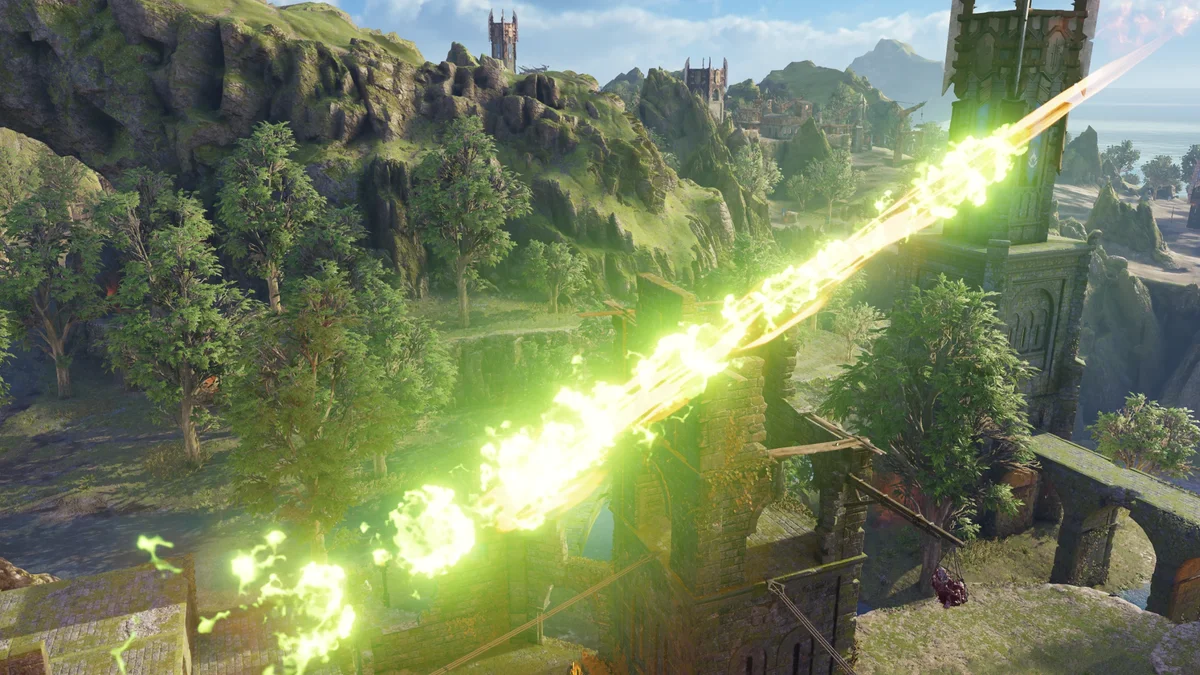
Green Dragon Fire turns drake fire green, stretches its range a long way and darkens the drakes’ body texture to match. It is a look, but the longer reach also makes a mounted drake noticeably better at clearing a fortress wall. Creator: survivalizeed. Needs: Packet Loader. Download: Green Dragon Fire and Bigger Range on Nexus Mods.
Armor, Weapon and Character Look Mods
39. The Faceless (Physical)
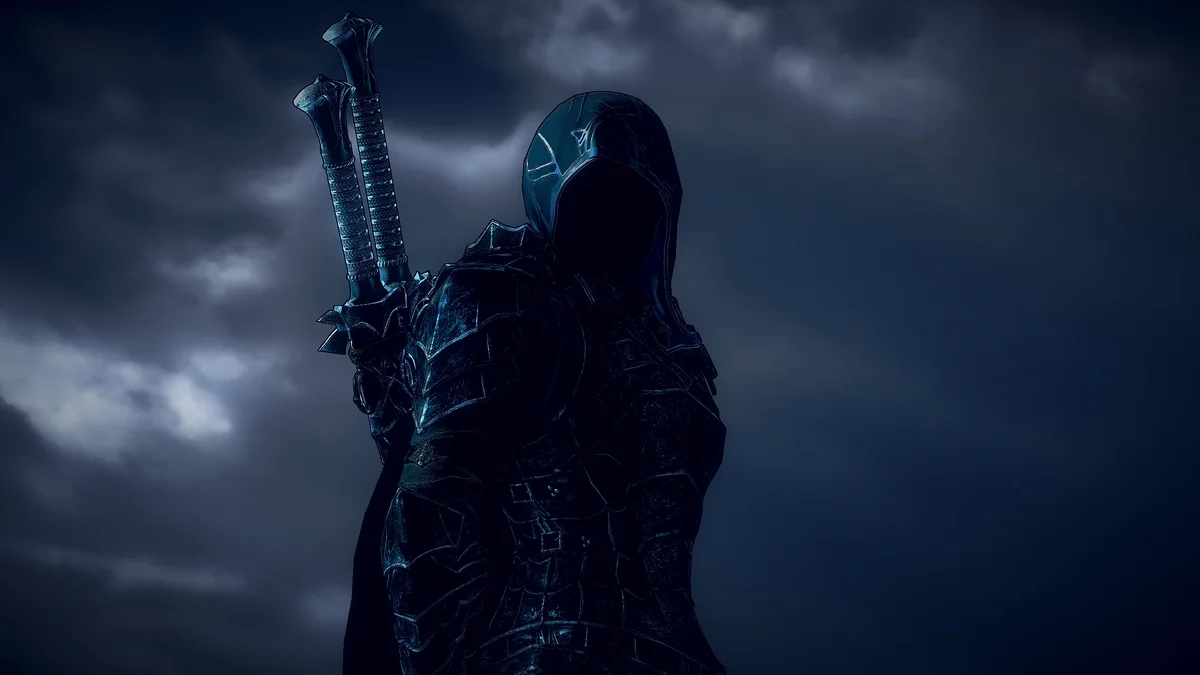
The Faceless replaces the head materials of Talion, Eltariel and Baranor with a dark void, giving them the shadowed faces of the Nazgul. It works with every skin for the three characters in the main game and the DLCs. It only covers their physical form, so its page recommends pairing it with The Faceless (Wraith), the next entry. Creator: xNightswitch. Needs: Packet Loader. Download: The Faceless (Physical) on Nexus Mods.
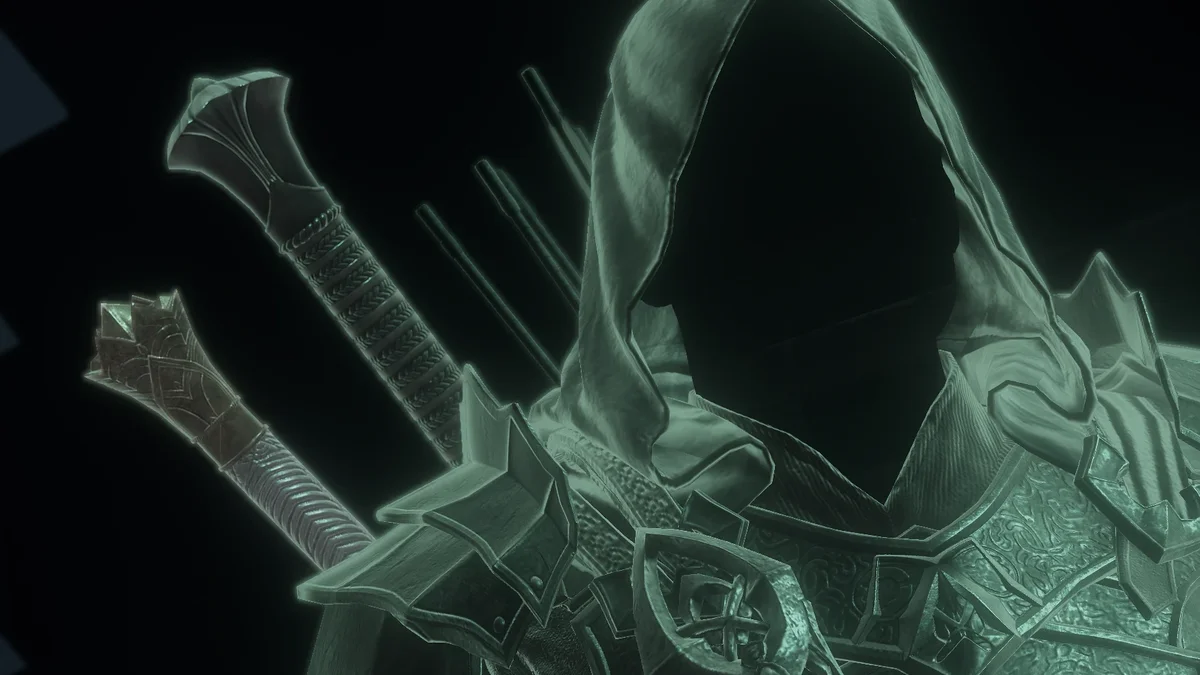
40. The Faceless (Wraith)
The Wraith half of the pair does the same for the three characters’ wraith heads. Its page flags one quirk: the game reuses Baranor’s physical eyelash material in wraith form, so this mod also removes his eyelashes in physical form, which stops mattering once you add The Faceless (Physical). Creator: Aiden D. Needs: Packet Loader. Download: The Faceless (Wraith) on Nexus Mods.
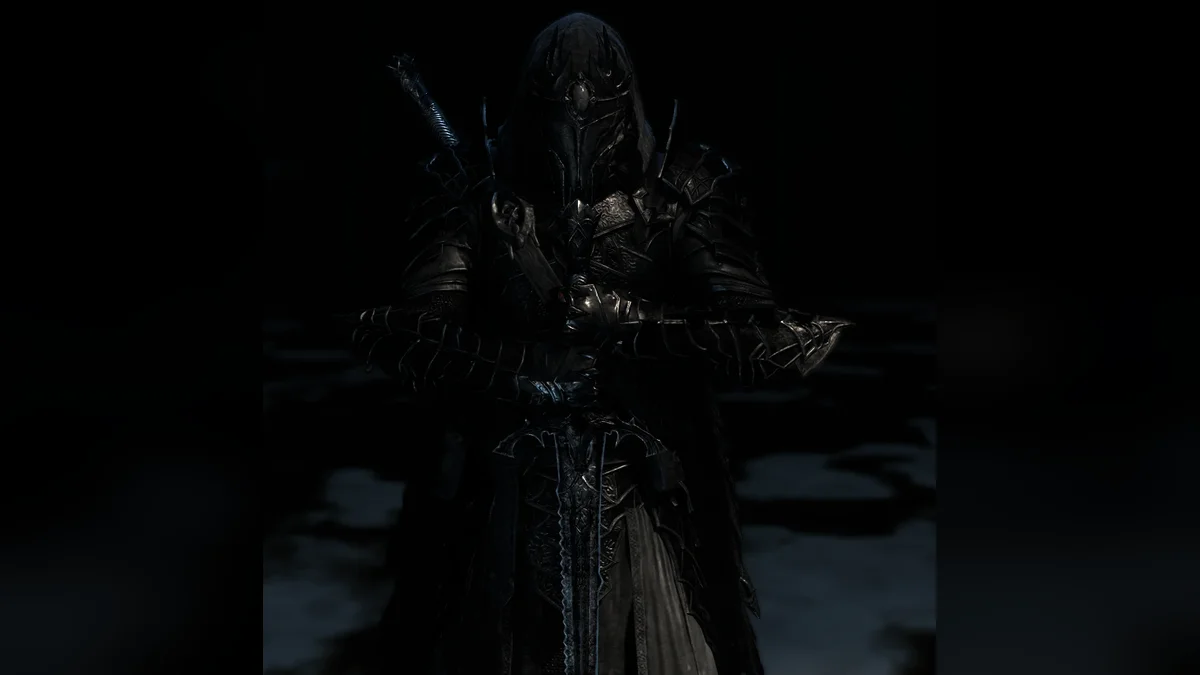
41. Blackened Servant’s Blackened Armor
This mod darkens the tier 4 Black Numenorean armor, every tier 2 Black Numenorean cloak and every Ringwraith mask. Servant’s Blackened Armor turns fully black, while Servant’s Armor, the Darkest Armor, the Armor of Horrors and the Armor of Vengeance are recolored but not yet to black, a fix its creator is working on. Its page recommends Blackened Urfael and Acharn and No Cloth (numbers 42 and 44) to match its screenshots. Creator: Obs97. Needs: Packet Loader. Download: Blackened Servant’s Blackened Armor on Nexus Mods.
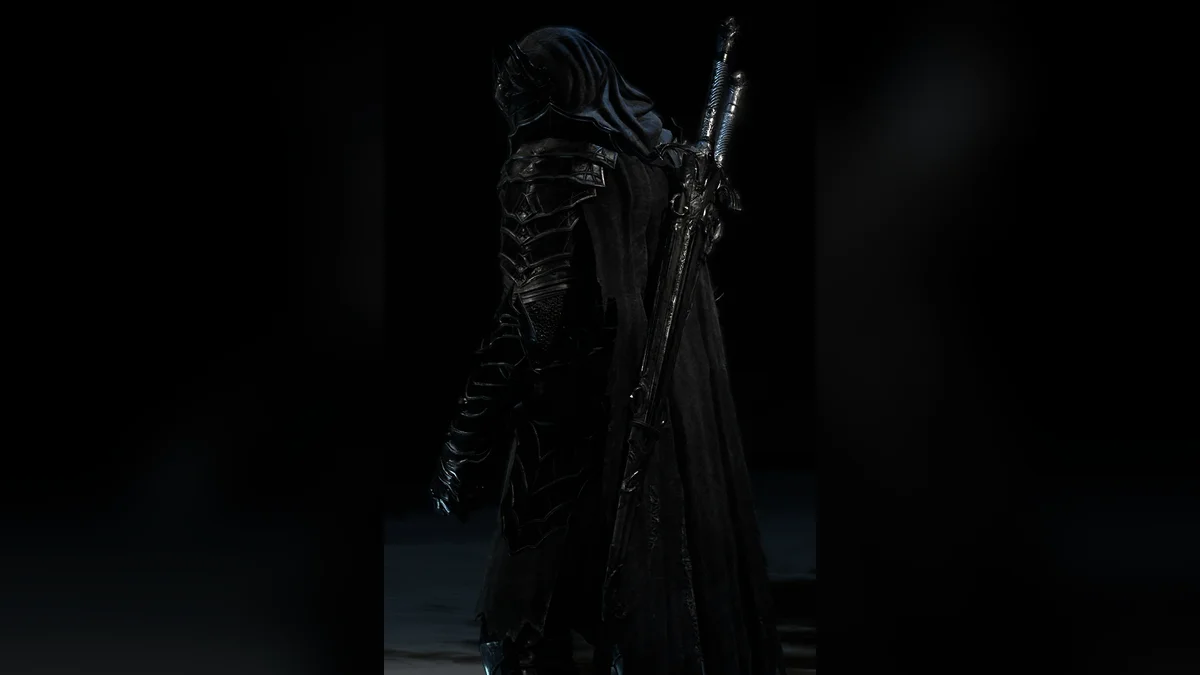
42. Blackened Urfael and Acharn
The matching weapon mod darkens the tier 4 Black Numenorean sword and dagger and their tier 2 scabbards, which covers Urfael and Acharn plus the Darkest, Horrors and Vengeance swords and daggers. Only the fully upgraded models change, so a weapon has to reach level 60 before you see it. Creator: Obs97. Needs: Packet Loader. Download: Blackened Urfael and Acharn on Nexus Mods.
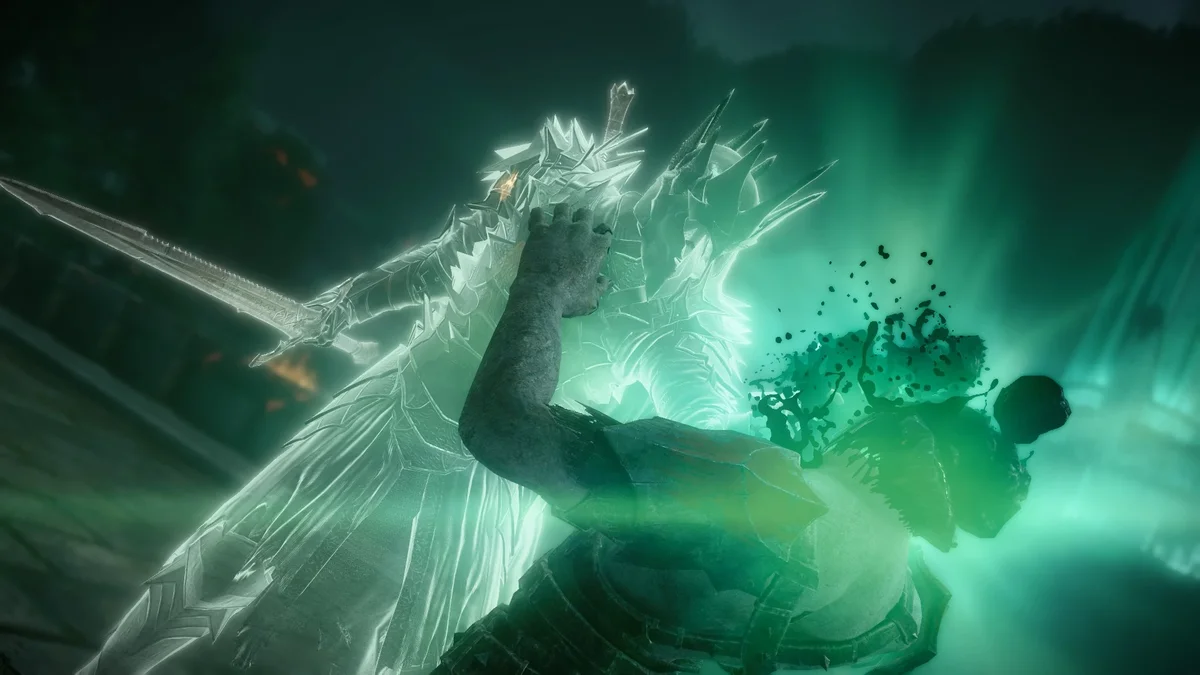
43. Witchking Baranor
Witchking Baranor comes in two parts. The helmet mod swaps Baranor’s head for the Witch-king’s helmet, with physical-only and wraith-only versions, and the Witchking Baranor Armor mod changes the default wraith model to match. Install both, then switch your skin to Baranor. Creator: survivalizeed, with the sub versions by Aiden. Needs: Packet Loader. Download: Witchking Baranor Helmet on Nexus Mods.
44. No Cloth
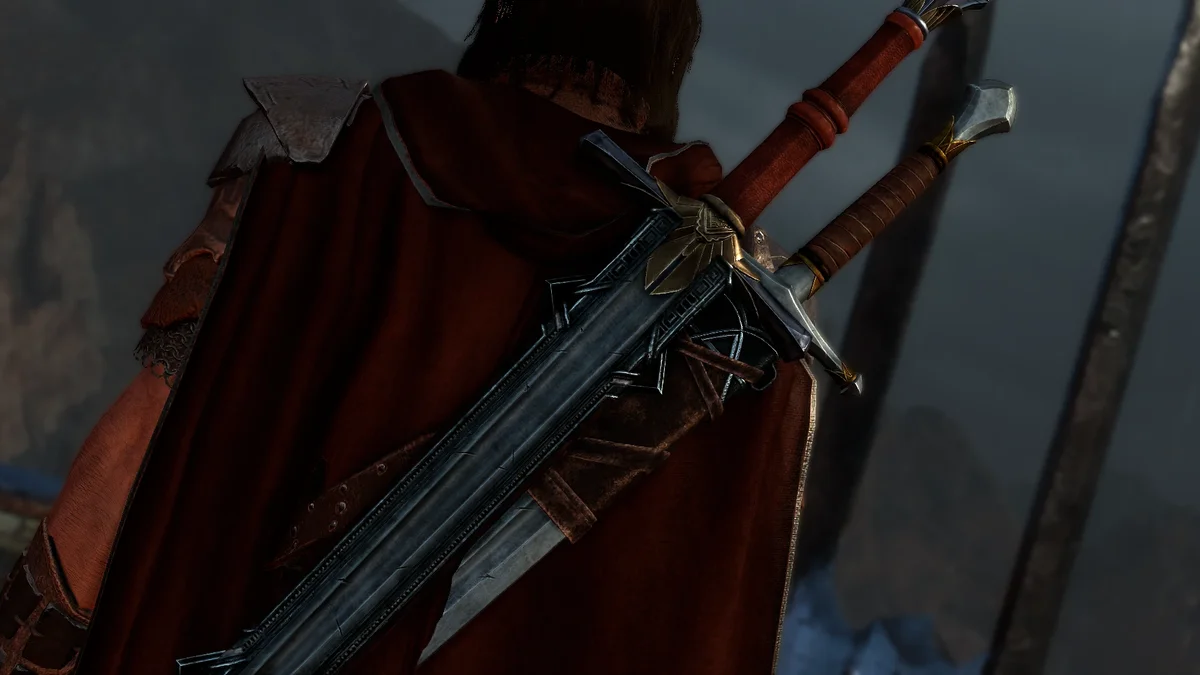
A piece of cloth hangs from the dagger scabbards in Shadow of War, and its creator argues it ruins almost any look. No Cloth removes it from every scabbard mesh. It does not work with mods that replace the dagger scabbard meshes. Creator: Aiden D. Needs: Packet Loader. Download: No Cloth on Nexus Mods.
45. Samurai Baranor
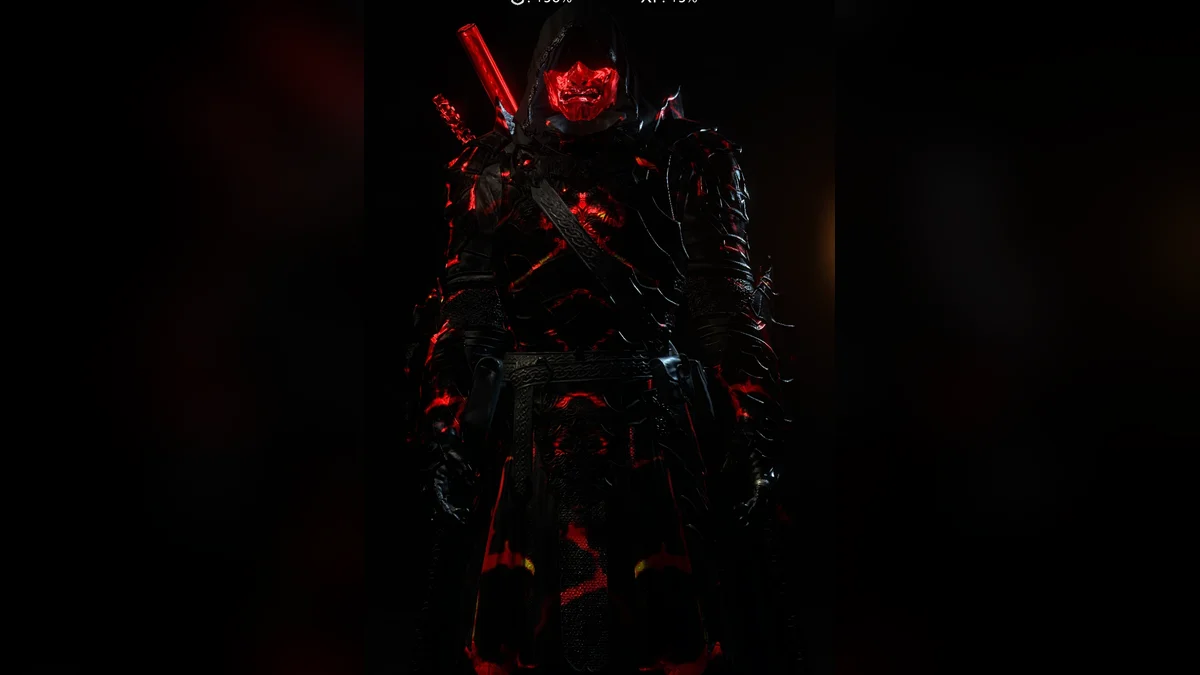
Samurai Baranor turns Baranor into a samurai in black and red armor. For the skin to show, equip the Dark Armor tier 4 piece in every gear category, per its page. Creator: survivalizeed. Needs: Packet Loader. Download: Samurai Baranor on Nexus Mods.
46. Nazgul Glaive
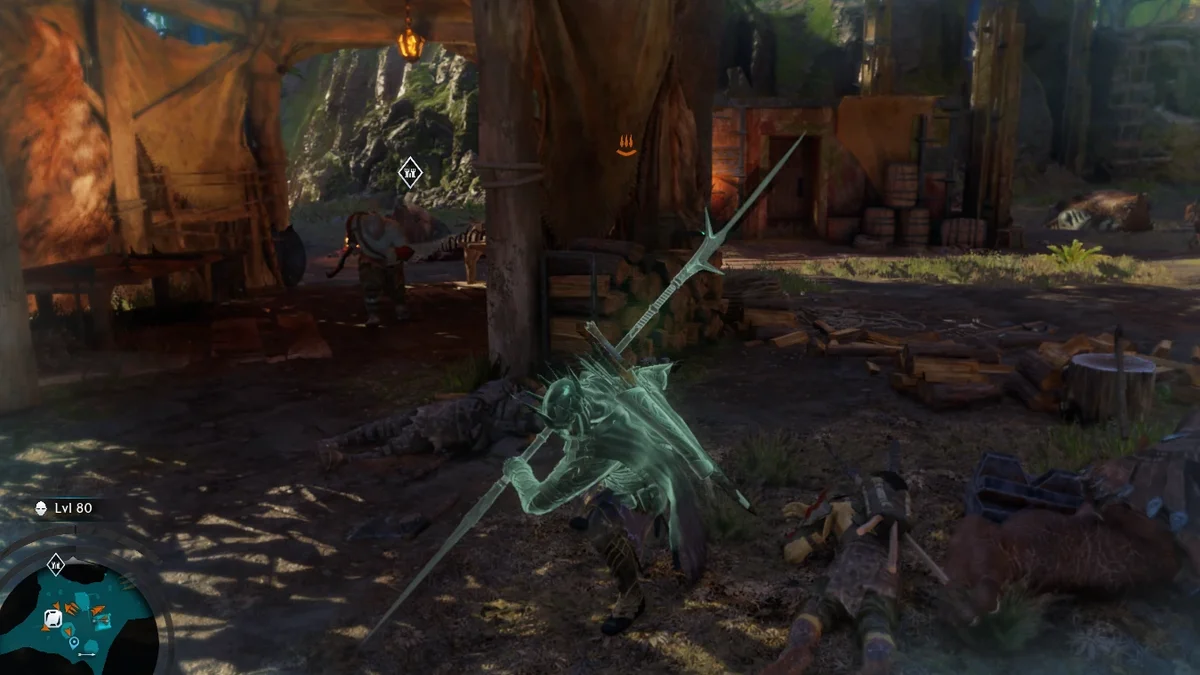
Nazgul Glaive replaces the Spectral Glaive with a new, more Nazgul-like design. It changes the same weapon as the Spectral Black Numenorean Greatsword (number 49), so choose one of the two. Creator: survivalizeed. Needs: Packet Loader. Download: Nazgul Glaive on Nexus Mods.
47. Eltariel Black Numenorean Armor
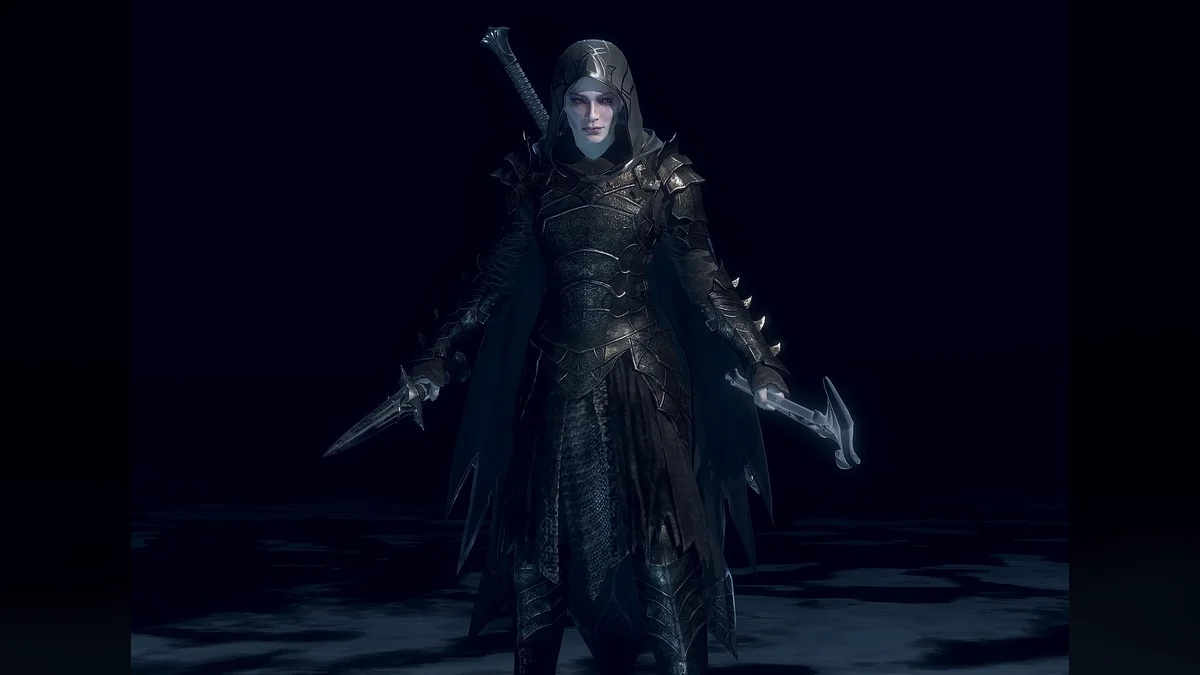
This mod swaps the tier 2 Blade Armor on Eltariel’s player skin for Talion’s tier 2 Black Numenorean armor, resculpted to fit her, and on her Normal skin the tint follows the armor you have equipped. It works with her Normal and Dark skins, with a small gap at the waist its creator cannot fully fix yet. For the full set, add his Eltariel – Black Numenorean Wraith and Eltariel – Black Numenorean Cloak mods. Creator: xNightswitch. Needs: Packet Loader. Download: Eltariel – Black Numenorean Armor on Nexus Mods.
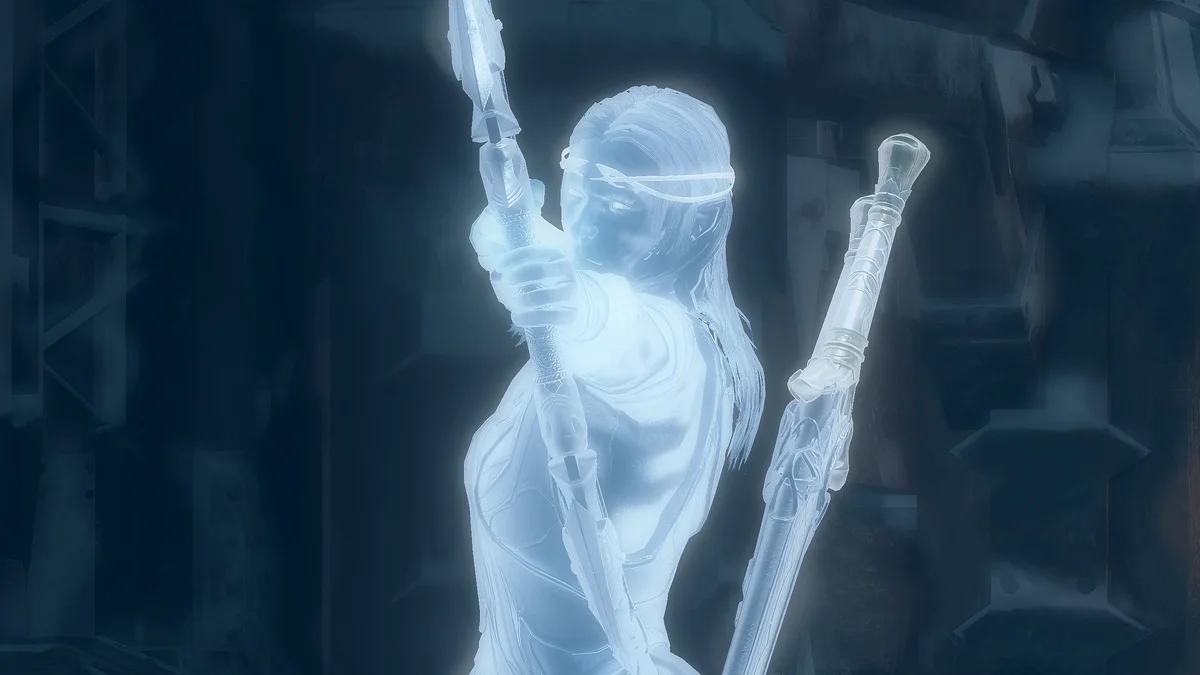
48. Eltariel BrightWraith
Play the main story as Eltariel and the game still shows Celebrimbor in wraith form, moving with her animations. Eltariel BrightWraith replaces him with a female wraith version of Eltariel, with armor remade to fit her. Its page notes a minor clash with the Ultra HD textures, which show the original face when the camera zooms in close. Creator: xNightswitch. Needs: Packet Loader. Download: Eltariel BrightWraith on Nexus Mods.
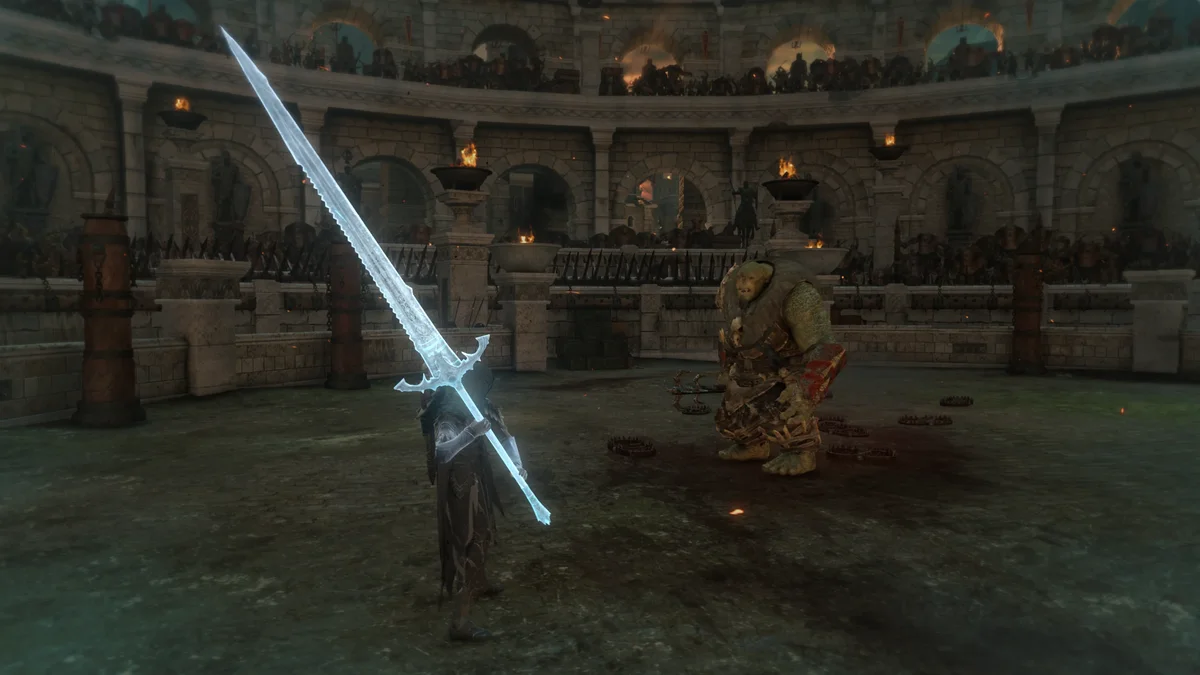
49. Spectral Black Numenorean Greatsword
This mod replaces the Spectral Glaive with a Black Numenorean greatsword, a remodel of the game’s regular Black Numenorean swords. Every skill upgrade and gear bonus that affects the Glaive still applies, and it conflicts with any other Glaive mod, Nazgul Glaive included. Creator: xNightswitch. Needs: Packet Loader. Download: Spectral Black Numenorean Greatsword on Nexus Mods.
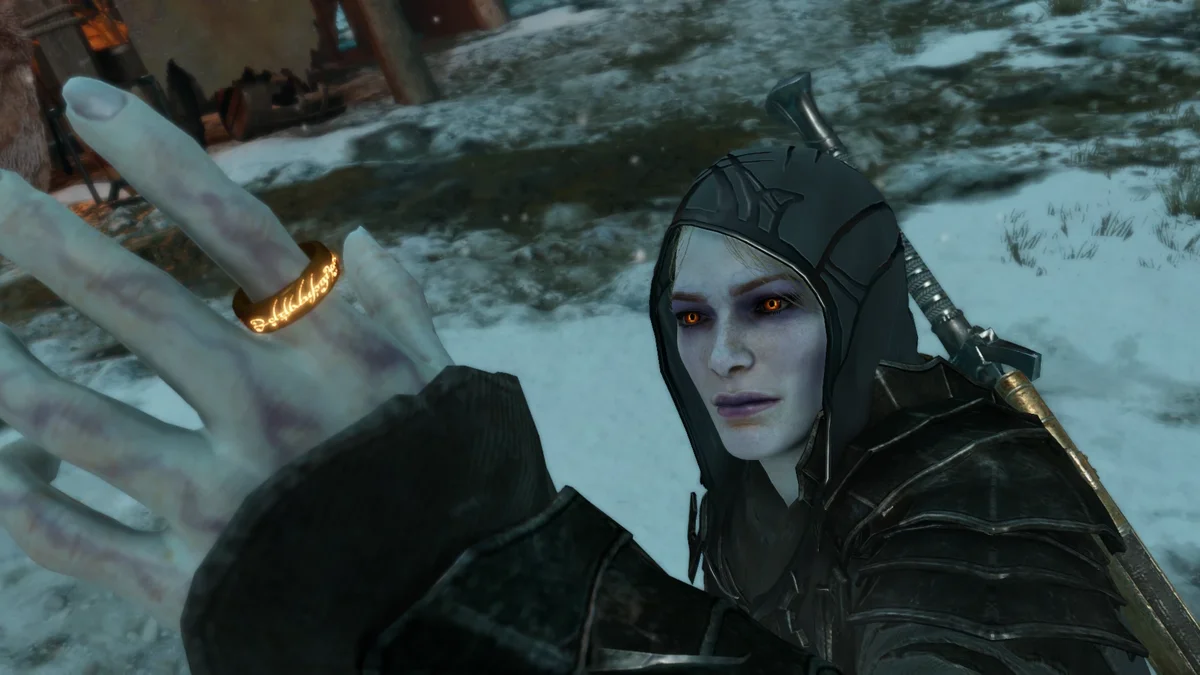
50. One Ring Overhaul
One Ring Overhaul retextures The New Ring in gold so it looks like The One Ring, built from unused textures in the game files plus material edits for the full effect. It is purely cosmetic, and extra variants sit in its Files tab. Creator: Aiden D. Needs: Packet Loader. Download: One Ring Overhaul on Nexus Mods.
Install Order
- A loader. Pick the Middle-Earth Mod Loader (number 2) if you want any of ReaperAnon’s mods or anything that uses the F10 Mod Configuration Menu, such as Nemesis Recurrence and More Moves for Talion. Pick the DLL Loader (number 1) if you only want packets and the plugins that name it. The Mod Loader’s README says it keeps legacy support for plugins not built on its API, and Nazgul’s page says it works with it.
- The Packet Loader (number 3), for every armor, weapon, blood and fire mod on the list. The pages of those mods accept either loader underneath it.
- ReShade, from its official site, for the presets (numbers 29 to 35). ReShade runs one preset at a time, so try them one by one. RenoDX needs a ReShade build with add-on support.
- Plugins and packets, one or two at a time, launching the game after each. Watch for the pairs that clash: Faster Elven Run and Nazgul, More Red Blood and Red Blood, and the two Glaive replacements (numbers 46 and 49).
How to Install Shadow of War Mods
Everything installs into the game’s folder, which on Steam is ShadowOfWar under steamapps\common (right-click the game in your library, then Manage and Browse local files). Loaders go in the x64 folder next to ShadowOfWar.exe, and you create a plugins folder there yourself. Plugins (.dll files) and packets (unpacked folders) both go into x64\plugins.
A few newer mods, including Increased AI Cap and More Moves for Talion, use the game’s own archive system instead: you put their .arch06 file in the main ShadowOfWar folder and add a line pointing to it in x64\default.archcfg with any text editor. Verifying your game files resets that file, so add the line again afterward, as More Moves for Talion’s page notes.
If you use Vortex, many of these pages point to xNightswitch’s Shadow of War Mod Essentials collection as the starting setup, and Skip Intro’s page explains the “Engine Injector” mod type. Mod Organizer 2 users can add Mach-Tei’s Shadow of War MO2 Extension Support plugin, which checks packets and plugins are installed correctly and shows your saves. Whatever you use, back up your save folder before adding mods that change the Nemesis System.
How We Chose These Mods
Shadow of War has a much smaller mod scene than Bethesda’s games, at about 220 mods on Nexus Mods, so this list stops at 50 rather than padding to 100. Every pick comes from the top of its host’s own popularity data: Nexus Mods endorsements and downloads for the game, and GitHub release download counts for ReaperAnon’s mods, which each pass 9,900 downloads. Newer mods from 2026 such as Nemesis Recurrence and More Captains in Free Roam made it on downloads, since they have had far less time to collect endorsements. We confirmed that every mod is free and still has a downloadable file on its page.
We set aside save files (the “level 80” and “100% complete” downloads that fill much of Nexus Mods’ top 50), trainers, cheat menus and cheat tables, including ReaperAnon’s Cheat Hotkeys, and the TrueLight preset, which requires a file that has since been deleted. Near duplicates were folded into one entry, such as Red Blood into More Red Blood and the Zephyr preset into its settings file. Where a mod’s page has no screenshot of the game, the image above it is an official Shadow of War screenshot.
Only download from the pages linked above, since re-uploads elsewhere are the usual way outdated or unsafe files spread. If you want more Middle-earth after this, our best Bannerlord mods list includes the Tales from the Age of Men total conversion, and our best CK3 mods list includes LotR: Realms in Exile. For another Warner Bros. Games open world, see our best Hogwarts Legacy mods, and our best moddable games on PC covers where to go next.
Frequently Asked Questions
What are the must-have Shadow of War mods to install first? Start with a loader (the DLL Loader or the Middle-Earth Mod Loader), then the Packet Loader and Skip Intro. From there, Multi-Equip Skills, Nemesis Recurrence and a ReShade preset such as Tolkien’s Vision change the most for the least effort.
Where do you download Shadow of War mods? Nexus Mods hosts most of them, and ReaperAnon’s mods and Mod Loader are on his GitHub pages. Shadow of War has no Steam Workshop and no official mod support, so every link above goes straight to the creator’s own page.
How do you install Shadow of War mods? Put a loader’s files in the game’s x64 folder, create a plugins folder there, and drop plugins and packet folders into it. ReShade presets go next to ShadowOfWar.exe after you install ReShade, and .arch06 mods need a line added to x64\default.archcfg. The How to Install section above walks through each.
Why is my Shadow of War packet mod not working? Usually the Packet Loader has not generated signatures for it yet. Open PacketLoader.ini in x64\plugins\PacketLoader\Internal, set the cache to 0, load into the game once, then set it back to 1, as the Packet Loader’s page explains.
Do Shadow of War mods work on the GOG version? Some do and some do not, so check each page. Increased AI Cap says it works on both Steam and GOG, while Nazgul says the GOG version does not work, Nemesis Recurrence’s creator recommends against GOG, the Spawner was built for Steam, RenoDX has only been tested on Steam, and More Moves for Talion lists the latest Steam patch.
Can you mod Shadow of War on PS4, PS5 or Xbox? No. Every mod on this list installs into the PC game’s folder, and none of their pages offers a console version.
Which Shadow of War mods change the Nemesis System? Nemesis Recurrence lets cheat-death titles and scars recur, More Captains in Free Roam sends your real captains into the open world, Orc Spawn Rarity raises the odds of Epic and Legendary orcs, and Uruk Intel removes the mystery models of orcs you have no intel on.
Are these Shadow of War mods free? Yes, all 50 are free downloads. Some creators link a donation page, but no file on this list is paywalled.