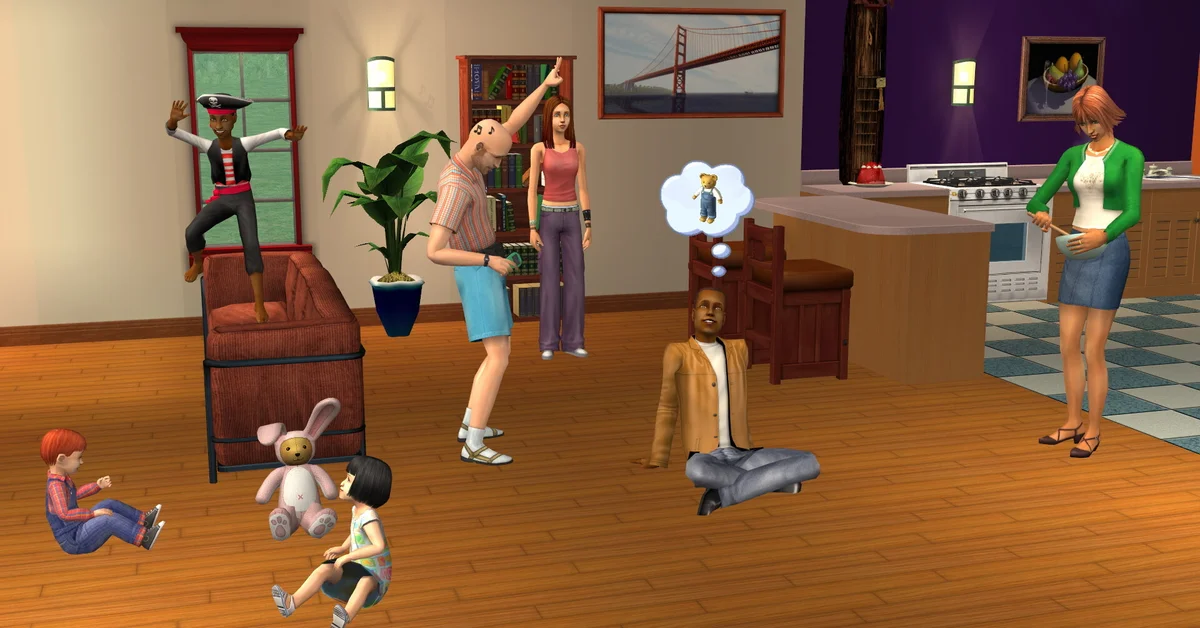
To rotate an object in The Sims 2, pick it up in Buy Mode or Build Mode and press the comma key to turn it one way or the period key to turn it the other, or hold the left mouse button on it and drag in the direction you want it to face. Objects turn in 90-degree steps by default, and a cheat unlocks 45-degree angles. This guide covers both input methods, the diagonal cheat, the placement cheats that pair with it, and what the Legacy Collection changed about the interface.
Keyboard: Comma and Period
Enter Buy Mode (F2) or Build Mode (F3), click an object from the catalog or an object already on the lot, and while it is attached to the cursor press:
- Comma ( , ) to rotate it counterclockwise
- Period ( . ) to rotate it clockwise
These are the same keys as the angle-bracket symbols printed above them on a US keyboard, which is why older guides call them the < and > keys. Each press turns the object a quarter turn. Once it faces the right way, left-click to set it down. Buy Mode and Build Mode both accept the keys, and they work on doors, windows and stairs as well as furniture.
The Sims 2 is a mouse-and-keyboard game with no official controller layout, and the Legacy Collection did not add one, so there is no console-style equivalent to learn.
Mouse: Click, Hold and Drag
The original Sims 1 method still works. Left-click and hold on the object, then drag the mouse in the direction you want the front of the object to face and release. The object snaps to the nearest allowed angle. Player documentation also describes tapping the right mouse button while carrying an object to step it round; if that does nothing on your setup, the comma and period keys always will.
The drag method is quickest for single pieces; the keys are quicker when you are placing a run of identical chairs and want every one turned the same way.
Unlocking Diagonal Placement
By default the game only allows four orientations. To place objects at 45-degree angles, open the cheat console with Ctrl + Shift + C and enter:
boolProp allow45DegreeAngleOfRotation true
With that on, comma and period step through eight positions instead of four. Not every object handles the diagonal gracefully: beds, counters and anything a Sim has to route to precisely can become unusable at 45 degrees, so test each one before you commit a room to it. Turn the cheat off by entering the same line with false.
Two more console cheats change what you can do once the object is turned:
moveObjects onlets you place objects overlapping walls, other objects and the lot edge. It also lets you delete things the game normally protects, including Sims, so use it with care.setQuarterTilePlacement on(added with Apartment Life and therefore in the Legacy Collection) snaps objects to quarter tiles instead of whole ones, which is what makes diagonal decor line up. Older Ultimate Collection installs have it too; only a base-game-only disc lacks it.
None of these cheats disable achievements or scoring, because The Sims 2 has neither. Our Sims 2 cheats guide lists the rest of the console.
What Changed in the Legacy Collection
Rotation itself is untouched: the January 2025 Legacy Collection is the same engine, and Maxis says the gameplay was left as it was. What did change is the interface around it. The launch release notes added widescreen and high-resolution support, and the April 3, 2025 patch (#7) switched the game to a borderless window for fullscreen and started scaling the in-game UI up on screens larger than 1080p. If the Buy Mode catalog looks too large or too small, the same patch notes give the fix: the cheat uintProp uiScaleFactor accepts 1, 2 or 3, with 2 as the default, and the value can be made permanent in the Graphics Rules.sgr file inside the install’s EP9\TSData\Res\Config folder.
The earlier March 14, 2025 patch (#6) fixed Build Mode’s design tool palette popping up off screen on high resolutions, and pie menus going off screen above 1080p, both of which made placing and recoloring objects awkward at launch.
Frequently Asked Questions
Why does my object only rotate in four directions? That is the default. Enter boolProp allow45DegreeAngleOfRotation true in the cheat console to add the four diagonal positions.
Can I rotate objects freely at any angle like in The Sims 4? Not without third-party tools. The engine supports 90-degree steps by default and 45-degree steps with the cheat; there is no free rotation.
Do the rotation keys work on walls and floors? No. Walls are drawn with the wall tool and floors have no facing. The keys apply to catalog objects, doors, windows and stairs.
Why will an object not turn where I want it? Something is blocking the footprint, usually a wall or a neighboring object. Use moveObjects on to override the collision check, or clear the tile.
Is rotation any different on Steam versus the EA App? No. Both storefronts sell the same Legacy Collection build with the same keys and cheats.
The same controls carry across the series with small changes; see how to rotate objects in The Sims 3 and in The Sims 4. Everything else we cover for the franchise is on the Sims hub.