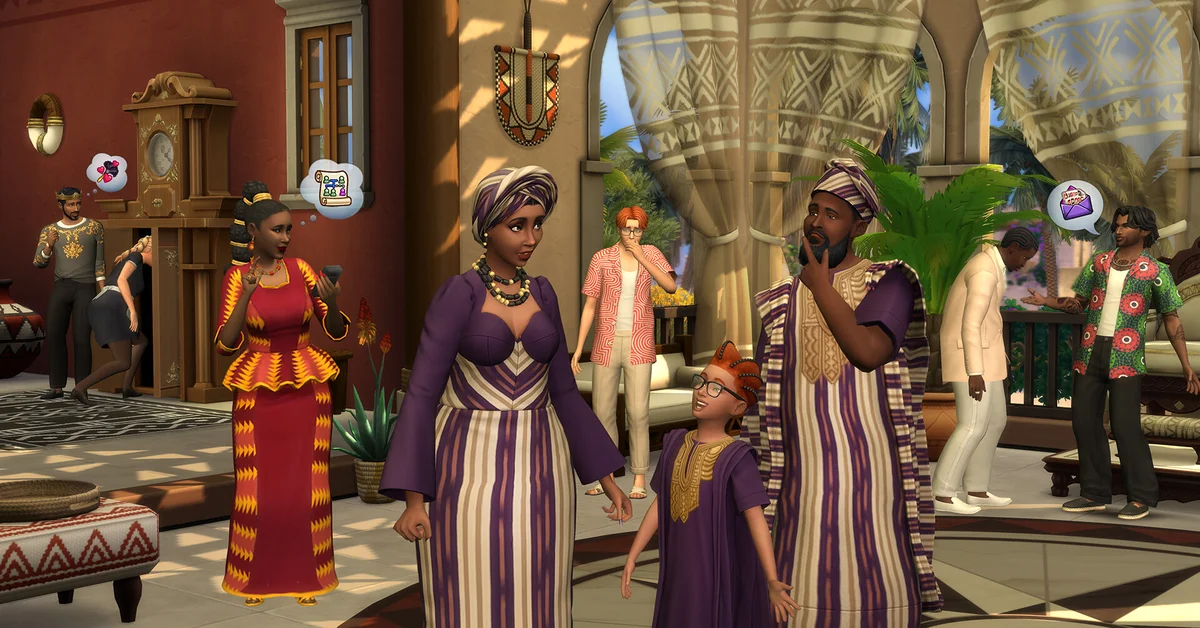
Yes, you can play The Sims 4 offline: it is a single-player game, and EA’s own Marketplace guide confirms you can still play without a connection. You cannot play it with friends in the usual sense, though, because there is no multiplayer or co-op mode on any platform; sharing creations through the Gallery is as close as the official game gets.
Below, we cover how to set up offline play on PC and Mac, which features need the internet, what applies on PlayStation and Xbox, every way to share the game with friends, and what EA is building for players who want to play together. It is all verified against EA’s help center as of September 2026.
How to Play The Sims 4 Offline on PC and Mac
EA documents offline play through the EA app. Per EA’s offline mode instructions:
- Open the EA app while you are still online.
- Select the menu in the top-left corner (three horizontal lines), or Account on Mac.
- Select Go offline.
- Launch The Sims 4 as normal.
Three rules come with it. You must have launched the game online at least once. A game keeps working offline for 30 days from the last time it was launched online. And if you close the EA app, it goes back online automatically the next time you open it, so switch to offline mode again before a trip.
Your save files live on your own computer, so everything you build and every family you play stays available offline. Our guide to saving your game covers manual saves and Autosave. Mods and custom content on PC and Mac are local files too, so they keep working without a connection (see our mods and custom content guide for the setup).
What Stops Working Without Internet
Offline play covers Live Mode, Build Mode and Create a Sim. These features do need a connection, per EA’s help center:
- The Gallery. EA states you need an internet connection to access it, so you cannot browse, download or share Households, Lots and Rooms offline.
- The Marketplace. You must be online to shop in-game. Offline, the only part available is your Collection, and EA notes a recent purchase may not show up until you go back online.
- Events. EA’s guide to time-limited Events tells players to make sure they are online before taking part.
- Updates and new packs. Game patches and pack downloads come through the EA app, so they wait until you reconnect. The community wiki adds that once a new patch is out, online features and pack content stay unavailable until the game is updated.
Offline Play on PlayStation and Xbox
The console version is a separate game from PC and Mac, and EA confirms your Sims, Lots and Households do not carry over between them. EA’s Marketplace guide says you can still play offline, while online features such as the Gallery and the in-game Marketplace need a connection, just as on PC.
For digital copies, your console’s own offline rules also apply. On PS5, turn on Console Sharing and Offline Play for the console you use. On Xbox, set it as your home Xbox. Either setting lets the licenses for your games work when the console cannot reach the network. Keep in mind that EA says console players can only browse the Marketplace on the web; purchases happen in-game.
Playing With Friends: What Actually Exists
The Sims 4 has no online multiplayer, co-op, split-screen or shared worlds. EA’s January 2026 post on the future of the series describes The Sims 4 as a “deep, single-player life simulation” and commits to keeping single-player games on PC and console. What you can do with friends:
- Share through the Gallery. Upload Households, Sims, Lots and Rooms, and download your friends’ creations. EA says you can search by EA Account ID, and the Friends list on your Gallery Profile shows the creators you follow and who follow you. Custom tattoos can be shared too, but EA says using them in-game needs the Businesses and Hobbies expansion. Builders will find our house building guide handy before uploading.
- Take turns with one save (PC and Mac). EA’s backup guide shows the game’s files live in Documents > Electronic Arts > The Sims 4, so friends can pass a save back and forth to play the same family in turns. Content from packs or mods the other player lacks will be missing, the same way EA describes for Gallery downloads.
- Join the community. EA runs an official Sims Discord server for sharing and chatting with other players.
On PC, community projects have tried to bolt multiplayer onto The Sims 4 over the years. They are unofficial, experimental and prone to breaking after patches, EA does not support them, and like all mods they are not available on console. For mods that change the single-player game instead, see our best Sims 4 mods list.
What EA Is Building for Multiplayer
If playing together is what you are after, EA’s answer is a different game. In that same January 2026 post, EA said Project Rene has “evolved into a social, collaborative, mobile-first life-sim game” focused on social multiplayer play, and stated plainly that it is not the successor to The Sims 4. EA also said it is running playtests through The Sims Labs under working names such as Life Together and Town Stories, and called them works in progress that may change or not move forward.
For everything else we cover on the series, visit our Sims guides hub.
Frequently Asked Questions
Do you need internet to play The Sims 4? Only for the first launch and for online features. EA says you can play offline, with the Gallery, Events and Marketplace shopping as the exceptions.
How long can you play The Sims 4 offline? Through the EA app, a game works offline for 30 days from the last time it was launched online, per EA.
Is The Sims 4 multiplayer? No. There is no co-op, split-screen or online multiplayer on any platform. Sharing through the Gallery is the official way to swap creations with friends.
Can you play The Sims 4 with friends on PS5 or Xbox? Not together in one game. You can still share and download Households, Lots and Rooms through the Gallery on console.
Is Project Rene The Sims 5? EA says it is not the successor to The Sims 4. It describes Project Rene as a separate, mobile-first game built around social multiplayer play.