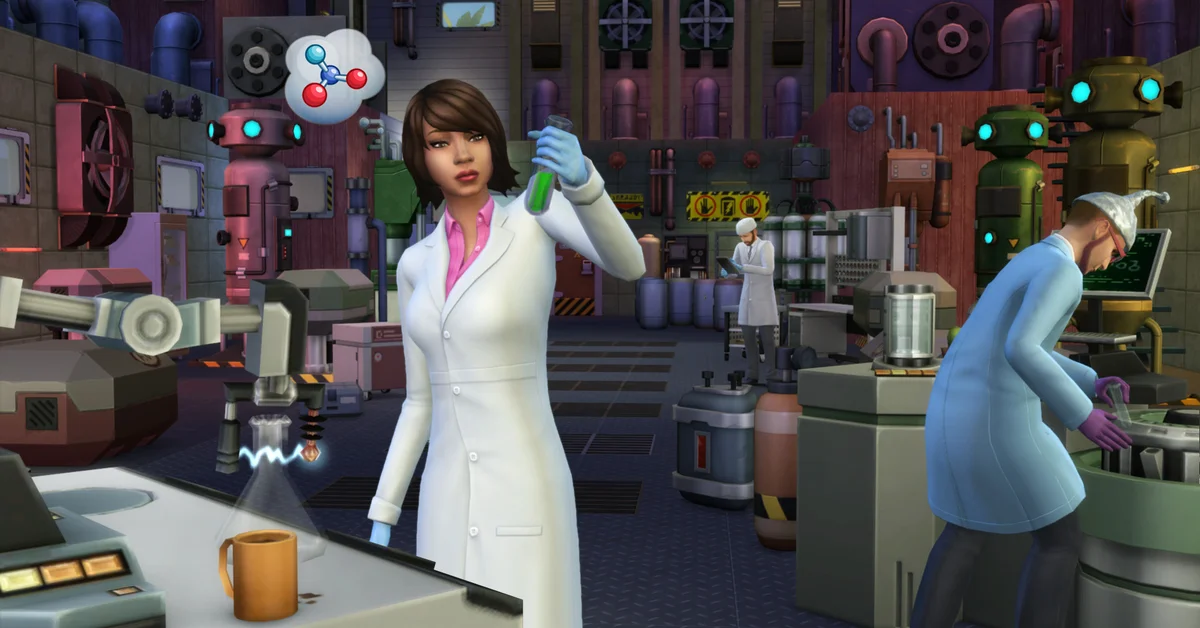
To change a Sim’s work outfit in The Sims 4, open the cheat console with Ctrl + Shift + C, type sims.modify_career_outfit_in_cas and press Enter. The game opens Create a Sim on the active Sim’s current career outfit, where you can swap any clothing piece and save it.
There is no menu option for this. Players report that the Plan Outfit interaction on a dresser does not reach the career uniform, and as of the September 2026 update, EA has not added an official career outfit editor. Below we cover the cheat step by step, its limits, the console question, and the mods that turn it into a click. Guides on this site are researched against EA’s official documentation and community sources, which we name as we go.
Step-by-Step: The Career Outfit Cheat
- Load the household and click the Sim whose uniform you want to change, so they are the active Sim.
- Open the cheat console: Ctrl + Shift + C on PC and Mac.
- Turn on testing cheats (recommended): type
testingcheats trueand press Enter. Community documentation disagrees on whether this step is needed for the outfit command, so doing it first avoids a failed attempt. - Type the command:
sims.modify_career_outfit_in_casand press Enter. - Edit the outfit. Create a Sim opens showing the career clothes. Change tops, bottoms, shoes and accessories as you like.
- Click the check mark to save and return to Live Mode.
To edit a Sim who is not currently active, community documentation says the command accepts a Sim ID: sims.modify_career_outfit_in_cas followed by the ID, which you can look up with sims.get_sim_id_by_name FirstName LastName. Selecting the Sim first is simpler.
What the Cheat Can and Cannot Change
Player reports describe a few limits worth knowing before you spend twenty minutes on a uniform:
- It only changes the current level’s outfit. When a promotion comes with a new uniform, the game swaps it in, and you run the command again to restyle it.
- It changes clothing only. Hair, makeup and body changes belong in regular Create a Sim, reached through a mirror or the
cas.fulleditmodecheat, which our guide to changing traits walks through. - The original uniform can be hard to get back. The career’s own pieces do not always appear in the clothing list, so take a screenshot before you change anything.
- Stay in the career outfit category. Players report that switching the outfit category inside the editor can apply your changes to the wrong outfit.
Does It Work on PlayStation and Xbox?
EA’s console help page confirms the cheat console opens with L1 + L2 + R1 + R2 on PlayStation and LB + LT + RB + RT on Xbox, and warns that using cheats disables achievements and trophies for that save. EA does not document the career outfit command itself for consoles; player reports suggest it works there too, but the mods below are PC and Mac only. Our Sims 4 cheats list covers the console in full.
Mods That Make It a Click
If you change uniforms often, two PC and Mac mods remove the typing:
- MC Command Center includes career outfit editing among its many tools.
- Plan Career Outfit adds an interaction of that name to dressers and mirrors.
Mods can break after game updates, so install from the creator’s official page and follow our guide on how to install mods and custom content. If you want more like it, our best Sims 4 gameplay mods list is the place to start.
Tips Most Players Miss
- Change the outfit on a day off. Your Sim is not mid-shift, and you can check the new look straight away with the Change Outfit option on a dresser.
- Plan around promotions. Since each new level can reset the look, it is worth waiting until your Sim settles at a level before perfecting it. Our guide to quitting jobs covers what happens if a new career suits them better anyway.
- Save first. A quick manual save before cheating costs nothing; our guide to saving your game covers the 2026 autosave options too.
Frequently Asked Questions
Is there a way to change work outfits without cheats? Not through any official menu. Players report the dresser’s Plan Outfit does not reach the career uniform, so the cheat is the base game route. Mods add an interaction for it on PC and Mac.
Why did my Sim’s work outfit change back? A promotion to a level with a new uniform replaces your edit. Run sims.modify_career_outfit_in_cas again.
Does the cheat disable achievements? On console, EA says turning on cheats disables achievements and trophies for that save. On PC, testing cheats are widely used with no such warning from EA.
Can I change a child’s school uniform the same way? Community reports mainly cover adult careers, so results vary for school and part-time jobs. Try it on a saved game first.
Does it change hair and makeup too? No, clothing only. Use a mirror or regular Create a Sim for the rest. Every other Sims question lives on our Sims guides hub.