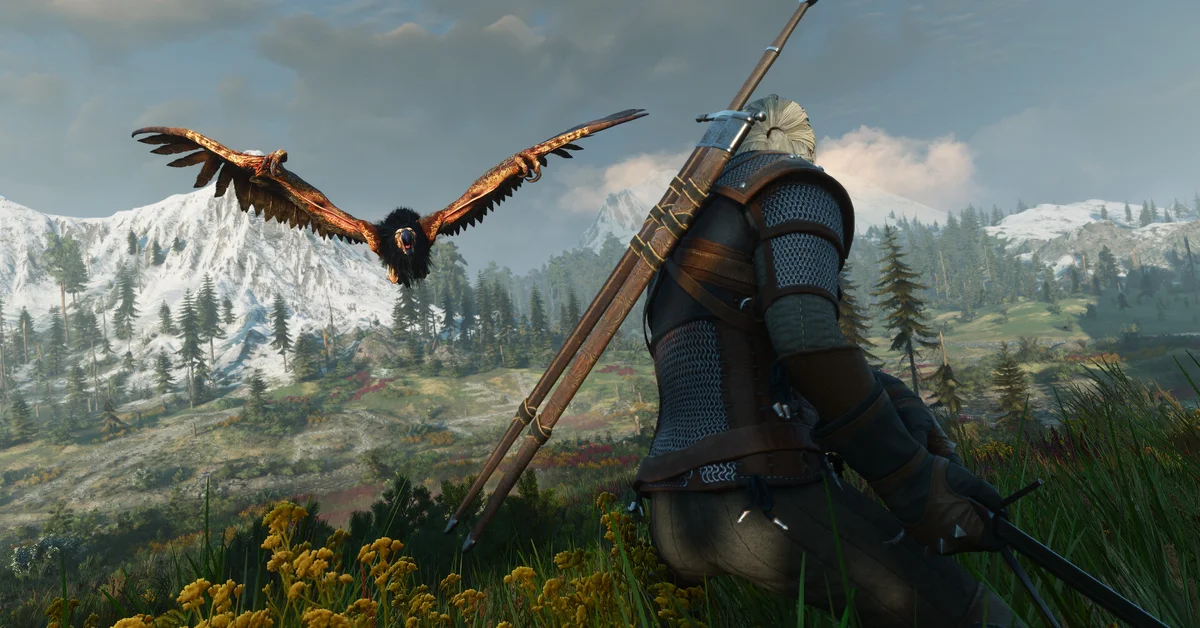
The Witcher 3 Remastered launched on September 29, and the smartest 10 minutes a returning Witcher can spend is setting up cross progression. It puts your saves in CD PROJEKT RED’s cloud, lets you continue a playthrough on another platform, and uses the same CDPR account the Remaster’s mod support runs on. Here’s the official setup, step by step, from CD PROJEKT RED’s cross progression support article.
Updated October 5, 2026: the Remaster is out, so this guide now covers setting up cross progression in the live game, including the steps on the second platform and CDPR’s rule for modded saves.
The Setup (From CDPR’s Own Support Docs)
- Update The Witcher 3 to the latest patch (the version shows on the main menu).
- Open the Load Game menu and press the button shown for Cross Progression.
- Connect your CD PROJEKT RED account: on consoles the game shows a URL and QR code leading to the login page; follow it and sign in (create the free account if you’ve never had one).
- Once linked, cross progression is on by default; the toggle lives in Options > Gameplay > Cross Progression.
- Create a new save. It uploads automatically and shows a cloud icon; the cloud keeps your latest save of each type (manual, autosave, and so on).
- On the platform you want to continue on, launch the game and select My Rewards.
- Connect the same CD PROJEKT RED account the same way as step 3. Your uploaded saves then appear in the Load Game menu.
CDPR’s support article lists PC, PlayStation, Xbox and Nintendo Switch for cross progression, and its Remastered FAQ confirms the Remaster is out on PC, PS5, Xbox Series X|S and Switch 2.
Why Set It Up Now
Three reasons, in order of importance:
- Your save’s safety net. The Remaster carries saves forward (with the skill reset), and a cloud copy is insurance against a lost or corrupted local save.
- Platform freedom: cloud saves are how a console playthrough continues on PC’s path-traced version or on Switch 2.
- The account does double duty: the Remaster’s new mod.io console mod support also wants your CDPR account linked, so this setup is step one of that too.
The Two Rules That Break Transfers
- Same mods on both platforms. CDPR’s mod support article, written for the Remaster, says that to keep cross progression working “you need to have the same set of mods enabled on both platforms,” or the save “may not load correctly.” If you mod on PC and continue on console, use mods tagged as available on consoles.
- Same game content. CDPR’s support site says a save needs the same content present to load on another platform. With Hearts of Stone and Blood and Wine now included for every owner, this matters less than it used to, but make sure both expansions are installed on both platforms.
Checklist Before You Switch Platforms
- Cross progression linked and a fresh cloud-iconed save made
- A manual save outside combat, somewhere neutral (Kaer Morhen’s courtyard beats mid-quest chaos for clean conversion)
- Heavily modded PC playthroughs: CDPR says older mods that use xml, script or w3strings files break with the Remaster until they’re updated with REDkit
- Skills reset at first Remaster load, which CDPR’s official change list confirms (our news story on the change list explains why); screenshot your build if you’ll miss it, then rebuild with our respec guide
If a save goes missing after the move, our saves not showing guide has the fixes, and every Remaster guide is on our Witcher 3 hub.
Frequently Asked Questions
Is the CDPR account free? Yes, and it’s the same one used for GOG, REDlauncher, and Cyberpunk’s cross-progression.
Does cross progression sync mid-playthrough or just once? Continuously; latest saves per type keep uploading as you play.
Old-gen saves (PS4/Xbox One)? The same cloud system is how the 2022 next-gen update moved old-gen saves forward; do the setup on whatever you play now.
Can I opt out later? The Options toggle turns it off anytime; there’s no reason to, but it’s yours.