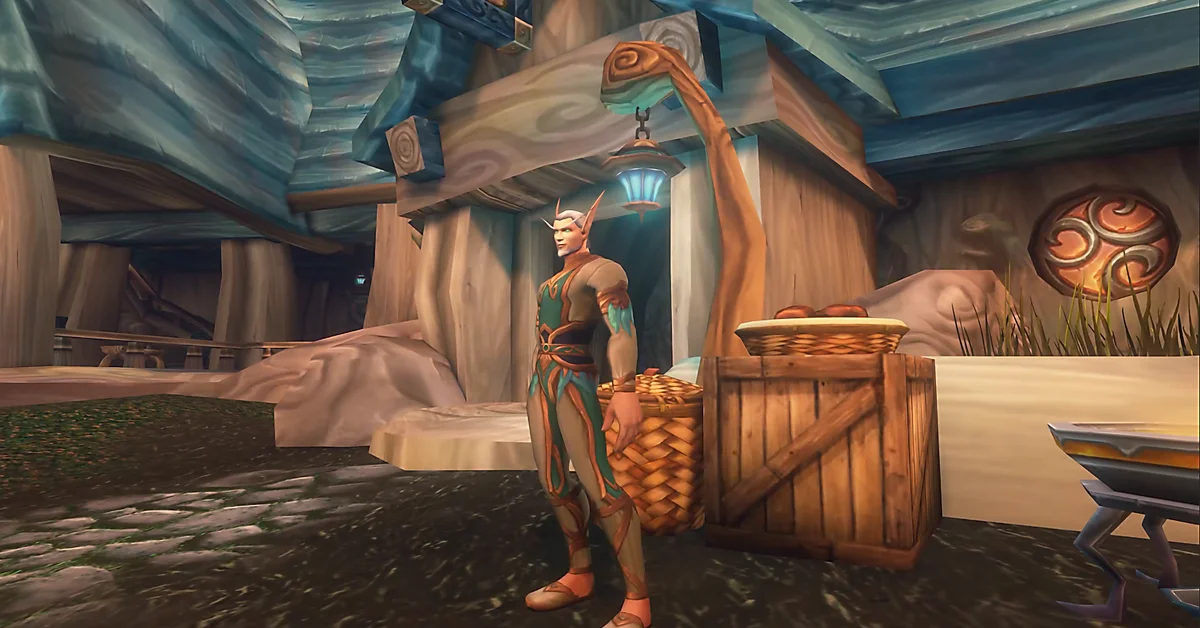
To repair your gear in World of Warcraft: Forever, right-click a vendor who has an anvil icon, then click the repair button in their shop window to fix everything you are wearing and carrying for a fee in gold. Blizzard’s new player’s starter guide puts it in one line: “Vendors with an anvil icon can also repair damaged equipment for a fee.”
Gear wears down as you fight and loses more each time you die, and broken gear stops helping you at all, so repairing is something every character does every few trips to town. Below: where to find a repair vendor, the repair buttons step by step, how to read durability, why your bill was so high, and how to spend less, checked against Blizzard’s posts and notes on November 15.
Where to Repair
| Where | What you need | Notes |
|---|---|---|
| A vendor with an anvil icon | Gold | Usually a weapon, armor or blacksmithing supply vendor, in towns and cities |
| A campsite | A campfire and the right camp features nearby | Blizzard lists “repairs” among the benefits a campsite can offer |
Most towns with an inn have at least one repair vendor, and every capital has several. Hover over a vendor before you right-click: if your cursor or their marker shows an anvil, they repair. If you are not sure where one stands, do what Blizzard’s starter guide suggests for trainers: ask a city guard for directions and follow the marker on your map.
Campsites are Forever’s way of bringing services out into the world. Blizzard’s deep dive recap says a campsite gives access to “vendors, repairs, profession workspaces, and one-hour buffs,” and its camping post signs off with “whether you are repairing gear, preparing your group, or sharing a fire.” Blizzard has not said which camp feature provides the repairs, so check what the camp you sit at offers. Our camping guide lists every profession’s camp feature.
How to Repair, Step by Step
- Right-click a vendor with the anvil icon. Their shop window opens.
- Find the repair buttons at the bottom of the shop window.
- Click Repair All Items to fix everything you have equipped and in your bags at once. The button’s tooltip shows the cost before you pay.
- Or repair one piece at a time. Click the single-item repair button, and your cursor becomes a hammer; click each item you want fixed. This is the way to go when gold is tight and you only want your weapon and chest done.
- Sell your junk while you are there. Right-click gray items in your bags to sell them, and the same trip pays for part of the bill.
If the repair buttons are greyed out, nothing you own needs repairing. If you cannot afford Repair All, fix the most important pieces one at a time.
How to Tell Your Gear Needs Repairing
- Item tooltips show durability as two numbers, such as “Durability 45 / 60.” The first number falls as the item wears down.
- The armor figure. A small outline of your character’s armor appears on screen when something is getting worn. Pieces show yellow when they are badly damaged and red when they are broken.
- Broken gear stops working. An item at zero durability still sits in its slot, but it gives you none of its stats or armor until you repair it.
Your gear wears down whenever you fight, and weapons and armor lose durability as you take and deal hits. The bigger loss comes from dying.
Why Deaths Make Repairs Expensive
Every death takes a chunk of durability from everything you are wearing. Taking the Spirit Healer’s offer costs more: Blizzard’s starter guide says resurrecting at the graveyard “damages the durability of your equipment and may apply Resurrection Sickness,” and advises you to “make sure to repair your gear as soon as you can.” Running back to your body is the cheaper choice whenever you can reach it.
Repair costs also rise with your gear. Better and higher-level items cost more to fix, so a level 60 character in dungeon gear pays far more for the same trip than a level 20 one. Blizzard has not published Forever’s repair prices.
How to Spend Less on Repairs
- Take Reinforce. Blizzard’s Legacy System overview says the perk “reduces durability damage from death.” It is the one Legacy perk that cuts the bill, and our best Legacy talents guide puts it in the dungeon and raid build.
- Do not count on Bartering. It “reduces the gold price of items purchased from vendors,” but Blizzard’s beta development notes fixed “an issue where Bartering was discounting training and repairing,” so it does nothing for repairs.
- Avoid the Spirit Healer unless the run back is truly dangerous.
- Repair before a dungeon, not halfway through. A group wipe hits everyone’s durability at once, and broken gear in the middle of a run means leaving.
- Set your hearthstone near a repair vendor. Our guide to setting your hearthstone covers which inns to pick.
Budget for it as you level: Blizzard’s starter guide tells new players to “repair your equipment, sell unwanted items, and save coin for training, bags, and travel.” If repairs are eating your gold, our gold making guide and our best professions for gold can help, and every WoW Forever guide we have is on our World of Warcraft hub.
Frequently Asked Questions
How do you repair gear in WoW Forever? Right-click a vendor with an anvil icon and click Repair All Items in their shop window, or repair single items with the hammer.
Where is the nearest repair vendor? Most towns with an inn have one, usually a weapon, armor or blacksmithing supply vendor. A city guard can point you to one.
Can you repair at a campsite? Blizzard lists repairs among the benefits a campsite can offer, though it has not named the camp feature that provides them.
What happens if your gear breaks? Broken items stay equipped but give no stats or armor until you repair them.
Does Bartering reduce repair costs? No. Blizzard fixed Bartering during the beta so it no longer discounts training or repairs. Reinforce, which reduces durability damage from death, is the perk that helps.
Is Item Restoration the same as repairing? No. Item Restoration is Blizzard’s service for getting back items you deleted or sold, and Blizzard’s November 11 hotfix notes say it has been disabled while Blizzard investigates a critical bug.