
You don’t need to turn on auto save in GTA 6, because it’s always on. The game autosaves as you play and keeps that progress in one autosave file of its own, separate from your manual saves, and there’s no switch for it: we went through the Settings tabs on our PS5 copy on launch night and didn’t find an autosave option anywhere.
That doesn’t mean you can skip saving altogether. Below is how the autosave works, where to find it, and when a manual save protects you better.
How Auto Save Works in GTA 6
Grand Theft Auto VI handles saving in two layers:
- One autosave. The game writes your progress to a single autosave file as you play. Each new autosave replaces the last, so it only ever holds your most recent progress.
- Fifteen manual slots. You make these yourself from the pause menu, and nothing overwrites them unless you do.
The autosave is a safety net, not a history. If you make a choice you regret and the game autosaves afterwards, the autosave can’t take you back to before it. Only a manual save from earlier can.
Is There an Auto Save Setting?
Not that we could find. We scrolled through the Gameplay, Display, UI, Camera and Audio tabs in Settings on launch night. The only “auto” options we saw were Auto Drive and Auto Equip Helmet in the Gameplay tab, and neither has anything to do with saving. If you’re hunting for an autosave toggle because you think it’s off, there’s nothing to switch on.
Where to Find Your Autosave
The autosave sits in the Load Game list with your manual saves:
- Press Options to open the pause menu.
- Select Game, then Load Game.
- Pick the autosave or any of your own saves.
Loading throws away anything since that save, so check the time stamp before you confirm.
When to Save by Hand
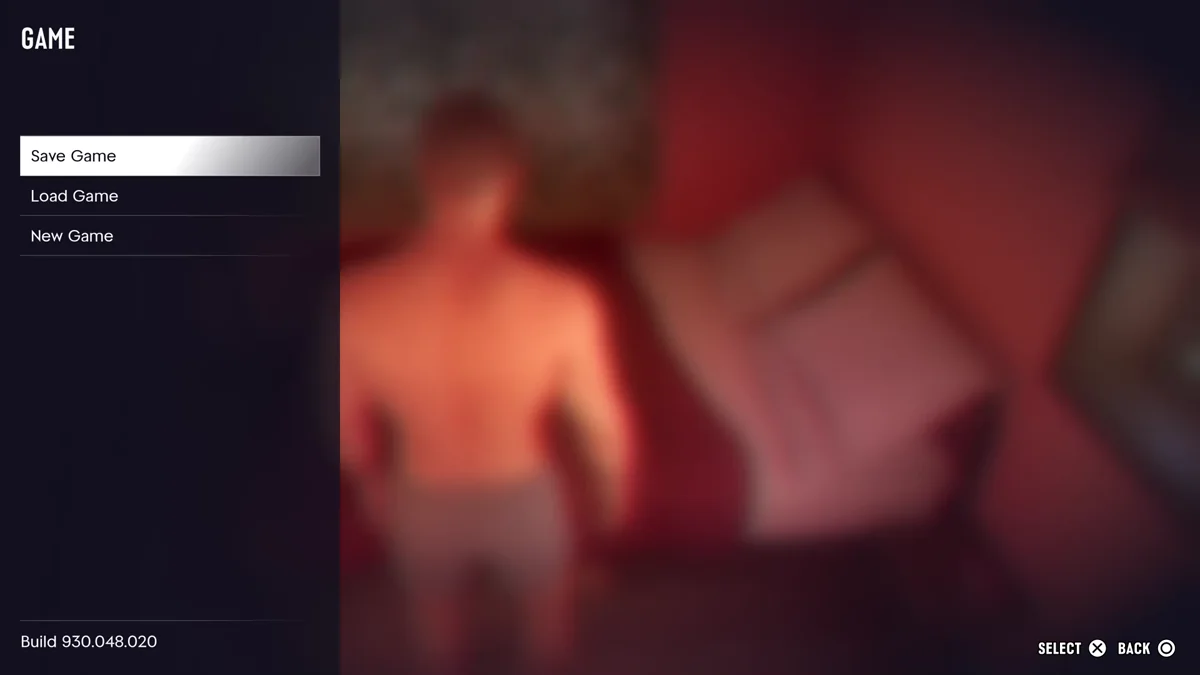
A manual save takes seconds: Options, Game, Save Game, then pick a slot. Each save is named after your last story mission with your completion percentage, so ours read “Feng Shui (11%),” with the date and time beside it.
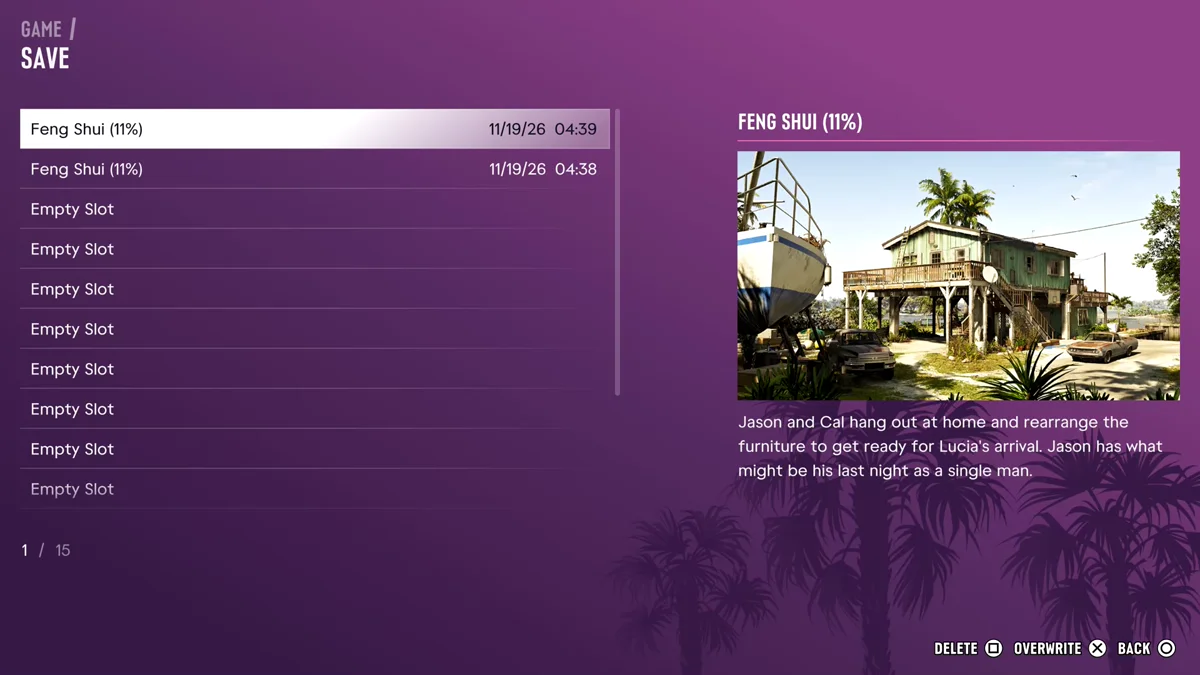
Save by hand at these moments:
- Before a big story mission, so a mission you’d like to redo isn’t locked in by the autosave.
- Before anything you might regret, from a costly purchase to a fight you might lose. Cash you carry is lost if you die.
- At the start of each chapter, so you can return to it later.
You can’t save in the middle of a mission. When we opened the Game menu partway through one, Save Game was greyed out, and it came back once the mission ended.
Our full guide to saving in GTA 6 covers slots, what blocks saving and how it compares with GTA 5. Our guides to what happens when you die and restarting a mission cover the other ways to undo a bad moment. Every GTA 6 guide is on our GTA 6 hub.
Frequently Asked Questions
Does GTA 6 auto save? Yes. It keeps one autosave file that updates as you play, separate from your 15 manual save slots.
How do you turn on auto save in GTA 6? You don’t have to. Autosave is always on, and we found no setting to switch it on or off.
Where is the autosave in GTA 6? In the Load Game list, under Options > Game > Load Game, alongside your manual saves.
Does the autosave overwrite my manual saves? No. The autosave replaces only itself. Your manual saves stay until you overwrite or delete them.