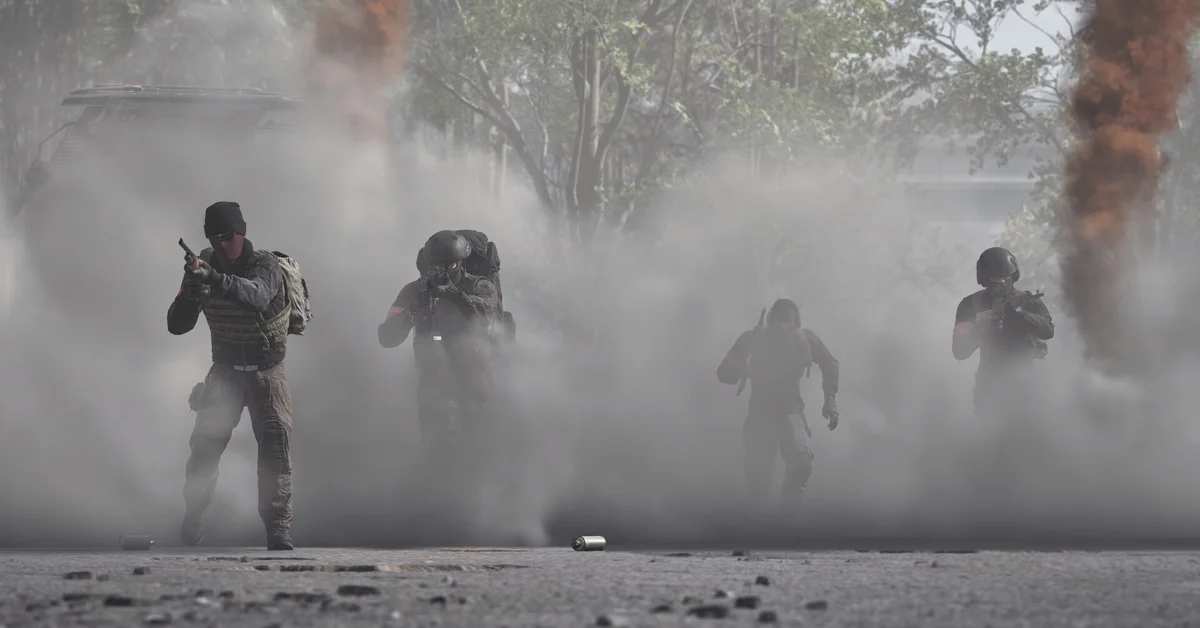
To play WARDOGS with friends, join the same server (through your Steam friends list or by searching the server in the browser), pick the same faction, then have one person create a squad from the Esc menu and everyone join it. There is no pre-match party or lobby, so grouping up happens once you are on the server, and squads have no size limit.
Below we walk through each step, explain how squads work, and cover why friends sometimes land on different teams.
How Grouping Works in WARDOGS
WARDOGS has no matchmaking. BULKHEAD’s devlogs confirm you pick games from a server browser, and each server holds up to 100 players across three factions: Lonestar (blue), Valkyra (red) and Manticore (green). BULKHEAD’s pinned Steam FAQ adds that you must select a team after joining a server to count as an active player.
Since Patch 0.11, the browser is split into Official and Community tabs. Community servers have text search, and each now keeps a persistent server ID you can use to join directly.
Step by Step: Joining Your Friends
- One friend joins a server first. Official or community, either works.
- Everyone else follows. Shacknews reports you can use Join Game on that friend in your Steam friends list, or the friend can send Invite to Game. This usually puts you on the same server, and on the same team if there is room.
- Or share the server. Agree on a community server by name (text search) or by its server ID, and join from the browser.
- Pick the same faction on the team select screen.
- Create a squad. Shacknews reports one player presses Esc and chooses Create Squad; squads are named in NATO alphabet order (Alpha, Bravo and so on). Everyone else joins that squad from the same menu.
- Lock it if you do not want strangers joining.
What Squads Give You
BULKHEAD’s official “Top Questions” post confirms squads are unlimited in size within the 100-player cap and add extra UI, communication tools and vehicle locking. On top of squad voice, WARDOGS uses proximity chat that everyone nearby can hear, enemies included.
What squads do not give you is squad spawning. BULKHEAD confirms there is none, and the trip back to the zone effectively acts as your respawn timer. PC Gamer describes each team’s APC as a mobile spawn point, so plan your transport. Our helicopter guide makes a pilot friend the best squad member you can have.
Why Friends End Up on Different Teams
It happens. Teams usually hold around 27 to 33 players each, and BULKHEAD says one team can carry at most one extra player, so a full faction blocks joining until a slot opens. Players on the Steam forums describe having to fight the join button, and PC Gamer reported players avoiding the blue Lonestar team, which makes the other factions fill first.
If you get split:
- Wait for a slot to open on your friends’ faction.
- Pick a quieter server with room for the whole group.
- Use a community server. Admins can set passwords, player limits and more, which makes private group games much easier. BULKHEAD lists QONZER, BisectHosting and xREALM as its approved hosts.
Team switching mid-match is currently possible, and Kotaku reported some players use it to grief. CEO Joe Brammer posted on X that BULKHEAD is “deciding on a design fix,” and Patch 0.11 lists Team Switching Controls as an upcoming feature, so expect this to change.
Frequently Asked Questions
How many players can be in a WARDOGS squad? There is no squad size limit, per BULKHEAD. Squads are only capped by the team’s size on the server.
Is there crossplay in WARDOGS? WARDOGS is PC only today. Console versions are planned for 2028; see our console guide.
Can you spawn on your squad? No. BULKHEAD has confirmed there is no squad spawning. Your team’s APC acts as a mobile spawn point; see our FOB guide for why FOBs are not spawns either.
Does playing in a squad earn more money? Squads make revives, transport and spotting easier to pull off, and those are paid actions. Our money guide explains the best earners.
Can my friend join without owning WARDOGS through Family Sharing? No. PCGamesN reported that BULKHEAD disabled Steam Family Sharing in September, so every player needs their own copy. Our WARDOGS guides hub has the rest of the cluster.