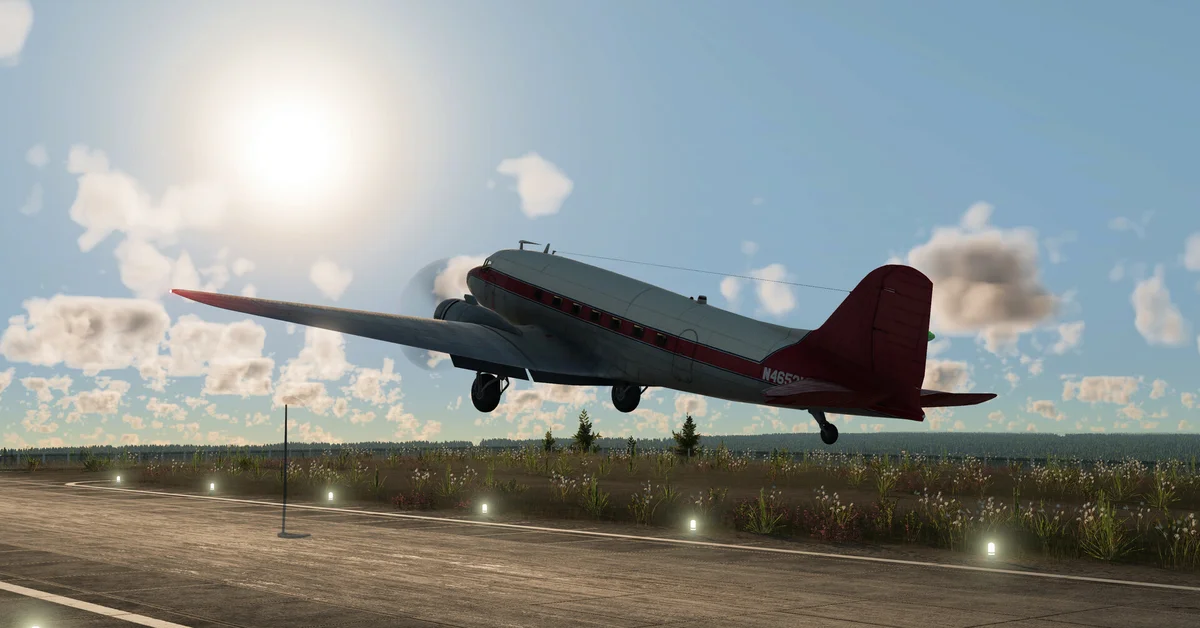
In Transport Fever 3, airports and harbors are built from the Buildings tab of the air and water transport tools, and they unlock by era: harbors from 1900, airfields for small planes from 1920, and full airports, heliports and helipads from 1950. Airports have their hangars built in, so you buy planes directly from the airport, while ships come from a separate shipyard that has to sit on navigable water.
Below we cover each station type, how to place and extend them, how to buy the vehicles, and the line settings that trip players up. It is all verified against Urban Games’ official stations and depots manual.
When Each Station Unlocks
| Station | Serves | Available from |
|---|---|---|
| Passenger and Cargo Harbor | All ships | 1900 |
| Airfield | Small planes | 1920 |
| Airport | All planes and helicopters | 1950 |
| Heliport | Helicopters (with its own hangar) | 1950 |
| Helipad | Helicopters (landing and take-off only) | 1950 |
| Shipyard | Where you buy ships | 1900 |
If you start a Free Game in 1900, ships are your only option beyond road and rail until airfields arrive in 1920. Our vehicle list covers which planes, ships and helicopters arrive in each era.
How to Build an Airport
- Open the air transport tool and go to its Buildings tab. The category filter lets you show only passenger or only cargo stations.
- Choose an Airfield or Airport and adjust its starting settings in the menu on the right.
- Rotate with M and N, and raise or lower it with the comma and period keys. Hold Shift for finer steps.
- Place it where the preview shows no warning. The landscape levels itself, and any buildings in the way are highlighted in yellow with the demolition cost added to the preview.
To expand, select the airport and press Configure. Per the manual:
- Add a second runway, then a taxiway, more terminals and more hangars on the far side of it.
- Swap runway direction by placing the approach lights on the side where planes should land.
- Mix passenger and cargo terminals on the same airfield or airport.
Airports have integrated hangars, so there is no separate plane depot. Aircraft also have no maintenance buildings, unlike every other vehicle type.
How to Build a Harbor
Harbors are restricted to the shore, and the first placement has three parts:
- The landing area, which must be in navigable water. It is marked with a yellow anchor while editing.
- The harbor building with a pier, which can sit partly over land and partly over water.
- The street access area, which must be on solid land.
Harbors snap to coastlines automatically. Hold Shift to stop snapping if you want to position one by hand.
Two rules matter. First, landing areas come in two sizes, and large ships can only stop at large landings. Second, there are no separate passenger and cargo terminals: every landing handles both.
Buying Ships, Planes and Helicopters
- Ships are bought at a shipyard, which must be near navigable water. When you assign a new ship to a line, there must be a water path from the shipyard to the line’s first stop.
- Planes are bought in the hangars that are part of every airport.
- Helicopters are bought only at a heliport’s special hangar. Airports can serve helicopters, but you buy them at a heliport.
Helicopters carry passengers and freight, and one helicopter landing on an oil platform unlocks the Offshore achievement, covered in our achievements guide.
Setting Up Plane and Ship Lines
- Catchment. Cargo only needs to be inside the station’s catchment radius. Passengers need a valid path that stays reasonably close to the covered area. Pair every airport with a bus or tram feeder; our beginner tips cover setting up a first bus line.
- Alternative terminals. For ships the decision point is the waiting spot just outside the harbor, and for aircraft it is the end of the runway. Enabling alternative terminals lets several vehicles of one line use a busy station at once.
- Full load. Ships, like trains, can carry several cargo types, so Full load (any) and Full load (all) behave differently for them. Planes wait for a full load either way.
- Empty returns. Cargo ships are refitted automatically at stations, so give them a cargo for the trip back.
- Bridges. Urban Games’ own tip: build high bridges over rivers so ships can pass under.
Is It Worth It?
Urban Games says long-distance passenger travel “at speed will continue to pay well,” which favors planes between big towns far apart. Cargo, though, pays by type rather than distance, so a slow ship on a long cargo run earns no more than a short truck line. Our money guide explains the income rules, and our cargo types guide shows which chains start at offshore oil platforms and fishing grounds, both natural fits for water. Every guide is on our Transport Fever 3 hub.
Frequently Asked Questions
When can I build an airport in Transport Fever 3? Airfields for small planes are available from 1920, and full airports that take all planes and helicopters from 1950.
Where do I buy planes? In the hangars built into every airfield and airport. There is no separate plane depot.
Why can’t my ship reach the harbor? Check for a navigable water path from the shipyard to the first stop, and that large ships are assigned to large landing areas.
Can a harbor handle passengers and cargo? Yes. Harbor landing areas make no distinction between passenger and cargo.
Can I change which way planes land? Yes. Place the runway’s approach lights on the side where planes should land.