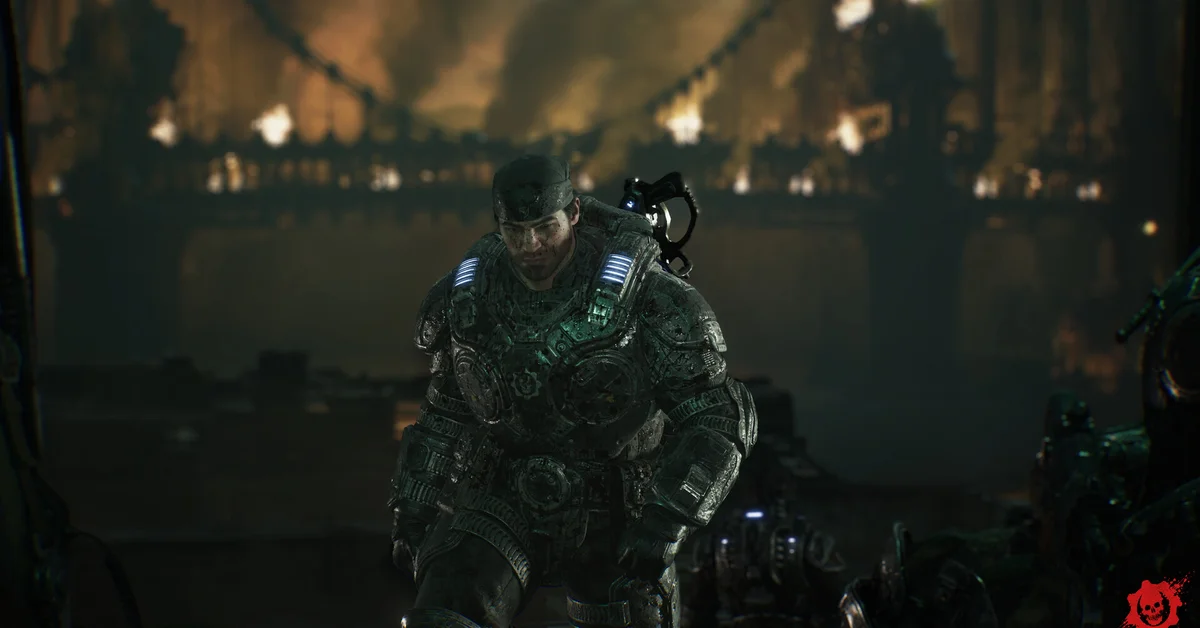
The best PC settings for Gears of War: E-Day start with the preset that matches your graphics card tier (Medium for minimum-spec cards, High for mid-range, Ultra only on an RTX 5070 Ti or RX 9070 XT class card), with an upscaler always on, because every official performance target assumes one. Then set Max FPS to match your monitor, widen the new FOV slider, and add Frame Generation only once your base frame rate is already smooth.
Every setting named here comes from The Coalition’s launch notes and support guide for Gears of War: E-Day, plus the official PC specs, verified against official patch notes as of the November 6 patch. The Coalition does not publish recommended values for each slider, so where we suggest a direction, that is our reading of the official targets, not a number from the studio.
Step 1: Pick the Right Preset
The Coalition’s final PC specs pair each hardware tier with a preset and a target, and all three targets assume an upscaler (DLSS, FSR, TSR or XeSS) is on:
| Preset | Target | Example GPUs |
|---|---|---|
| Medium | 1080p, 60 FPS | RTX 2060, RTX 5050, RX 6600, RX 9060 |
| High | 1440p, 60+ FPS | RTX 3060 Ti, RTX 5060, RX 6700 XT, RX 9060 XT |
| Ultra | 4K, 60+ FPS | RTX 5070 Ti, RX 9070 XT |
Start at the preset for your tier rather than one above it. Your card also needs hardware ray tracing, since E-Day uses ray-traced reflections, shadows and global illumination, and The Coalition says cards without it are not supported. Our Steam and PC guide lists the full CPU, RAM and storage requirements.
There is a tier above Ultra. Even an RTX 5090 drops below 60 FPS at 4K on the top Ludicrous preset with Quality upscaling, while it clears 60 on Ultra, so treat anything above Ultra as a screenshot mode.
Step 2: Turn On Upscaling
E-Day supports NVIDIA DLSS 4.5, AMD FSR 4 (listed on Steam as FSR “Redstone”), Intel XeSS 3.0 and Unreal Engine’s own TSR. Use the one made for your card: DLSS on GeForce RTX, FSR on Radeon, XeSS on Intel Arc. Because the official targets already assume an upscaler, turning it off is the fastest way to fall short of them.
The usual rule of thumb from GPU makers applies: the higher your output resolution, the more aggressive an upscaling mode you can use before the image softens noticeably. At 1080p, stay on a quality-focused mode.
Step 3: Add Frame Generation Last
Frame generation was switched off for the whole beta. It is back at launch: per The Coalition’s Season 1 post, “multi frame generation is now optionally supported” on PC, alongside standard Frame Generation on supported hardware.
NVIDIA and AMD both recommend frame generation on top of a frame rate that is already good, because it smooths motion but adds a little input latency. For Versus, that latency matters more than extra smoothness, so many competitive players will prefer it off. For the Campaign, it is an easy win on a high refresh monitor. One catch from The Coalition’s known issues: the performance overlay in Benchmark mode does not count generated frames, so it can report a lower FPS than you are actually seeing.
Step 4: Settings New Since the Beta
The Coalition’s launch notes added several options players asked for during the beta:
- FOV slider on all platforms. Widen it if the camera feels cramped in Horde Siege, at a small cost in frame rate.
- Max FPS can now be set to 30, 60, 90, 120, 144, 240 or Unlimited, and Unlimited really is uncapped. The beta’s 150 FPS cap is gone. Capping at or just below your monitor’s refresh rate keeps frame pacing steadier.
- Chromatic Aberration and Film Grain can now be turned off. Both are taste, but turning them off gives a cleaner image.
- HDR calibration was improved, and the UI paper-white level is now adjusted separately, so menus and the HUD no longer have to match the game’s brightness.
- Lamp device support toggle for keyboard and mouse lighting effects.
The notes also list fixes that change how the menu behaves: graphics settings no longer reset between launches, explosions no longer lose their effects on Low settings, and an extra input delay on mouse and keyboard was fixed.
The October 14 patch added one more option and fixed two display problems:
- Collectible chimes: a new setting turns off the audio chimes for Collectibles in the Campaign.
- Colorblind settings: The Coalition fixed an issue that caused certain colorblind settings not to display as described, so recheck yours if they looked wrong before the update.
- Diagnostic text: the on-screen diagnostic text in the bottom left-hand corner is now smaller.
Step 5: Display and Power Options
- Display mode: borderless, exclusive fullscreen or windowed. Ultrawide works at 21:9 and 32:9 in gameplay and menus.
- Eco Mode (Graphics tab): reduces power use and heat “by adjusting quality without affecting framerate,” per The Coalition, and is aimed at battery life on handhelds. On a desktop, leave it off.
- Idle Timeout: how long the game waits without input before it drops into low power use.
Shader Compilation and Load Times
E-Day is one of the first games with Advanced Shader Delivery (ASD), which pre-installs compiled shaders so you spend less time compiling them yourself. It launched on AMD hardware, and NVIDIA support followed with NVIDIA’s Game Ready 621.01 WHQL driver in late October, which NVIDIA says removes E-Day’s shader compilation screen and the stutter from compiling shaders mid-game. It runs through the Xbox app, the only route NVIDIA’s announcement names; The Coalition says Steam players “may still benefit” if the Xbox app is installed on a Windows 11 PC.
Install on an SSD: The Coalition says mechanical hard drives can cause severe loading problems, missing assets, stutter and crashes. Intel Arc owners should enable Resizable BAR and Above 4G Decoding in the BIOS, per The Coalition’s beta notes.
Launch Known Issues on PC
From The Coalition’s launch notes:
- The game process can keep running after you close it. End it in Task Manager if the game will not relaunch.
- Offline play on PC was unavailable during early access. The launch notes said “On PC, offline play is unavailable until October 6,” the full launch date, and none of The Coalition’s later patch notes (October 5, 14 and 22) lists it as a known issue.
- Playing very long Campaign sessions without reloading a checkpoint could cause memory issues. The October 14 patch made “multiple memory improvements to address crashing and performance degradation during long play sessions” on PC, Xbox and handhelds, alongside wider stability and optimization improvements, so update before anything else. The October 22 hotfix added more stability and crash-reduction work, though The Coalition said it was still investigating reports that some players freeze or crash during long play sessions, and since then its October 26 patch fixed multiple movement-related crashes and its November 2 update added further stability improvements across PC, Xbox and handhelds. If an encounter still will not progress, reloading a checkpoint is still the launch notes’ fix.
If the game crashes or will not start, our error codes guide has every official fix, including the minimum driver versions. Steam players who need cross-platform invites can follow our guide on how to link your Microsoft account. For aim assist, dead zones and the per-mode graphics settings on Xbox, see our controller settings guide, and find every other guide on our Gears of War: E-Day hub.
Our guide to pinging in Gears of War: E-Day shows how to find the ping input on your layout and the related Tac-Com options.
Frequently Asked Questions
Does Gears of War E-Day have an FOV slider? Yes. The Coalition added an FOV slider on all platforms for launch.
Does Gears of War E-Day support frame generation on PC? Yes. Frame Generation and Multi Frame Generation are optional on supported hardware. They were disabled during the beta.
Is the frame rate capped on PC? No. Max FPS can be set as high as 240 or to Unlimited, which does not cap your frame rate. The beta’s cap was temporary.
Which upscaler should I use? Use the one built for your graphics card: DLSS on NVIDIA RTX, FSR on AMD Radeon, XeSS on Intel Arc. Every official performance target assumes an upscaler is on.
Why does the benchmark show a lower FPS than I see? The Coalition says the Benchmark mode performance overlay does not include generated frames, so it can under-report FPS with frame generation on.
Did the October 14 patch fix crashes in long play sessions? It targets them. The Coalition made multiple memory improvements to address crashing and performance degradation during long play sessions on PC, Xbox and handhelds. Its October 22 hotfix added more crash fixes, but The Coalition said it was still investigating reports of freezes and crashes in long sessions, and its October 26 patch and November 2 update have since added more crash fixes and stability improvements.
Can you turn off the collectible chime in Gears of War E-Day? Yes. The October 14 patch added a setting to disable the audio chimes for Collectibles in the Campaign.