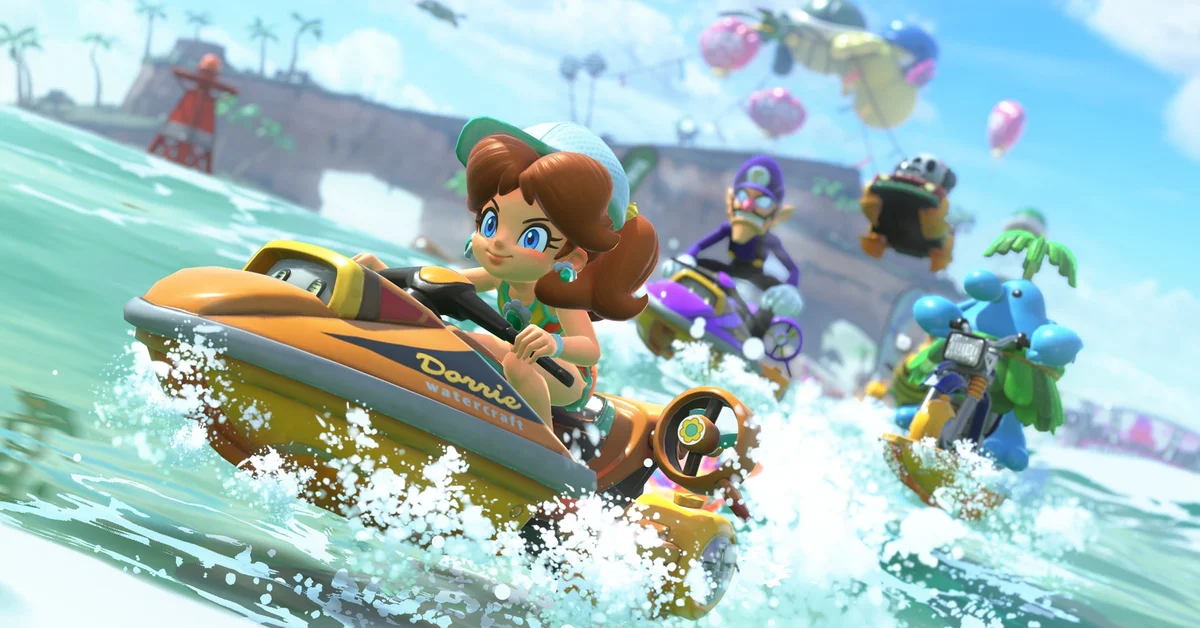
Costumes in Mario Kart World are unlocked by eating Dash Food: the smiling golden takeout bags handed out at Yoshi’s drive-throughs, food trucks and vending machines all over the map, which give a short speed boost and, the first time a character eats a given dish, permanently add a matching outfit to that character’s wardrobe. Below we cover where Dash Food comes from, the Free Roam routine that unlocks outfits fastest, the per-character rule that trips people up, the one setting that can silently stop unlocks, and what the free updates since launch changed.
How Dash Food Turns into Outfits
Nintendo’s own tips for the game put it plainly: Dash Food “can give you a small boost and a chance to unlock an outfit for the character you’re racing as,” and “not all characters have additional outfits.” The outfit is tied to the dish, not the location. Eat a burger as Mario and Mario gets his Touring outfit; eat sushi as Peach and she picks up a Japanese-inspired look that Nintendo showed in the April 2025 Mario Kart World Direct.
A few rules govern the system, as of the current build:
- Unlocks are permanent. Once a character has eaten a dish, the outfit sits in its own slot on the character select screen and can be picked any time, in any mode.
- Unlocks are per character. Luigi eating a burger does nothing for Mario. Every character has to eat every dish that has an outfit for them.
- Some dishes do not carry an outfit for a given character and simply revert them to their default look after the boost, per the community-maintained Super Mario Wiki.
- Dash Food works in races too, not just Free Roam. Nintendo’s tip only says Free Roam is “easier” because you can reach every region’s food instantly.
The Super Mario Wiki counts 103 outfits across the 24 main drivers, with up to nine per character, and 60 kinds of Dash Food grouped into 18 families. Those totals are community-compiled rather than Nintendo’s, so treat them as a checklist rather than gospel. The unlockable NPC drivers (the Cows, Goombas and so on you earn from Kamek transformations, covered in our character unlock guide) have no outfits at all.
Where to Find Dash Food
Look for anything branded Yoshi’s. The drive-through restaurants are the big ones, usually sitting just off a course or along the routes between courses, and each region serves food themed to its setting: seafood near the coasts, curry and kebabs around the desert, pancakes and pastries in the sweeter zones. Yoshi’s food trucks drive the roads carrying bags on their ramps, and Yoshi’s vending machines periodically spit bags out.
Free updates have made farming friendlier. Version 1.4.0 (December 2, 2025) shortened the time it takes for a Dash Food bag to reappear after someone takes it, verified against the official update notes. Before that patch, waiting for a bag to respawn was the slowest part of the loop.
The Fastest Free Roam Routine
- From the main menu, open Map before you jump in. Nintendo’s tips note that hovering over a character on this map shows how many outfits you have collected for them and how many are missing, and selecting a character or course warps you straight there. That counter is your to-do list.
- Enter Free Roam (pressing the + Button on the main menu is the quick way in; our Free Roam guide covers the rest of the mode).
- Drive to a Yoshi’s and grab the bag. Watch the transformation, then press the + Button to pause and choose Change Character.
- Pick the next character and drive back over the respawned bag. Repeat until the counter on the Map is full for that dish, then move to the next region.
Two shortcuts make this faster. First, use the Y Button map inside Free Roam to warp between courses instead of driving. Second, since version 1.3.0 (September 23, 2025) you can be pulled into a UFO in Free Roam and transform into the character it pulls in, which is a quick way to swap drivers without opening a menu; the same patch made UFOs easier to encounter.
The Setting That Stops Unlocks
If you grab bag after bag and nothing changes, check your options. Press the X Button on the vehicle select screen, or pause in Free Roam with + and press X, to open Settings/Controller. The Dash Food entry toggles whether food transforms your character. Nintendo’s support page for the in-game control settings confirms the toggle, and the 1.3.0 notes state that with it set to “Doesn’t transform” the UFO trick does nothing either. Leave it on transforming until your wardrobe is complete, then switch it off if you want to race in a fixed outfit without food overriding it.
Beyond Outfits: Stickers and the Rest of the Wardrobe
Outfits are only half of the customization. Vehicles take stickers, which come from Free Roam’s P Switch missions, ? Panels and Peach Medallions, and since version 1.7.0 (June 30, 2026) you can also stick them onto photos in Photo Mode. Vehicles themselves unlock through coins, which our kart unlock guide breaks down. Both systems are worth pairing with an outfit run, since every Free Roam lap past a Yoshi’s tends to pass a P Switch too. For everything else in the game, start at the Mario Kart World hub.
Frequently Asked Questions
Do I have to be in Free Roam to unlock costumes? No. Any Dash Food eaten in any mode counts for the character you are driving. Free Roam is simply the fastest place to reach every dish and swap characters between bites.
Why did the food give me a boost but no new outfit? Either that character already owns the outfit, that dish has no outfit for them, or the Dash Food setting in Settings/Controller is set to not transform. Check the setting first.
Does every character have costumes? No. Nintendo says outright that not all characters have additional outfits. The main roster does; the NPC drivers unlocked through Kamek transformations do not.
Can I wear a costume online? Yes. Once unlocked, an outfit is selectable from the character select screen in every mode, including Online Play.
How do I see which outfits I am missing? Open Map from the main menu and hover over a character. The counter shows outfits collected and outfits remaining for that driver.