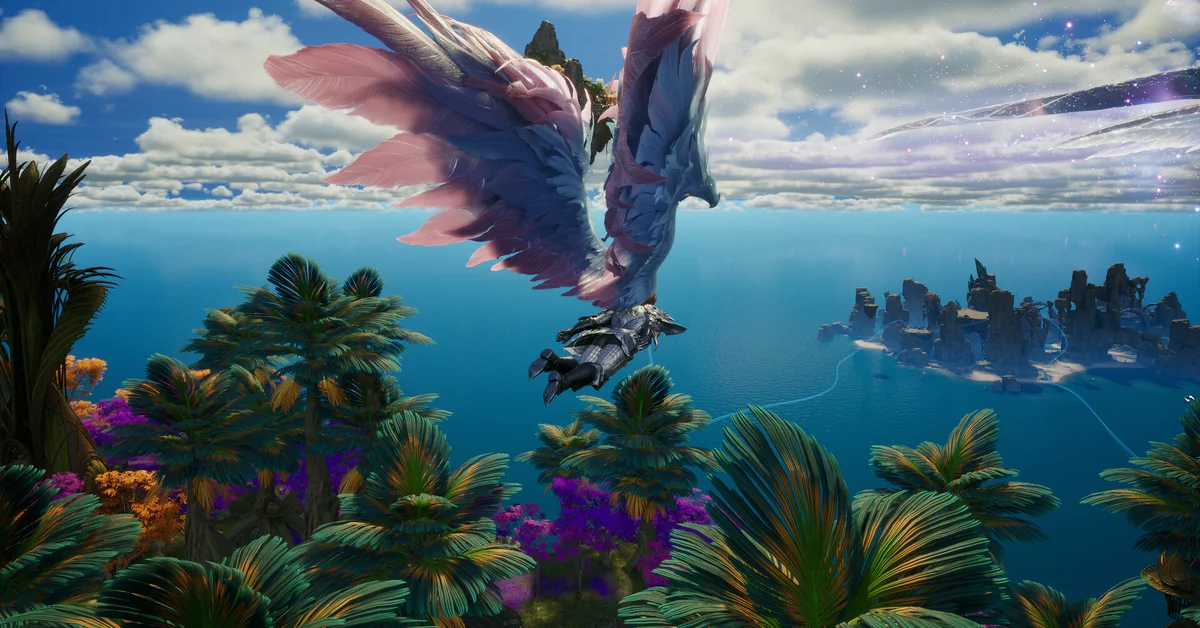
The best graphics settings for AION 2 start lower than most players expect: NC’s own Steam listing says a minimum-spec PC should use the Very Low preset at 1080p, and even the recommended spec (an RTX 2070) should use Low at 1080p. From there, turn on an upscaler (DLSS on an NVIDIA RTX card, FSR on anything else), keep NVIDIA Reflex on if you have it, and add frame generation only once your frame rate is already steady.
Below we cover NC’s official requirements, where every setting lives, our recommended settings for low-end, mid-range and high-end PCs, how to keep big Abyss fights playable, and the graphics bugs NC has already fixed.
What NC Recommends
AION 2 runs on Unreal Engine 5, and its Steam store page lists these requirements for the global version:
| Minimum | Recommended | |
|---|---|---|
| OS | Windows 10/11 (64-bit) | Windows 10/11 (64-bit) |
| CPU | AMD Ryzen 5 2600 or Intel Core i5-10500 | AMD Ryzen 7 3700X or Intel Core i7-11700 |
| RAM | 8 GB | 16 GB |
| GPU | NVIDIA GTX 1050 Ti (4 GB) | NVIDIA RTX 2070 (8 GB) |
| DirectX | 12 | 12 |
| Storage | 100 GB, SSD recommended | 100 GB, SSD recommended |
| NC’s preset note | Very Low at Full HD | Low at Full HD |
Those preset notes are the most useful official advice NC has published. They say “to ensure compatibility,” which we read as NC targeting a stable frame rate at those presets, not a pretty one. If your PC beats the recommended spec, you have headroom to raise settings; if it matches it, start at Low.
Where the Graphics Settings Are
Click the gear icon in the top-right corner of the screen to open Settings, as NC’s launch FAQ describes. The options you will use most:
- Preset and upscaler: NC’s Korean update notes place the upscaler under Settings > Graphics > Optimization > Graphics Quality – Advanced > Upscaler. The global client launched after those notes and NC’s own October 13 patch notes refer to “the FSR option,” so expect the same layout.
- Camera: NC’s October 13 patch notes added an option to invert the Y-axis, which the Korean notes place under Graphics > Camera.
- HP bars: the same patch added a toggle for HP bars under “Show My Nameplate,” handy for cutting screen clutter in crowded fights.
Our Recommended Settings by PC
These are our recommendations, built on NC’s presets and on what each graphics technology does. Your results will vary with your CPU, GPU and how busy the area is.
Low-end PC (around the minimum spec, GTX 1050 Ti class):
- Set resolution to 1920 x 1080 and the preset to Very Low, as NC recommends.
- Turn on FSR at its performance-leaning setting to claw back frames.
- Leave frame generation off. It needs a decent base frame rate to feel smooth.
Mid-range PC (around the recommended spec, RTX 2070 class):
- Start at Low at 1080p, per NC’s note, and raise it one step at a time only if your frame rate holds in towns.
- Use DLSS Super Resolution on an RTX card. NVIDIA says AION 2 shipped with DLSS Super Resolution, DLSS Frame Generation and NVIDIA Reflex, and that all of them would be available at the global launch.
- Turn on NVIDIA Reflex to cut input lag.
High-end PC (RTX 40 or 50 series):
- Raise the preset to taste and use DLSS on a quality-leaning mode.
- DLSS Frame Generation works on RTX 40 and 50 series cards, and NVIDIA’s AION 2 announcement says the game added DLSS 4 Multi Frame Generation for RTX 50 series cards.
- Keep Reflex on whenever frame generation is on. Frame generation adds smoothness, not responsiveness, so in our view PvP players should test with it off.
Settings for Big Abyss Fights
Large-scale PvP is where AION 2 struggles most, and NC has said so itself. Its October 13 patch notes promised that “stuttering during large-scale battles in the Abyss will be reduced.”
If big fights still stutter for you:
- Drop one preset level for the Abyss rather than for the whole game. Dozens of players casting effects at once is far heavier than questing.
- Hide HP bars and extra nameplates with the new Show My Nameplate options.
- Check that it is your frame rate, not your connection. NC’s Network Status option, which its Korean notes moved to Information Display > General, shows a connection indicator. If the indicator looks healthy while the game stutters, it is a performance problem, not lag.
Graphics Bugs NC Has Already Fixed
If you tried AION 2 at launch and gave up on its performance, NC’s October 13 patch fixed several graphics problems:
- Graphics settings were configured incorrectly on PCs with two graphics cards, common on gaming laptops.
- Certain refresh rates on 4K monitors caused crashes.
- Enabling FSR made loading take longer.
- Graphics settings are no longer saved to Steam Cloud, so if you play on two PCs, set each one up separately.
NC’s Korean notes from August also flagged that on some gaming laptops with RTX 50 series GPUs, using DLSS Frame Generation with G-SYNC on could cause crashes. If your laptop crashes with frame generation on, try turning one of the two off.
Tips Most Players Miss
- Install on an SSD. NC recommends one at both spec levels, and the game needs 100 GB.
- Ignore Korean mobile options. Korean guides may mention Neural Frame Fusion, an upscaler NC added for Samsung Galaxy phones and tablets. The global version is PC only, as our platforms guide explains. New to the game? Start with our AION 2 beginner’s guide.
- Recheck after big patches. NC changes graphics options often in its patch notes, and our release time guide lists the full requirements if you are upgrading.
More guides for the game are on our AION 2 hub.
Frequently Asked Questions
What are the best graphics settings for AION 2? Start at the preset NC recommends for your PC: Very Low at 1080p on a minimum-spec PC, Low on the recommended spec. Then turn on DLSS (NVIDIA RTX) or FSR, keep Reflex on, and raise settings only if your frame rate holds in busy areas.
Does AION 2 have DLSS? Yes. NVIDIA says AION 2 supports DLSS Super Resolution, DLSS Frame Generation and Reflex, plus DLSS 4 Multi Frame Generation on RTX 50 series cards.
Does AION 2 have FSR? Yes. NC’s patch notes refer to an FSR option, and its October 13 patch fixed longer loading times with FSR turned on.
Why does AION 2 stutter in the Abyss? Large-scale battles are the heaviest scenes in the game, and NC acknowledged the stutter in its October 13 patch notes, which promised a reduction. Dropping one preset level for the Abyss helps.
Can a GTX 1050 Ti run AION 2? It is the minimum GPU on the Steam page, and NC says to use the Very Low preset at Full HD on minimum-spec PCs.
Does AION 2 save graphics settings to Steam Cloud? Not anymore. Since the October 13 patch, graphics settings stay on each PC.