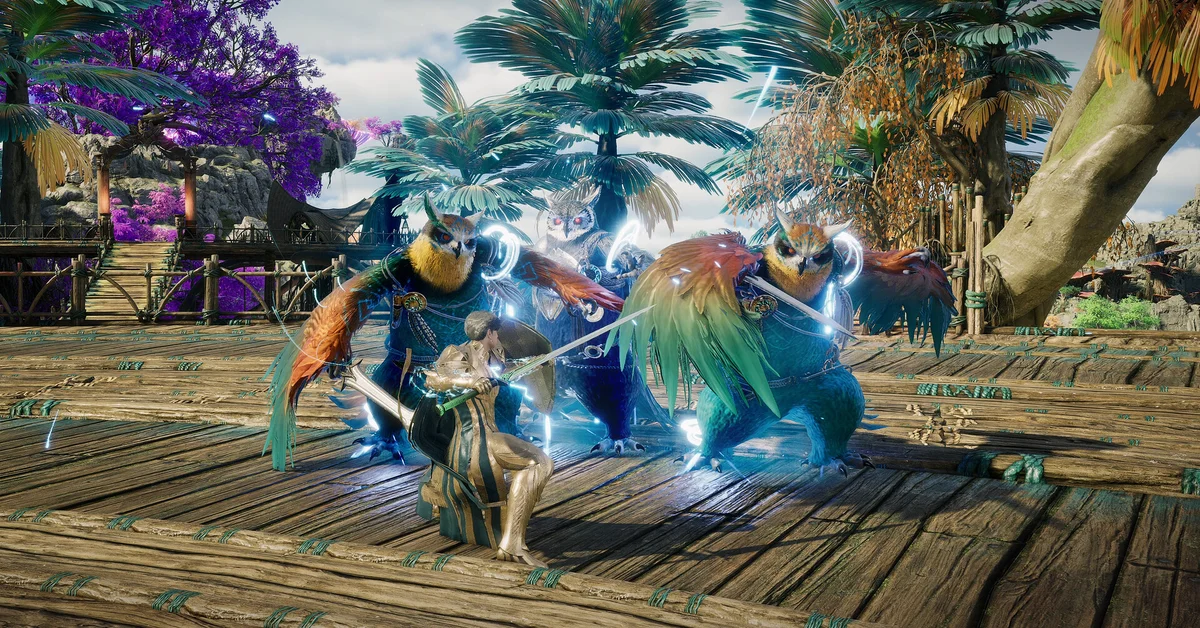
AION 2 launched globally on Monday, October 5, 2026, at 6:00 AM PDT (9:00 AM EDT, 3:00 PM CEST), and it is free-to-play on PC through Steam and NC’s PURPLE launcher. To start playing now, download it from either launcher, pick a region, a faction and a server, and create your character; Founder’s Pack owners had already been playing for five days, since September 30.
Below we cover the official launch time converted for every region, how to download and set up the game today, how regions and servers work, how October’s free server transfers worked, and the launch rewards you can still claim. This page covers the global PC version; the Korean and Taiwanese version launched separately, on November 19, 2025, and does not share these servers.
When AION 2 Launched in Every Region
On the morning of October 5, NC confirmed that AION 2 would launch globally “on time,” at 6:00 AM PDT (15:00 CEST), after an eight-hour maintenance that began on October 4 at 10:00 PM PDT. The Steam store page lists the release date as October 5, 2026. Here is that moment in each region’s local time:
| Region | Time zone | Global launch |
|---|---|---|
| US West | PDT | Oct 5, 6:00 AM |
| US Mountain | MDT | Oct 5, 7:00 AM |
| US Central | CDT | Oct 5, 8:00 AM |
| US East | EDT | Oct 5, 9:00 AM |
| Brazil (Brasília) | BRT | Oct 5, 10:00 AM |
| United Kingdom | BST | Oct 5, 2:00 PM |
| Central Europe | CEST | Oct 5, 3:00 PM |
| Moscow | MSK | Oct 5, 4:00 PM |
| Japan | JST | Oct 5, 10:00 PM |
The launch drew a crowd fast. Within about an hour, NC thanked players for reaching 400,000 active users and sent every account a gift; our launch story has the first-day milestones, and our launch-eve story covers the notices NC posted just before the servers opened.
How Founder’s Early Access Worked
Five days of advanced access came with every Founder’s Pack tier. It opened on September 30 at 6:30 AM PDT, after NC delayed it 30 minutes from the planned 6 AM PDT, and ran through October 4; our early access story has the details.
That head start still matters, because it created two kinds of servers. Founders played on Advanced Access servers, and the free launch on October 5 added a second wave of Launch servers in every region. New players can join either kind while a server has room, but the split decides where a character can transfer later (see below). Progress from the Korean and Taiwanese version and from September’s Launch Scale Test did not carry over, so everyone started fresh.
How to Download and Start Playing Now
AION 2 costs nothing to download. NC’s Launch FAQ describes it as free to play “with an optional monthly membership.”
- Pick a launcher. Install it from the AION 2 Steam page or through PURPLE. NC says the in-game content is the same on both, and Steam and PURPLE players share the same servers.
- Check your PC. Steam lists Windows 10 or 11 (64-bit), 100 GB of storage, and an SSD recommended. The minimum specs are an AMD Ryzen 5 2600 or Intel Core i5-10500, 8 GB of RAM and an NVIDIA GTX 1050 Ti, and the listing adds that minimum-spec PCs running at Full HD should use the Very Low graphics preset.
- Skip the account linking unless you need it. NC says you do not need to link a PURPLE account to play on Steam. Linking only matters if you want the same character and progress on both launchers.
- Set your language. Voice acting is in English, Japanese or Korean, and the interface supports eight languages. In game, click the gear icon in the top right, open Settings and choose the language tab.
- Choose a region, then a faction, then a server. This order is NC’s, and it is the one decision you cannot fully undo, so read the next section first.
The global version is PC only. NC says the game is playable with a controller but does not officially support one, and it officially supports only Steam and PURPLE on Windows PC, so Linux and Steam Deck are unsupported even if the game “may be playable” there. Our platforms guide covers the console question.
Picking a Region and Server
NC’s server and matchmaking notice lists five regions: NA East, NA West, Europe, Latin America and Asia. Each server holds only one faction, and every Elyos server is paired with an Asmodian server that you meet in the Abyss and other cross-faction modes. NC also says all instanced content, dungeons included, works across servers, so a quieter server costs you less than you might think.
New servers keep arriving as queues build. Europe gained the Nathara (Elyos) and Tassin (Asmodian) pair on October 8 at 9:00 AM PDT, and NC told players to “join new servers as they become available,” with transfers as the way to reunite with friends later. Our best server guide lists every server by region and explains which one to pick, and our Elyos vs Asmodian guide helps with the faction choice, which no transfer can change.
How the October Server Transfers Worked
NC’s server transfer notices set out two one-week windows, each opening after NC’s regular Tuesday maintenance (Pacific time). Both have closed:
- Advanced Access servers: ran from October 13 (PDT), which was October 14 in Europe, until the maintenance on October 20 (PDT).
- Launch servers: ran from October 20 (PDT) until the maintenance on October 27 (PDT), when NC’s patch notes marked “the end of the server transfer period.”
The transfer itself cost 0 Quna, and each extra character slot needed on the destination server cost 1,000 Quna. The rules were:
- Transfers stayed inside your faction and your region, and characters on Advanced Access servers could only move to other Advanced Access servers.
- Each account got one transfer for the whole period, from one server to one other server, though it could carry as many characters as you liked.
- A character had to be level 10 or higher (level 45 once NC resumed transfers on October 27, after pausing them the day before), standing in a village, outside any Legion, and free of active Duty missions.
- Unclaimed items blocked the transfer: Market listings and proceeds, Shop Storage (Founder’s Pack items included) and the character’s mailbox all had to be cleared first.
- Items in Server Storage did not move, and every transferred character arrived named “@TemporaryName” until its owner picked a new name.
NC has not announced another transfer period, so for now a character stays on the server where you create it. Our guide to changing class or server covers what else carries over.
Launch Rewards You Can Still Claim
NC extended every Pre-Registration and Steam Wishlist reward to all players who create an account and log in before maintenance begins on December 1, 2026 (11:30 PM PST). The rewards arrive by in-game mail, which expires on December 8, so log in once and claim them. NC’s launch rewards notice lists the contents, including a pet chest and a chest of potions, scrolls and Resurrection Spiritstones.
Once you are in, our beginner’s guide walks through your first day, our classes guide and best class guide help with the permanent class pick, and our Kina guide covers money. For everything else, see the AION 2 hub.
Frequently Asked Questions
When did AION 2 come out globally? The global version launched on October 5, 2026, at 6:00 AM PDT (9:00 AM EDT, 3:00 PM CEST). Founder’s Pack owners started earlier, on September 30 at 6:30 AM PDT.
Is AION 2 free to play? Yes. The global version is free on Steam and PURPLE, with an optional monthly membership, a battle pass and cosmetics sold separately. Our pay to win guide looks at the shop.
Can I still get Founder’s early access? No. Advanced access ran from September 30 to October 4 and ended with the global launch, so everyone now plays the same game.
Do Steam and PURPLE players share servers? Yes. NC confirms both launchers use the same servers and the same content. You only need to link accounts to use one character on both.
When can I transfer servers in AION 2? Not right now. NC’s only global transfer period ran in two one-week windows: Advanced Access server characters from the October 13 (PDT) maintenance, then Launch server characters from the October 20 (PDT) maintenance until the October 27 (PDT) maintenance ended it. The transfer itself was free and had to stay within your faction and region, and NC has not announced another transfer period.