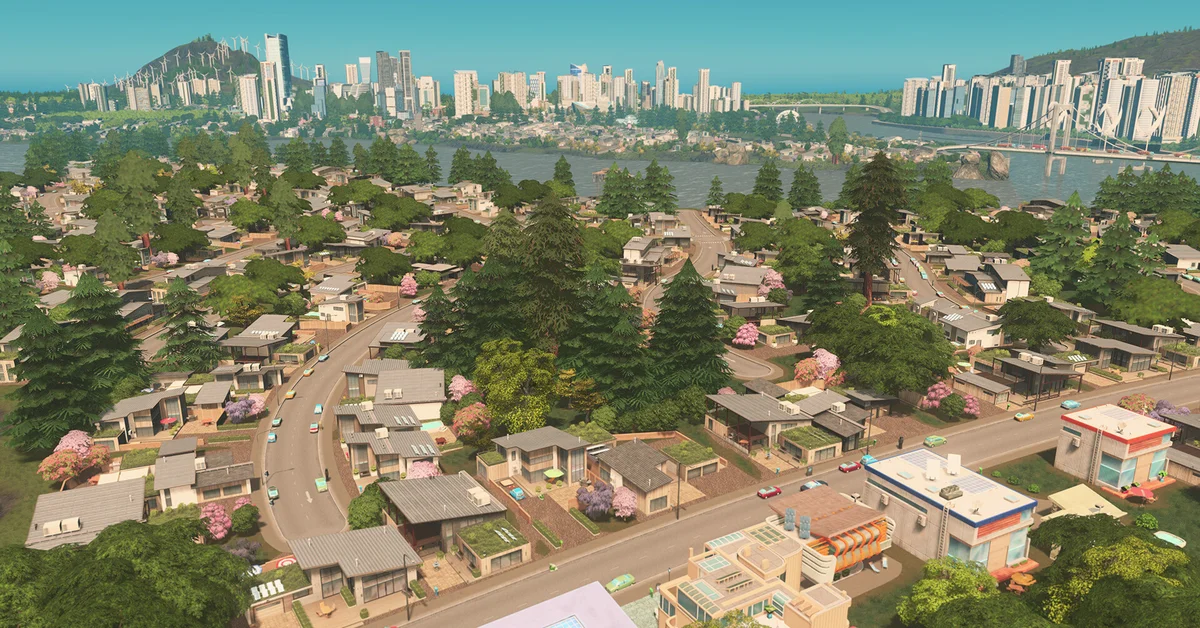
The best Cities: Skylines mods start with Harmony, Skyve and Loading Screen Mod Revisited, then add the big three road tools (Traffic Manager: President Edition, Move It and Network Anarchy) before branching into transit, simulation and detailing mods. This list is for the first game from 2015, not Cities: Skylines II, and every pick is a free Steam Workshop mod. We checked each one against its own Workshop page on September 21, 2026, and every one is still downloadable and either updated for, or reported working on, the current version of the game: 1.21.1-f9, the April 2026 patch that followed the Race Day expansion.
Two setup facts matter. Subscribe on the Workshop, then enable each mod in the in-game Content Manager, and let Skyve handle load order and compatibility warnings. The mod scene has also been through two big breaks. The 2022 and 2023 updates retired a generation of classics, which is why so many mods below are “Revisited”, “Renewed” or “Continued” versions of older ones. Then the free Race Day patch in March 2026 changed enough code that Paradox’s own “State of Mods” post warned it would “probably break many mods.” Before you add anything, back up your save, and unsubscribe from broken mods rather than just disabling them, as Paradox advises.
Essentials and Fixes
These are the mods nearly every modded city runs, including the dependencies other mods need and the tools that keep a big mod list stable.
1. Harmony
Harmony is not something you use directly. It is a patching library that dozens of mods on this list need, and many of them subscribe you to it automatically. Its creator, a Colossal Order employee who maintains it on a personal account, notes that it does not matter whether it is enabled, because other mods simply use its files. Its last update was in 2022, and replies in its comments since the Race Day patch say it is still fully compatible and does not need updating. Creator: boformer. Download: Harmony on Steam Workshop.

2. Skyve
Skyve is the mod manager for modern Cities: Skylines. It replaced both Loading Order Mod and the old Compatibility Report mod, and it scans your whole collection for broken, outdated and conflicting mods and assets without opening the game. It also sorts load order automatically, putting Harmony first, and supports profiles, filtering, Linux and macOS. If you install one tool before anything else, make it this one. Creator: Chamëleon TBN and T. D. W. Download: Skyve on Steam Workshop.

3. Loading Screen Mod Revisited
Loading Screen Mod Revisited continues thale5’s original Loading Screen Mod, the long-standing fix for slow, memory-hungry loading in asset-heavy cities. Its page lists improved performance, a live memory usage display, and the option to skip buildings, props, vehicles, networks and trees you do not want loaded. It also has a Safe Mode for rescuing troubled saves. Its author says nearly every “blue screen” on load traces back to an outdated mod or missing asset, not to this one. Unsubscribe from any other Loading Screen Mod version first. Creator: algernon. Download: Loading Screen Mod Revisited on Steam Workshop.

4. UnifiedUI (UUI) Continued
UnifiedUI gathers the buttons of your other mods into one draggable dock, so Move It, Node Controller, Zoning Adjuster and the rest stop scattering icons across the screen. It can also detect hotkey conflicts between supported mods. This is the maintained copy of kian.zarrin’s original, which is now marked deprecated. Its last update was in 2023, but players in its comments report it still working after Race Day. Its maintainer has said there is no update planned, since the continued version mostly exists to keep it rebuilt against the game’s files. Creator: codewitch. Download: UnifiedUI Continued on Steam Workshop.
5. 81 Tiles 2
Every map has 81 tiles, but the base game only lets you build on the 25 in the middle. 81 Tiles 2 opens the whole map and replaces the original 81 Tiles mod. It does not change unlock progression unless you tell it to, and it adds optional “no need for power lines” and “no need for pipes” settings. Its page warns that old, broken mods are the usual cause of loading failures with it, so clean your list first. Creator: algernon. Download: 81 Tiles 2 on Steam Workshop.
6. More PathUnits
Big cities eventually run out of PathUnits, the internal data the game uses to route every car and cim, and when that happens traffic and services quietly fail. More PathUnits doubles the limit from 262,144 to 524,288. It is built to work with TM:PE. The catch, as its page stresses: a save made with it will not load without it, so keep a backup and restart the game after first enabling it. Creator: algernon. Download: More PathUnits on Steam Workshop.

7. Broken Nodes Detector
Broken Nodes Detector finds invisible faults the base game never reports: broken nodes that make vehicles despawn, ghost nodes behind “array index” errors, disconnected transit stops, and segments too short for traffic to use cleanly. It walks you to each problem one at a time so you can bulldoze it or nudge it with Move It. The TM:PE team recommends it on their own page for vehicles that stop or vanish. Creator: Krzychu1245. Download: Broken Nodes Detector on Steam Workshop.
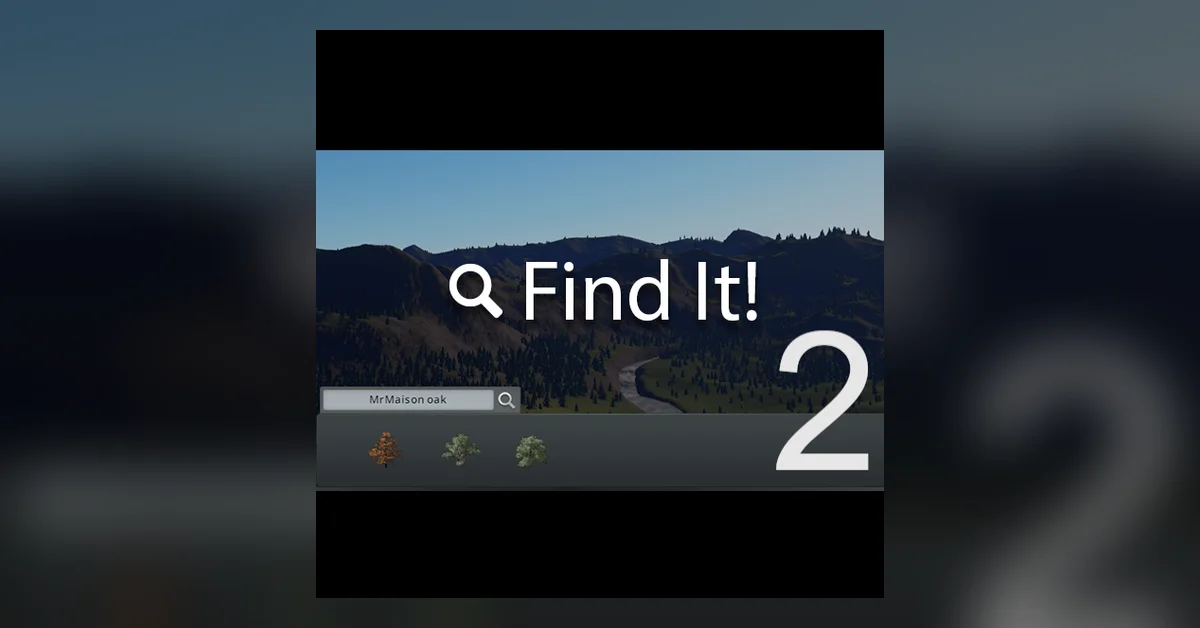
8. Find It! 2
Once you subscribe to a few hundred Workshop assets, the vanilla menus become useless. Find It! 2 lets you search, filter, select and place any asset from one panel, and shows extra details the game normally hides. It is a fork of SamsamTS’s original Find It, which is no longer on the Workshop, and it never touches game mechanics, so it will not corrupt a save. Creator: sway. Download: Find It! 2 on Steam Workshop.
Roads and Traffic
Traffic is the problem that ends most cities, and these are the mods players use to fix it and to build roads the base game will not allow.
9. Traffic Manager: President Edition (TM:PE)
TM:PE is the most important gameplay mod for Cities: Skylines, with around 3.5 million current subscribers. Its page sums it up as better lane and parking usage plus control over junctions, roads and rails. In practice that means lane connectors, lane arrows, priority signs, timed traffic lights, speed limits and vehicle restrictions. Its page says to subscribe to only one TM:PE version at a time, and to unsubscribe from the others completely. It was updated on March 10, 2026, the day the Race Day patch went live. Creator: Krzychu1245 and the TM:PE team. Download: TM:PE on Steam Workshop.

10. Move It
Move It lets you select, move, rotate and align almost anything: buildings, trees, props, decals, surfaces and road nodes. Build a messy junction, then fix it without bulldozing. It can also clone selections and import saved layouts, which is how players share intricate builds. Version 2.10.9 was updated for game version 1.21.1. Its page recommends Prop Control and Tree Control (entries 37 and 38) for moving props and trees up and down. Creator: Quboid. Download: Move It on Steam Workshop.
11. Network Anarchy
Network Anarchy is the official continuation of Fine Road Tool and Fine Road Anarchy, and it absorbs several other old mods, including Quay Anarchy and Node Spacer. It lets you force roads to ground, elevated, bridge or tunnel mode, adjust elevation in steps, toggle collisions, and set a maximum segment length for more realistic pillar spacing. Unsubscribe from the mods it replaces first, as its page instructs. Many other mods here, such as Roundabout Builder, work best alongside it. Creator: Quboid. Download: Network Anarchy on Steam Workshop.
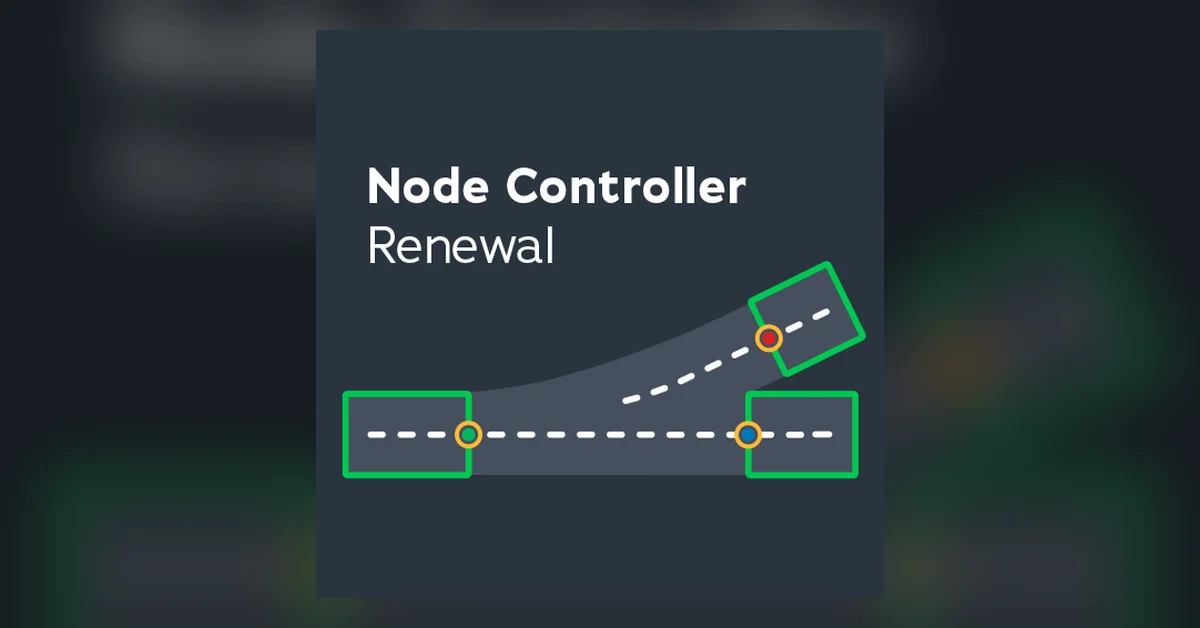
12. Node Controller Renewal
Node Controller Renewal lets you change what an intersection actually is: change a node’s type and shape, add crosswalks and U-turns, slope an intersection to match a hill, and shift, twist or stretch segment ends. It is the rebuilt version of kian.zarrin’s original, with a simpler interface, and it can import your old Node Controller data. It works with Move It and was updated for Race Day. Creator: macsergey. Download: Node Controller Renewal on Steam Workshop.
13. Intersection Marking Tool
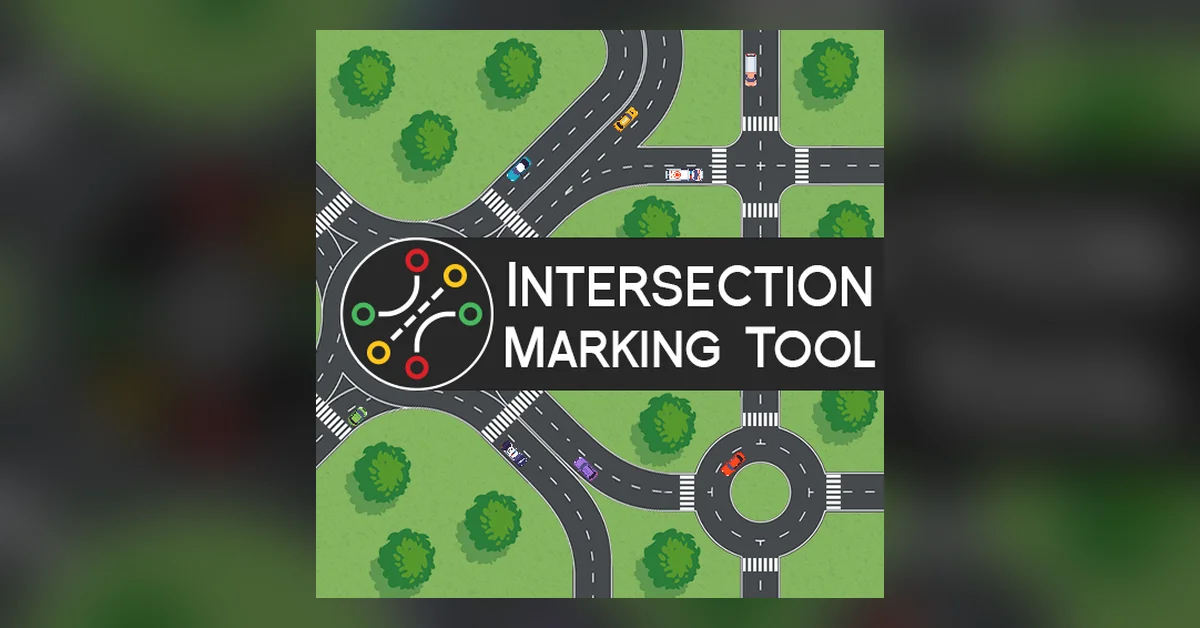
Intersection Marking Tool paints custom road markings at junctions: lane lines, stop lines, fillers and crosswalks, with full color control and reusable templates. Its page is clear that the markings are cosmetic and do not direct traffic, which is TM:PE’s job. They redraw themselves if you adjust the junction with Move It, and they do not count toward game object limits. It needs Harmony. Creator: macsergey. Download: Intersection Marking Tool on Steam Workshop.
14. Network Multitool
Network Multitool is a toolbox for editing roads already on the map. It can add, remove, merge and split nodes, straighten a wobbly road into a clean line, arrange nodes into a perfect circle, even out slopes between nodes, build parallel roads, and draw smooth loops and connections. For anyone who builds realistic highways, it replaces a lot of trial and error. It was updated for Race Day in March 2026. Creator: macsergey. Download: Network Multitool on Steam Workshop.
15. RON, the Network Replacer
RON (Replace Our Networks) swaps every segment of one road, rail, metro track or path type for another across your whole city in one step. It can also rescue saves: it auto-replaces missing Network Extensions 2 roads and missing Metro Overhaul Mod tracks on load. Its author confirmed in the mod’s comments in March 2026 that it is compatible with game version 1.21 and needs no update. Creator: algernon. Download: RON on Steam Workshop.
16. Roundabout Builder (UUI Fix)
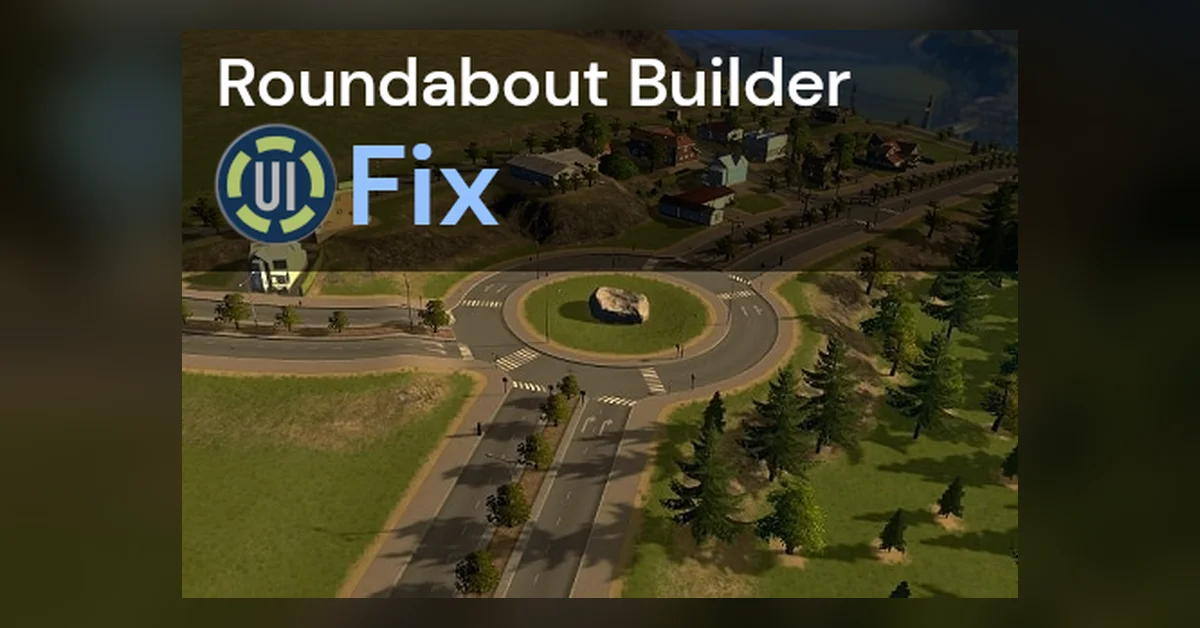
Roundabout Builder drops a roundabout on any intersection and reconnects the roads for you. Press Ctrl+O, hover a junction, and click. This fork of Strad’s original, which has millions of subscribers but has not been updated since 2022, restores its button for UnifiedUI Continued users and widens the tool window. Use one version only, and pair it with Network Anarchy, which the original recommends. Creator: BetTD. Download: Roundabout Builder (UUI Fix) on Steam Workshop.
17. Precision Engineering (Harmony)
Precision Engineering adds angle and distance readouts when you draw roads, rails, pipes and power lines. Hold Ctrl to snap to 5 degree angles, Shift for extra measurements, and Alt to snap to guidelines. This version ports the original to Harmony and was updated in March 2026. Its page says that if the original still works for you, you do not need to switch. Just never run both. Creator: tem. Download: Precision Engineering (Harmony) on Steam Workshop.
18. Hide TM:PE Crosswalks: Renewed
When TM:PE bans pedestrians from crossing at a junction, the painted crosswalk stays on the road. This mod hides it, and also hides crosswalks removed with Network Skins. It is a small fix, but it matters for anyone building realistic highways and interchanges, and it updates kian.zarrin’s original Hide TMPE Crosswalks, which is now deprecated. It was updated in March 2026. Creator: ary. Download: Hide TM:PE Crosswalks: Renewed on Steam Workshop.
19. Building Spawn Points
Many buildings send every truck and car out of a single door, which can jam the road outside. Building Spawn Points lets you move a building’s vehicle spawn points, add new ones on other sides, and set which vehicle types use each. You can then spread a busy industrial or cargo building’s traffic across several roads. Settings can apply to every building of a type and copy along with Move It. Creator: macsergey. Download: Building Spawn Points on Steam Workshop.
Public Transport and Vehicles
These mods give you real control over transit lines and over which vehicles spawn where.
20. Transport Lines Manager
Transport Lines Manager adds line numbering and prefixes, custom budgets by time of day, per-line vehicle models, depot selection, and intercity bus and train lines. Its 14.6 update added weekend budget profiles and school bus support when used with Real Time. This is t1a2l’s maintained version of Klyte45’s original. It is incompatible with every Improved Public Transport version, so pick one of the two. Creator: t1a2l. Download: Transport Lines Manager on Steam Workshop.
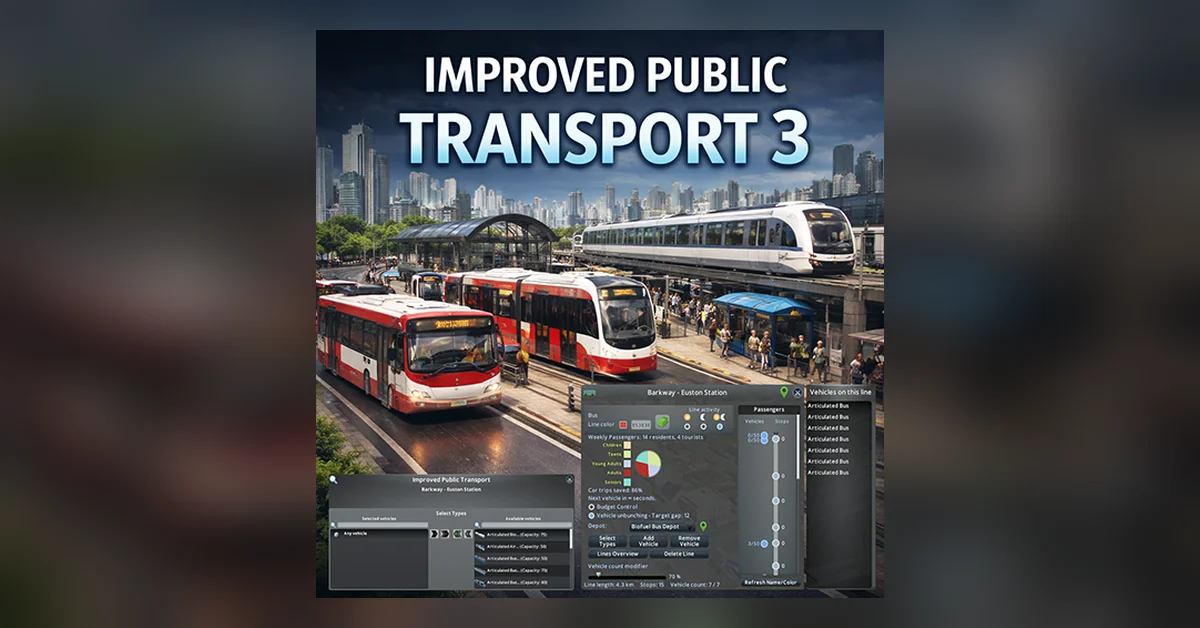
21. Improved Public Transport 3
IPT3 continues the classic IPT and IPT2 mods, and its page says it is updated for the Race Day patch. It gives line-by-line control of vehicle counts, budgets, unbunching, depots, ticket prices and boarding, and folds in several small transit mods so you manage fewer subscriptions. It is the alternative to Transport Lines Manager, not a companion: its page lists every TLM version as incompatible. Creator: Madisonian. Download: Improved Public Transport 3 on Steam Workshop.
22. Advanced Stop Selection Revisited
At a station with several platforms, the game picks which one a line uses. Advanced Stop Selection Revisited lets you hold Shift to choose the exact platform yourself, which is essential for busy multi-platform bus, tram and train hubs. It revisits BloodyPenguin’s original and adds Plazas and Promenades support. It was updated for Race Day. Creator: macsergey. Download: Advanced Stop Selection Revisited on Steam Workshop.
23. Elevated Stops Enabler Revisited
The base game will not let you put bus or tram stops on elevated roads. Elevated Stops Enabler Revisited removes that limit, so a raised busway or elevated tram line can have stops along it. Like entry 22, it revisits a BloodyPenguin original, and it was updated in March 2026. Creator: macsergey. Download: Elevated Stops Enabler Revisited on Steam Workshop.
24. Vehicle Selector
Vehicle Selector adds a button to building info panels so you can choose exactly which vehicles spawn from that building: fire trucks, ambulances, garbage trucks, taxis, post vans, industrial trucks and more. Select several and the game picks randomly between them, which is how players get a matching fleet from Workshop vehicle assets. It replaces the game’s own limited vehicle menu. Creator: algernon. Download: Vehicle Selector on Steam Workshop.
25. Advanced Vehicle Options
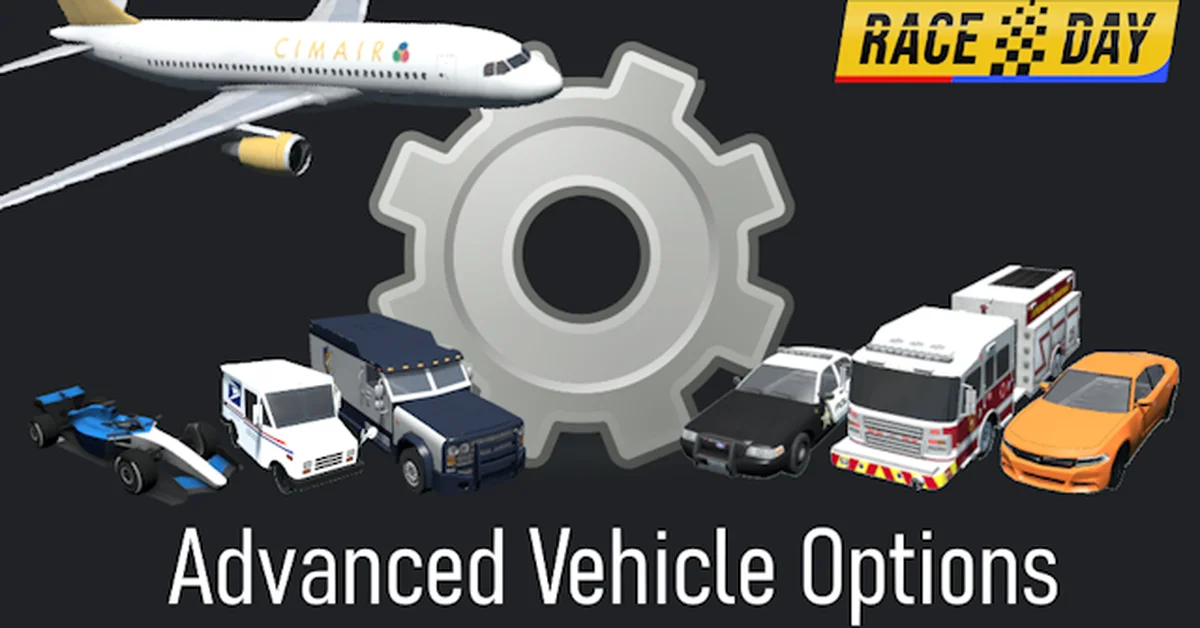
Advanced Vehicle Options lets you customize vehicles model by model, from which ones spawn to settings like maximum speed. It also has cleanup settings that remove all driving or parked vehicles, a lifesaver when a jammed city needs a reset. This is Tim’s maintained fork of Boogieman Sam’s original, it was updated in August 2026, and it now needs Harmony. Creator: Tim. Download: Advanced Vehicle Options on Steam Workshop.
Simulation and City Growth
These mods change how the city itself works, from how many people live in a building to how cims spend their day.
26. Realistic Population 2
In the base game a detached house can hold half a dozen families while a tower block holds a handful. Realistic Population 2 recalculates homes, jobs, consumption and tax by building size, so downtowns fill up and suburbs thin out. Its page warns that adding it to an existing city will shake up the balance. Its author confirmed in March 2026 that it works on 1.21 with no update needed. Creator: algernon. Download: Realistic Population 2 on Steam Workshop.
27. Lifecycle Rebalance Revisited
Lifecycle Rebalance Revisited overhauls aging, immigration and death. Children start school at six instead of at birth, lifespans and mortality become realistic, and the mod helps even out the infamous death waves, where a whole generation dies at once. Every option can be turned off separately. It is designed alongside Realistic Population 2 and was updated in August 2026. Creator: algernon. Download: Lifecycle Rebalance Revisited on Steam Workshop.
28. Real Time
Real Time gives cims schedules. They sleep at night, commute to work, eat at mealtimes and go out on weekends, and the in-game day runs at a realistic pace. That makes rush hour real, and it makes planning much harder. Version 2.8 added park types and school bus line support through Transport Lines Manager. Its page warns that 2.7 saves do not load back into 2.6, so keep a backup. Creator: t1a2l. Download: Real Time on Steam Workshop.
29. Transfer Manager CE
Transfer Manager CE replaces the system that matches every request in your city, such as a sick cim needing an ambulance or a bakery needing flour. The vanilla system is why garbage trucks cross the whole map to reach one building. This mod makes services and goods prefer nearby matches, which cuts traffic and service gaps. It was updated in July 2026. Creator: Sleepy. Download: Transfer Manager CE on Steam Workshop.
30. Ploppable RICO Revisited
Ploppable RICO Revisited lets you place residential, industrial, commercial and office buildings directly, like service buildings, instead of waiting for them to grow. It supports buildings larger than 4×4, so that realistic apartment tower or department store actually functions. It also includes Plop the Growables behavior, so that older mod is no longer needed. Creator: algernon. Download: Ploppable RICO Revisited on Steam Workshop.
31. Advanced Building Level Control
Advanced Building Level Control sets minimum and maximum building levels per district or per building, so your low-rise old town stays low-rise and your downtown can spawn at level five straight away. It can also force upgrades, prevent abandonment, and randomize a building’s appearance without changing its level. Pair it with Ploppable RICO Revisited to lock plopped buildings at a level. Creator: algernon. Download: Advanced Building Level Control on Steam Workshop.
32. Rebalanced Industries Revisited
The Industries DLC is known for flooding roads with half-empty trucks. Rebalanced Industries Revisited loads industrial vehicles more fully, rebalances extraction and processing, reworks worker counts, and cuts some warehouse costs, all to cut traffic from industrial zones. Version 1.0.3 added support for game version 1.21.1. It is only relevant if you own Industries. Creator: Mbyron26. Download: Rebalanced Industries Revisited on Steam Workshop.
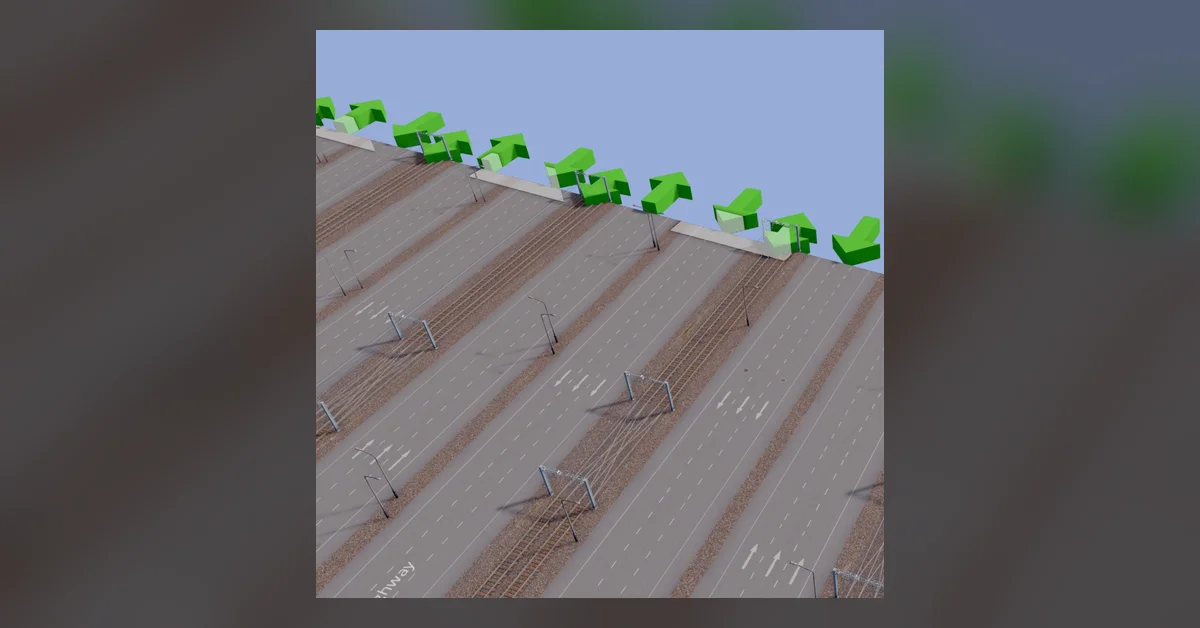
33. Unlimited Outside Connections Revisited
The base game limits how many roads and railways can connect to the outside world. This mod removes that limit, which matters for bigger cities and custom maps. It revived BloodyPenguin’s original, which stopped working in the 1.15 update, and its author confirmed in March 2026 that it works on 1.21. Use it with 81 Tiles 2 to reach the map edge, with Network Anarchy set to default mode. Creator: algernon. Download: Unlimited Outside Connections Revisited on Steam Workshop.
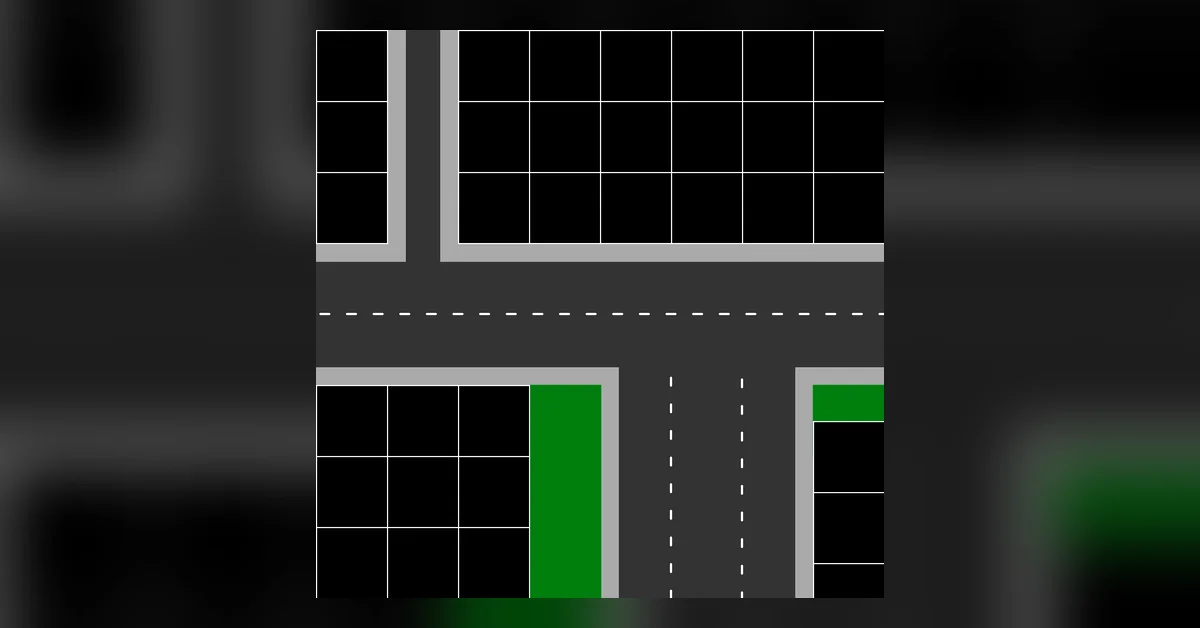
34. Zoning Adjuster
Zoning Adjuster fixes zoning grids that misalign on 8m and 24m roads, lets you add or remove zoning on any road (including ones that never zone), toggles zoning on one side only, and sets zoning setbacks and maximum depth. Its page notes that it works alongside the one-sided zoning the base game added in 1.17 and goes further. Its author confirmed it works on 1.21. Creator: algernon. Download: Zoning Adjuster on Steam Workshop.
35. Building Control
Building Control is the modern replacement for Building Anarchy. It lets you place buildings on roads, water and slopes, choose the terrain surface under them, and choose whether the ground is flattened. Settings save per building, so two copies of the same model can behave differently. The 81 Tiles 2 page specifically recommends it over Building Anarchy, which it says can break saves over time. Creator: algernon. Download: Building Control on Steam Workshop.
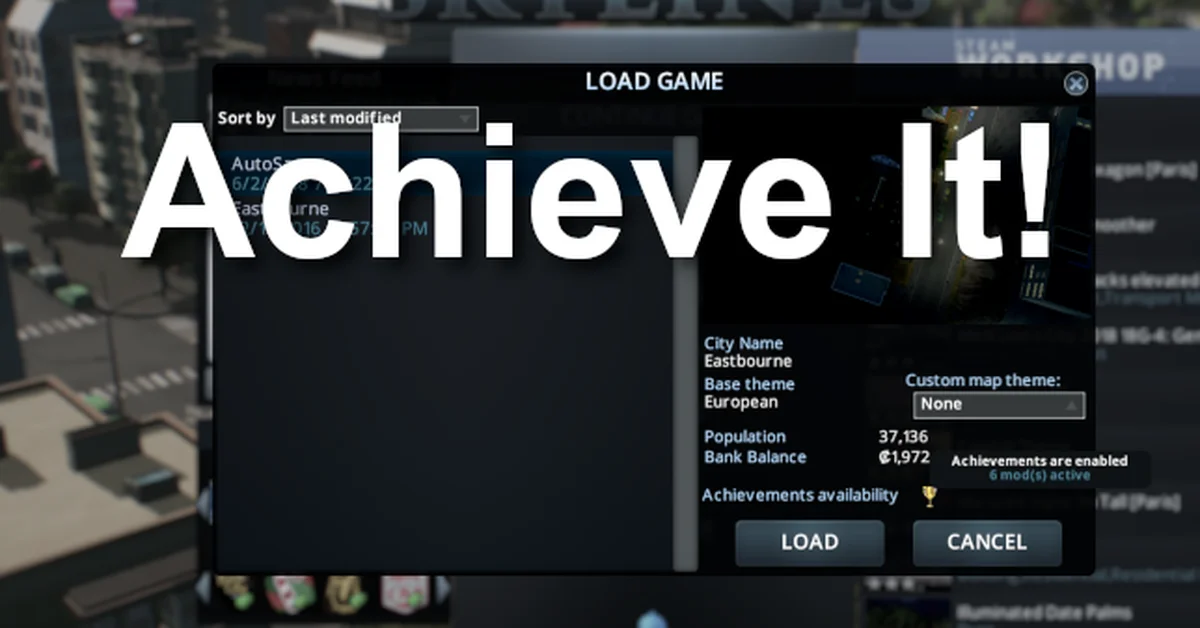
36. Achieve It!
By default, enabling any mod turns off Steam achievements. Achieve It! turns them back on, shows whether achievements are available when a save loads, and lets you switch them off in-game without removing the mod. It has not been updated since 2023, but players in its comments report it working after the Race Day update. Creator: Keallu. Download: Achieve It! on Steam Workshop.
Detailing and Landscaping
Detailing is where Cities: Skylines turns into a builder’s game, the same creative side we cover in our Sims 4 house building tips. These are the modern, stable tools for it.
37. Prop Control
Prop Control is the lightweight, stable replacement for Prop Anarchy and the Extended Managers Library, which algernon has described in the Line Tool comments as permanently broken. It adds prop anarchy, snapping to buildings, precise positioning so fences finally line up, prop scaling, and a fix for large decals. Its author confirmed in March 2026 that it works on 1.21. Creator: algernon. Download: Prop Control on Steam Workshop.
38. Tree Control
Tree Control is the tree side of Prop Control. It offers tree anarchy, snapping, scaling, random rotation, sway control, and an optional expanded tree limit that raises the default 262,144 to over 2 million. It also has an optional tree LOD fix for sharper distant forests. Its author confirmed in March 2026 that it works on 1.21. As with any limit-raising mod, keep a backup before enabling the expanded limit. Creator: algernon. Download: Tree Control on Steam Workshop.
39. Line Tool
Line Tool places props, trees and even buildings along a line, road-tool style, with custom spacing and rotation, plus a fence mode for continuous rows. It is the modern replacement for Prop Line Tool, and players in PLT’s comments report switching to it after crashes. Its author confirmed in March 2026 that it works on 1.21. It is designed for use with Prop Control and Tree Control. Creator: algernon. Download: Line Tool on Steam Workshop.
40. Extra Landscaping Tools Revisited
Extra Landscaping Tools brings map editor tools into normal play: placing ore, oil and fertile land, a configurable tree brush, a water tool, and undoable terraforming. The original by BloodyPenguin has mixed reports since Race Day. This bug-fix build was made because its author kept getting errors with the original after the expansion. It is new and small, so treat it as a fix, not a rewrite. Creator: Sleepy. Download: Extra Landscaping Tools Revisited on Steam Workshop.
41. Repaint
Repaint lets you change the colors of buildings live in-game, and with a hotkey it also colors roads, paths and railways that support it. It is a fork of TPB’s Painter, updated for Harmony 2 and fully compatible with old Painter saves. It also has an option to replace vanilla highway textures with more color-friendly ones. Its author confirmed in March 2026 that it works on 1.21. Creator: algernon. Download: Repaint on Steam Workshop.
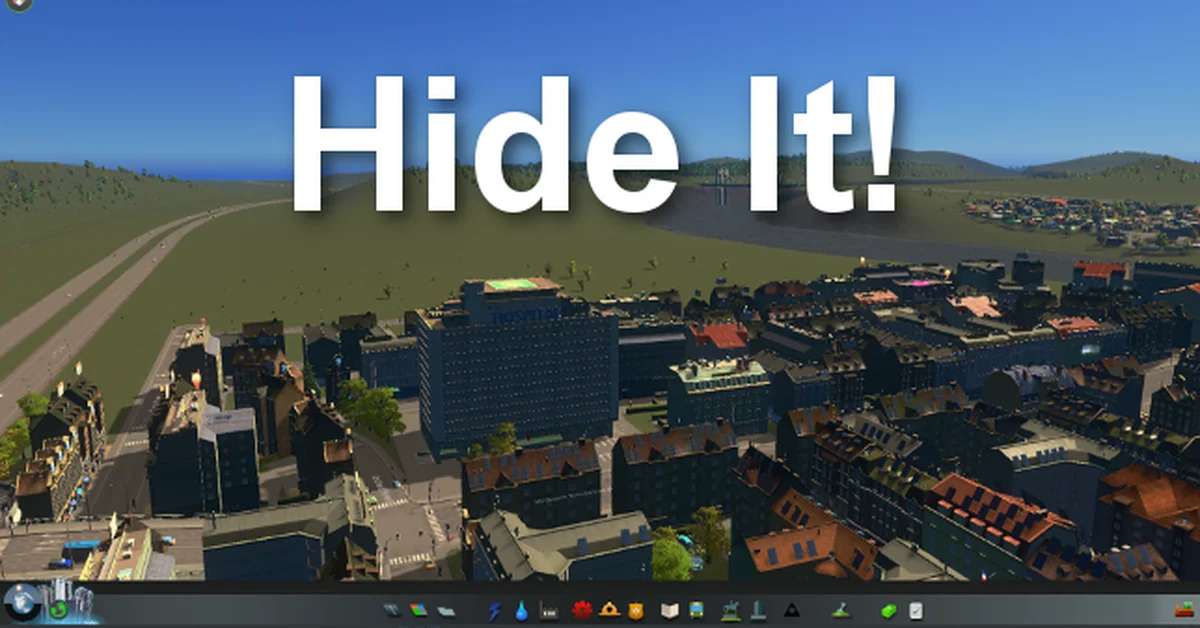
42. Hide It!
Hide It! bundles more than ten old single-purpose mods into one: hide pollution ground colors, decoration sprites, dirt under trees and props, specific buttons and effects, and more, all picked from its options menu. It never changes save files, so you can remove it any time. It was last updated in 2023, and players in its comments report it still working after the Race Day patch. Creator: Keallu. Download: Hide It! on Steam Workshop.
Visuals, Camera and Interface
These mods change how the city looks and how you look at it.

43. Theme Mixer 2.5
Theme Mixer 2.5 lets you customize map themes in-game, mixing parts of different themes and saving the result as a shareable Theme Mix. It is a revised Theme Mixer 2 with new icons and bug fixes. Its author said in the mod’s comments in March 2026 that it is working after the update, and some players report needing its separate “AidBox” add-on to stop a terrain panel crash. Creator: Nyoko. Download: Theme Mixer 2.5 on Steam Workshop.

44. Lumina
Lumina is the modern successor to Relight. It adds shadow intensity and bias controls, atmospheric tint, color effects and day and night cubemap selection, and it includes all of Relight’s LUTs, with shareable “Styles” presets. Its page says it rebuilds Relight’s features for the current game using Harmony 2 and warns you about conflicting mods instead of switching itself off. Comments are mixed on skybox and preset behavior since Race Day, so save a copy of your presets. Creator: Nyoko. Download: Lumina on Steam Workshop.
45. Relight
Relight is the older lighting mod that Lumina grew out of, and it is still one of the most subscribed visual mods. It adds sliders for brightness, gamma, contrast, and the tint of sun, sky and moon, plus seven LUTs, with Shift+Alt+L as the hotkey. Its own page points you to Lumina, and it has not been updated since 2018. Players in its comments report it still working in August 2026, and some prefer it. Creator: Ronyx69. Download: Relight on Steam Workshop.
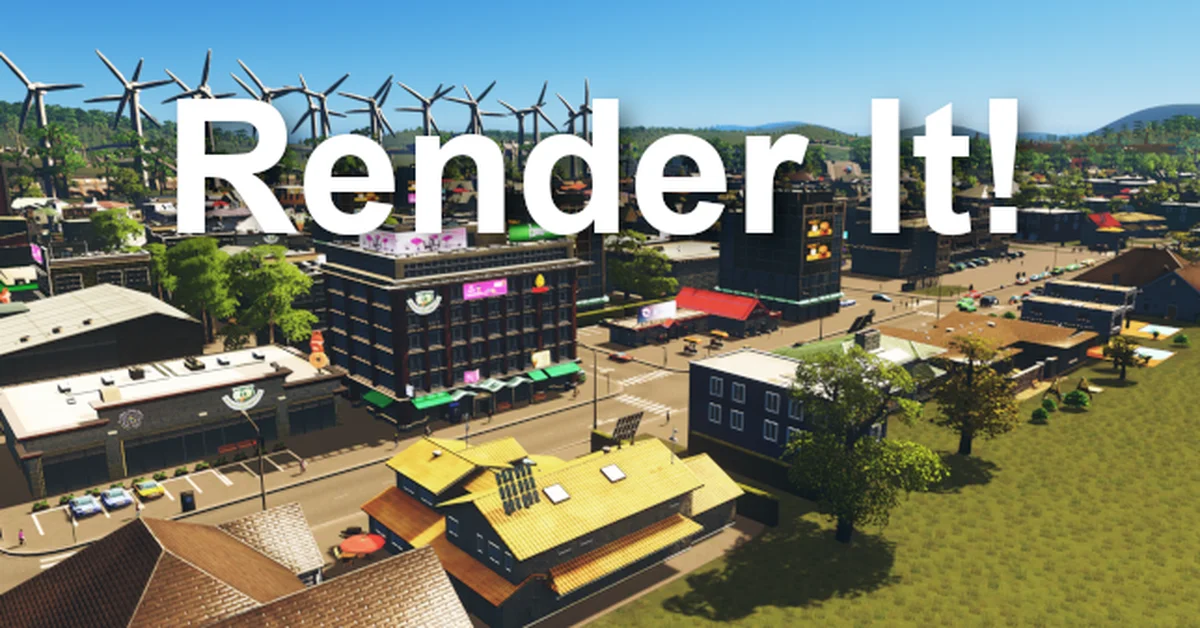
46. Render It!
Render It! is the post-processing mod: FXAA and TAA anti-aliasing, ambient occlusion, bloom, color grading, fog, and control of the sun, moon and ambient light colors, all saved in profiles. It combines the jobs of several older visual mods. Last updated in 2023, it is reported by players in its comments to still work after the Race Day update. Creator: Keallu. Download: Render It! on Steam Workshop.
47. Toggle It!
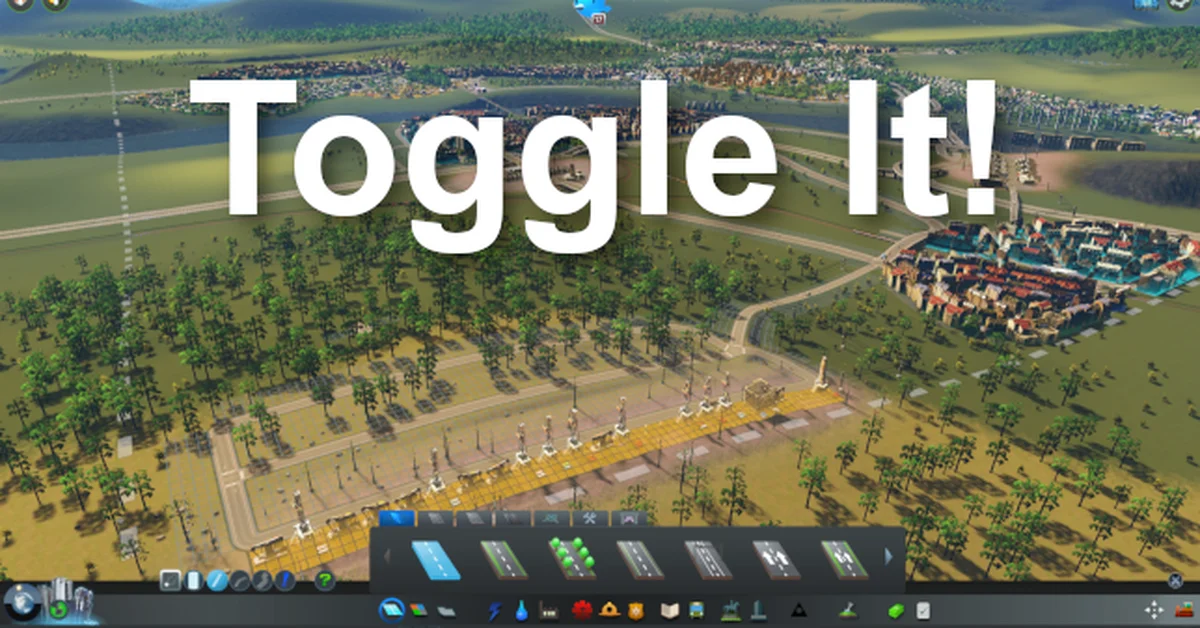
Toggle It! puts common view switches on buttons and hotkeys: notification icons, road names, buildings, border and contour lines, zoning grids, district names and more. It also adds automatic info views and a Dark Info Views mode that tones down the bright default overlays. Players in its comments report it working on the Race Day patch, even though its last update was in 2023. Creator: Keallu. Download: Toggle It! on Steam Workshop.
48. First Person Camera: Continued
First Person Camera: Continued lets you follow any cim or vehicle in first person, or fly freely at street level, which is the best way to see whether your city actually feels real. It continues Asu’s First Person Camera v2, and its current version adds Race Day support, including following race cars and racers. Unsubscribe the testing version and the listed incompatible mods first. Creator: Will. Download: First Person Camera: Continued on Steam Workshop.
49. Clouds and Fog Toggler
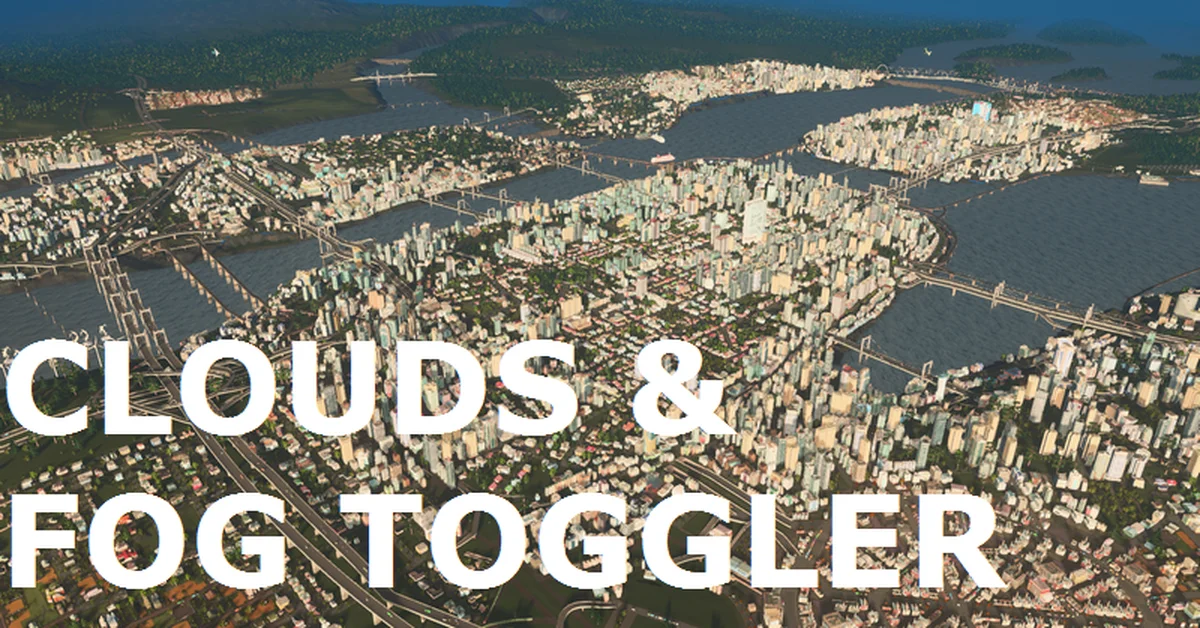
Clouds and Fog Toggler removes the clouds and distance fog that hide your city when you zoom out, and can turn off industrial smog and edge fog separately. It is a tiny mod that makes big-picture planning much easier. It dates from 2016, and players in its comments reported it still working in March and July 2026. Creator: BloodyPenguin. Download: Clouds and Fog Toggler on Steam Workshop.
50. Yet Another Toolbar
Yet Another Toolbar lets you resize the build menu, add more rows and columns, and scale panels, which you will want once hundreds of Workshop assets are crowding it. It was written to scale panels without breaking Find It! 2 and Ploppable RICO Revisited, and it never touches game mechanics or saves. A player in its comments reported it working perfectly in August 2026. Creator: sway. Download: Yet Another Toolbar on Steam Workshop.
How We Chose These Mods
We started from the most subscribed Cities: Skylines mods on the Steam Workshop and the tools the community treats as essentials, then checked every one against its Workshop page on September 21, 2026 through Steam’s own Workshop data. Each pick had to be free, still listed, and working on game version 1.21.1. That means either updated after the March 2026 Race Day patch, confirmed working by its author, or, for older mods, reported working by players in its comments since that patch. Where a classic broke and a maintained version replaced it, like Prop Control instead of Prop Anarchy, or Line Tool instead of Prop Line Tool, we listed the working version. We left out mods whose pages or recent comments point to them being broken on the current version, such as Metro Overhaul Mod, Undo It! and Game Anarchy. It is the same standard we used for our 50 best Sims 4 mods and our Valheim mods picks.
Only subscribe through the Steam Workshop pages linked above. Re-upload sites and “mod pack” downloads are the most common way players end up with outdated or malicious files, and they also dodge Skyve’s compatibility checks. Watch for duplicate versions, too: many mods here have an old original and a newer “Revisited” or “Continued” copy on the Workshop, and running both is a common cause of broken saves.
Frequently Asked Questions
Are Cities: Skylines mods safe? Mods from the Steam Workshop are the safest option, and Skyve will flag broken or conflicting ones before you load a save. Back up your save before adding anything that raises a game limit, such as More PathUnits or Tree Control’s expanded tree limit, because those saves will not load without the mod.
Why did my mods break after an update? Game patches change code that mods depend on, and Paradox warned that the March 2026 Race Day patch would “probably break many mods.” Run Skyve, unsubscribe (do not just disable) anything broken, and use the most recently updated version of each mod. Paradox also notes that the in-game “made for a previous version” icon is only advisory.
Do these mods work in Cities: Skylines II? No. Every mod here is for the original 2015 Cities: Skylines. Cities: Skylines II is a different game with its own mod platform, and Workshop mods for the first game will not load in it.
Can you use Cities: Skylines mods on console? No. Steam Workshop mods only work in the Steam version of the game on Windows, Mac and Linux. Some remasters have brought mods to consoles, as we covered in how mods work on The Witcher 3 Remastered, but the console editions of Cities: Skylines do not support Workshop mods.
Are these mods free? Yes. Every mod on this list is free on the Steam Workshop. The expansions and content packs some mods support are paid DLC, and if you buy one that clashes with your setup, our guide on how to refund games on Steam explains your options.