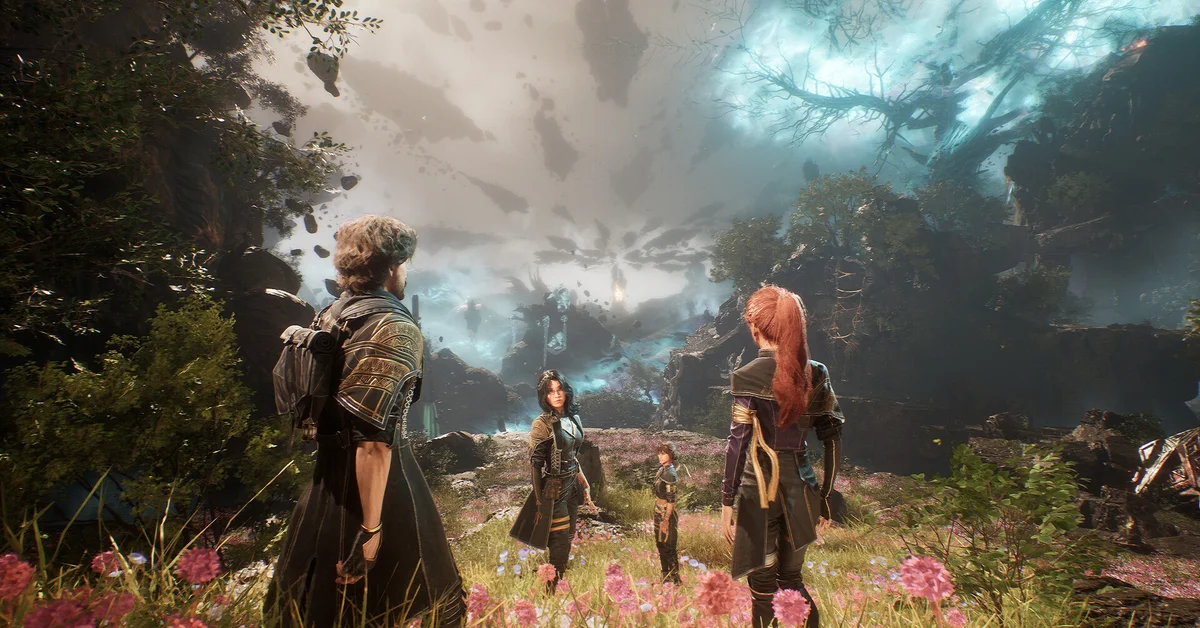
To change outfits in Clair Obscur: Expedition 33 you open the Expedition menu, select a character, and pick Wardrobe from the right-hand side of their screen, where every outfit and haircut you have unlocked sits as a swappable option. New clothes come from Mimes, Gestral merchants, bosses, minigames and relationship levels, and two free updates since launch added more. This guide covers the menu itself, every source of new outfits, the setting that decides whether cutscenes show them, and what changed after 2025.
Where the wardrobe is
Open the Expedition menu (Tab on keyboard, the Menu or Options button on a controller by default), pick the character you want to dress, and look at the right-hand column of their page. Wardrobe sits there above the Luminas entry. Inside it you get two lists, Outfits and Haircuts, and the character model updates as you scroll so you can preview before you commit. The shoulder buttons cycle to the next character without leaving the screen, so a full party makeover takes about a minute.
Outfits are cosmetic only. There are no stats, no set bonuses and no hidden effects attached to any of them, per the game’s own item text, so nothing you wear affects how the party fights. Wear what you like. Haircuts live in the same screen, and we cover them separately in our haircut guide.
The cutscene setting most players miss
By default the game shows your chosen outfits in cutscenes. If you would rather see the story scenes in the clothes the developers dressed the cast in, open Settings, go to the Gameplay tab and turn off Character Customisation in Cutscenes. Custom outfits will then apply in exploration and battle only. The setting works in both directions, so a player who set it up early and forgot can flip it back to see their outfits in the cinematics again.
Where new outfits come from
The sources have not changed since launch, but the list is longer than the 2025 version of this guide suggested:
- Mimes. Every region hides at least one Mime, a silent optional enemy that drops a themed outfit and haircut pair for one character when beaten. The Baguette set, a striped top with a bread-on-the-back look, is the best-known Mime reward. They are worth hunting early, because the fights are short and the drops are guaranteed.
- Gestral merchants. Vendors across the Continent sell outfits for Chroma, the currency you also spend on Pictos. Prices range from a few hundred Chroma for an early haircut to five figures for late outfits, so a full collection is a real Chroma sink.
- Bosses. Story bosses and optional bosses reward outfits, sometimes as a choice between two.
- Minigames. Beach volleyball, the diving board, hopscotch puzzles and the platforming challenges in Gestral Village all pay out cosmetics.
- Relationship levels. Spending time with companions at camp raises their relationship level, and the top levels unlock outfits for them. Our camp guide covers how those conversations work.
- Story progression. Some outfits unlock automatically as Act III opens.
- Editions. The Deluxe Edition’s “Flowers” outfits and the physical Collector’s Edition bonuses are the only cosmetics tied to a purchase, and they are still not sold separately.
What the free updates added
Two updates changed the answer to “how many outfits are there” without changing where the menu is.
The Thank You Update, patch 1.5.0 on December 12, 2025, added “new costumes for each member of the Expedition” per the official patch notes, alongside Verso’s Drafts, a new area on the world map next to Lumière that opens in Act III once Esquie can dive. Most of the new sets are earned inside that area: player guides describe a Chic outfit for the whole party sold by a merchant near Coastal Cave, an Esquie outfit for each character earned by riding the carousel with them, and a Baguette outfit for Monoco from a Mime in the new zone. Those specifics come from community write-ups rather than the patch notes, so treat exact locations as reports until you find them yourself.
Patch 1.5.5 on April 24, 2026, the game’s first anniversary, added anniversary haircuts rather than outfits, and fixed a bug where the Danseuse outfit on Lune and Sciel made the character menu too dark to read. If that outfit looked broken to you on the menu screen last year, it is fixed now.
Tips for filling the wardrobe
Clear each region’s Mime before you leave, because some are easy to miss behind optional paths. Check every Gestral merchant’s stock, since several sell one outfit each rather than a full catalogue. Talk to your party at camp every time you visit; relationship rewards are the only outfits that can lock you out if you skip the conversations. And if a cosmetic list you read online mentions the Endless Tower, that is a late-game challenge area, so save its outfits for after the story. For everything else on the game, browse the Expedition 33 hub.
Frequently Asked Questions
How do I change outfits in Expedition 33? Open the Expedition menu, select the character, and choose Wardrobe on the right of their page. Outfits and Haircuts are separate lists inside it.
Do outfits change stats? No. Every outfit and haircut is purely cosmetic.
Why does my outfit disappear in cutscenes? Character Customisation in Cutscenes is turned off in the Gameplay settings. Turn it on and cutscenes will use your chosen look.
Did the updates add new outfits? Yes. Patch 1.5.0 added new costumes for every party member, mostly earned in the new Verso’s Drafts area, and patch 1.5.5 added anniversary haircuts.
Can I buy the Deluxe Edition outfits separately? Not as of the current build. They still come only with the Deluxe Edition.