
You can’t quit to a main menu in GTA 6, because there isn’t one to go back to: the pause menu has no Quit or Exit option, and the game boots straight back into the world when you start it. To stop playing, save from Options > Game > Save Game, then press the PS button and close the game or turn off the console from there.
We checked every tab of the pause menu on our PS5 copy of Grand Theft Auto VI, and we saved and shut down this way after our own sessions. The screenshots in this guide are from our own PS5 recordings. Below is what the menu does offer, how to back out of a mission, and how to stop without losing anything.
Why There’s No Quit Option
Press Options to pause and you get six tabs: Map, Game, Store, Help, Photo Studio and Settings. None of them leads to a title screen. The Game tab, the one place you might expect a quit button, holds just three entries: Save Game, Load Game and New Game.
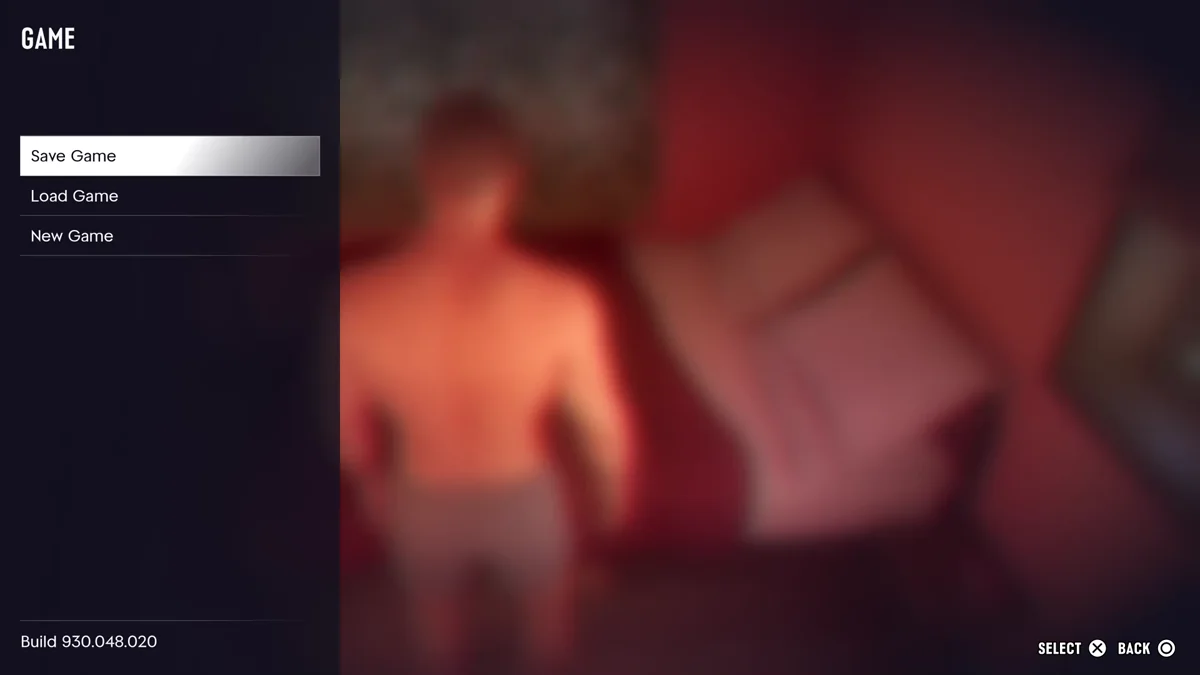
Starting the game up again works the same way. On our copy, the boot went from the cover art to the Rockstar logo, a loading screen, and straight into Jason’s house, with no menu in between. So “quitting to the main menu” in GTA 6 really means one of three things: leaving a mission, reloading a save, or closing the game.
How to Back Out of a Mission
If you want out of the job you’re on rather than out of the game, pause during the mission. The right side of the pause menu then shows the chapter and the mission’s name, with the options under it.
During Clear Skies, ours read Retry Checkpoint, Restart Mission and Quit Mission. Choose Quit Mission to drop the job and go back to free roam.
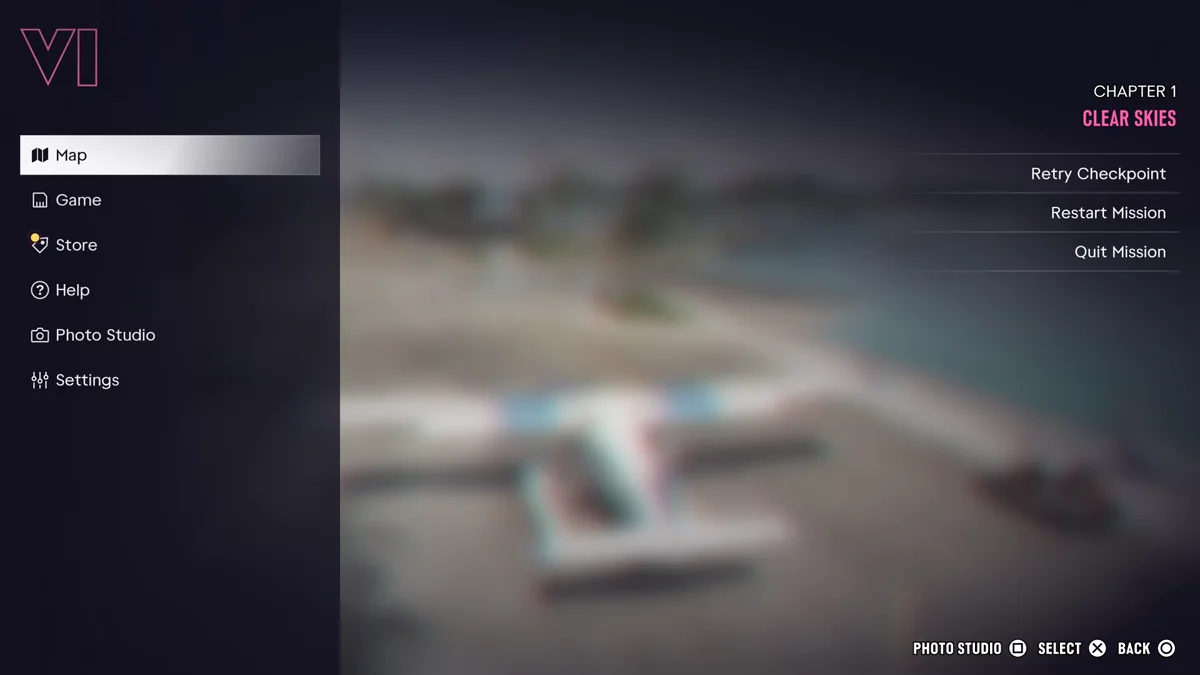
Not every mission offers it. Other story missions we paused in, such as Coming Home, showed only Retry Checkpoint and Restart Mission. Our guide to restarting a mission explains the difference between the two.
How to Save and Stop Playing
This is the closest thing to quitting, and it’s how we end our own sessions:
- Finish or leave your mission. Save Game is greyed out while a mission is running, as our autosave guide explains.
- Press Options and go to Game.
- Choose Save Game and pick a slot. There are 15 manual slots, and each save is named after your last mission with your completion percentage. Our guide to saving in GTA 6 covers the slots.
- Press the PS button. Sony’s own description is “Press once to access the control center.” We saved, pressed the PS button, opened the Power menu and turned the console off.
- Or close just the game. Sony says the control center’s Switcher lets you “close a game you’re playing,” and pressing and holding the PS button takes you to the home screen.
What You Lose When You Close the Game
Your manual save and the autosave keep your story progress, but not everything around you. When we booted back in, the game showed this message: “Unowned vehicles, weapons, or items that weren’t stored during your last session were lost.”
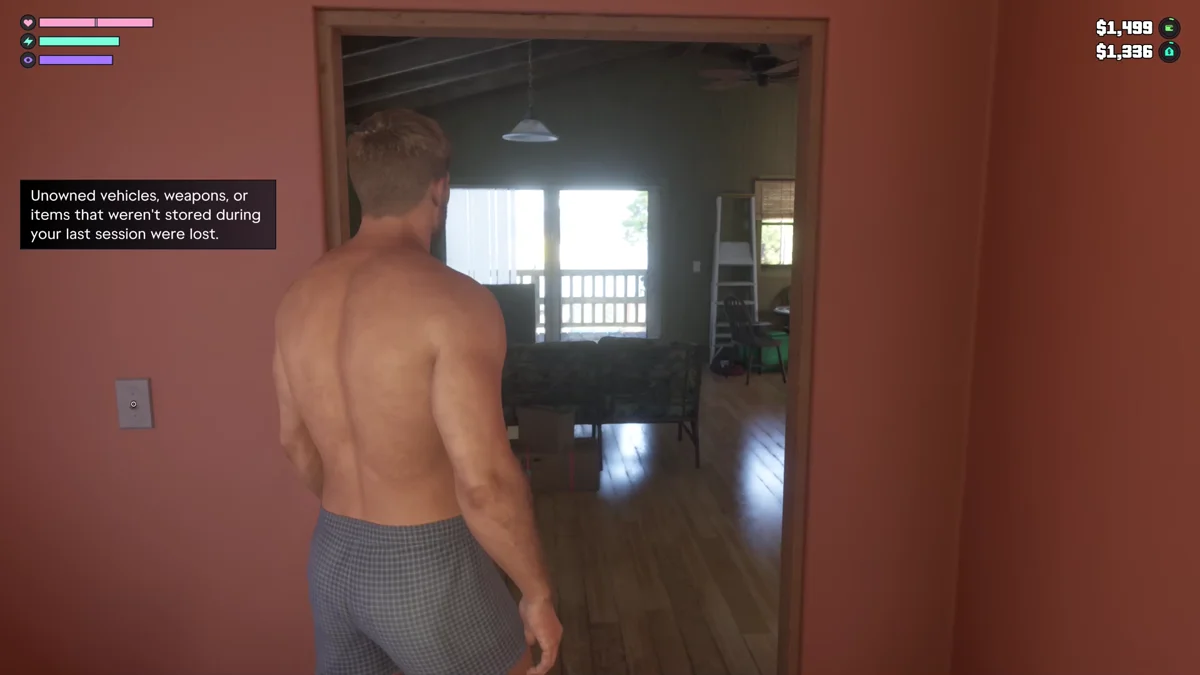
So before you stop, stow the gear you care about, and don’t count on a car you don’t own still being there next time. Our guide to storing outfits and long guns in your trunk shows how.
How to Start Over or Load an Older Save
If what you want from a main menu is a fresh start or an earlier save, both live in the same Game tab:
- Load Game opens your save list, so you can jump back to any manual save. Our guide to loading a save walks through it.
- New Game restarts the story from the beginning. Make sure your current run is saved in its own slot first.
Frequently Asked Questions
Is there a main menu in GTA 6?
No. The game boots straight into the world, and the pause menu has no option to go back to a title screen.
How do you exit GTA 6 on PS5?
Save from Options > Game > Save Game, then press the PS button to open the control center. From there you can close the game or turn off the console.
How do you quit a mission in GTA 6?
Pause during the mission. Some missions list Quit Mission under Retry Checkpoint and Restart Mission; others offer only the first two.
Do you lose progress if you close GTA 6?
Not if you save first. Unowned vehicles, weapons and items you hadn’t stored are lost, though, and the game tells you so when you load back in.
How do you start a new game in GTA 6?
Press Options, go to Game and choose New Game. It restarts the story, so save your current run in its own slot first.