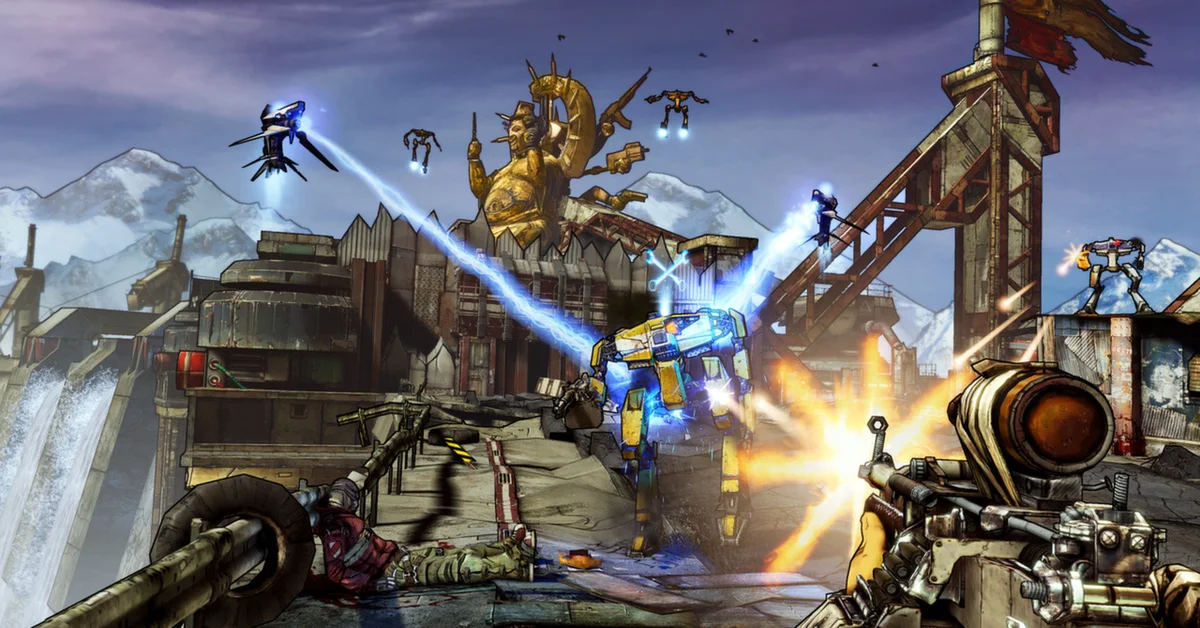
The best Borderlands 2 mods start with three free essentials, the Python SDK, OpenBLCMM and the Unofficial Community Patch, which together run nearly every other mod on this list. From there, most players add a time saver like BL2 Mega TimeSaver XL, then pick one overhaul, such as BL2 Recoded, Azurelands 2 or BL2 Exodus, for a fresh playthrough. Borderlands 2 came out in 2012, and its PC modding scene is still busy in 2026, with Azurelands 2 updated in September and Arcania and Limitless in October. The 50 mods below are grouped by what they change, from essentials and overhauls to challenges, loot, farming, quality of life and visuals. We checked our original picks against their creators’ own pages (GitHub, the Python SDK mod database or Nexus Mods) on September 21, 2026, and again on October 13, 2026, and all 50 on October 21, 2026. Every one is free and still downloadable, and where a mod’s page was written for an older version of the game, the SDK or the mod tools, its entry says so.
If you are here from our newer Borderlands 4 guides, note that Borderlands 4 has its own build of the SDK (the bl-sdk team’s separate oak2 mod manager), so none of the files below carry over.
Essentials and Mod Tools
Everything else on the list depends on these. Install them before any overhaul.
1. Python SDK (Willow2 Mod Manager)
The Python SDK is the foundation of modern Borderlands 2 modding. It adds a MODS option to the main menu, loads SDK mods from the sdk_mods folder, and enables the console that text mods need, which is why the community’s own modding guide now tells everyone to install it first, even players who only use text mods. Version 3.8, released June 26, 2026, is the current stable build. It replaces the original PythonSDK, whose GitHub repository is now archived, and the same download covers The Pre-Sequel and the standalone Assault on Dragon Keep. Its FAQ says it works on every store version, and on Steam Deck and Linux through Proton. Creator: apple1417 and the bl-sdk team. Needs: the latest Microsoft Visual C++ Redistributable. Download: Python SDK on GitHub.
2. OpenBLCMM
OpenBLCMM is the community’s fully open-source fork of LightChaosman’s original Borderlands Community Mod Manager, the tool for managing text mods. It opens your patch file, imports new mods into it, and lets you tick individual parts of a mod on or off, so you can keep the half of a patch you like. The Windows version ships as a standalone EXE with an installer and needs no separate Java install, and version 1.4.1 (September 2023) is still the current release. Its README warns that blcmm.com is an unaffiliated, apparently AI-generated site, so download it only from GitHub. Creator: Apocalyptech and the BLCM team, forked from LightChaosman’s BLCMM. Download: OpenBLCMM on GitHub.
3. Unofficial Community Patch (UCP)
The UCP is the modpack most text mods assume you are running. Version 5.0.4 fixes many known bugs plus dozens of gameplay and balance issues, across cosmetics, gear, skills, loot pools, quests and enemies, and every section can be switched off in OpenBLCMM if you want a lighter touch. Its page says it works without DLC, but many changes will not apply and errors are likely. It has more than 400,000 downloads and was last updated in January 2022. Do not stack it with BL2 Reborn, which already includes it. Creator: Shadowevil and the Community Patch Team. Download: Unofficial Community Patch on Nexus Mods.
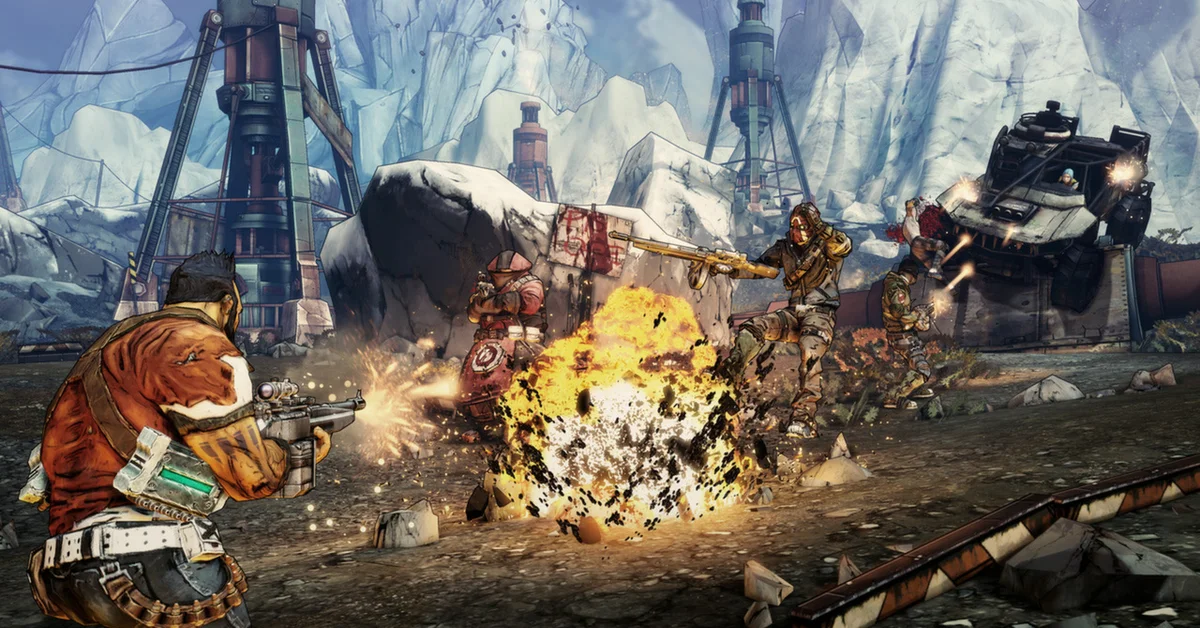
4. Text Mod Loader
Running text mods traditionally means typing exec patch.txt into the console every single time you launch the game. Text Mod Loader does that for you automatically. Its author is clear that it does not replace OpenBLCMM: you still build and configure your patch file there. Because it uses native modules, its database page warns that you may need to update it after an SDK update. Creator: apple1417. Needs: Python SDK. Co-op: client side, so it works whatever your partners run. Download: Text Mod Loader on the Python SDK mod database.
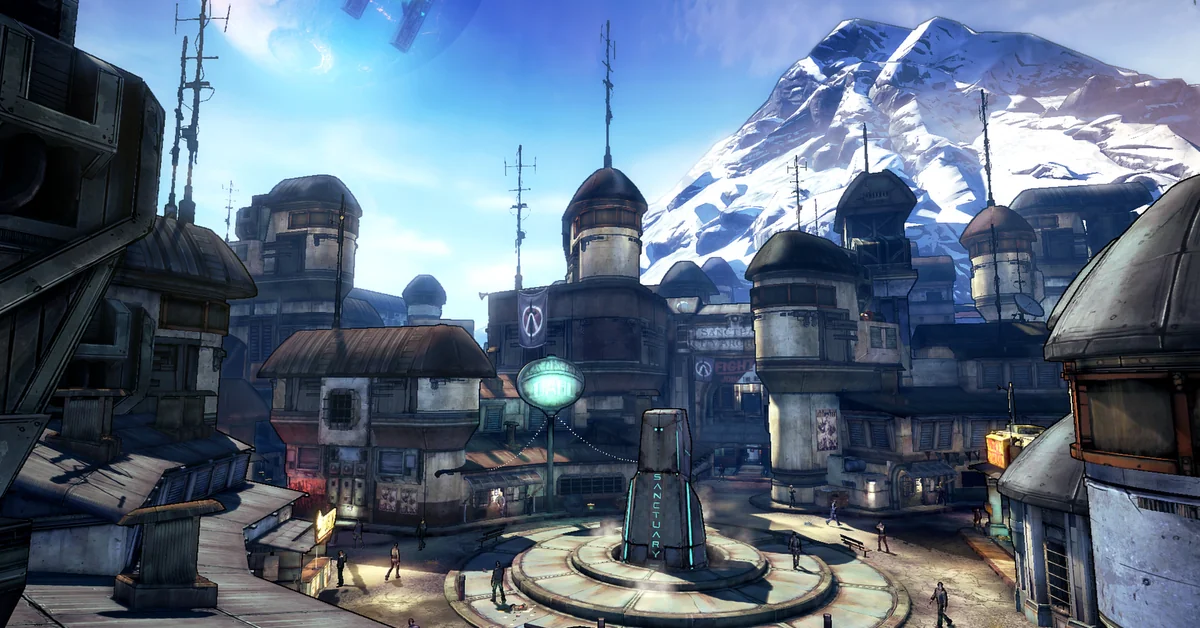
5. Command Extensions
Command Extensions is a small SDK library that adds new console commands and lets other mods register their own, and several of the biggest mods on this list will not run without it: Azurelands 2, Arcania and BL2 Recoded all list it as a requirement. Its author says its commands work inside ordinary .blcm files, so mods that use it can still be merged and toggled in OpenBLCMM like any other. Version 5 is the current build. Creator: apple1417. Needs: Python SDK. Co-op: client side, though its page notes that the mods built on it may have stricter requirements. Download: Command Extensions on the Python SDK mod database.
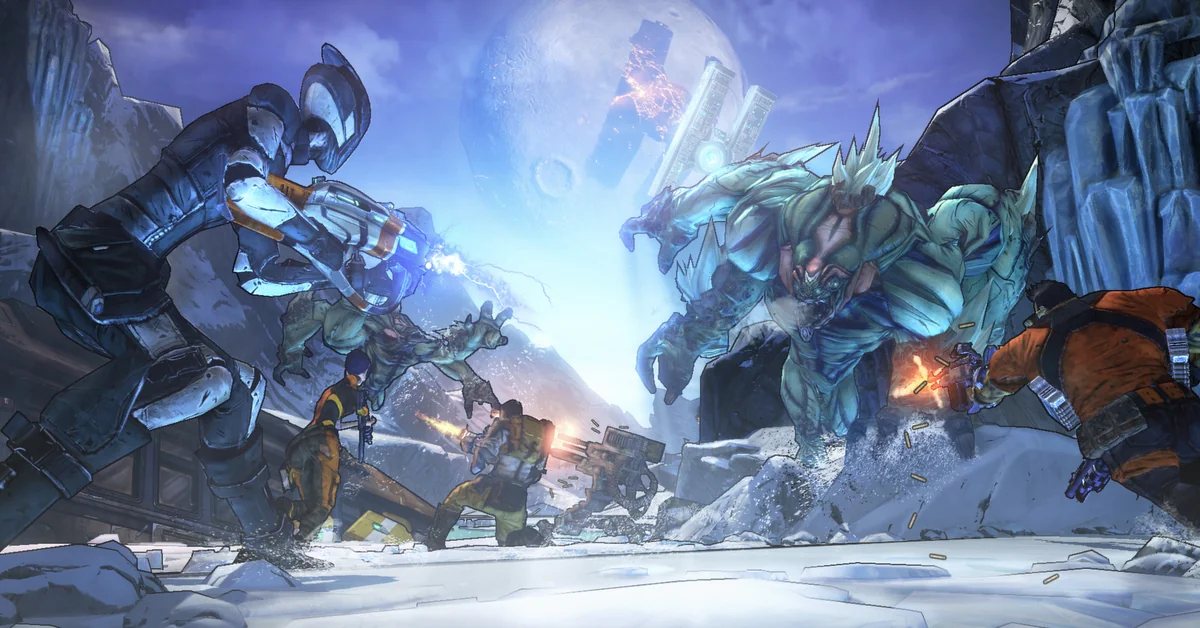
6. Sanity Saver
Sanity Saver switches off the game’s sanity check on items and, per its page, also saves items that would otherwise have parts deleted, so modded gear survives a save-quit. Arcania’s page puts it plainly: without it, the new gear is deleted when you save and quit. Azurelands 2, Arcania and BL2 Recoded all require it, and Snowbound’s page highly recommends it. The SDK database lists version 2.2 as a legacy mod running in compatibility mode, which the SDK team warns may stop working at some point, as of October 21, 2026. Creator: apple1417. Needs: Python SDK. Download: Sanity Saver on the Python SDK mod database.
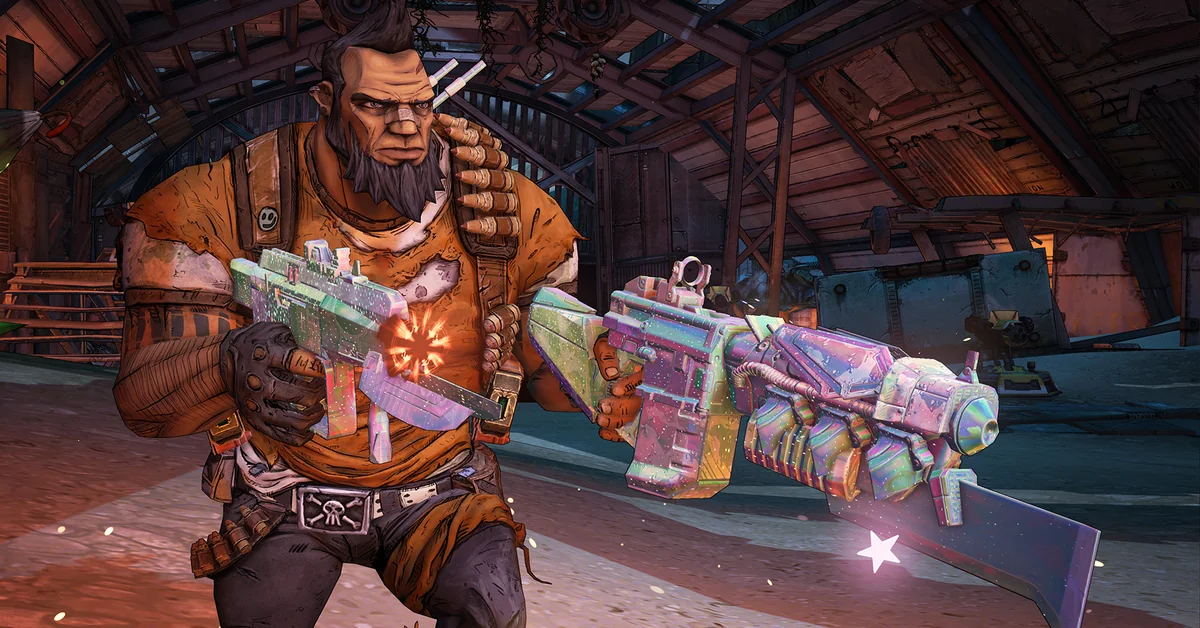
7. Python Part Notifier
Python Part Notifier shows the parts that make up every weapon and item right on its card, including grenades, class mods and relics, and its page says it picks up parts added by other mods too. Every part slot can be hidden from its options menu, and Spare Parts (entry 26) requires it. Players running the older text-mod packs have Nexus adaptations of the original Part Notifier for Borderlands 2.5, BL2 Reborn and Exodus, which together have more than 1,400 endorsements. The SDK database lists version 1.9 as a legacy mod running in compatibility mode, as of October 21, 2026. Creator: apple1417. Needs: Python SDK. Download: Python Part Notifier on the Python SDK mod database.
8. Commander
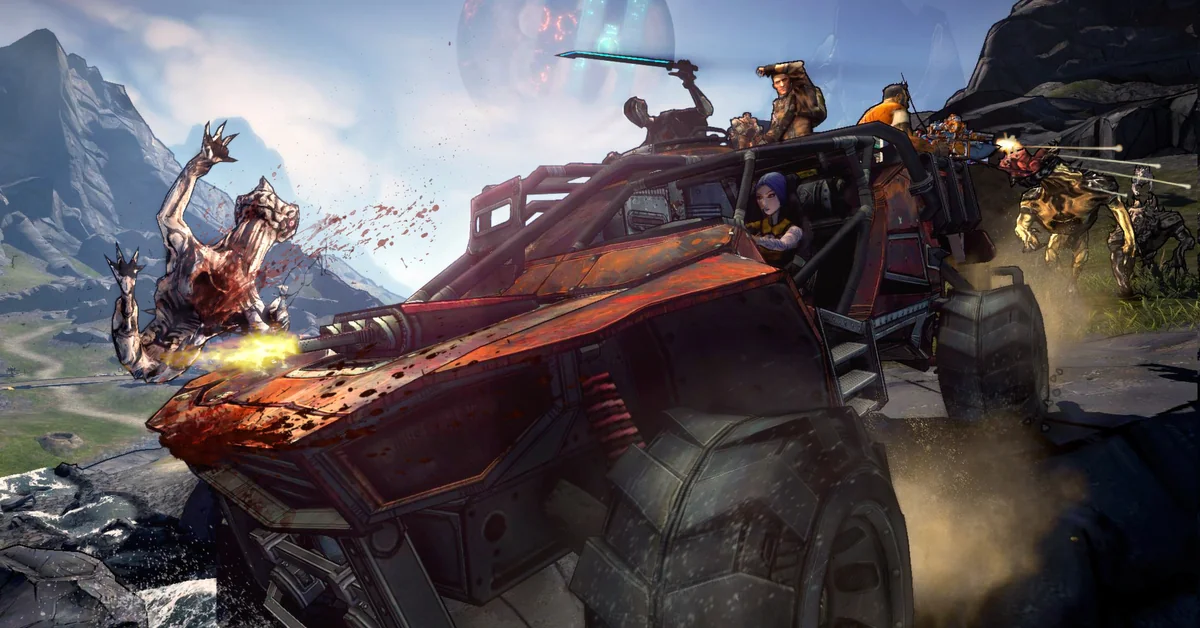
Commander saves and restores your position in the world, teleports you between points of interest on a map, speeds the game up, slows it down or freezes it, and binds any console command to a hotkey. It ships with ready-made binds to toggle the HUD, switch to third person, quit without saving and respawn nearly every enemy in a map, which makes boss farming much quicker. Version 3.0.1 is current, and the same mod also covers The Pre-Sequel and Assault on Dragon Keep. Creator: mopioid. Needs: Python SDK. Co-op: works best when every player runs it, per the SDK database. Download: Commander on the Python SDK mod database.
Total Overhauls
These modpacks rebuild the game around new gear, skills and balance. Pick one; they are not meant to be combined, and most want a fresh character.

9. BL2 Reborn
BL2 Reborn is the overhaul that made Borderlands 2 modding mainstream. The community’s modding site describes it as 155+ mods and more than 650 changes in one rebalanced playthrough, including the UCP, with complete overhauls for Gaige and Maya, reworked gear and manufacturers, and quests with random, tiered rewards. With nearly 400,000 downloads, it is one of the most popular Borderlands 2 files on Nexus Mods. Its page says the pack is discontinued and unsupported (last updated February 2020) but still plays fine, and its author asks you to go in blind with a new character. Creator: Kumakobi and Ezeith. Download: BL2 Reborn on Nexus Mods.
10. BL2 Exodus
Exodus was one of the first major overhauls built on the Python SDK. It adds over 130 new gear pieces that sit alongside the originals instead of replacing them, plus new mini bosses, rebalanced elemental damage with new debuffs, and Vault Hunters pushed harder toward their strengths. Version 1.2.0 dates from December 2023, and the SDK database lists it as a legacy mod running in compatibility mode, which the SDK team warns may stop working at some point. Its install steps on Nexus were written for the pre-3.0 SDK, so follow the SDK’s own instructions for where mods go now. Creator: Exotek and Juso. Needs: Python SDK. Co-op: not supported, per its page, because the gear it builds at runtime does not show up for other players. Download: BL2 Exodus on Nexus Mods.
11. BL2 Recoded
The newest big overhaul on this list, BL2 Recoded launched in July 2025, and version 1.2.1 arrived in January 2026. Its author lists more than 200 new weapons, shields, relics and class mods, overhauled skill trees for every Vault Hunter, a hybrid gear system with 20 new accessories, two new manufacturers, new rarities and mini raid bosses. Unlike Exodus and Arcania, it works in co-op: its page calls it fully co-op compatible. Plan a fresh build; our guide to respeccing skill points in Borderlands 4 shows how far the series’ skill trees have come since. Creator: EdamameTV. Needs: all DLC including Commander Lilith and the Fight for Sanctuary, Python SDK, Command Extensions and Sanity Saver (Python Part Notifier recommended). Co-op: yes, per its page. Download: BL2 Recoded on Nexus Mods.
12. Azurelands 2
Azurelands 2 is one of the most actively maintained overhauls, with version 2.2.2 uploaded on September 14, 2026. Its author describes it as built around Borderlands 2.5, with new and replaced gear, new skills for each Vault Hunter, reworked bosses and difficulty, and extra quality-of-life mods folded in, including Mega TimeSaver XL. Spreadsheets for loot tables, skills, gun parts and class mods are linked on its page. This is the solo version; a separate Azurelands 2 Coop Version was updated the same day. Read the install instructions in full: after enabling its SDK requirements, you run its patch file from the console. Creator: PawnM0v3. Needs: Python SDK, Command Extensions and Sanity Saver. Co-op: use the separate co-op version. Download: Azurelands 2 on Nexus Mods.
13. Arcania
Arcania is a lighter overhaul for players who like vanilla Borderlands 2 but want more to find. It adds 100+ new unique weapons and 50+ new shields, grenades and relics without replacing any vanilla gear, plus signature starting gear for each class, custom bosses, seraph item sets themed on each raid boss, and Jakobs shields and grenades. Skill trees stay vanilla. Version 0.5.0, uploaded October 15, 2026, adds light balance changes to shields, grenades and relics, vanilla and Arcania items alike, mostly buffing underwhelming items, per its page. It also warns that other mods editing loot pools, grenades or relics will probably not work alongside it. Creator: TheArcanist. Needs: Python SDK, Command Extensions and Sanity Saver. Co-op: not supported, per its page. Download: Arcania on Nexus Mods.
14. Borderlands 2.5
Borderlands 2.5 aims to make the game feel like launch day again, with overhauled characters, reworked bosses and gear, and a difficulty rework. Its creators deliberately publish no changelog so you discover the new loot yourself, though they share sheets for skills, parts and class mods. It was last updated in March 2020 and still has a large following, and Azurelands 2 is built on its foundations. Its install notes still describe the old hex-editing step, which the Python SDK now replaces. Creator: Rayjiun, with lead designers B33PB00PJOE, MikeyRay and Umnei. Needs: all main DLC including Commander Lilith and the Fight for Sanctuary. Download: Borderlands 2.5 on Nexus Mods.
15. Borderlands 2 Fix (BL2Fix)
BL2Fix targets the grind rather than the content. It rebalances nearly every loot source, scales drops with playthrough and player count, redoes raid loot, and boosts XP when you are three or more levels behind, so its authors say you can reach level 72 OP8 on story missions alone. A step-by-step installer lets you switch off any feature, including dialogue and cutscene skips, and its page links a guide to running it alongside the UCP. Last updated in March 2021. Creator: Flare2V and alienoliver. Download: BL2Fix on Nexus Mods.

16. Snowbound
Snowbound is a full overhaul built around fast, fluid combat, which its author describes as turning Borderlands 2 into an old-school run-and-gun shooter. Its page lists 70+ new weapons and items, reworked movement with sliding and rocket jumping, tougher enemies, legendaries split into yellow and orange tiers, Dark Magic weapons from Wonderlands, and a Codex in place of the Challenges tab. It includes the UCP’s changes (the Challenges tab confirms “Running SB + UCP” once it loads), and version 1.1.0 dates from October 2024. Its install notes use the older SDK’s Mods folder, so follow the current SDK’s instructions for where mods go. Creator: Dr Bones. Needs: Python SDK and all main DLC, with Sanity Saver highly recommended, per its page. Download: Snowbound on Nexus Mods.
New Characters and Challenges
For veterans who have seen everything the base game offers.
17. FFYLands
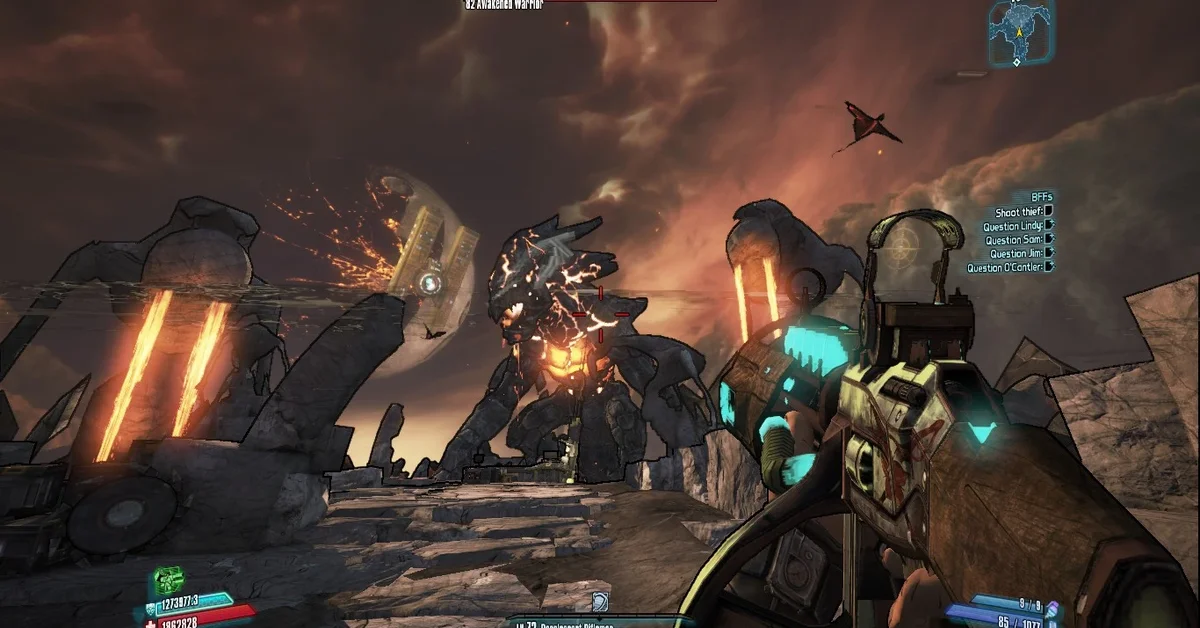
Fight For Your Life Lands raises the difficulty and changes how you play, with reworked enemies, new guns, skills, shields and class mods, and extra Badass spawns early on. Its author says it is balanced around its “Nightmare” difficulty by default and was designed with co-op in mind, though it is still playable solo, and it was updated as recently as July 2026. It is a text mod and does not use the SDK. Creator: Hemaxhu. Co-op: designed for two or more players, per its page. Download: FFYLands on Nexus Mods.
18. Loot Randomizer
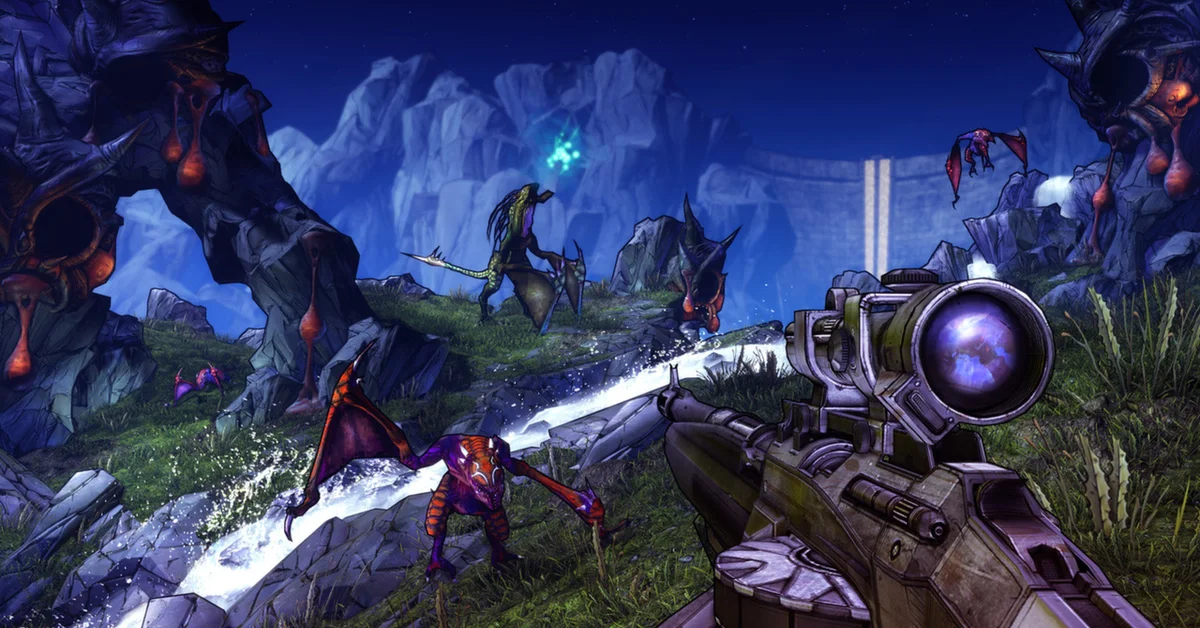
Loot Randomizer shuffles every item in the game into new drop locations based on a seed you create, so Knuckle Dragger might drop a Norfleet. Missions get new rewards and become infinitely repeatable, so they can be farmed without resetting your playthrough, and seeds can be shared with friends for a race. Its page says it works with most other mods, including the UCP, BL2Fix and Reborn, but not fully with mods that add new items or enemies, such as Exodus. The SDK database lists it as a legacy mod running in compatibility mode. Creator: mopioid. Needs: Python SDK. Co-op: works, best when every player runs it; the host’s seed is the one in effect. Download: Loot Randomizer on GitHub.
19. Lilith
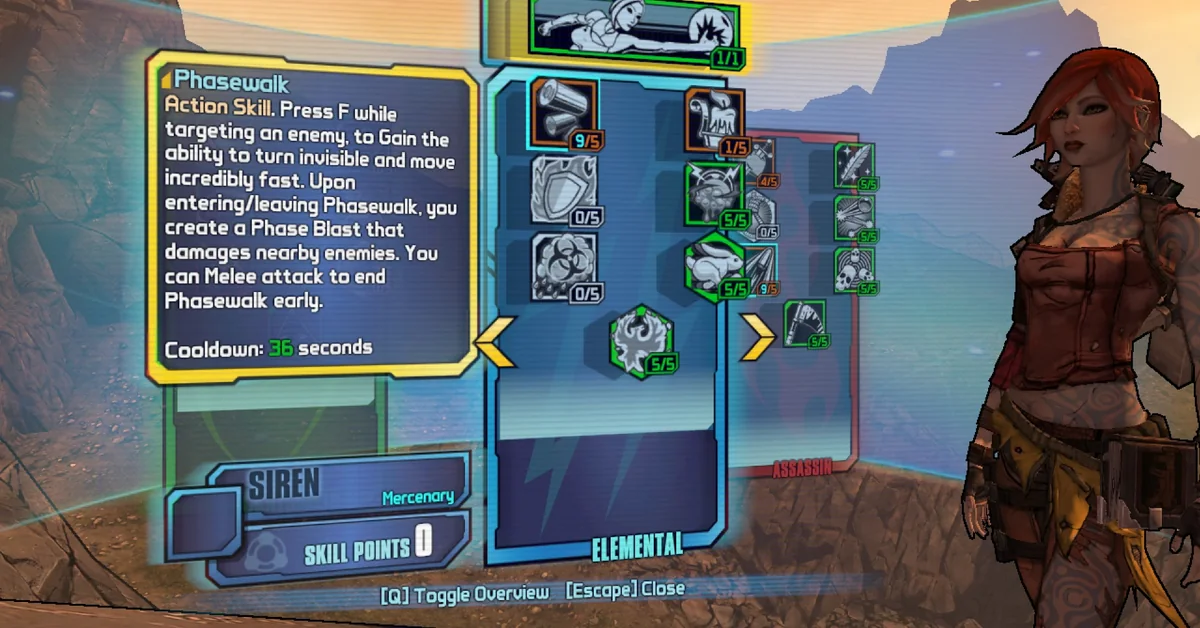
This mod recreates Lilith from the first Borderlands as a playable character by reworking Maya: Phasewalk and Lilith’s Borderlands 1 skills work mostly as they did there, and many of the balance differences can be reversed in its options. It is balanced for vanilla Borderlands 2, and its author recommends against pairing it with mods that change the game’s overall balance. In co-op every player needs the mod, and Lilith cannot share a game with Maya. Creator: 55tumbl. Needs: OpenBLCMM and Tiny Tina’s Assault on Dragon Keep, per its Nexus requirements. Co-op: yes, when all players run it. Download: Lilith on Nexus Mods.
Difficulty, Skills and Progression
These change how hard the game is and how your Vault Hunter grows, without replacing the whole game the way an overhaul does.
20. Enemy Multiplier
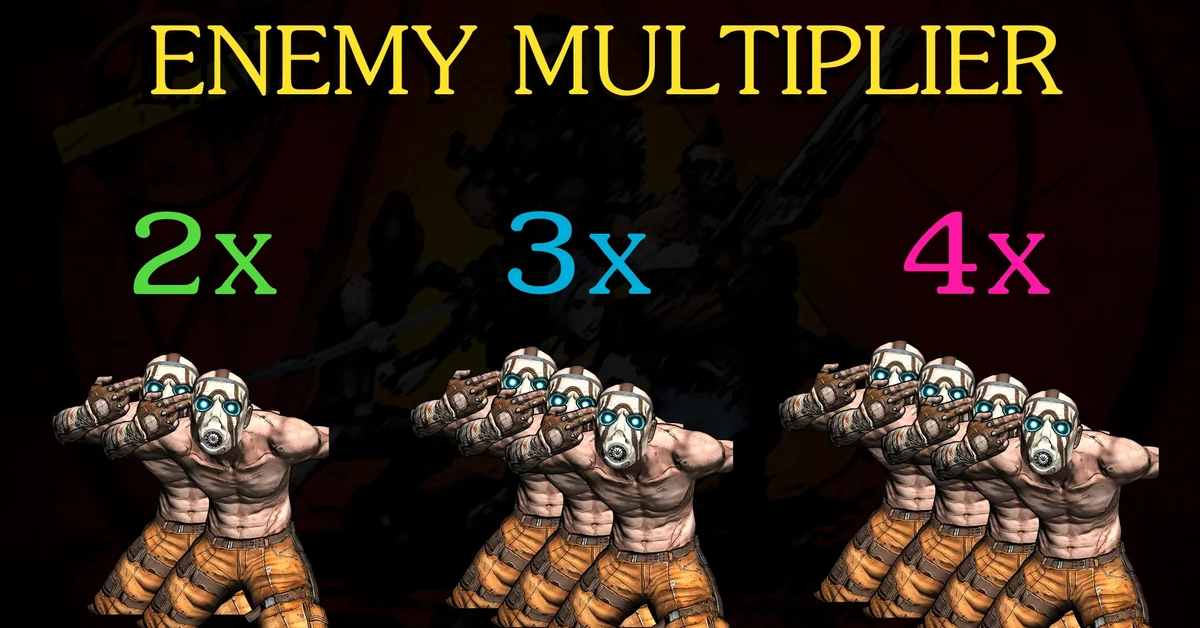
Enemy Multiplier does exactly what it says: most enemies and bosses spawn two, three or four times over, with a few mostly DLC bosses excepted, and ammo pickups scale up to match. With nearly 37,000 downloads, it is one of the most downloaded gameplay mods for Borderlands 2 on Nexus Mods, and the simplest way to make a familiar playthrough chaotic. Last updated in December 2018. Creator: Mr Wuebec. Download: Enemy Multiplier on Nexus Mods.
21. NVHM-TVHM Area Scaling
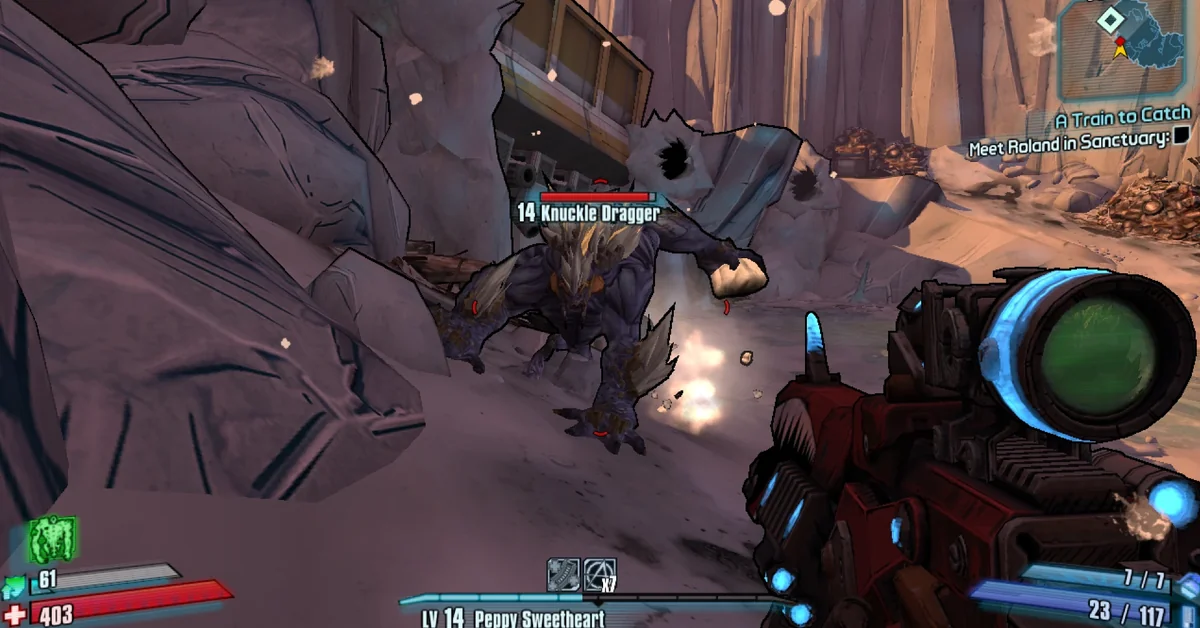
This mod makes areas and side missions in Normal and True Vault Hunter Mode scale up as you progress through the main story, instead of staying at their fixed levels. It also lifts the DLC level restrictions, so you can start Tiny Tina’s DLC at level 8 or go back and farm Knuckle Dragger for a Hornet at level 18, its page’s own examples. Nothing else about the first two playthroughs changes, and the DLC sections can be switched off in OpenBLCMM. Creator: 55tumbl. Download: NVHM-TVHM Area Scaling on Nexus Mods.
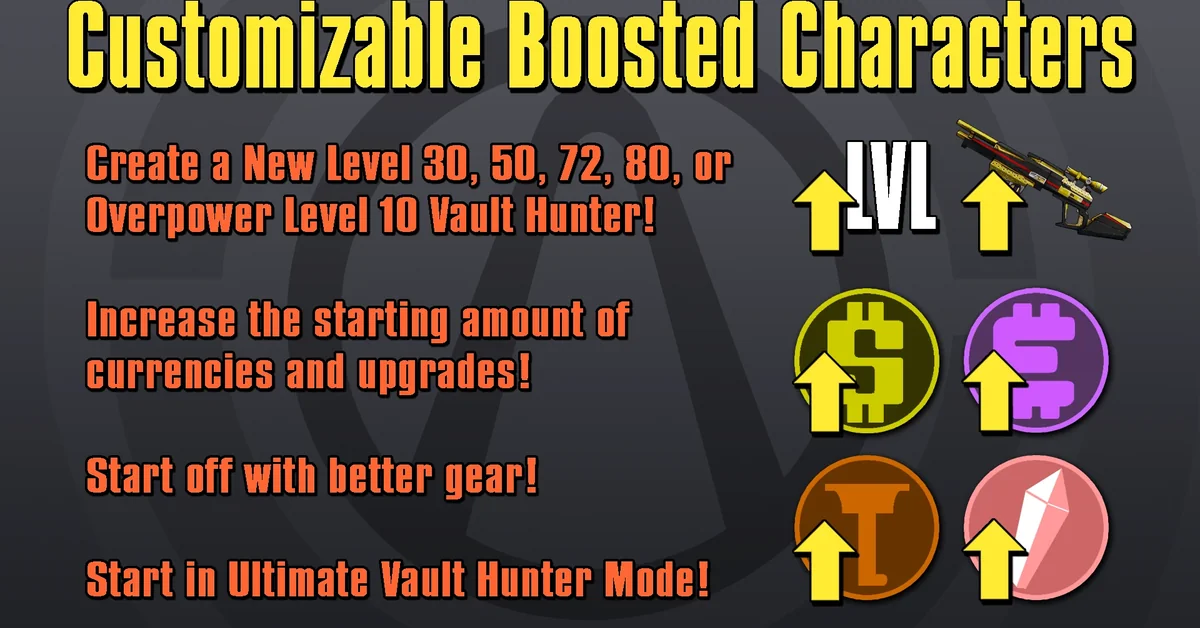
22. Customizable Boosted Characters
The release of Commander Lilith and the Fight for Sanctuary added an option to create a level 30 character, and this mod expands it into a full character builder. You can start at level 50, 72 or 80, set your Black Market upgrades, completed playthroughs, starting currencies and gear, and pick an Overpower level with one console command once you are in game. Creator: Aaron0000. Needs: the Mechromancer pack and both Ultimate Vault Hunter Upgrade Packs, per its Nexus requirements. Download: Customizable Boosted Characters on Nexus Mods.
23. Limitless
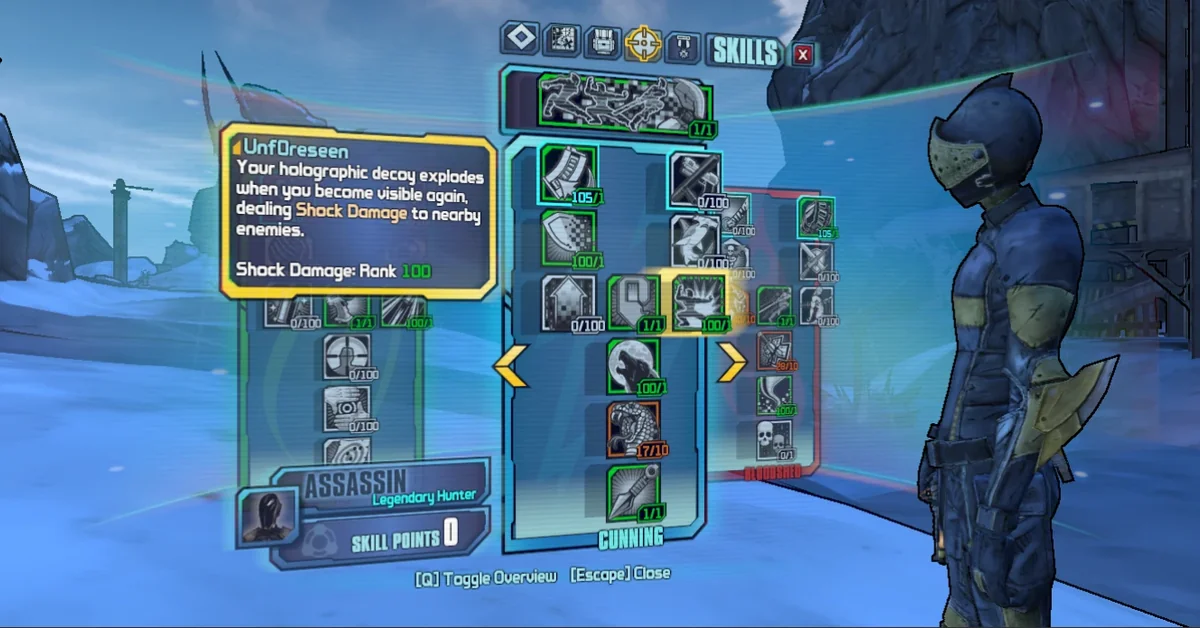
Limitless lets you decide how many points each skill can take, how many points class mods add, and how many skill points you earn per level; only one-point skills stay as they are. The current version is an SDK mod that covers Borderlands 2, The Pre-Sequel and Assault on Dragon Keep in one file, updated on October 11, 2026, and its settings apply after a save-quit. Creator: BlModded114. Needs: Python SDK. Download: Limitless on Nexus Mods.
24. Rations of the Anarchist
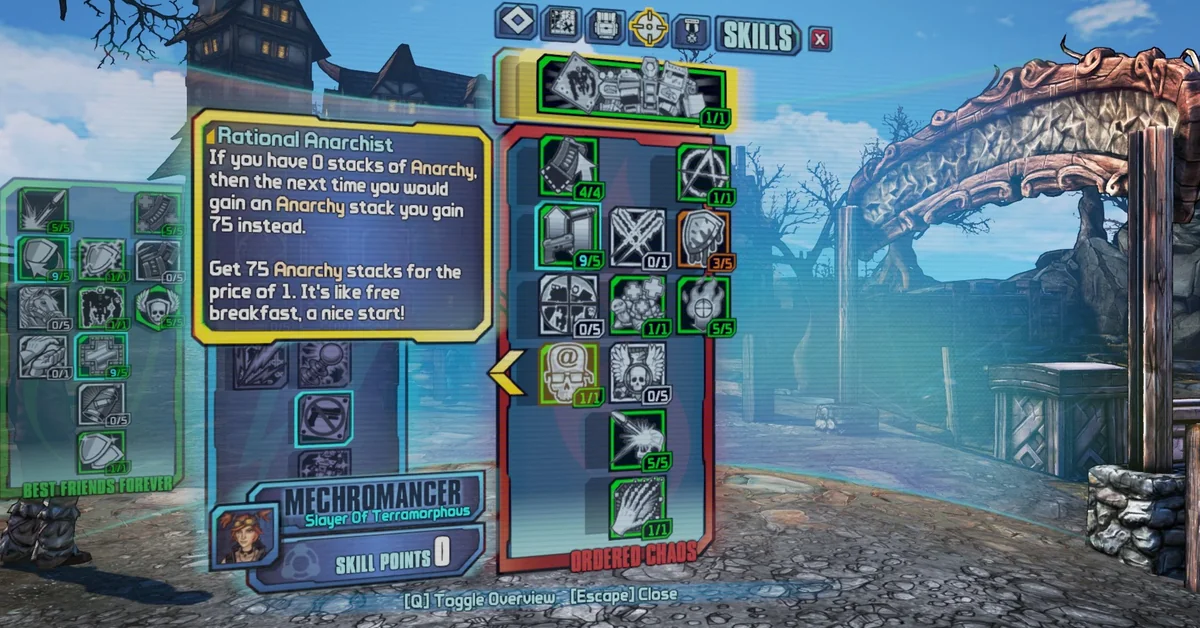
Its author made it to stop farming Gaige’s Anarchy stacks after every launch and every death. It changes the Rational Anarchist skill to grant 75, 125, 250, 400 or 600 stacks instead of 25, so an Anarchy build is ready the moment you load in. Its OpenBLCMM version is meant to be merged with the UCP. Creator: SpellStick. Needs: the Mechromancer pack. Download: Rations of the Anarchist on Nexus Mods.
Loot and Gear
Borderlands is about the loot, and these mods change how much you find and what you can do with it.
25. BL2 Better Loot Mod
Its author openly calls it essentially a cheat mod, for players who dislike grinding. By default it adds every legendary, unique, pearlescent, seraph and effervescent item to the global loot pools, makes better drops far more common, and makes chests much more generous. Almost every change can be toggled in OpenBLCMM. Its README warns that BL2 Reborn is known to cause crashes with it. The current version, 1.3.5, dates from 2019. For how rarity works in the newest game, see our Borderlands 4 pearlescent weapons guide. Creator: Apocalyptech. Download: BL2 Better Loot Mod on GitHub.
26. Spare Parts
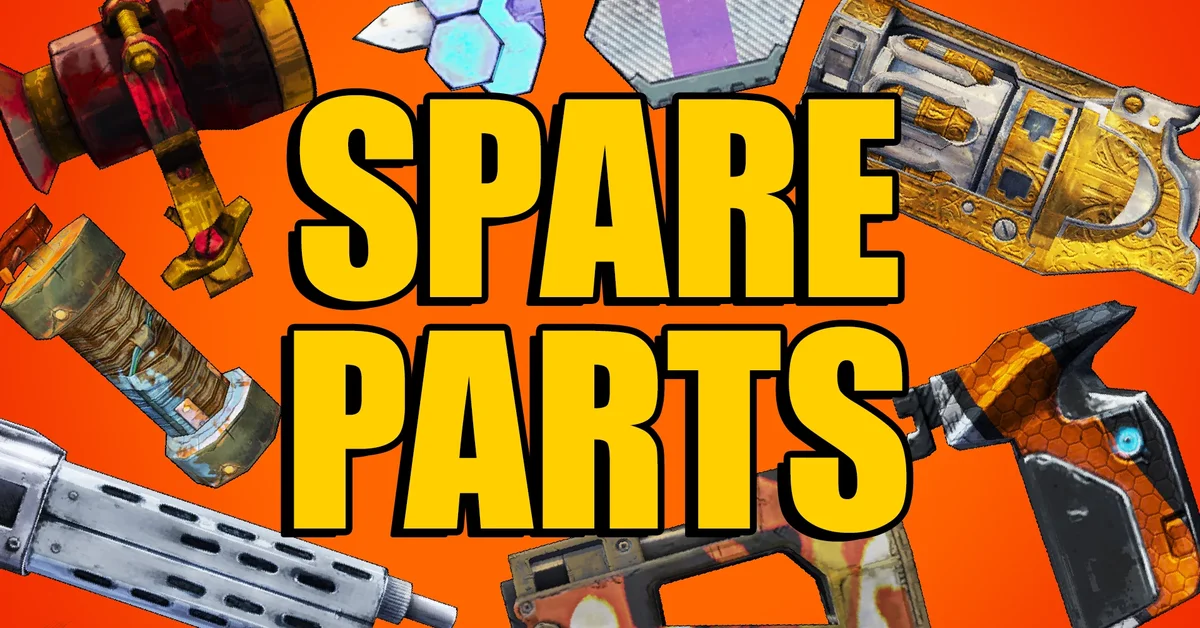
Spare Parts lets you salvage parts from one item and attach them to another. Select an item in your backpack, hover over the target, and press the salvage hotkey (C by default). The item you salvage from is destroyed, so it rewards picking up junk with the right barrel. Its page suggests adding Sanity Saver (entry 6) if you use its “Insane” mode, or your modified guns get deleted. The SDK database lists it as a legacy mod running in compatibility mode. Creator: LaryIsland. Needs: Python SDK, UserFeedback and Python Part Notifier (entry 7). Download: Spare Parts on Nexus Mods.
27. More Chests On Pandora
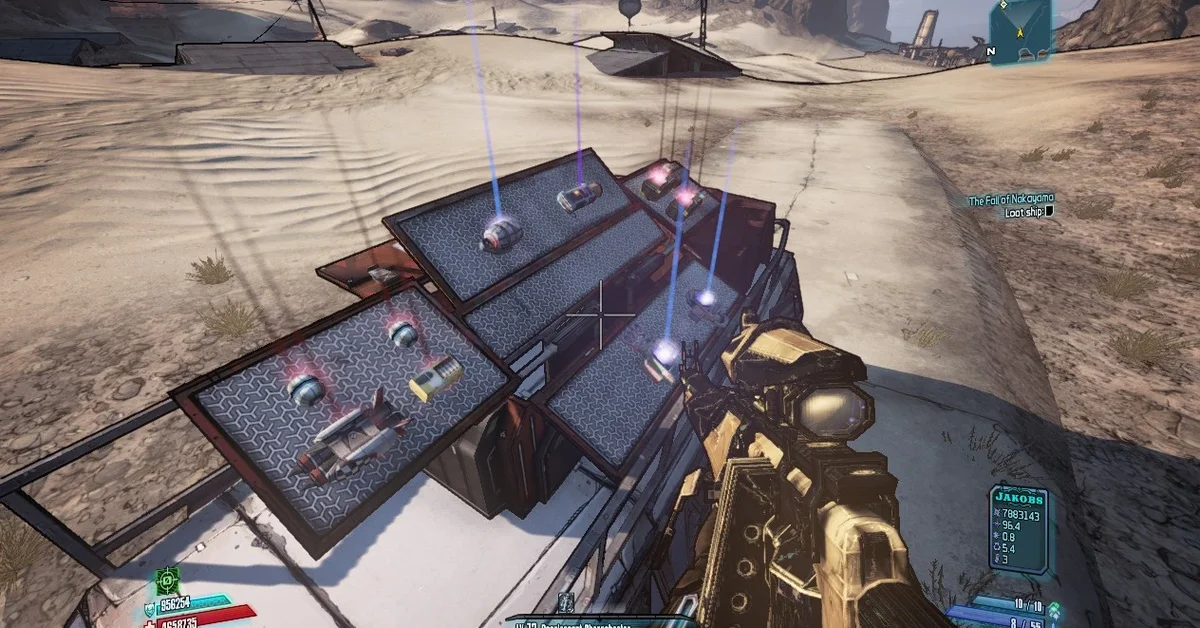
This mod places new chests in almost every location in the game, though not in every Headhunter DLC, and its author avoids screenshots so the hunt stays fun. It also improves Roland’s Armory, lets white chests drop legendaries, and doubles legendary odds on Tiny Tina’s dice chests. Its page says not to use it with FFYLands, which already includes it. Last updated in 2021. Creator: Hemaxhu. Download: More Chests On Pandora on Nexus Mods.
28. No Level Requirement For Gear
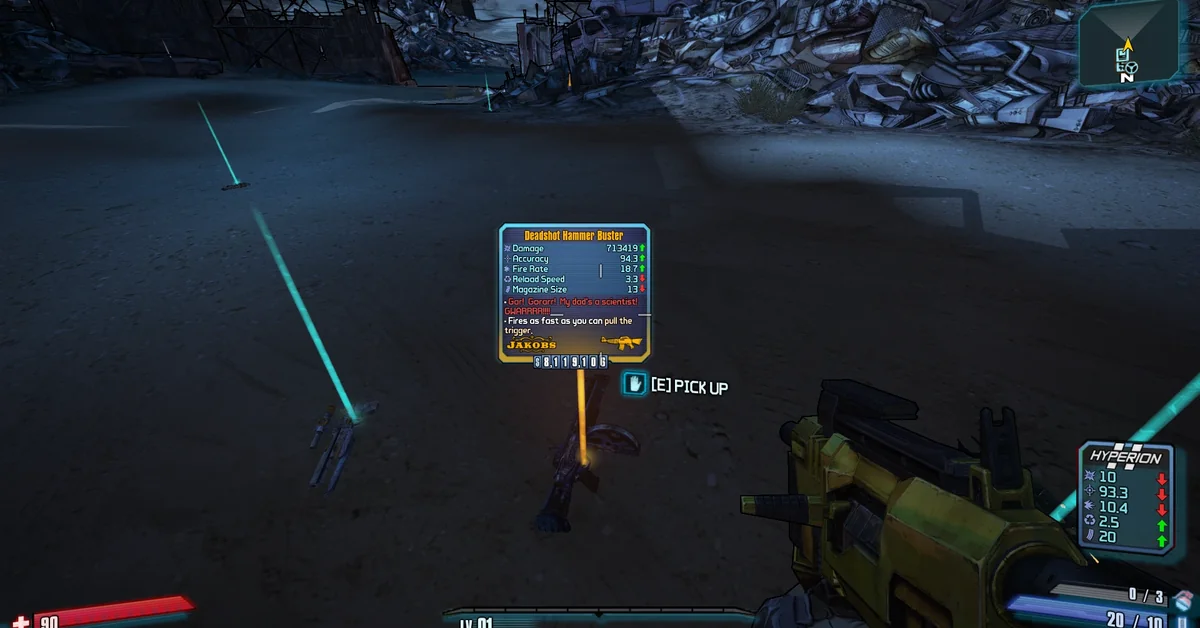
No Level Requirement For Gear removes the level requirement from every item its author could find, Overpowered gear included, while each item keeps the stats of its own level. Its page pitches it as less grinding to get a favorite item to the right level, and with more than 500 endorsements it is one of the most endorsed Borderlands 2 mods on Nexus Mods. Like all of this author’s mods, its page says to set your patch file to Offline mode before running it (see How to Install below). Creator: Our Lord And Savior Gabe Newell. Co-op: only the host needs it, per its page. Download: No Level Requirement For Gear on Nexus Mods.
29. Aaron’s Arms-porium
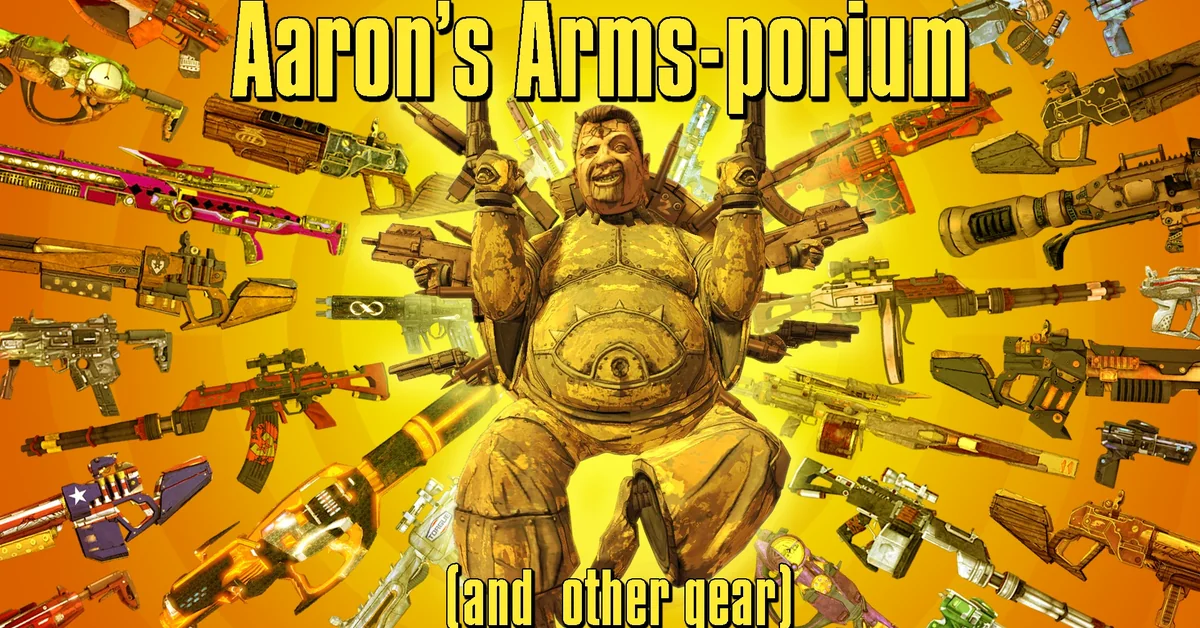
Rather than upload a hundred single-item mods, Aaron0000 packed most of his gear replacers into one download, from laser light shows to jetpacks, sorted into original creations, Borderlands 1 and Pre-Sequel recreations, reskins and revamped items. With more than 18,000 downloads, it is the most downloaded mod in Nexus Mods’ Weapons and Gear category for Borderlands 2, and its documentation lists what every file contains. Some files need the UCP, as noted inside each one. Creator: Aaron0000. Download: Aaron’s Arms-porium on Nexus Mods.
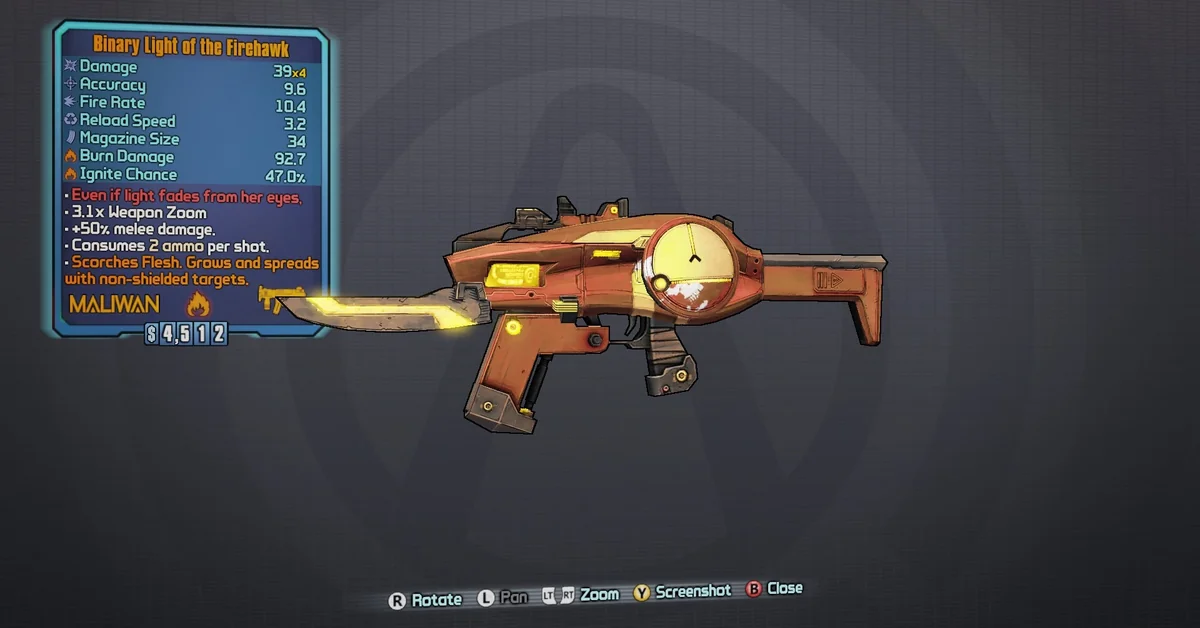
30. Double Accessories
Double Accessories lets most weapons spawn with two accessories: whites still get none and greens one, but everything blue and above is guaranteed two. Its author is upfront that it is very imbalanced and can produce strange combinations with other mods that change accessories. Creator: Checometer. Download: Double Accessories on Nexus Mods.
Farming
Borderlands 2’s endgame is farming, and these mods cut out the save-quitting and the waiting.
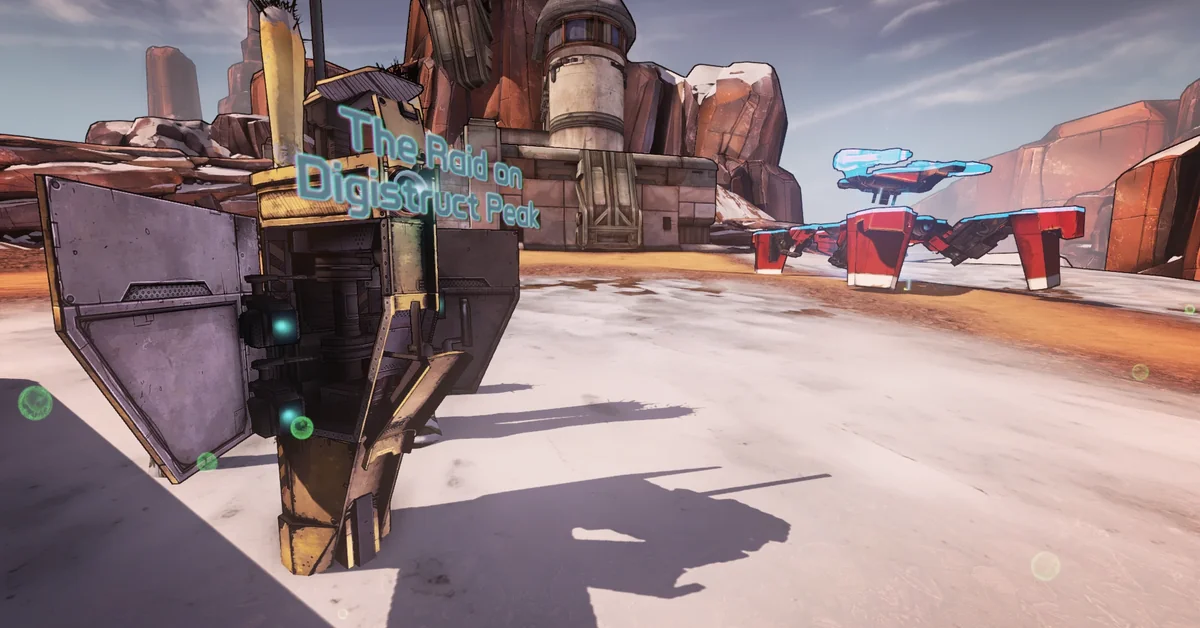
31. Fast Travel Farms
Fast Travel Farms lets you change where you spawn so you appear right next to a unique enemy, which makes farming specific gear far quicker. Each base game region has one or more options, and version 2.0 added Mr. Torgue’s and Sir Hammerlock’s DLC. Like the author’s other mods, its page says to set your patch file to Offline mode before running it. Creator: Our Lord And Savior Gabe Newell. Download: Fast Travel Farms on Nexus Mods.

32. No More Orders
The loot midgets in the Wildlife Exploitation Preserve are a well-known farm, but only while the Doctor’s Orders quest is active. No More Orders removes that requirement, so you can farm them whenever you like. It uses hotfixes, so merge it with your other mods in OpenBLCMM. Creator: Exotek. Download: No More Orders on Nexus Mods.
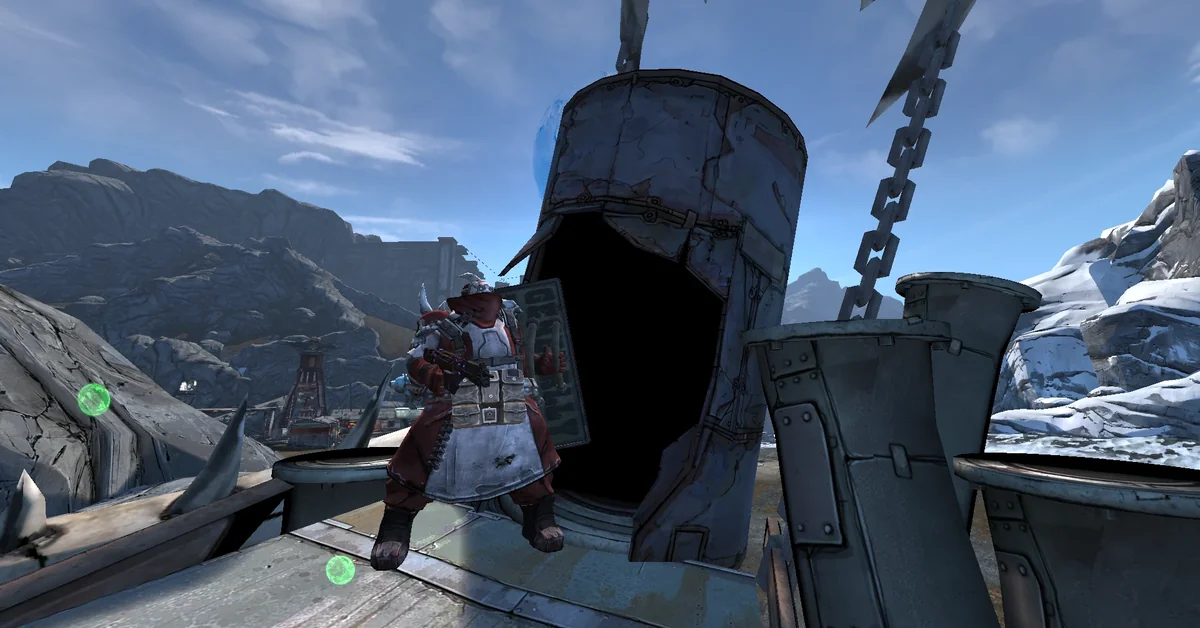
33. Respawning Enemies And Allies
This makes every enemy and ally respawn when you leave a map and come back, including bosses that normally need a save-quit, such as Doc Mercy, Boll and the Bunker. Its author points out that Gaige can then farm them without losing Anarchy stacks, and an optional part lets you tune respawn delays within the same map. Creator: Our Lord And Savior Gabe Newell. Download: Respawning Enemies And Allies on Nexus Mods.
34. Farmable Side Quests
Farmable Side Quests makes almost every side quest repeatable, DLC included, so unique quest rewards and XP can be farmed without the read-only trick. Its author says only a handful, fewer than five, cannot be made repeatable, and story missions are left alone. Creator: Ostrix. Needs: the campaign and headhunter DLC and Ultimate Vault Hunter Upgrade Pack 2, per its Nexus requirements. Download: Farmable Side Quests on Nexus Mods.
35. Respawning Loot
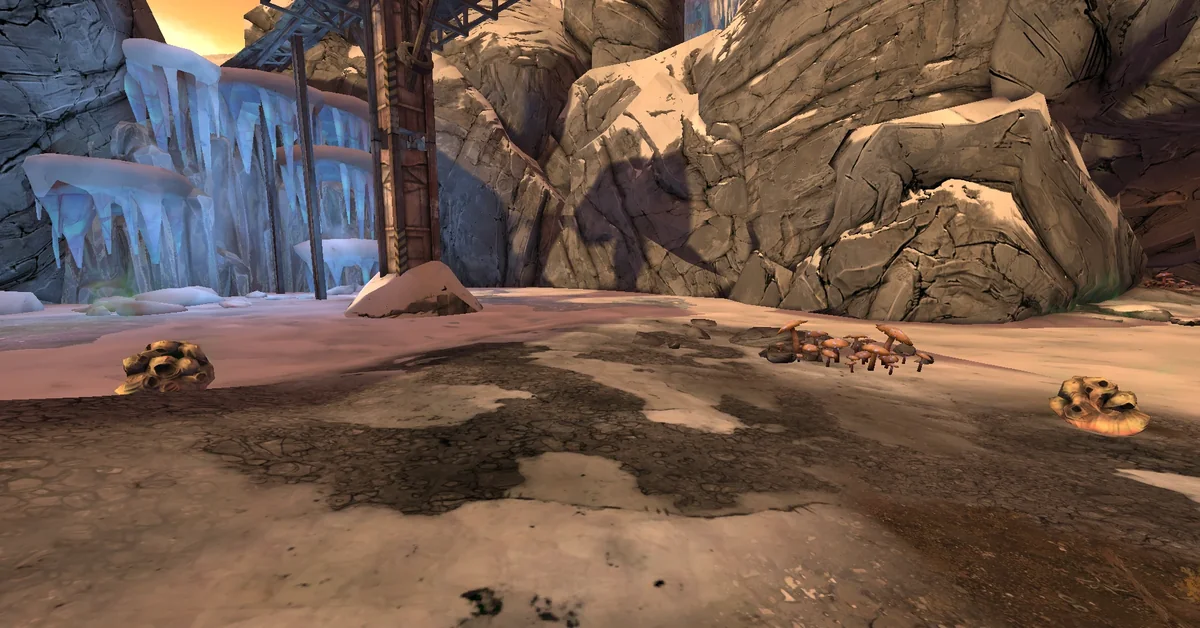
Respawning Loot refills ammo boxes, cash chests, loot piles and other loot sources whenever you leave a map and return, so there is no need to save-quit to refresh them. Dice chests are excluded by default because their loot piles up, though you can switch them back on. Creator: Our Lord And Savior Gabe Newell. Download: Respawning Loot on Nexus Mods.
Quality of Life
Small mods that remove the waiting and the menu shuffling.
36. BL2 Mega TimeSaver XL
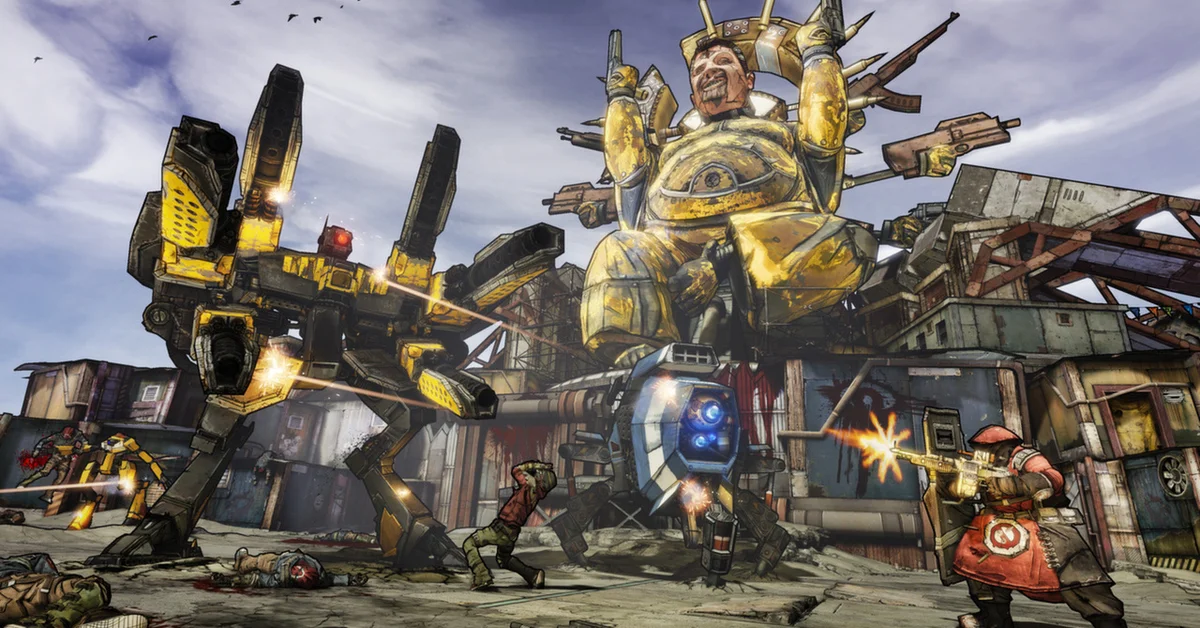
Mega TimeSaver XL speeds up nearly every slow interactive object in the game by about 5x: containers, doors, gates, drawbridges, elevators, slot machines, vehicle animations and the slower fast travel stations. It does not touch dialogue or cutscenes, and it replaces its author’s older Container and Fast Travel TimeSaver mods. Its README lists a few side effects, such as one vault symbol becoming nearly impossible to reach. The current version, 1.0.1, dates from September 2023. Creator: Apocalyptech. Download: BL2 Mega TimeSaver XL on GitHub.
37. Bank And Backpack Space Enhancer
Inventory space is the real endgame boss in Borderlands 2. This mod lets you set backpack and bank capacity separately, and includes an optional “unlimited” backpack setting that lets you keep picking up loot past your capacity, though its page notes you still cannot buy from vendors beyond it. It is a text mod merged in OpenBLCMM; its author notes Mac and Linux players only get the unlimited option. Treat it as unmaintained: it was last updated in 2019, and its author says they have not played since the Fight for Sanctuary DLC. Creator: Our Lord And Savior Gabe Newell. Co-op: works when you are not the host, even if the host is not running it, per its page. Download: Bank And Backpack Space Enhancer on Nexus Mods.
38. Fast Travel, Bank, Stash, Quick Change From Anywhere
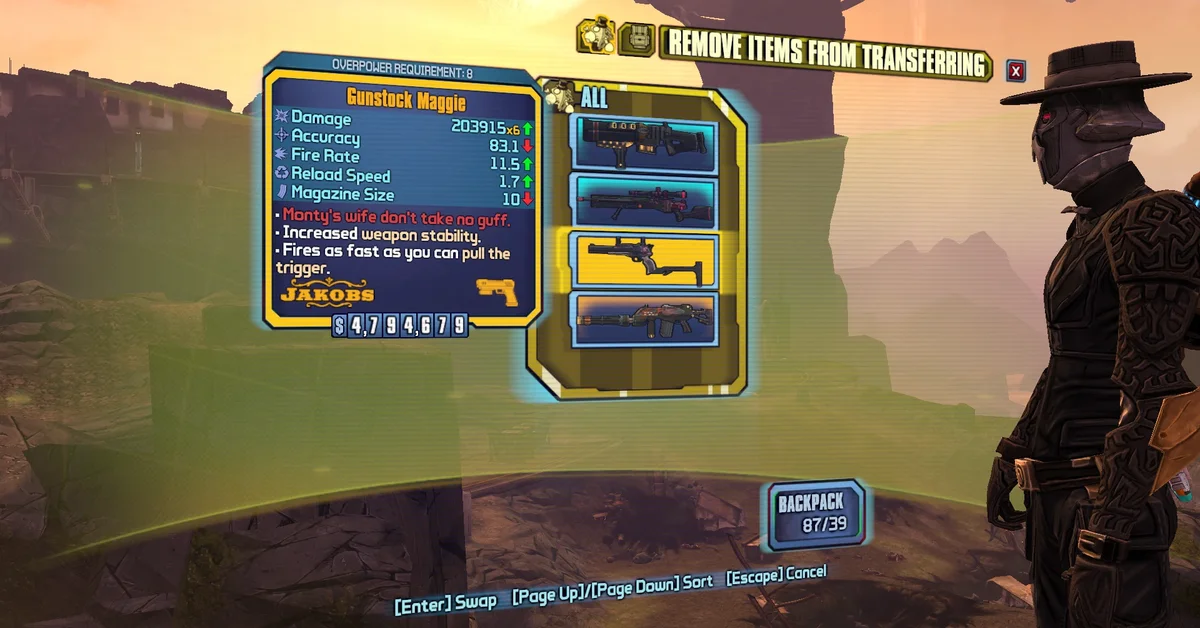
This one removes most trips back to Sanctuary. It lets you open a fast travel menu, Quick Change station, bank or Claptrap’s stash from anywhere, and overhauls the UI for Quick Change and vehicle stations. Like the mod above, it was last updated in 2019 by an author who has not played since the Fight for Sanctuary DLC, and its page warns that the original BLCMM shows an error each time you save it, which the author says is fine unless you also use another mod that relies on map merging. Creator: Our Lord And Savior Gabe Newell. Download: Fast Travel, Bank, Stash, Quick Change From Anywhere on Nexus Mods.
39. Auto Pickup Tweaks
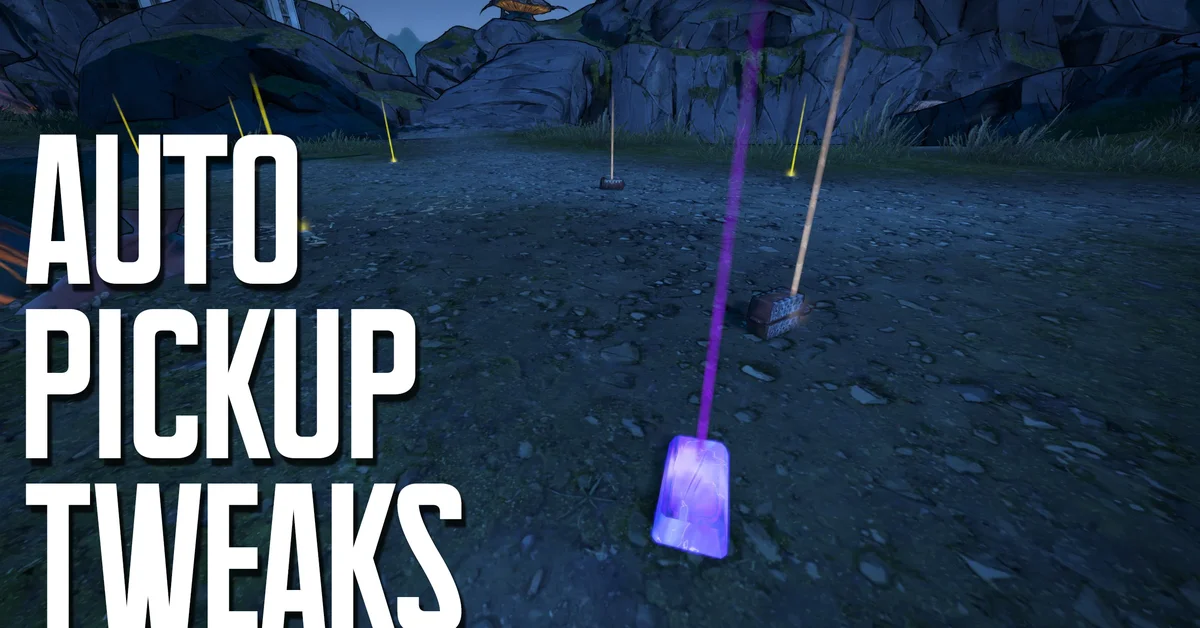
Auto Pickup Tweaks lets you choose exactly what gets picked up automatically, from health vials and ammo to eridium and shield boosters, with an option to grab chest contents automatically too. It is a newer SDK mod, updated in April 2025. Creator: Yeti. Needs: Python SDK. Co-op: follows the host’s settings, per its page. Download: Auto Pickup Tweaks on Nexus Mods.
40. FastTravelAnywhere
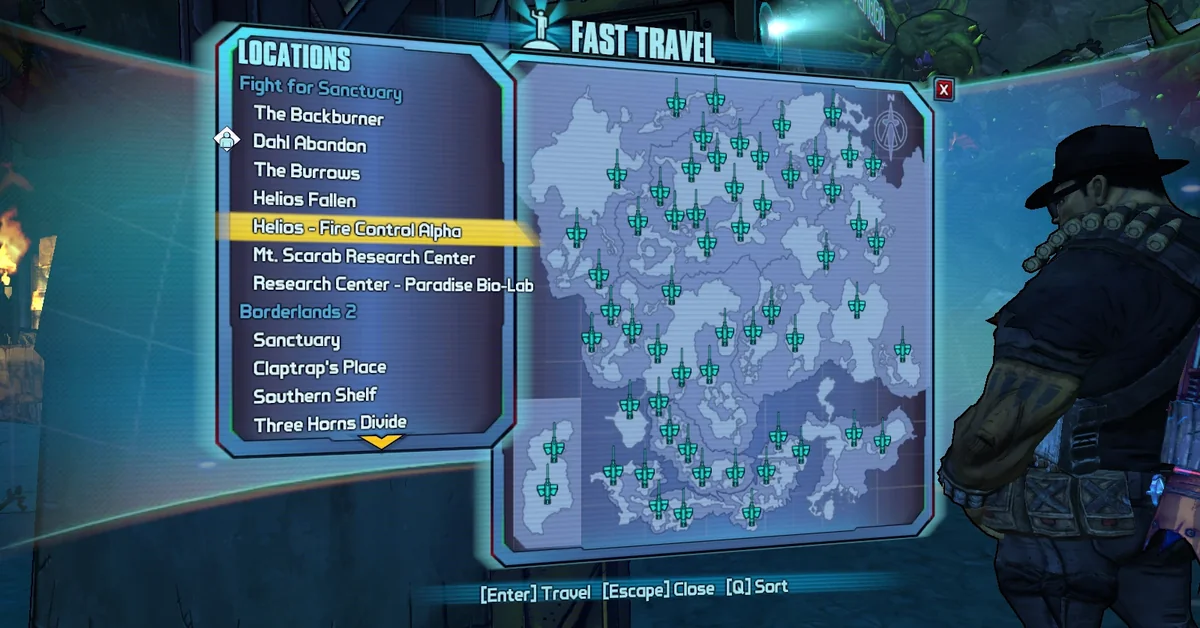
Several fast travel stations in Borderlands 2 are exit only. FastTravelAnywhere unlocks them as destinations, and its author describes it as an updated version of an older mod by Kagora the Grindcore Addict. It is a single text file you can run on its own or merge in OpenBLCMM. Creator: CadenVaultBoy. Needs: the campaign and headhunter DLC, per its Nexus requirements. Download: FastTravelAnywhere on Nexus Mods.
Item Cards and Loot Visibility
These make it easier to see what dropped and what it actually does.
41. Community Patch Red Text Explainer
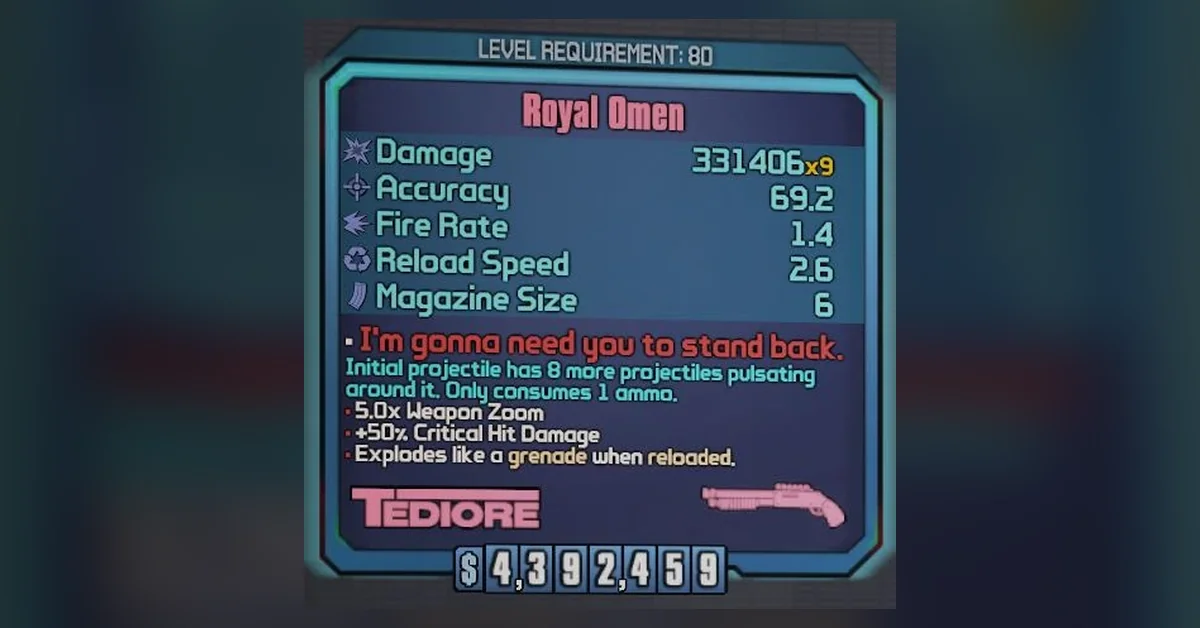
Red text on Borderlands 2’s unique gear is flavor text, not an explanation. The Community Patch Red Text Explainer adds detailed descriptions of every red-text effect to item cards, including the changes the UCP makes, at the cost of smaller text and the occasional wall of it. For vanilla gear without the UCP, Ezeith’s separate Red Text Explainer does the same job. Creator: TheDerpOfGames. Needs: the UCP, for the changes it describes. Download: Community Patch Red Text Explainer on Nexus Mods.
42. Rarity Color Fix
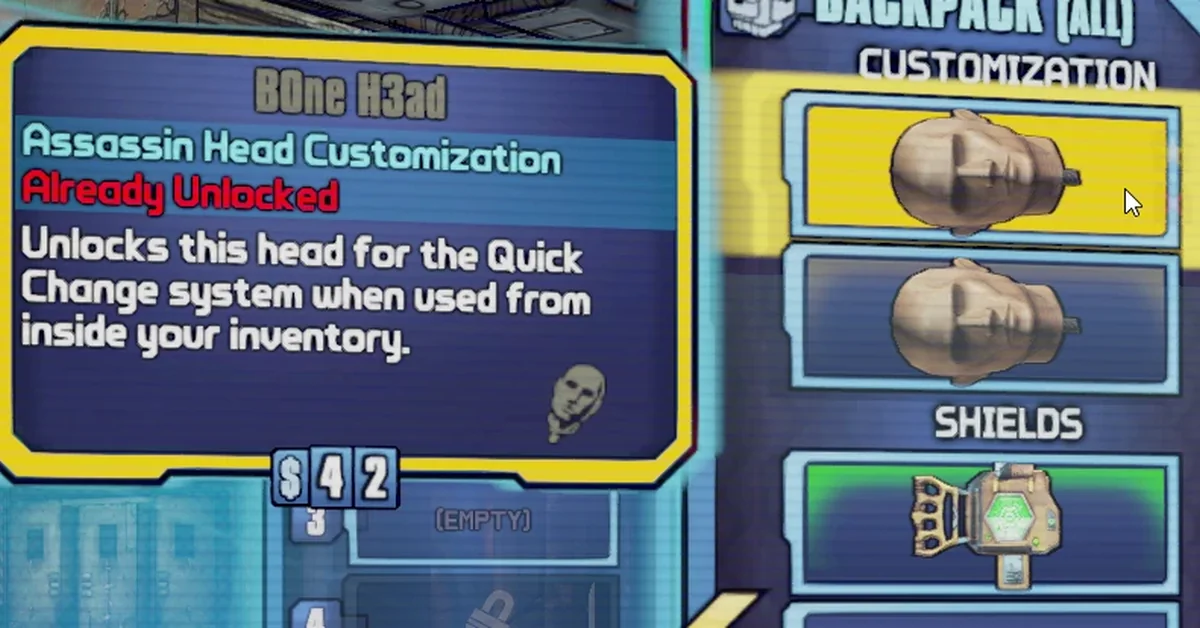
Rarity Color Fix makes rarities easier to tell apart at a glance: unique aftermarket items turn dark teal, Moxxi weapons blood red, and an optional module colors legendaries that do not world drop dark orange. It also reorders your inventory by rarity, pearlescent first, and supports the UCP’s gemstone weapons. Creator: Kumakobi. Download: Rarity Color Fix on Nexus Mods.
43. ARPG Style Loot Beams
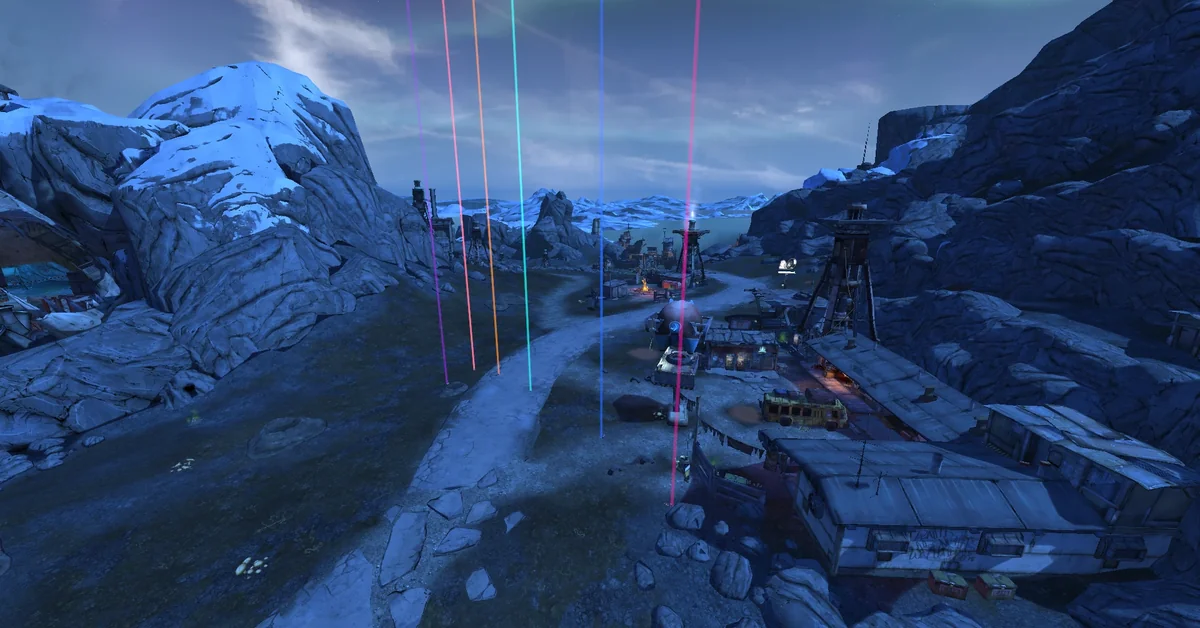
Borrowed from action RPGs, this mod makes dropped loot cast huge light beams you can see from across the map, with item type icons above them and optional custom sounds and particles when the item you are after drops. Presets cover beams with icons, beams only, and a “Cheat Mode” that shows item cards and lets you pick up loot from across the map, and a custom preset maker covers the rest. Creator: Our Lord And Savior Gabe Newell. Download: ARPG Style Loot Beams on Nexus Mods.
Camera, Visuals and Performance
A third-person camera, plus presets and settings tools for players who want the game sharper, cleaner or faster.
44. Borderlands 2 Third Person Mod
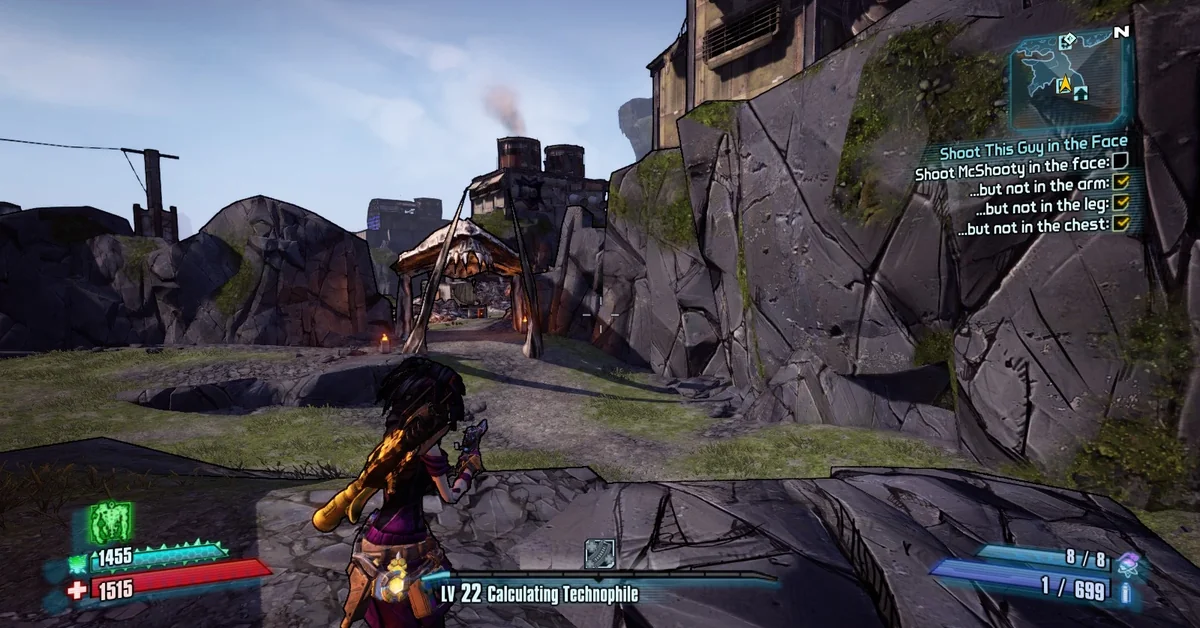
With more than 2,000 endorsements, this is one of the most endorsed Borderlands 2 mods on Nexus Mods. Press G in game to toggle the third-person camera, and it switches back to first person while you aim down sights. It is a Cheat Engine script last updated in May 2014, and its page does not say whether it still works on today’s build, as of October 21, 2026. Creator: Cielos. Needs: Cheat Engine. Download: Borderlands 2 Third Person Mod on Nexus Mods.
45. Less Dumb Visuals
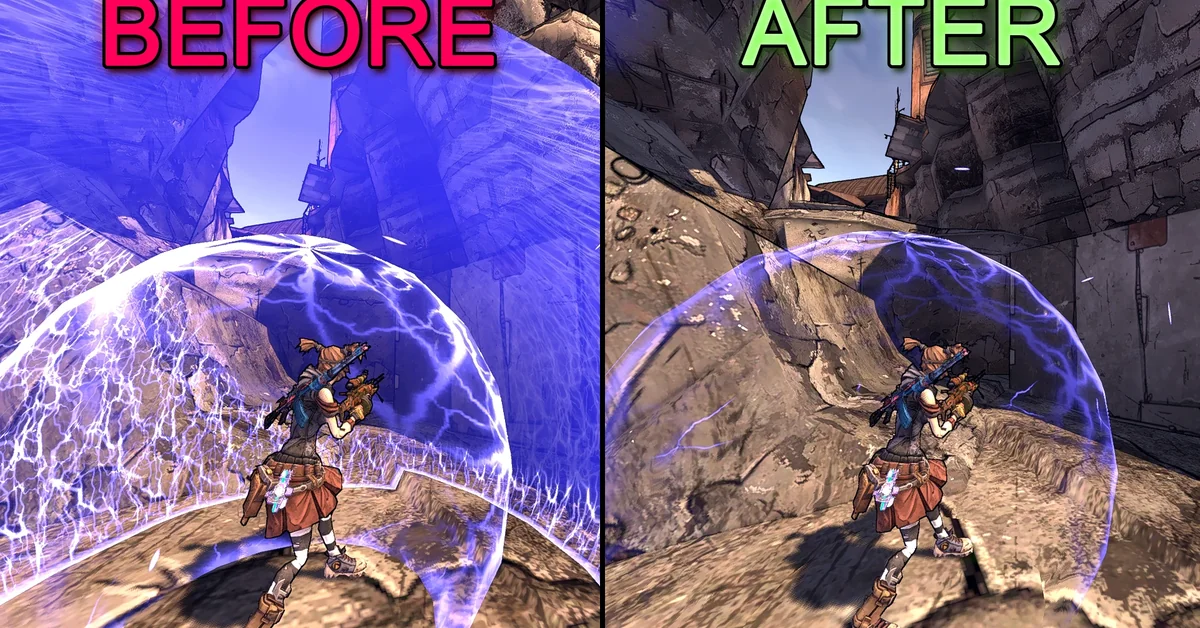
Borderlands 2 can bury the screen in explosions, laser beams and camera shake. Less Dumb Visuals trims the particles and camera animations that clutter the screen most, with some customization in OpenBLCMM. Version 3.2.0 dates from July 2019. Creator: Rayjiun, with Freya. Download: Less Dumb Visuals on Nexus Mods.
46. Sam’s Borderlands 2 SweetFX
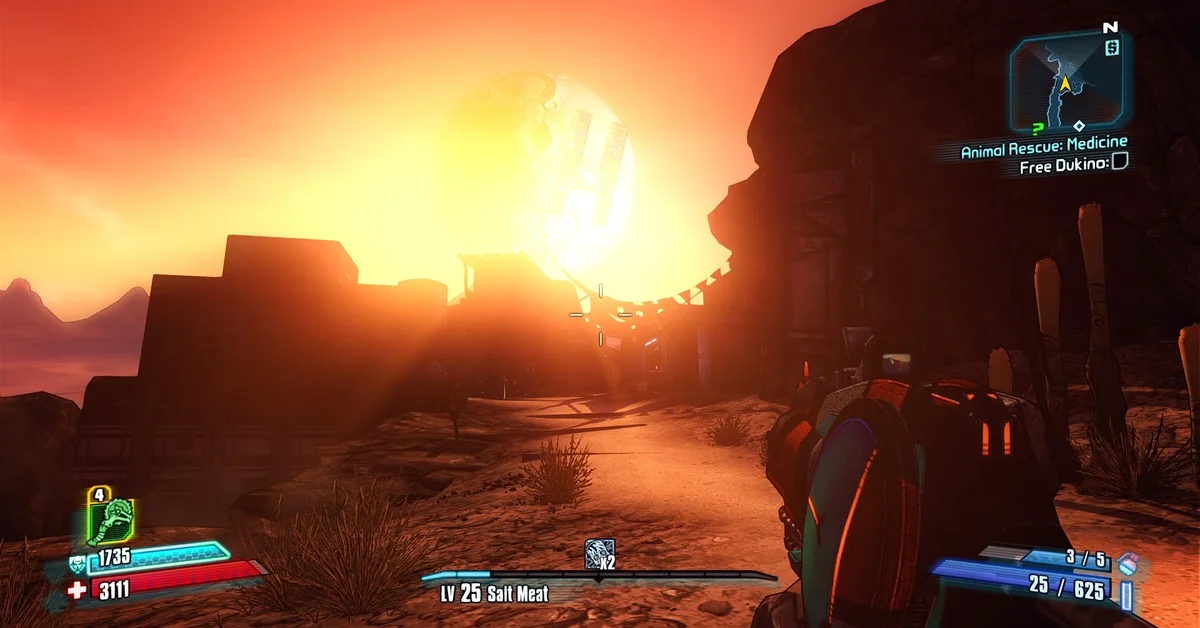
With more than 1,100 endorsements, this SweetFX preset is the most endorsed mod in Nexus Mods’ Visuals category for Borderlands 2. It adds fine-tuned anti-aliasing, HDR, Gaussian bloom, color vibrance and contrast curves, plus a custom Nvidia Inspector profile. It dates from 2014 and uses Boulotaur’s customized SweetFX shaders rather than ReShade. Creator: lonewanderer518. Download: Sam’s Borderlands 2 SweetFX on Nexus Mods.
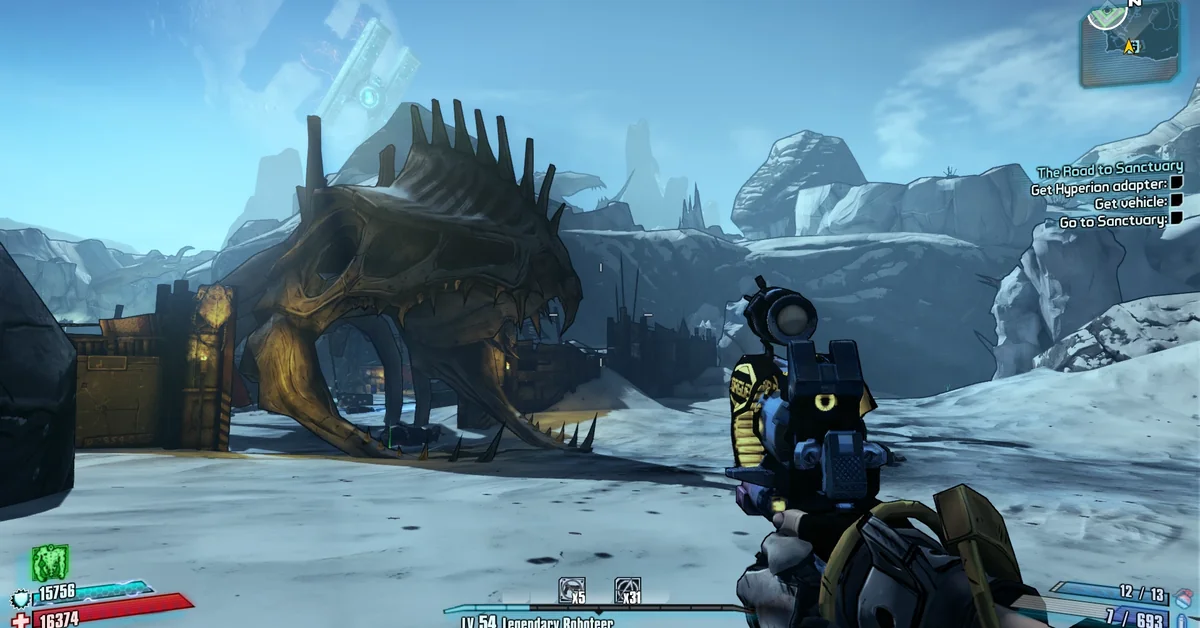
47. BetterLands ReShade Preset
BetterLands is a ReShade preset that sharpens detail and boosts color without the extra bloom and brightness many presets pile on. Its author notes the look varies by monitor and makes no promise about frame rate cost. Creator: BobaBrett. Needs: ReShade. Download: BetterLands ReShade Preset on Nexus Mods.
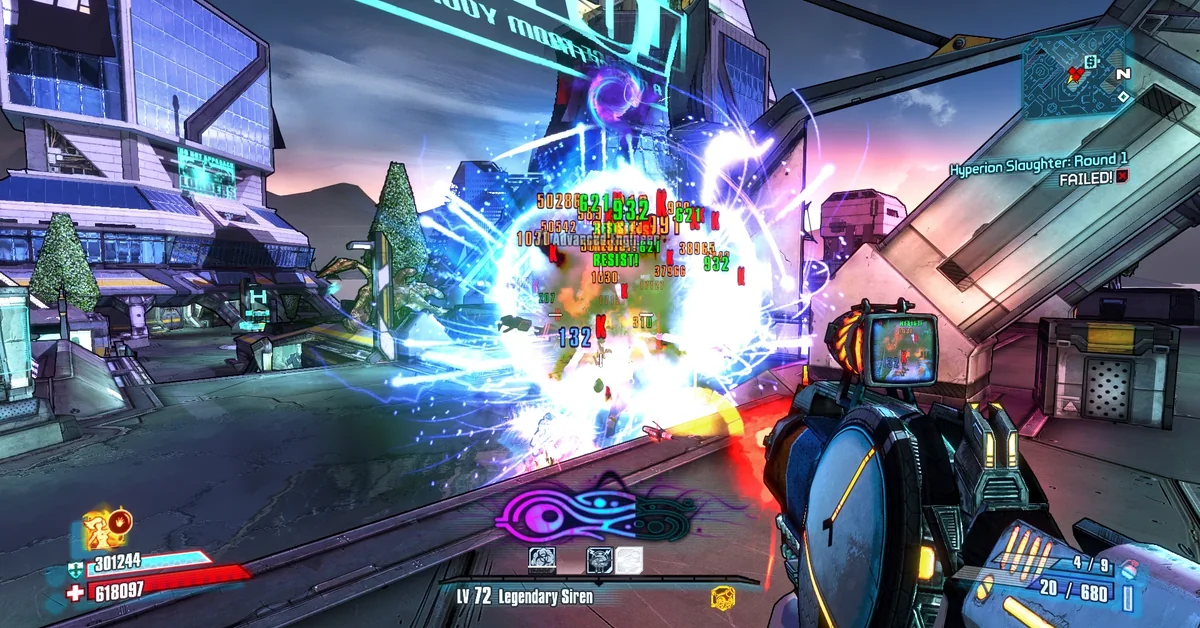
48. Vivid Graphical Improvements
Vivid Graphical Improvements started as a color tweak and grew into a ReShade setup that replaces major parts of the game’s lighting. It comes as two presets, a heavier one that is harder to install and a lighter, easier one, with the trade-offs explained on its page, and version 4.0 is marked final. Creator: RokHel. Needs: ReShade (its page lists version 4.9.1). Download: Vivid Graphical Improvements on Nexus Mods.
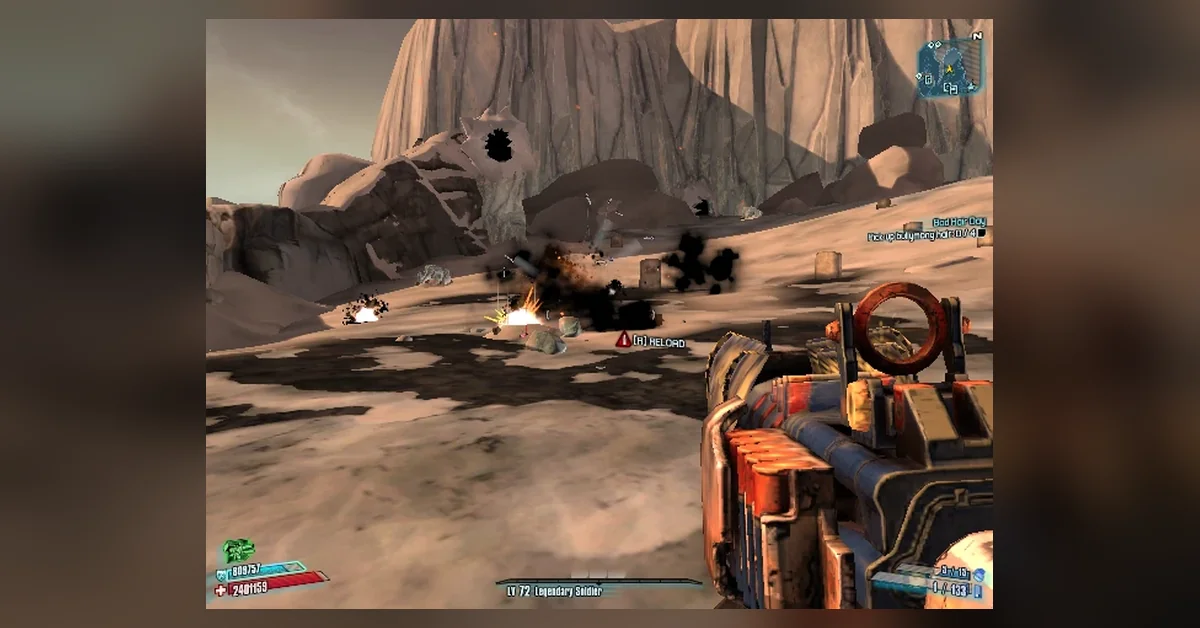
49. Ultra Low Config
For older or low-end PCs, Ultra Low Config swaps in tweaked config files that trade looks for frame rate. It installs into Documents\My Games\Borderlands 2\WillowGame\Config, so back up your own files there first. Creator: jcmlsn. Download: Ultra Low Config on Nexus Mods.
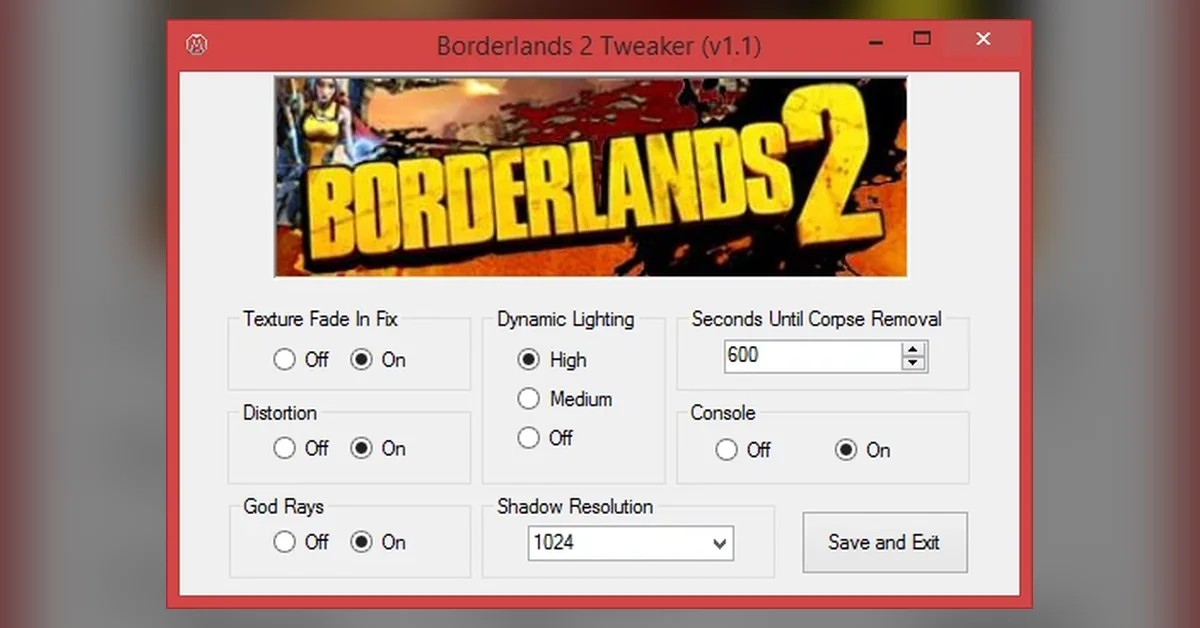
50. Borderlands 2 Tweaker
Borderlands 2 Tweaker is a small app that edits the game’s .ini settings for you, including a fix for slow texture streaming when you open containers, toggles for distortion and god rays, dynamic lighting levels, shadow resolution and corpse removal time. It has more than 22,000 downloads and was last updated in 2015. Creator: Gummy14. Download: Borderlands 2 Tweaker on Nexus Mods.
Install Order
Install these first, in this order: most other mods on the list need them.
- Python SDK (entry 1): the loader. It adds a Mods menu and prepares the game’s console, which every text mod needs.
- OpenBLCMM (entry 2): the manager that merges text mods into the single patch file the game runs.
- Unofficial Community Patch (entry 3), or one overhaul from the Total Overhauls section, never both with BL2 Reborn.
- Text Mod Loader (entry 4): runs that patch file for you on every launch.
- BL2 Mega TimeSaver XL (entry 36): the time saver that makes every session shorter.
Everything else is optional. Install the essentials first, start the game once to confirm the Mods menu appears, then add the rest one at a time.
How to Install Borderlands 2 Mods
Borderlands 2 has two kinds of mods. SDK mods are Python mods that load through the Python SDK and show up in its in-game Mods menu. Text mods (.txt and .blcm files, like the UCP) are merged into one patch file with OpenBLCMM and run from the console. The community’s modding site now recommends installing the SDK first either way, because it replaces the old hex-editing step text mods used to need.
- Install the SDK. Install the latest Microsoft Visual C++ Redistributable, download the SDK release zip from GitHub (not one of the source code links), and extract its contents straight into the game folder so they merge, accepting any overwrite. The default folders are
C:\Program Files (x86)\Steam\steamapps\common\Borderlands 2on Steam andC:\Program Files\Epic Games\Borderlands 2on Epic. Launch the game and you should see a new MODS option on the main menu. - Add SDK mods. Drop
.sdkmodfiles straight into thesdk_modsfolder. For.zipmods, extract the inner folder there, making sure you do not end up with the mod’s folder nested inside a second copy of itself, which the SDK’s FAQ names as the usual reason a mod does not appear. Restart the game, then enable the mod from the Mods menu. - Build your text mod patch. Open OpenBLCMM, create or open a patch file in the game’s
Binariesfolder (a big modpack like the UCP can be your base), and use File, then Import mod file(s) to add more mods. Tick or untick each mod’s categories and save after every change. If OpenBLCMM does not detect your install, browse to theBinariesfolder yourself. - Run the patch. At the main menu, wait a few seconds, open the console (the tilde key by default) and type
exec patch.txt, using your file’s name. You have to do this on every launch unless you use Text Mod Loader. Run only one patch file: merge everything into it rather than executing several files in a row. - Steam Deck and Linux. The SDK’s FAQ says to run the Windows version through Proton, force a specific Proton version in the game’s Compatibility settings, and add this to the launch options:
WINEDLLOVERRIDES="ddraw=n,b" %command% -pf_tricks=vcrun2022. The native Linux and Mac builds are out of date and cannot join co-op with Windows players, per the same FAQ.
To remove a text mod, untick or delete it in OpenBLCMM; text mods make no permanent changes, so restarting the game without executing the patch removes them. Mods that add new items or characters usually need a new character, and the SDK’s FAQ points out that the disconnect console command quits without saving if you load the wrong character by mistake.
Many older text mods on Nexus were written for the original BLCMM, so their pages still describe a hex-edit step that the SDK now handles. Several of them, including every mod by Our Lord And Savior Gabe Newell on this list, also say to switch the patch file to Offline mode in the bottom-left corner of BLCMM before saving; those authors say it works around later changes Gearbox made to the game and does not block matchmaking or co-op. ReShade and SweetFX presets (entries 46 to 48) install with those injectors instead, following each preset’s own instructions.
Co-op, Steam and Epic Compatibility
Steam vs Epic. The Python SDK’s FAQ says it works across all stores, so the same downloads cover the Steam and Epic versions; only the install folder differs. Borderlands 2 has no Steam Workshop (its Steam store page lists no Workshop support), so every mod on this list comes from GitHub, the SDK mod database or Nexus Mods. The same SDK also runs The Pre-Sequel, but mods are game specific unless their page says otherwise.
Co-op. There is no single rule. Each SDK mod’s database page lists its co-op support as client side, requiring all players, or unknown, and older text mods mostly do not say. Here is what the pages for this list state:
- Built or safe for co-op: BL2 Recoded, FFYLands, the Azurelands 2 Coop Version, Text Mod Loader and Command Extensions (both client side), Bank And Backpack Space Enhancer (works off host), Auto Pickup Tweaks (uses the host’s settings) and No Level Requirement For Gear (only the host needs it).
- Works best when everyone runs it: Loot Randomizer and Commander. Lilith works when every player runs it, though not alongside Maya, the Vault Hunter it replaces.
- Not supported in co-op: BL2 Exodus, Arcania and the solo version of Azurelands 2.
When you play modded co-op, the safest setup is for every player to run the same mods, and the SDK’s FAQ notes that most modders recommend staying out of public matchmaking. If you are building a group for a longer campaign, our best PC co-op games of 2026 list has newer options too.
Legacy SDK mods. SDK version 3.0 was a major rewrite, and mods written before it run in a compatibility mode that the SDK team says may behave slightly oddly and will be removed at some point. On this list that covers Exodus, Loot Randomizer, Spare Parts, Sanity Saver and Python Part Notifier. They all still load on the current SDK. Snowbound, a newer mod whose page predates the current SDK, describes the old Mods folder in its install steps; use the SDK’s current instructions for where files go.
How We Chose These Mods
We ranked every Borderlands 2 mod on Nexus Mods by endorsements and unique downloads through the Nexus Mods API, and judged the mods hosted on GitHub and the Python SDK mod database by their release download counts and by how often the big overhauls and the community’s own guides build on them. Borderlands 2’s modding scene is smaller than the biggest games’, so we stopped at 50 rather than pad the list: every Nexus Mods entry here has at least 180 endorsements and more than 7,000 unique downloads. The SDK libraries and tools the biggest overhauls require, such as Command Extensions and Sanity Saver, stay on the list whatever their own numbers, because those overhauls will not run without them. Popular classics that have not been updated in years still count on their popularity; we noted which ones were written for older tools, along with every SDK mod running in legacy compatibility mode. We checked our original picks against their creators’ pages on September 21, 2026, and again on October 13, 2026, and all 50 on October 21, 2026, for three things: that the download is live, free and from its creator. We left out adult mods, save files and save editors, near-duplicate builds of mods already listed (such as the older text-mod beta of Exodus), older tools that newer ones have replaced, such as the original BLCMM (OpenBLCMM is its maintained fork) and the Hex Multitool (the Python SDK now handles that step), and a co-op patcher whose own page says it no longer works on the current game.
Download only from the creator links above. Re-upload sites spread outdated and sometimes malicious files, and the Python SDK’s own FAQ points out that SDK mods are not sandboxed and can run any code on your PC. If you like a curated list like this, we have done the same for Bannerlord, Valheim, The Sims 4, Fallout 4 and Skyrim.
Frequently Asked Questions
What are the must-have Borderlands 2 mods? The Python SDK, OpenBLCMM and the Unofficial Community Patch are the must-haves, because almost every other mod depends on the first two and assumes the third. After that, BL2 Mega TimeSaver XL and Text Mod Loader are the most useful quality-of-life additions. If you plan to run Azurelands 2, Arcania or BL2 Recoded, add the Command Extensions and Sanity Saver libraries too.
How do you install Borderlands 2 mods? Extract the Python SDK into the game folder, put SDK mods in the sdk_mods folder, and merge text mods into one patch file with OpenBLCMM. Then run exec patch.txt from the console at the main menu, or let Text Mod Loader do it for you.
Do Borderlands 2 mods work on the Epic Games Store version? Yes. The Python SDK’s FAQ says it works across all stores, and text mods run the same way on Steam and Epic. Only the install folder is different.
Which Borderlands 2 mods work in co-op? BL2 Recoded, FFYLands and the Azurelands 2 Coop Version are built for it, and client-side tools like Text Mod Loader and Command Extensions work whatever your partners run. BL2 Exodus, Arcania and the solo version of Azurelands 2 do not support co-op, per their pages.
Can I use SDK mods and text mods together? Yes. The SDK’s FAQ says they are fully compatible, though specific mods can still conflict, and overhauls like Arcania warn against other mods that edit loot pools.
Can you play as new characters in Borderlands 2 with mods? Yes. Lilith (entry 19) recreates the first game’s Siren by reworking Maya, so you play her on a Maya save. In co-op, its page says every player needs the mod.
What are the best Borderlands 2 mods for farming? Fast Travel Farms puts your spawn point next to unique enemies, Farmable Side Quests makes quest rewards repeatable, and Respawning Enemies And Allies and Respawning Loot refill a map every time you re-enter it. Commander’s Respawn Enemies bind does the same on demand, and No More Orders opens the loot midget farm at any time.
Will I get banned for using Borderlands 2 mods? The SDK’s FAQ says no. It notes that 2K’s terms only threaten SHiFT bans (the same account system behind our Borderlands 4 SHiFT codes list) for griefing or hacking its servers, and recommends staying out of public matchmaking.
Do Borderlands 2 mods work on console or Steam Deck? They work on Steam Deck by running the Windows version through Proton with the launch options the SDK’s FAQ lists. They do not work on console; these mods are PC only. Console players looking for something new can try our co-op PS5 picks instead.
Is there a Steam Workshop for Borderlands 2? No. Borderlands 2’s Steam page lists no Workshop support, so mods come from GitHub, the Python SDK mod database and Nexus Mods.
Are these mods free? Yes. Every mod here is a free download. Some authors accept tips through Ko-fi or similar, but nothing is paywalled.