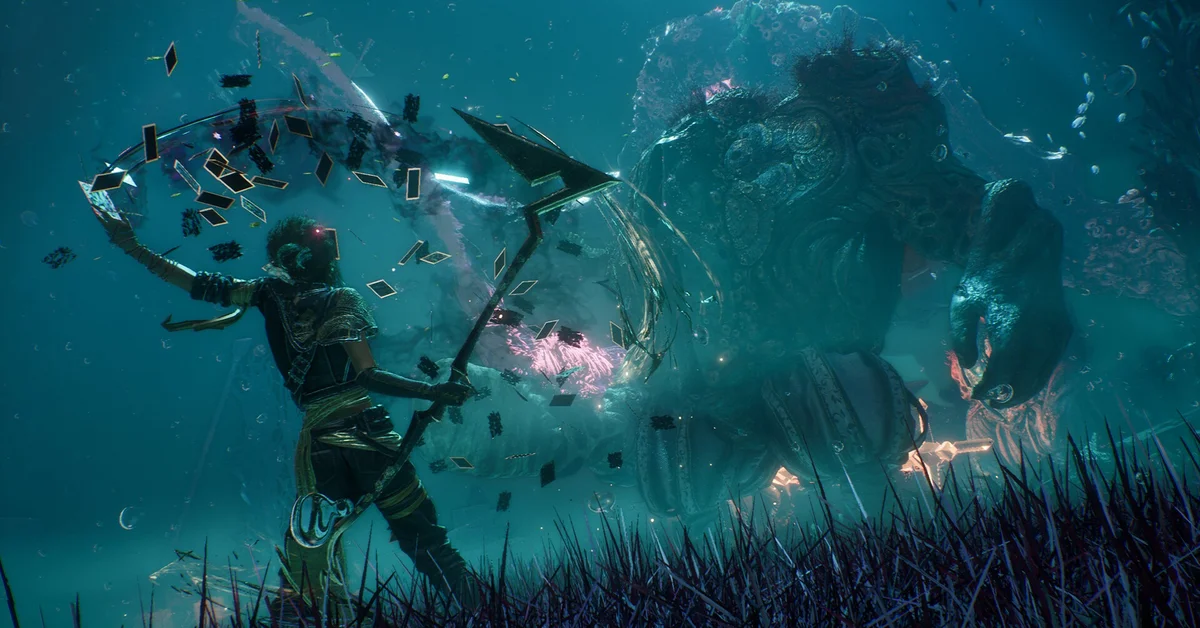
Clair Obscur: Expedition 33 has no manual save button: the game autosaves constantly, and the way to force a save on demand is to rest at an Expedition Flag, which writes a save every time. A “Save in progress” indicator in the bottom left tells you it has happened. This guide covers what triggers an autosave, how to make one happen when you want it, how to load an earlier save from the pause menu, where the files live on PC, and what Sandfall Interactive changed about saving in the patches since launch.
What triggers an autosave
The game saves far more often than it looks. Early player reports and the official patch notes together point to saves on:
- Resting at an Expedition Flag (the most reliable trigger).
- Winning a battle.
- Entering a new area or a new level from the World Map.
- Picking up key items, including journals (patch notes for 1.4.0 and 1.5.3 both deal with saves “created at the exact moment of picking up that journal”).
- Changing equipment: swapping a weapon, or editing Pictos and Luminas, then closing the menu.
- Changing a character’s outfit or hairstyle.
Whenever the small “Save in progress” text appears at the bottom left, the save has been written. If it does not appear after an action you expected to save, do one of the reliable ones before you quit: swap a weapon and swap it back, and watch for the indicator.
How to force a save at an Expedition Flag
Expedition Flags are the game’s checkpoints and the closest thing it has to a save point. Interact with one and choose Rest. Resting refills the party’s health and healing tints, respawns normal enemies (bosses and unique encounters stay defeated), and writes a save. The flag menu also holds Fast Travel, Upgrade Attributes, Learn Skills, and, from Act II, Upgrade Weapons and Upgrade Expedition Resources, so you will be visiting flags anyway; make resting the last thing you do before a boss.
The 2025 version of this guide described “Sanctuaries” as the save locations. There is no such thing in the game. Flags are the rest points, and the healing guide and camp guide cover what else they and the camp offer.
How to load an earlier save
Even without a manual save, you are not stuck with a single autosave. Open the pause menu (Options on PS5, Menu on Xbox, Escape on keyboard) and pick the load option, which player guides report as Load Previous Saves; it lists the game’s recent autosaves by timestamp so you can step back if a fight or a choice went wrong. The title screen’s Continue does the same from outside the game. Since the December 2025 patches the list also shows backup saves: hotfix 1.5.1 fixed “a soft-lock when attempting to load a save without hovering any slot while backup saves were displayed”, which is the official confirmation that backups are exposed in the menu.
Two related fixes matter if you load older saves often. Patch 1.3.0 fixed a bug where loading a save after resting at a different location could spawn you at coordinate zero, and patch 1.5.0 fixed Battle Retry spawning you out of the world when the last save was made somewhere else. Both are gone in the current build.
Where the saves live on PC
On PC the save files sit in your user profile under the Sandfall folder: per player reports, %LocalAppData%\Sandfall\Saved\SaveGames\<your Steam ID>\, with the game’s own backups in a Backup subfolder alongside. Since patch 1.3.0 the game officially supports renamed save files, with one rule from the patch notes: the file must follow the EXPEDITION_XX format, where XX is a value from 00 to 09. That gives you ten slots to work with, so a copied save renamed to EXPEDITION_05.sav will appear in the game as its own slot. Copy the folder before experimenting; a renamed file outside that pattern will not load.
Console players do not need any of this; the in-game load list is the only tool you need.
What the patches changed
Verified against the official patch notes:
- Patch 1.2.2 (April 2025) fixed upgraded tints being lost after returning to the menu when they had not been restocked to full.
- Patch 1.3.0 (June 2025) added save file renaming (EXPEDITION_00 to EXPEDITION_09) and fixed the coordinate-zero spawn after loading.
- Patch 1.4.0 (July 2025) added the Battle Retry prompt after a defeat, fixed journals vanishing after loading a save created while picking one up, and fixed gameplay modifiers leaking from one save into a new game.
- Patch 1.5.0 (December 2025) added Abandon Battle in the pause menu, fixed Battle Retry spawning players out of the world, fixed inventory sort order not persisting, and made the playtime shown on save files count Game Overs (not applied retroactively to older saves).
- Hotfix 1.5.1 (December 2025) fixed the backup-save soft lock described above.
- Patch 1.5.3 (March 2026) made journals lost to the load bug come back retroactively on affected saves, and fixed a blocked save caused by the Rematch option after losing the Gestral Beach volleyball minigame.
- Patch 1.5.5 (April 2026) fixed rest points that could not be opened while an in-world dialogue was playing.
The 2025 text also said the developers had “hinted that a future patch might add additional save features”. Nothing of the kind was in any patch note; there is still no manual save button, and with Battle Retry and Abandon Battle in the game, there is much less need for one. For everything else, see our tips and tricks guide or the Expedition 33 hub.
Frequently Asked Questions
Is there a manual save in Expedition 33? No. The game autosaves; resting at an Expedition Flag is the way to force a save when you want one.
How do I know the game saved? A “Save in progress” indicator appears in the bottom left whenever a save is written.
Can I go back to an earlier save? Yes. The pause menu’s load option lists recent autosaves and backup saves by timestamp, and Continue on the title screen does the same.
Where are Expedition 33 saves on PC? Under your local app data in the Sandfall folder, per player reports, with backups in a subfolder. Files must be named EXPEDITION_00 through EXPEDITION_09 to load.
Do I lose progress if I die? Very little. Patch 1.4.0 added a Battle Retry prompt after defeat, so most deaths restart the fight rather than reloading a save.