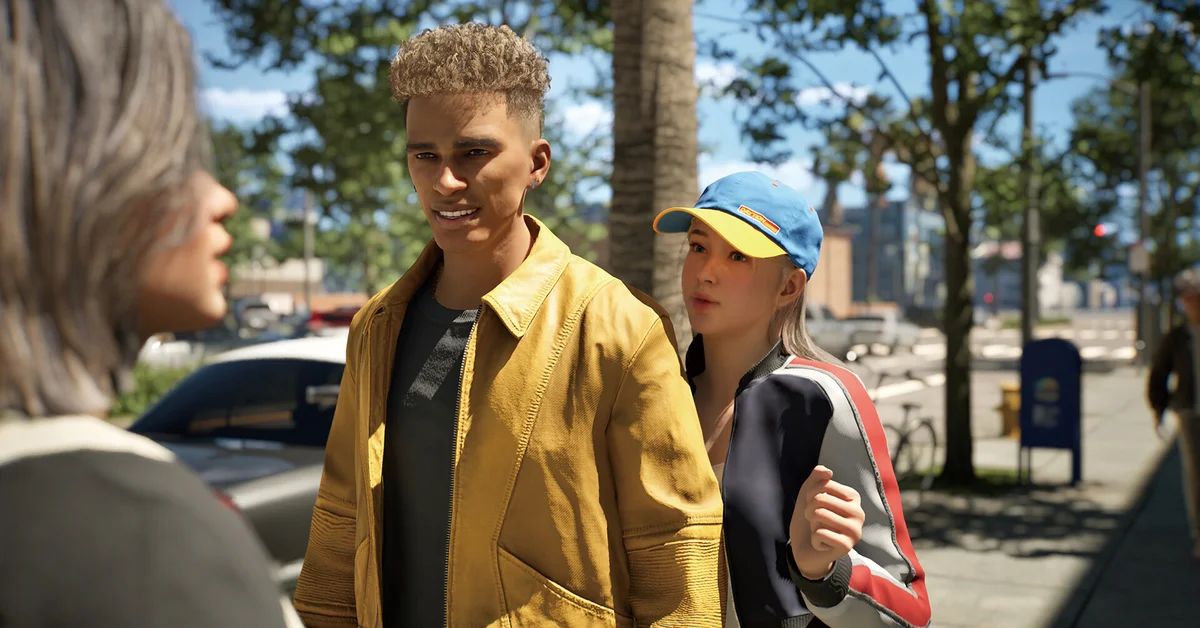
To change hair in Inzoi, open Edit Appearance, either from the button on the HUD or by clicking a mirror, go to the Hair tab and pick a new style and color. To get more hairstyles, update the game (nearly every patch adds some), visit a hair salon for the salon-only styles, or install mods through the official ModKit and CurseForge. This guide walks through each method on the current build, what the salon business changed in 2026, and how situational looks let one Zoi keep several hairstyles at once.
How to Change Your Zoi’s Hair
There are two doors into the same editor:
- The Edit Appearance button on the HUD, added in the v0.4.0 update in October 2025. This is the fastest route and works anywhere, no mirror required.
- A mirror: click any mirror in your Zoi’s home or a public lot and choose Edit Appearance. This was the only way in the 2025 build, and it still works.
Inside the editor, select the Hair category, browse the styles and click one to apply it. The color wheel next to the style sets the shade, and Style Presets (added in v0.5.0) save a full look including outfit, hair and makeup to reapply later. Edit Appearance covers cosmetic settings; deeper face and body sculpting stays in Create a Zoi. Baby Zois can be customized here too, since the v0.7.0 update.
Some community guides describe a length slider on certain hairstyles. The patch notes never mention one, and the developer’s April 2026 development post listed “hair length changes” among features players were still requesting, so treat length as fixed per style unless you see the slider yourself. If you switch households often, how to switch between Zois gets you to the right Zoi first.
Situational Looks: Different Hair per Outfit
The 2025 guide warned that a hairstyle applied at the mirror covered every outfit category. That limitation is gone. The v0.8.0 update in April 2026 introduced situational looks, and per the patch notes “situational looks go beyond just outfits to include hairstyles, makeup, and skin settings.” You can set up to five looks plus one signature look per situation, so your Zoi can wear a ponytail for work and loose hair for the beach and the game swaps them automatically. If you prefer manual control, automatic outfit switching can be turned off in Create a Zoi. The v0.9.0 update added one more wrinkle: when several presets are saved for a situation, one is picked at random.
Our guide on how to change outfits and get clothes covers the outfit side of the same system.
Getting More Hairstyles
Hairstyles arrive from four places:
- Game updates. Almost every patch since Early Access has added hair. Verified against the notes: 3 short styles in v0.1.7, 5 in v0.2.0, 6 in the v0.3.0 Cahaya update, 6 hair and facial hair items in v0.4.0, 2 in v0.5.0, 2 Lunar New Year styles in v0.6.0, 2 in v0.8.0, 6 in v0.9.0 and 4 in v0.10.0. Keeping the game updated is the single biggest source of new styles.
- The hair salon. v0.9.0 added 3 hairstyles that “can only be accessed at the hair salon.” These do not appear in Edit Appearance, so a salon visit is the only way to wear them.
- Seasonal events. Holiday and festival items are unlocked through in-game events and Canvas giveaways, and some include headpieces and hair accessories.
- Mods. The official ModKit supports hair mods, distributed through CurseForge. Per the ModKit AMA, hair mods use mesh card styles, and per every hotfix note since, all mods are automatically disabled when a patch lands, so re-enable them after each update. Install a hair mod before checking Create a Zoi: a v0.2.3 hotfix fixed a crash caused by opening the Hair category with an incomplete hair mod installed.
The Hair Salon Business
The 2025 guide said some locations “may” offer hairstyles. Now there is a real system. v0.8.0 added the hair salon as a business type, with salon properties in Dowon, Bliss Bay and Cahaya: “Place hair salon chairs to change other Zois’ hairstyles.” Your Zoi can either run a salon and style customers, or visit one as a customer.
v0.9.0 improved the customer side:
- Hair colors are retained when changing hairstyles, so a salon cut no longer resets your dye job.
- Refunds can be requested if a haircut fails.
- The children’s hairstyle list matches Create a Zoi, so kids get the full catalog.
The developer’s May 2026 post admitted they “did not expect hair salons to receive this much attention”, and an April post listed washing, drying, dyeing and length changes as requested additions still in development, so the salon is one of the more actively expanding systems. Running one is a business, not a career; our guides on how to get a job and how to buy things cover the money side.
Tips for Hair Customization
- Check color in Live Mode. A v0.3.0 fix addressed hair looking darker in-game than in the editor; if a shade still looks off, adjust it in Edit Appearance so you see it under game lighting.
- Use accessories. Hats, clips and hair accessories sit in the Accessories category, and updates keep adding them.
- Save a preset before experimenting. A preset restores a look in one click if a salon visit goes wrong.
The rest of our coverage is on the Inzoi guides hub.
Frequently Asked Questions
Do I need a mirror to change hair in Inzoi? Not any more. Since v0.4.0 an Edit Appearance button sits on the HUD. Mirrors still open the same editor.
Can my Zoi have different hair for different outfits? Yes. Situational looks, added in v0.8.0, store hairstyles, makeup and skin per situation and swap them automatically.
Are there hairstyles I cannot get from the editor? Yes. Three styles added in v0.9.0 are only available at the hair salon business.
Do hair mods survive updates? They stay installed but are disabled automatically whenever a patch is applied. Re-enable them from the mod manager afterwards.
Does the salon change my Zoi’s hair color? Since v0.9.0 the existing color is kept when the hairstyle changes.