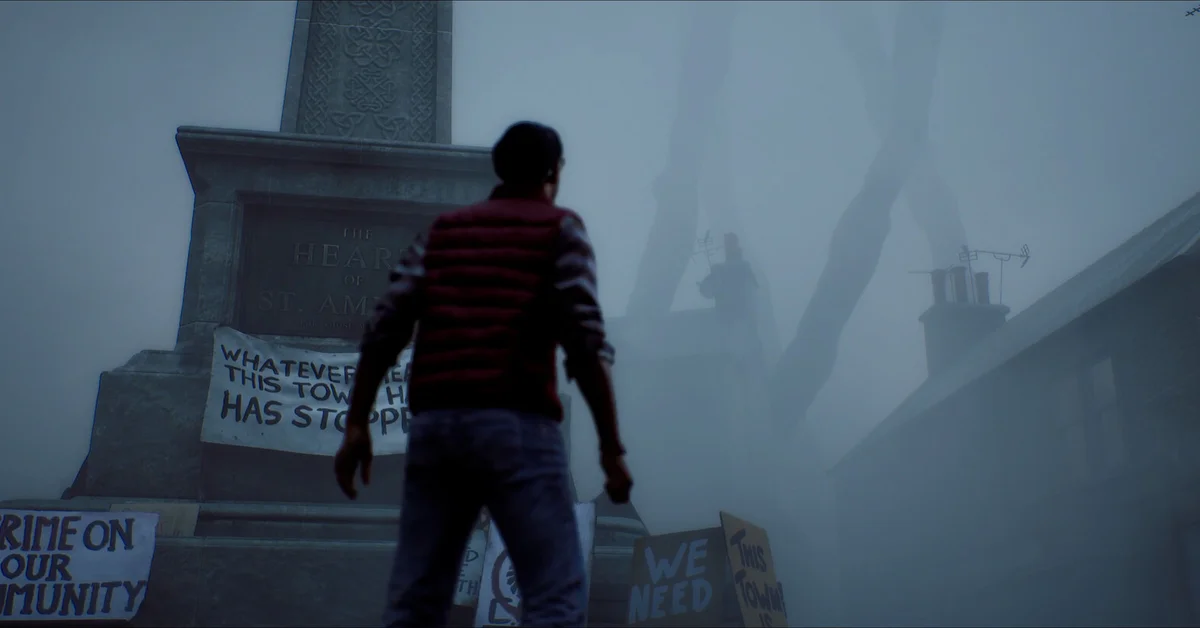
In Silent Hill: Townfall, the map is a physical paper map that Simon annotates as he explores, opened with Triangle on a PlayStation controller. There are no objective markers: instead, Simon marks locked doors, areas he has already searched and places of interest, and reading those marks is how you work out where to go next.
It is a classic Silent Hill system seen through first-person eyes, and once you know how to read it, getting lost becomes much rarer. Here is how it works.
How to Open and Use the Map
Press Triangle on PS5 (or the matching button on your PC controller layout) to raise the map. Konami’s PlayStation Blog notes an important catch: because Townfall is played entirely in first person, holding up the map blocks your view. The world keeps moving, so check it in a safe spot, not with a monster nearby.
Walkthrough sites report that the first map you get covers the Shorefront area, that its locations are numbered to match buildings in town, and that you can flip it over with R2 to see the back. On the back, launch walkthroughs point out a phone number for the tourist center, which is worth calling from the nearest phone.
What Simon’s Markings Mean
Push Square describes Simon using a map “he annotates with notes to progress,” and reviews describe the same set of marks:
- Locked doors. Tom’s Guide describes starting with “a map covered in locked door icons” and opening them one by one as you explore.
- Searched areas. Places you have fully explored get crossed off, according to reviews, so anything unmarked may still hold something.
- Points of interest. Videochums notes that important spots are regularly circled or crossed off, which “generally points you in the right direction.”
- Shortcuts. Walkthroughs report that the map also shows doors you can open from the other side once you reach them.
Some items add to the map too. Walkthroughs note that certain documents mark new locations when you read them, so check the map after picking up any note that mentions a place.
Finding Your Next Objective
Because there is no waypoint, the loop is: check the map for circled locations and unopened doors, read your latest documents for a place name, then go. Reviewers note you can still end up wandering if you miss a small prompt, so if you are stuck:
- Look for circled locations you have not visited.
- Find locked doors that are not yet crossed off; one of them is usually the goal.
- Re-read your last few documents. Place names in notes often match numbered locations on the map.
- Tune the CRTV. Signals can point to locations as well as enemies; our CRTV guide explains how.
If a puzzle is what is actually blocking you, our puzzles guide has ways to get unstuck, and the Hinted puzzle setting highlights key clues; see the difficulty guide.
Areas and Maps as the Game Goes On
The story moves beyond the Shorefront. PC Gamer describes trips to a hospital, a corporate office, newer housing estates and the series’ classic otherworld, and walkthroughs show separate maps for large interiors such as the medical center. Each works the same way: numbered locations, locked doors and Simon’s notes.
Thorough map reading pays off beyond navigation. The developers have said the game tracks how much you explore and investigate, which feeds into the endings, and several trophies reward documents, phone numbers and CRTV signals scattered across town; our trophy guide lists them. For the real place that inspired the town’s layout, see whether St. Amelia is a real place.
Map Tips
- Open the map in safe rooms, since it covers your view in real time.
- Treat uncrossed areas as unfinished. They often hide supplies or clues.
- Save at phones near map junctions so a death does not cost you a long walk back; our saving guide explains how.
Frequently Asked Questions
How do you open the map in Silent Hill Townfall? Press Triangle on PS5. It raises the map in first person, so it blocks your view while open.
Does Silent Hill Townfall have objective markers? No. Simon marks the map with locked doors, searched areas and points of interest, and you deduce the next goal from those.
Does the game pause when you look at the map? Konami’s PlayStation Blog notes that checking the map obscures your vision, so treat it as live, not a pause.
Can you flip the map over? Walkthroughs report that R2 flips it, and the back includes a phone number worth calling.